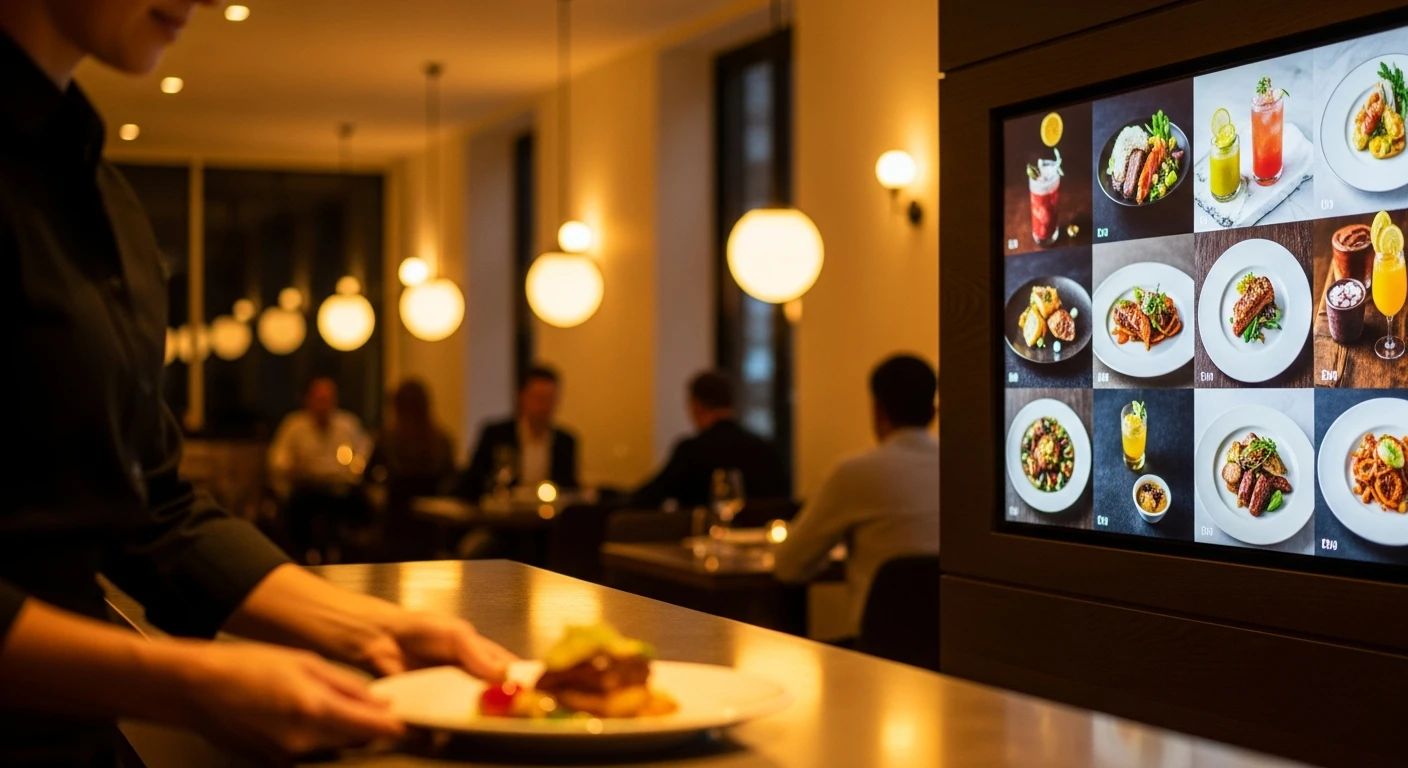
Running a restaurant without the right digital signage is like driving without a dashboard. Walk into any major fast-food chain and you will see them: bright, dynamic digital menu boards that cycle through offerings and highlight specials. These displays are revenue-generating tools that drive measurable increases in average order value. The good news: the cost has dropped dramatically. What used to require 0,000+ can now be deployed for under ,000.
What Is Restaurant Digital Signage?
- Digital menu boards: Wall-mounted displays showing your menu, prices, and imagery.
- Promotional displays: Screens showcasing daily specials and limited-time offers.
- Order status boards: Displays showing customers their order status.
- Kitchen display systems (KDS): Kitchen screens showing incoming orders.
- Window displays: Outward-facing screens attracting foot traffic.
- Self-ordering kiosks: Interactive touchscreens for self-service ordering.
The Business Case
Revenue Impact
- 3-5% increase in average order value from strategic item highlighting and upselling
- Up to 8% increase in overall sales from improved menu visibility
- Impulse purchase increases from moving imagery and video
Cost Savings
- Eliminated print costs: ,000-,000/year saved on reprinting menus
- Reduced order errors: Clear visual menus reduce miscommunication
- Labor efficiency: Staff spend less time answering menu questions
Typical payback period: 3-6 months with a 3-5% sales lift.
Hardware Guide
| Option | Cost/Screen | Best For |
|---|---|---|
| Consumer smart TV (43-55") | 50-00 | Indoor menu boards, budget deployments |
| Commercial display (43-55") | 00-,500 | High-brightness, extended operation |
| High-brightness commercial | ,500-,000 | Window-facing, direct sunlight |
| Interactive touchscreen | ,000-,000 | Self-ordering kiosks |
Content Strategy
Daypart Programming
Automatically switch between breakfast, lunch, and dinner menus without staff intervention.
Strategic Item Positioning
Customers' eyes are drawn to the top-right and center first. Place highest-margin items in these prime positions.
Imagery and Video
Menu items with photos sell 30% more than text-only items. Even smartphone photos with good lighting can significantly boost sales.
Standalone vs. Integrated Signage
Standalone Software
Dedicated platforms like Scala or NoviSign operate independently from your POS. You manage menus in one place and signage in another. 0-0/month per screen.
POS-Integrated Signage
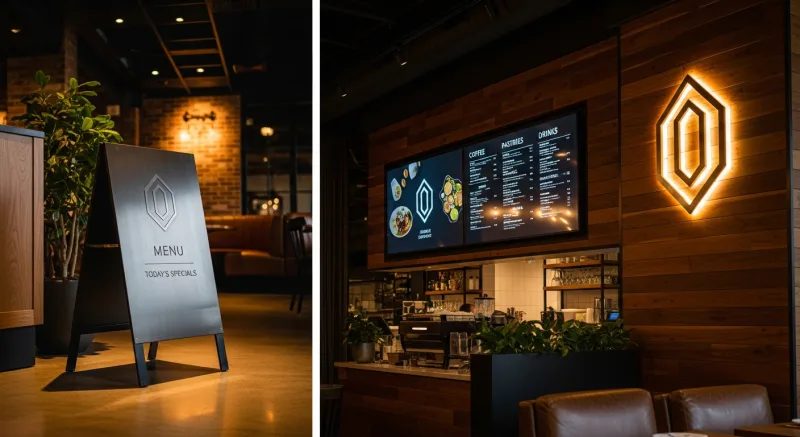
KwickOS is unique in including digital signage directly within the POS platform. When you update a menu item in the POS, it automatically reflects on your displays. No separate subscription, no sync issues.
The Integration Advantage
With KwickOS, a single menu update flows to POS terminals, online ordering, kitchen display, and digital menu boards simultaneously. This is a capability that Toast, Square, Clover, and Lightspeed do not offer.
Implementation Roadmap
Phase 1: Planning (1-2 Weeks)
- Audit current displays and static menus
- Prioritize highest-impact location (main menu board)
- Define content zones
- Choose platform (standalone or POS-integrated like KwickOS)
Phase 2: Hardware Setup (1-3 Days)
- Purchase 1-3 consumer smart TVs (43" or 55")
- Mount at eye level or slightly above
- Connect to network
- Configure through your POS platform
Phase 3: Content Creation (1-2 Weeks)
- Photograph top 10-20 menu items
- Design clean, readable layouts
- Set up daypart scheduling
- Test and refine based on customer behavior
Common Mistakes to Avoid
- Overcrowding the display — show categories or featured items, not 100 items
- Poor image quality — invest time in decent photography
- Ignoring readability — large, high-contrast fonts are essential
- Setting and forgetting — rotate content and keep displays fresh
- Buying separate software when integrated options exist
For more on how digital signage fits into broader trends, read our article on restaurant technology trends in 2026.
See KwickOS Digital Signage in Action
Schedule a free demo and see how integrated signage works with your POS, menu, and inventory.
Get Your Free Demo