There is a photograph on the wall in Maria Gonzalez's taqueria in Austin, Texas. It is a framed print of her grandmother's mole negro, shot by a professional food photographer two years ago. It cost her $4,200 for that single session — 35 photos of her best dishes. She has not been able to afford another shoot since. Her seasonal specials go online with no images at all.
Maria's story is not unusual. It is, in fact, the default experience for independent restaurants across North America. The economics of professional food photography have always been stacked against small operators: a single session with a decent food photographer runs between $3,000 and $8,000, depending on your market. That buys you a photographer, a food stylist, maybe a prop assistant, and somewhere between 30 and 40 finished images. If you change your menu quarterly — as many restaurants do — you are looking at $12,000 to $32,000 per year just to keep your photos current.
Most restaurant owners do the math and make a rational decision: they skip the photos entirely. Or they do something arguably worse — they pull out their phone at the pass during a Friday night rush, snap a dimly lit shot of tonight's special sitting in a pool of sauce on a scratched plate, and upload it to DoorDash.
Here is the problem with that rational decision: it is costing them far more than the photographer ever would.
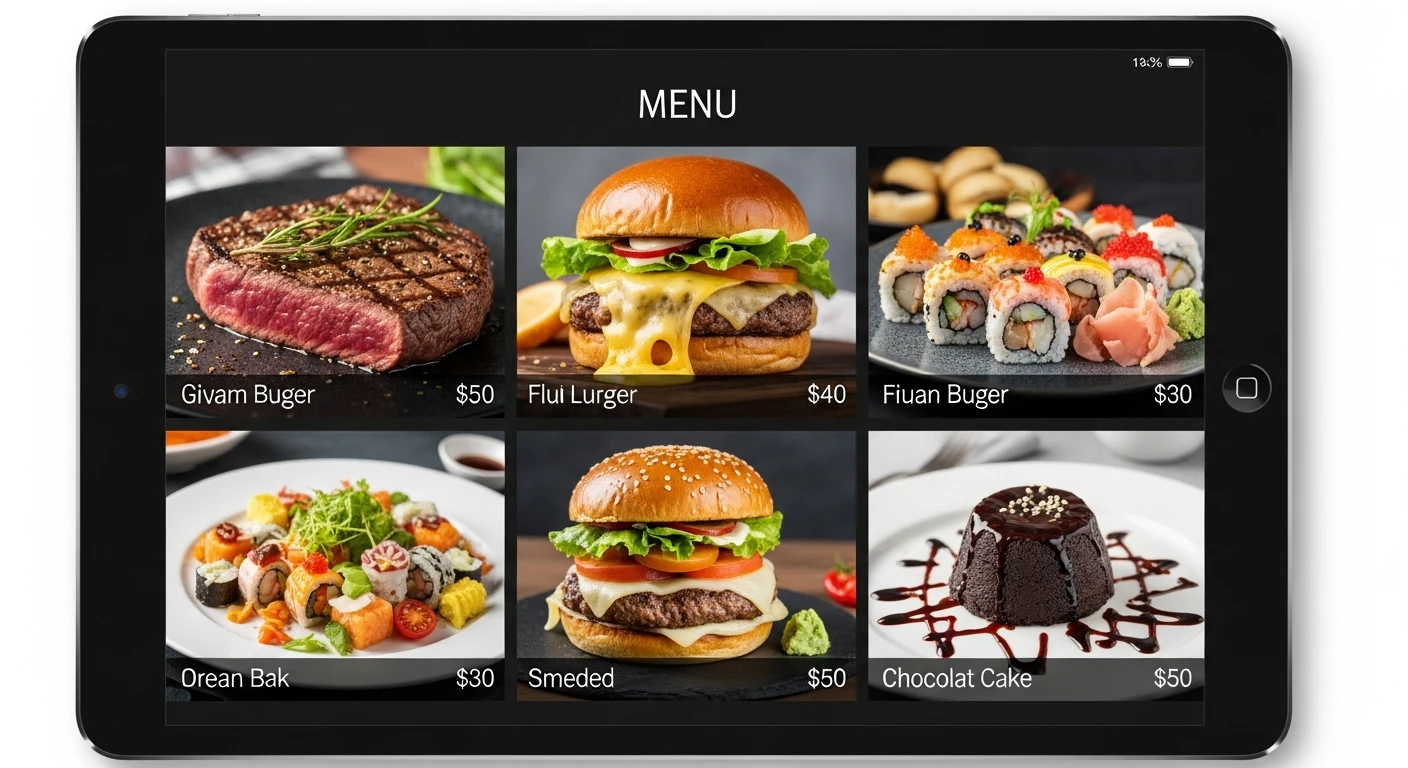
Research consistently shows that visual menus dramatically outperform text-only listings. For online ordering platforms, the gap is even wider — items without photos are often scrolled past entirely.
Menus with photographs sell 30% more than menus without them. That is not a soft marketing metric. That is top-line revenue. For a restaurant doing $600,000 a year, better menu photography could mean the difference between survival and a comfortable margin. But the catch-22 has always been brutal: you need money to make the photos, and you need the photos to make the money.
That catch-22 is now broken. And it was broken not by cheaper photographers, but by artificial intelligence.
The Quiet Revolution Happening at the Kitchen Pass
Over the past 18 months, something remarkable has been happening inside the 5,000+ restaurants, retail stores, and service businesses running on the KwickOS platform. Owners and managers have been producing professional-grade product photography — the kind of work that used to require a studio, specialized lighting, and hours of post-production — using nothing more than the phone in their pocket and a feature called KwickPhoto.
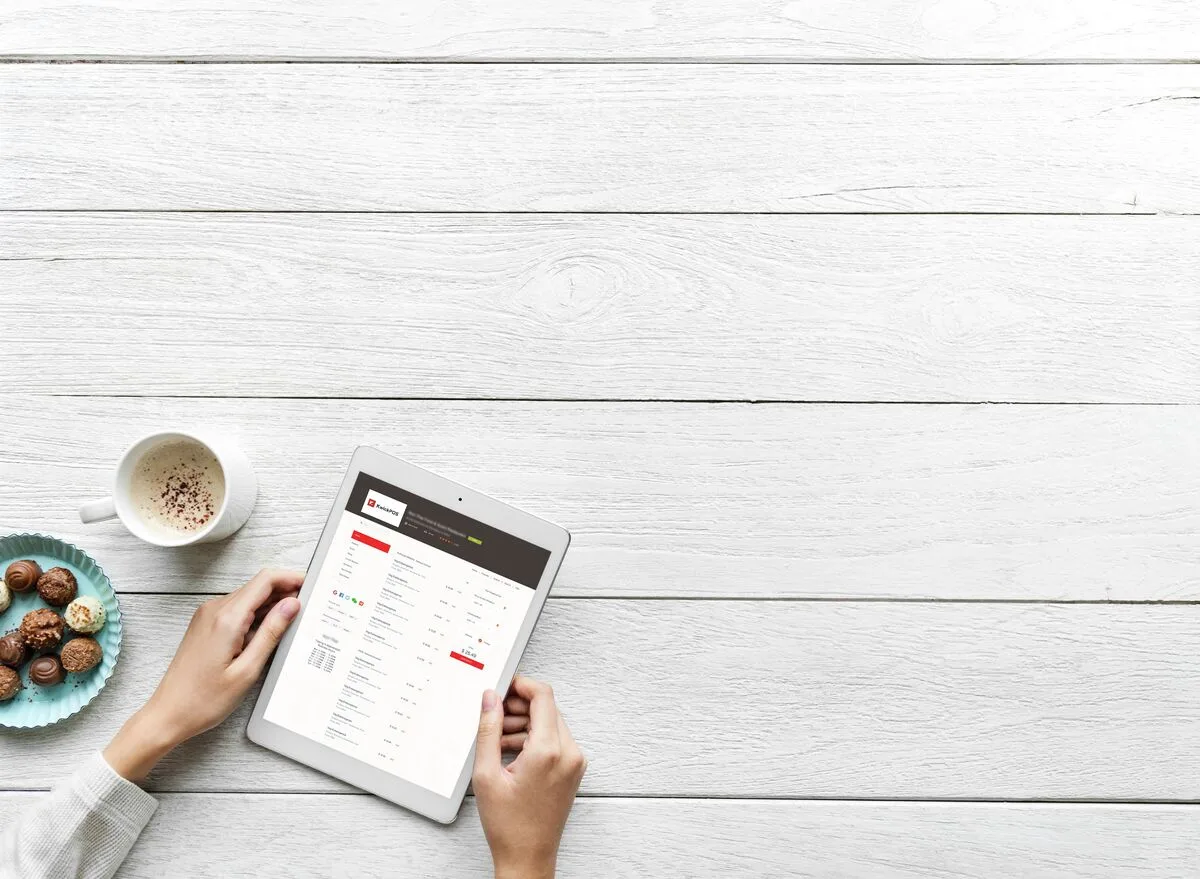
The concept is simple enough to explain in a sentence, but the technology behind it is anything but: you take a photo of your dish with your phone, and KwickPhoto's AI engine transforms it into a publication-ready image. What happens in those few seconds of processing, though, is a cascade of intelligent adjustments that would take a skilled photo editor 20 to 30 minutes to perform manually.
What Happens When You Tap "Enhance"
Let's walk through it, because the transformation is genuinely striking once you understand what the AI is actually doing.
- Snap a photo with your phone. No special setup. No ring light. No carefully arranged garnish on a marble countertop. Just your dish, as it looks when it leaves your kitchen.
- AI analyzes the entire composition. The engine identifies the food, the plate, the background, the lighting source, and even the color temperature of your kitchen's overhead fixtures. It understands what it is looking at — this is a bowl of ramen, this is a wood-fired pizza, this is a layered cocktail.
- Lighting is intelligently corrected. Harsh overhead shadows get softened. Underexposed areas brighten without blowing out highlights. The AI simulates the kind of diffused, directional light that food photographers spend thousands of dollars in equipment to create.
- Backgrounds are cleaned or removed. That cluttered prep station behind your plate? Gone. The half-visible bus tub and the server's elbow? Replaced with a clean, contextually appropriate background that makes the food the undeniable focal point.
- Colors are optimized for appetite appeal. This is where the food-specific training matters. The AI knows that tomato sauce should be vibrant but not neon, that greens should look fresh without looking artificial, that the golden crust on a loaf of bread has a specific warmth that signals "just baked." These are adjustments a general photo editor would never think to make.
The result lands in your library in seconds. Not minutes. Not after a round of revisions with your designer. Seconds.
Before and After: Seeing Is Believing
It is hard to overstate the visual gap between input and output. Here is what a typical transformation looks like:
Before: Raw Phone Photo
- Yellowish overhead fluorescent cast
- Harsh shadow across half the plate
- Cluttered background (ticket printer, expo line)
- Flat, washed-out colors
- Grease spots on the plate rim visible
- Off-center, slightly tilted framing
After: KwickPhoto Enhanced
- Warm, natural white balance
- Soft, even lighting with gentle depth
- Clean, uncluttered background
- Rich, true-to-life color saturation
- Plate and surface imperfections corrected
- Composition intelligently reframed
The before photo is the kind of image that actively discourages orders. Research from multiple online ordering platforms confirms something that should be intuitive but bears repeating: bad food photos hurt sales more than no photos at all. A dark, unflattering image of your signature dish does not just fail to entice — it creates a negative impression of your entire operation. Customers see that photo and think, "If they can't bother to make the food look good in a picture, what does the kitchen look like?"
The after photo is the kind of image that stops a thumb mid-scroll. It is the reason someone taps "Add to Cart" instead of swiping to the next restaurant.
Beyond the Menu: Six Places Your New Photos Work
Here is where the ROI calculation gets interesting. A professional photographer delivers 35 images and you use them in one place — maybe your printed menu, maybe your website. KwickPhoto images, because they are digital-first and always available, plug into every customer-facing surface in your business.
Online Ordering Menus
Every item in your digital ordering flow gets a compelling photo. Customers ordering through your app or website see exactly what they are getting — and order more because of it.
KwickMenu IntegrationDigital Signage Displays
Your in-store screens and window displays rotate beautiful, current imagery. New seasonal special? Photograph it at prep, enhance it, and it is on your digital boards before the lunch rush.
KwickSign IntegrationSocial Media Content
Stop reposting customer UGC as your only visual content. Build a library of professional shots that you can post on Instagram, Facebook, and TikTok whenever you need to fill the content calendar.
Direct ExportGoogle Business Profile
Your Google listing is often the very first impression a potential customer gets. Businesses with high-quality photos on Google receive 42% more direction requests and 35% more click-throughs to their website.
Direct ExportPrinted Menus and Flyers
KwickPhoto outputs high-resolution files suitable for print. Update your table menus, takeout flyers, and catering brochures without scheduling another photo session.
Print ReadyThird-Party Delivery Platforms
Stand out on DoorDash, Uber Eats, and Grubhub where the competition for attention is fierce and the thumbnail image is everything. Better photos mean better placement in search results.
Platform UploadWhen you add up all six of these channels, the value of a single enhanced photo multiplies rapidly. One great shot of your new Nashville hot chicken sandwich does not just go on the menu. It goes on the digital sign by the register, the Instagram feed, the Google listing, the DoorDash storefront, and the table tent. One photo. Six revenue-driving placements. Zero additional cost.
The Math That Changes Everything
Let's put real numbers on the table, because this is ultimately a business decision.
| Professional Photographer | KwickPhoto + Your Phone | |
|---|---|---|
| Cost per session | $3,000 – $8,000 | $0 (included with KwickOS) |
| Photos per session | 30 – 40 images | Unlimited |
| Turnaround time | 1 – 3 weeks | Seconds |
| Annual cost (quarterly updates) | $12,000 – $32,000 | $0 additional |
| New item added mid-cycle | Wait for next session or pay rush fee | Photograph and enhance immediately |
| Skills required | Hiring, scheduling, art direction | Tap your phone screen |
| Editing / retouching | Additional fee or DIY Photoshop | AI handles everything automatically |
The comparison is not subtle. But the most important row in that table is not the cost — it is the "new item added mid-cycle" row. Because the true killer of good restaurant photography has never been the initial expense. It is the ongoing expense. Menus change. Specials rotate. Seasonal ingredients come and go. A static set of 35 photos from a single shoot becomes outdated within weeks.
With KwickPhoto, photography becomes a living, breathing part of your operation instead of a once-a-year event you dread budgeting for. Your sous chef plates up a gorgeous new appetizer during a slow Tuesday afternoon? Pull out your phone, snap it, enhance it, and it is everywhere before Wednesday's dinner service.
"We used to run specials with no photos because we couldn't justify another photographer visit. Now every single item on our menu has a photo. Our online ordering revenue went up 34% in the first two months." — KwickOS restaurant operator, Dallas-Fort Worth area
The Revenue Connection: Photos Are Not Decoration
Let's talk about what this actually does to the bottom line, because too many restaurant owners still think of photography as a "nice to have" — a cosmetic upgrade that falls below equipment maintenance and payroll on the priority list.
It is not cosmetic. It is revenue infrastructure.
Restaurants with online ordering capabilities see an average revenue increase of 30% compared to those without it. But that 30% assumes your online menu is actually compelling. A digital menu full of text descriptions and placeholder icons is not leveraging the full potential of the channel. It is like building a beautiful storefront and leaving the window displays empty.
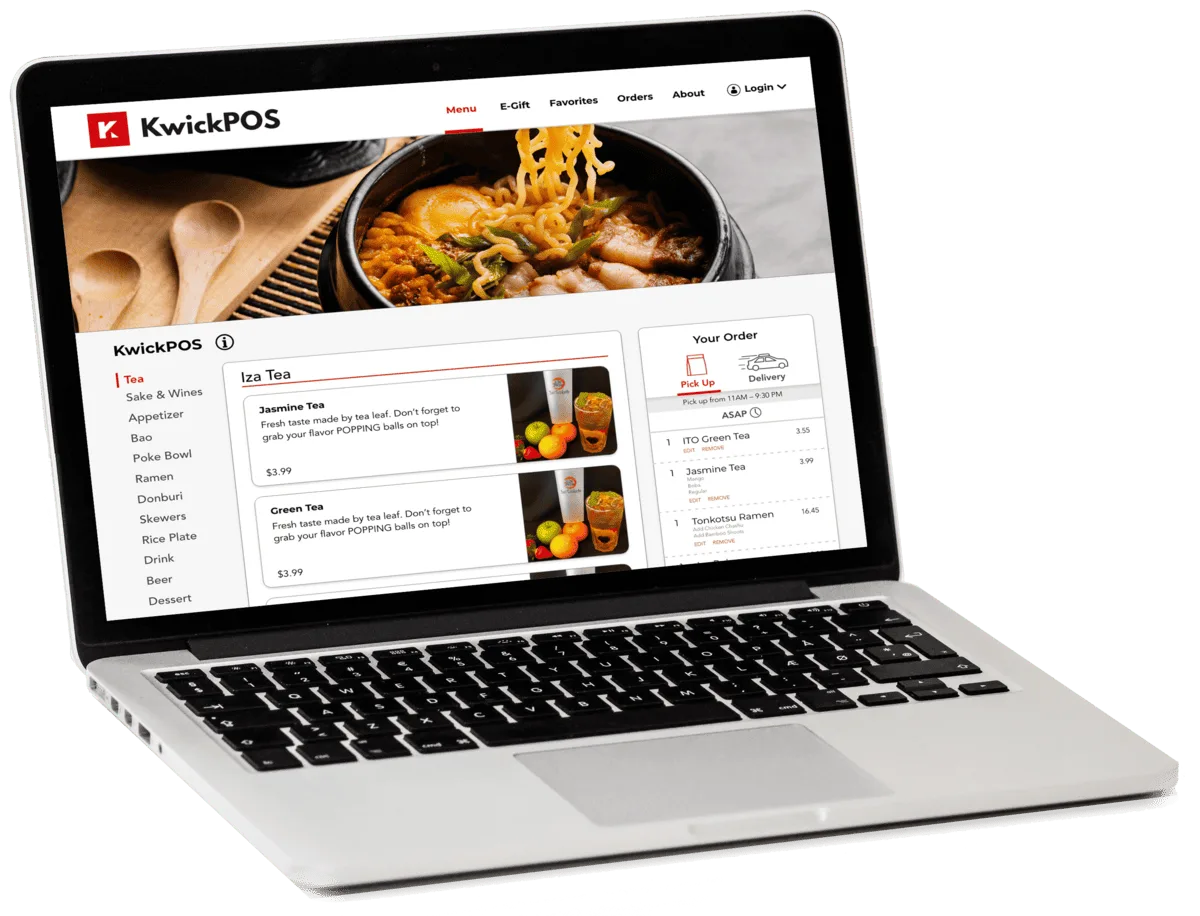
The restaurants in the KwickOS ecosystem that have adopted KwickPhoto alongside KwickMenu for online ordering are seeing the compounding effect: the technology to accept orders online, combined with the visual appeal to actually convert browsers into buyers. Photography is the conversion engine. The ordering platform is the transaction engine. You need both.
From single-location taquerias to multi-unit fast-casual chains, these operators have access to KwickPhoto as part of their integrated platform — no add-on fees, no separate subscriptions, no third-party integrations to manage.
Why "Good Enough" Phone Photos Are Not Good Enough
There is a tempting middle-ground argument that goes like this: "Modern phone cameras are amazing. Can't I just take decent photos and skip the AI enhancement?" You can. And for some contexts — an Instagram Story, a quick text to a friend — a raw phone photo is fine.
But for the surfaces that drive purchasing decisions — your online ordering menu, your Google Business listing, your in-store signage — "decent" is a competitive disadvantage. Your customers are scrolling past hundreds of food images every day on their social feeds, shot and edited by professionals. Their visual baseline for "appetizing" is set by food media, not by your kitchen's fluorescent lighting.
The AI enhancement bridges that gap. It takes the authentic, real-food honesty of a phone photo and applies the visual polish that professionals spend years learning. Your pad thai still looks like your pad thai — not a stock photo from a food styling studio. But it looks like your pad thai at its absolute best, lit and composed in a way that makes someone's mouth water.
That distinction matters more than most operators realize. Authenticity plus polish is the sweet spot. Customers want to see the actual food they will receive, presented beautifully. KwickPhoto delivers exactly that.
Getting Started Takes Five Minutes
There is no onboarding process, no training session, no creative brief to fill out. If you are already on the KwickOS platform, KwickPhoto is part of your toolkit. Open the feature, point your phone at a dish, and tap enhance. Your first batch of professional menu photos can be ready before your next service.
For operators who are not yet on KwickOS, this is one of those features that justifies the conversation. When you consider that KwickPhoto alone replaces a $5,000-per-session expense — and that it sits alongside KwickPOS, KwickMenu, KwickSign, KwickPhone, KwickPay, and KwickTracker in a single integrated platform — the value equation becomes difficult to argue with.
Maria Gonzalez, the taqueria owner in Austin, switched to KwickOS eight months ago. She has since photographed and enhanced every item on her menu, her seasonal specials, her catering options, and her weekend brunch additions. Total cost for photography since the switch: zero dollars. Her online ordering revenue has nearly doubled.
The framed photo of her grandmother's mole negro is still on the wall. But the version on her digital menu — the one customers actually see before they order — was shot on her iPhone during a Tuesday afternoon prep session and enhanced by AI in four seconds.
It looks just as good. Maybe better.
Stop Losing Sales to Bad Photos
Join 5,000+ businesses using KwickOS to run smarter operations. KwickPhoto is included — start creating professional menu images today.
Book Your Free Demo