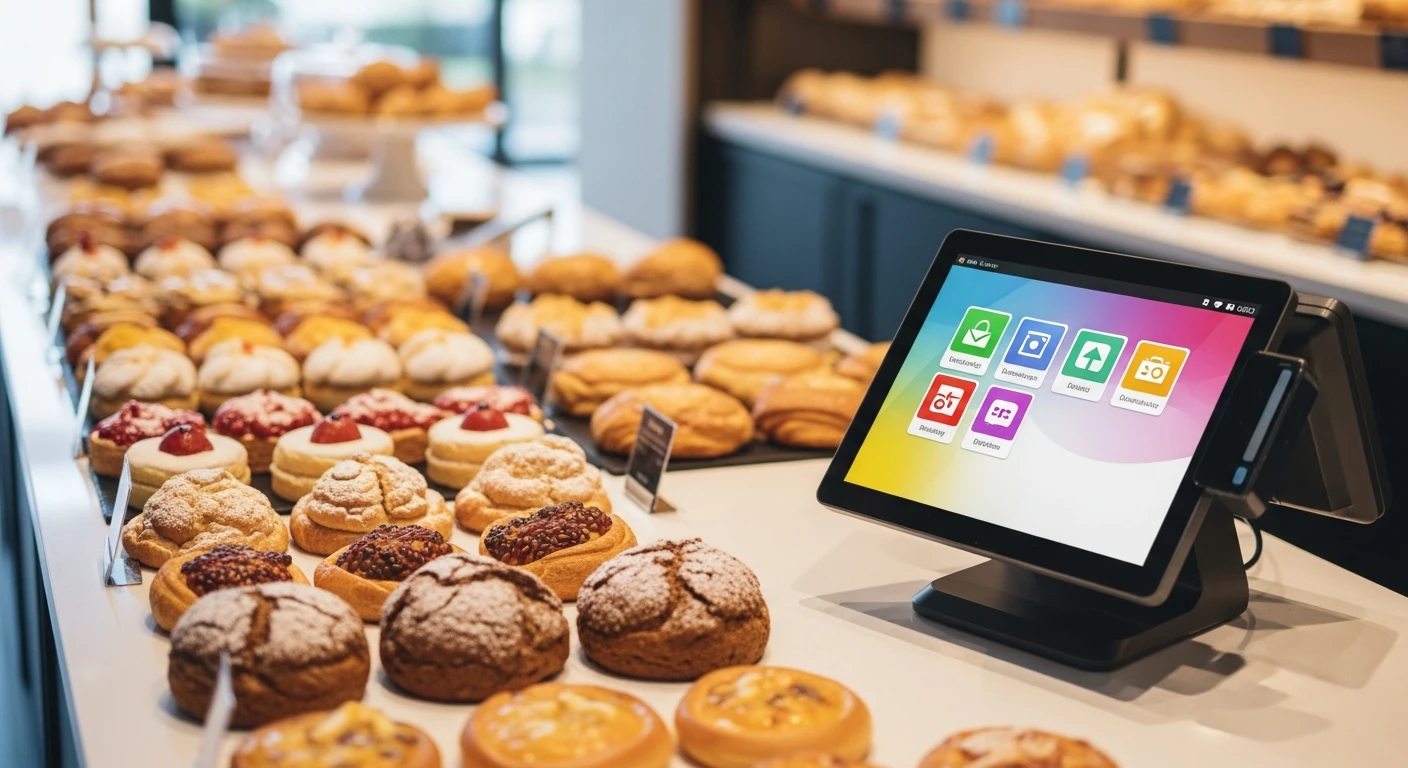
The word "POS" — point of sale — describes a cash register with extra features. It takes payment, prints receipts, and maybe tracks inventory. That is where most bakery technology stops. But running a bakery in 2026 requires far more: online ordering that syncs with your display case inventory, a kitchen display system that routes production orders to the right station, digital signage that updates automatically when items sell out, loyalty programs that turn walk-ins into regulars, delivery management that does not hand 25% of your revenue to DoorDash, and employee scheduling that accounts for the 3 AM baking shift. A POS handles one of those. An operating system handles all of them.
The distinction matters financially. A bakery paying for Toast POS ($69/month) + Toast Loyalty ($75/month) + Toast Online Ordering ($75/month) + DoorDash commission (15-25% of delivery orders) + a scheduling app ($30/month) + digital signage software ($25/month) is spending $274+/month in software fees alone — before the DoorDash commission, which on $3,000/month in delivery could add $450-750. Total: $724-1,024/month just in technology costs. An operating system that includes all of these functions at a single price point eliminates the fragmentation and the cumulative cost.
What a Bakery Operating System Includes (That a POS Does Not)
1. POS and Checkout
This is the foundation — the part a POS already handles. But in an OS context, the POS is aware of every other system: it knows the customer's loyalty status, it updates the online ordering availability in real time, it sends production tickets to the kitchen display, and it adjusts the digital signage when items sell out. A standalone POS does none of this without third-party integrations that break regularly.
2. Kitchen Display System (KDS) for Production
Bakeries have unique production routing needs. Morning production (breads, croissants, muffins) starts at 3-4 AM and must be timed so items are fresh when doors open. Custom cake orders need multi-day production tracking. Online pre-orders must be integrated into the baking schedule so they are ready for pickup without disrupting walk-in inventory.
KwickOS's built-in KDS handles all of this from a single screen. Online orders, custom orders, and production schedules appear on the same display — color-coded by urgency, station, and order type. The baker sees everything without switching between apps or checking a clipboard.
3. Online Ordering
Bakery online ordering requires features that generic platforms miss: pre-ordering for specific pickup times (critical for birthday cakes and catering), real-time inventory sync (so customers cannot order a sourdough loaf that sold out 20 minutes ago), and customization options (gluten-free, dairy-free, specific decorating instructions for cakes).
KwickMenu, integrated into KwickOS, handles all of this with 500K monthly users already on the platform. Your bakery's online ordering page appears within an ecosystem that already has traffic — not on a standalone site that requires its own SEO and marketing effort.
4. Digital Signage
A bakery's display case is its primary marketing tool. Digital menu boards and signage that update automatically — showing today's fresh items, crossed-out sold-out items, and featured specials — do what printed menus cannot. KwickSign, part of the KwickOS ecosystem, lets bakeries update their signage from the same admin panel they use for everything else. Change a price in the POS, and it updates on the signage in real time. Mark an item as sold out, and it disappears from the display board and the online ordering page simultaneously.
5. Loyalty and CRM
We covered bakery loyalty in depth in our bakery loyalty program guide. In an OS context, the loyalty system is not a bolt-on — it is woven into every customer interaction. The checkout screen shows the customer's name, points, and tier. The online ordering system shows their loyalty balance. The KDS shows the customer's name on their order. The signage can display personalized welcome messages for frequent customers. This level of integration is impossible when loyalty is a third-party app connected by an API.
6. Delivery Management
Bakery delivery is growing rapidly — birthday cakes, catering orders, and subscription boxes all require reliable delivery. KwickDriver integrates directly with KwickOS at $2 flat fee + $6.99/5mi, compared to DoorDash's 15-25% commission. For a bakery doing $2,000/month in delivery orders, the savings are $250-400/month — enough to cover the entire operating system cost on delivery savings alone.
7. Employee Scheduling and Labor
Bakery scheduling is uniquely complex: overnight bakers, morning prep, front-of-house during open hours, and closing crew. These shifts overlap and require different skill sets. An integrated scheduling module knows labor cost in real time — not as a separate report from a separate app, but as a live percentage of revenue that the owner can monitor from the same dashboard that shows sales, inventory, and customer data.
The Hidden Cost of Running 6 Separate Tools
Beyond the direct monthly fees, fragmented systems create hidden costs that bakery owners rarely quantify:
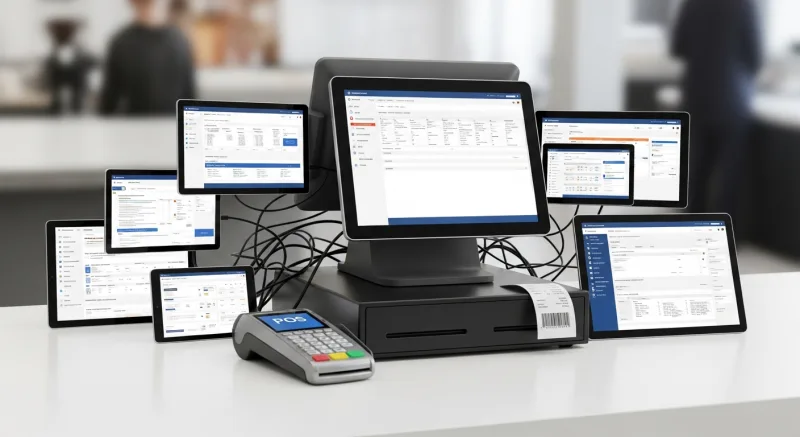
Sync failures. When your online ordering platform does not sync with your POS inventory, customers order items that are sold out. You either disappoint the customer (losing them permanently) or scramble to produce an item that was not in the production plan (wasting labor and ingredients). These sync failures happen 3-5 times per week at bakeries using disconnected systems.
Data silos. Your POS knows what sold today. Your online ordering platform knows what was ordered online. Your loyalty system knows customer frequency. But no single tool gives you the complete picture. The bakery owner who wants to answer "What is the lifetime value of a customer who discovered us through online ordering?" has to export data from three systems and merge it in a spreadsheet. With an OS, that answer is one click.
Training overhead. Every new employee needs to learn 6 different systems. The login, the workflow, the error handling — multiply it by 6 tools and you have extended every new hire's training by 2-3 days. With one OS, training covers one interface.
Vendor management. Six vendors means six support contacts, six billing cycles, six contract renewal negotiations, and six potential points of service disruption. When one system goes down, the others do not compensate — they just keep running in their silo while the failed system creates a bottleneck.
Why Hybrid Cloud Matters for Bakeries
Cloud-only POS systems (Toast, Square) require constant internet connectivity. When the internet drops — which happens to every business multiple times per year — a cloud-only system cannot process transactions, look up loyalty accounts, or display orders on the KDS. The bakery grinds to a halt during the morning rush.
KwickOS runs on a hybrid local+cloud architecture. All core functions — checkout, loyalty lookups, KDS, inventory — run locally at 1ms latency. Data syncs to the cloud when connectivity is available. When the internet drops, operations continue without interruption. Customers never know there was an outage.
For bakeries, this is not a theoretical advantage. Morning rush (7-9 AM) is when most internet disruptions become critical. A 15-minute outage during peak means $200-400 in lost sales with a cloud-only system. With hybrid architecture, it means zero lost sales.
Processor Freedom: Why It Matters for Bakery Margins
Bakery margins are tight — typically 5-8% net profit. Every fraction of a percentage point in payment processing fees matters. Toast requires merchants to use Toast Payments at 2.99% + $0.15 per transaction. On a bakery doing $30,000/month in card sales, that is $912/month in processing fees.
KwickOS is processor-agnostic. Bakeries choose any payment processor — and competitive processors offer rates as low as 2.2% + $0.10 for bakery transaction profiles (high volume, moderate average ticket). At 2.2% + $0.10, the same $30,000/month costs $690/month. The $222/month savings goes straight to the bottom line — which for a bakery with 6% net margins on $30,000/month ($1,800 net profit), represents a 12% increase in net profit from processing savings alone.
Case Study: From 6 Tools to 1 Operating System
Baked Cravings operates a self-serve kiosk at Lego Land using KwickOS on a PaxA35 terminal. Their setup demonstrates the OS advantage at the simplest level: the kiosk handles ordering, payment, loyalty enrollment, and electronic receipts in a single device. There is no separate loyalty app, no third-party ordering platform, no additional hardware. One terminal, one system, one monthly bill.
For a traditional bakery storefront, the OS advantage scales further. Consider the daily workflow: the baker arrives at 3 AM and checks the KDS for the day's production schedule (which includes online pre-orders already placed). At 6 AM, the front-of-house staff arrives and the POS is ready — no morning boot-up of multiple systems. At 7 AM, the digital signage automatically displays the day's fresh items. Throughout the day, online orders flow in through KwickMenu and appear on the KDS alongside walk-in orders. Loyalty points are tracked at checkout. Delivery orders are dispatched through KwickDriver. At closing, the owner reviews the day's dashboard: total sales, labor cost percentage, inventory usage, loyalty enrollment rate, and online vs. in-store revenue split — all on one screen.
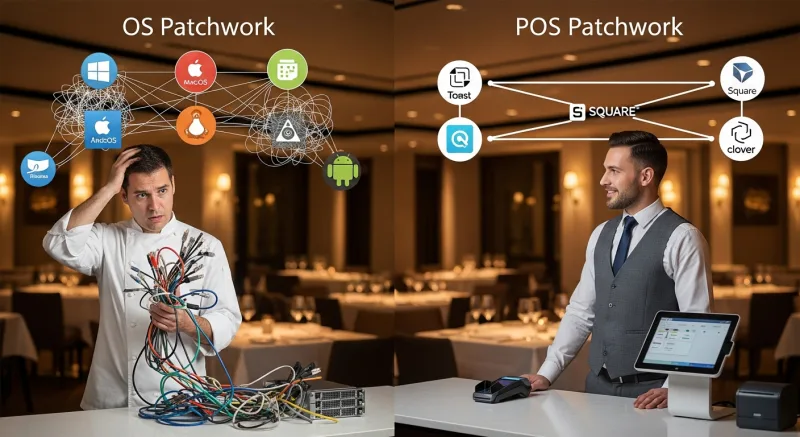
Feature Comparison: OS vs. POS Patchwork
| Capability | POS + Add-ons | KwickOS |
|---|---|---|
| POS & Checkout | $69/month | All included in one platform |
| Online Ordering | $75/month | Included (KwickMenu) |
| Loyalty & Gift Cards | $75/month | Included |
| Kitchen Display | $30-50/month | Included |
| Digital Signage | $25-50/month | Included (KwickSign) |
| Delivery | 15-25% commission | $2 flat (KwickDriver) |
| Scheduling | $30/month | Included |
| Total Monthly | $304+ (before delivery commission) | One unified price |
Security and Authentication
Bakeries with multiple shifts and cash-handling employees need robust access control. KwickOS supports 1:N fingerprint authentication — employees clock in and access the POS with their fingerprint. No PINs to share, no swipe cards to lose. The system knows exactly who processed each transaction, who opened the register, and who ran the end-of-day report. This eliminates buddy punching (which costs bakeries an average of $4,800/year in labor theft) and unauthorized void/discount abuse.
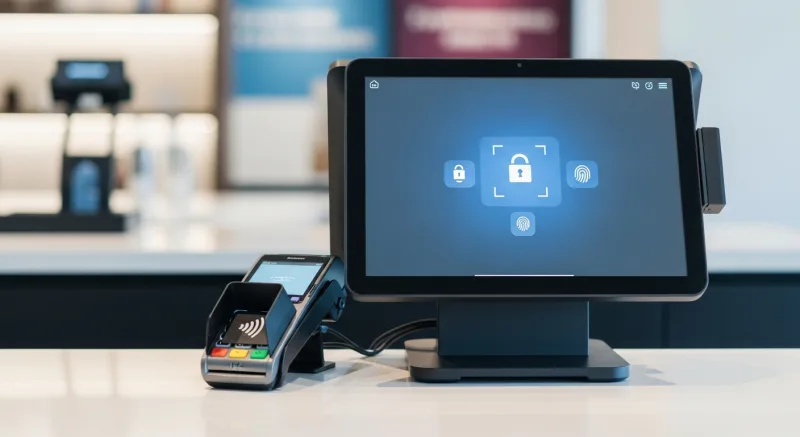
Toast does not support fingerprint authentication. Square does not support it. This is a KwickOS differentiator that directly impacts the bottom line for any bakery with more than 3 employees.
Making the Switch: What to Expect
Day 1-3: KwickOS installation takes 1-3 hours. Menu configuration, pricing, and employee setup happen during installation. The system runs on standard hardware — no proprietary terminals required.
Day 4-7: Staff training takes 1-2 hours. KwickOS runs on Linux with a web-based interface, so anyone who can use a web browser can operate it. Shogun Japanese Hibachi reported operator proficiency in under 5 minutes for their staff — bakery interfaces are simpler than hibachi station routing.
Day 8-14: Optimization period. Configure KDS routing for your specific stations (oven, prep, assembly, packaging). Set up digital signage layouts. Activate online ordering and loyalty. The system is fully operational from day 1 — the optimization period fine-tunes the workflow.
Day 15+: Normal operations with full OS capabilities. Owner reviews the unified dashboard daily. Staff uses one system for everything. Monthly technology spend drops from $300+ to a single platform fee.
Replace 6 Apps With 1 Bakery Operating System
KwickOS combines POS, online ordering, KDS, loyalty, digital signage, delivery, and scheduling into one platform. Stop paying for fragmented tools that don't talk to each other.
Book Your Free Demo