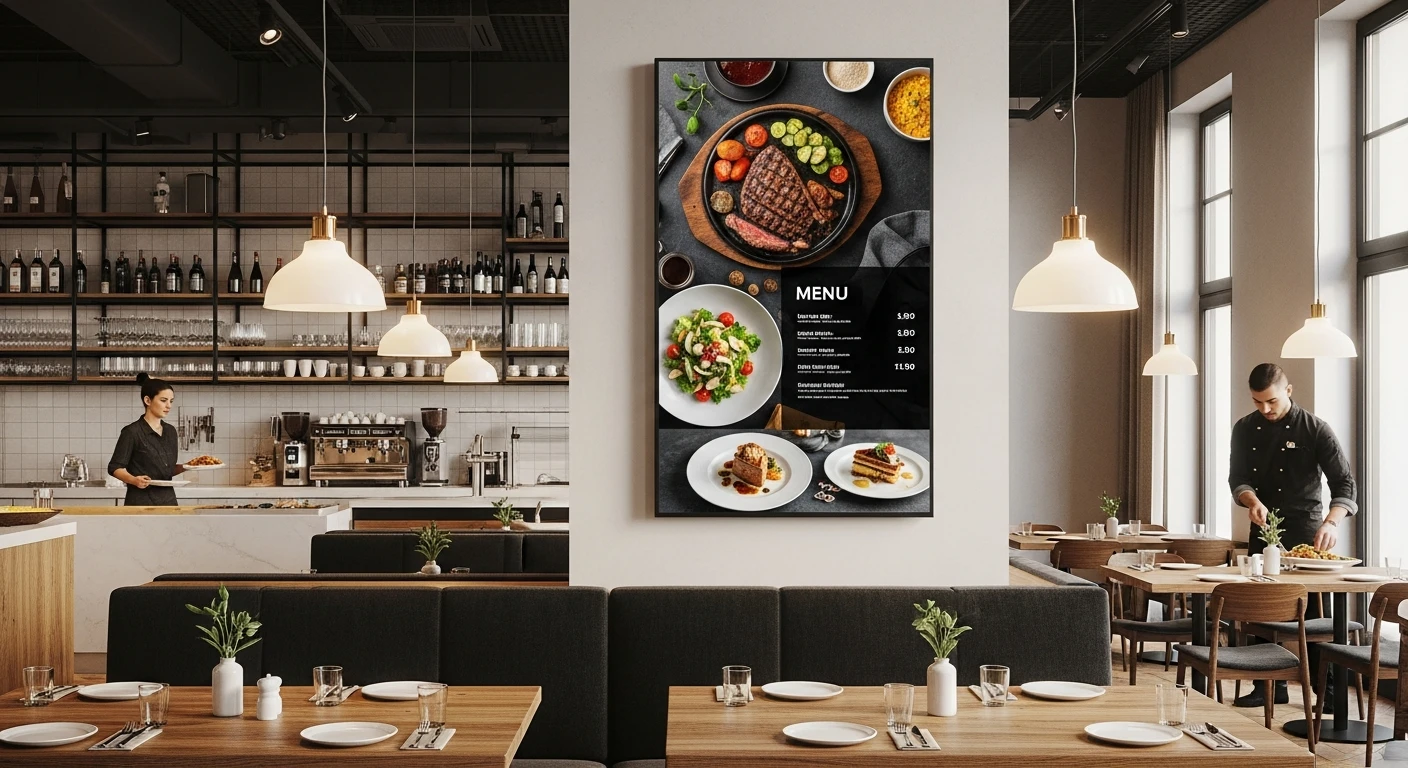
You spent $1,200 on new menu boards last quarter. Professionally designed. Beautifully printed. Mounted behind the counter.
Three weeks later, your food cost on chicken thighs jumped 22%. You need to raise the price on four items. But the boards are already printed. So you tape a small paper sign next to the board — "Price change effective..." — and your $1,200 investment now looks like a middle school cafeteria.
Two months after that, you launch a new seasonal special. It does not fit on the existing boards. You order a separate sign. Now you have a printed menu board, a taped price correction, and a standalone seasonal sign competing for the same wall space.
Sound familiar?
Here is what makes it worse: while your menu stays static, your customers' behavior changes by the hour. The morning crowd wants coffee and breakfast sandwiches. The lunch rush wants combos and speed. The dinner crowd wants entrees and drinks. But your printed board shows everything to everyone, all the time — burying the most relevant items in a wall of text that nobody fully reads.
Digital menu boards solve every one of these problems. And they cost less than most restaurant owners think.
The Business Case: Why Digital Menu Boards Pay for Themselves
Let us start with the numbers, because the numbers are what make this decision straightforward.
Revenue Impact
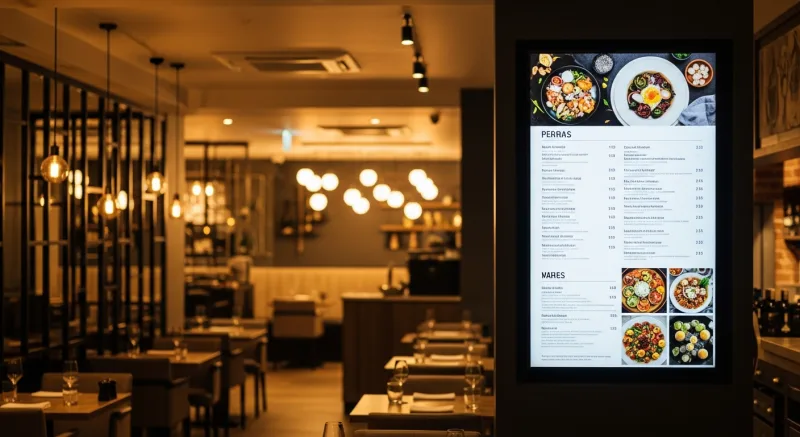
Multiple industry studies — including research from Nielsen, Intel, and the Digital Signage Federation — have found that digital menu boards increase average order value by 3% to 12%. The variance depends on implementation quality, menu complexity, and restaurant type.
For a quick-service restaurant averaging $12 per order and serving 300 customers per day:
| AOV Increase | Daily Revenue Gain | Monthly | Annual |
|---|---|---|---|
| 3% ($0.36/order) | $108 | $3,240 | $38,880 |
| 5% ($0.60/order) | $180 | $5,400 | $64,800 |
| 8% ($0.96/order) | $288 | $8,640 | $103,680 |
| 12% ($1.44/order) | $432 | $12,960 | $155,520 |
Even at the conservative 3% end, digital menu boards generate nearly $39,000 in additional revenue per year. The hardware cost? $800 to $2,000 for a typical installation. The payback period is measured in weeks, not months.
Cost Elimination
Beyond revenue gains, digital eliminates recurring print costs:
- Menu board reprints: $500 to $1,500 per set, typically 2 to 4 times per year. Annual cost: $1,000 to $6,000.
- Promotional signage: $100 to $300 per printed sign. If you run 8 to 12 promotions per year, that is $800 to $3,600.
- Design fees: $150 to $500 per design revision. Multiple revisions per year: $600 to $2,000.
- Installation labor: Taking down old signs, mounting new ones. Often done during business hours, disrupting service.
Total annual print-related costs for an active quick-service restaurant: $2,400 to $11,600. Digital signage eliminates essentially all of it.
Hardware: What You Need and What It Costs
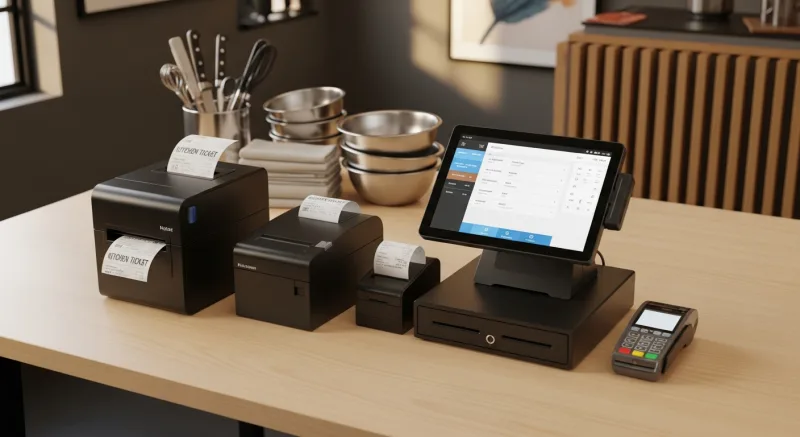
A digital menu board setup has three components: a display, a media player, and software. Here is what each costs and what to look for.
Displays
You have two options: consumer TVs or commercial-grade displays.
| Feature | Consumer TV | Commercial Display |
|---|---|---|
| Price (43-55") | $200-$400 | $500-$1,500 |
| Brightness | 250-350 nits | 500-700 nits |
| Daily runtime rating | 8-12 hours | 16-24 hours |
| Orientation | Landscape only | Landscape or portrait |
| Built-in media player | Smart TV apps (limited) | Often included (SoC) |
| Warranty | 1 year | 3 years |
| Best for | Indoor, behind counter | Drive-through, outdoor, high-brightness |
For most indoor restaurants, consumer TVs work well. A 50-inch 4K TV at $300 mounted behind the counter will display your menu beautifully. Save the commercial displays for drive-through lanes, window-facing installations, or any location with direct sunlight.
Media Players
The media player is the small computer that drives the content on your display. Options range from $35 (Raspberry Pi) to $200 (dedicated signage player) to $0 (if your display has a built-in system-on-chip player or you use a smart TV app).
When your digital signage is integrated with your POS — as with KwickSign — the media player connects directly to your restaurant's menu database. Price changes, item availability, and promotional content update automatically without anyone touching the display.
Mounting
Wall mounts run $20 to $60 per display. Ceiling mounts for hanging displays cost $50 to $150. Most restaurant owners can handle wall mounting themselves, but ceiling mounts and multi-display configurations may need a professional installer ($100 to $300 for a typical installation).
Total Setup Cost
For a typical quick-service restaurant with 3 menu board screens behind the counter:
| Component | Budget Setup | Premium Setup |
|---|---|---|
| 3 displays | $600 (consumer TVs) | $2,400 (commercial) |
| Media players | $0 (smart TV apps) | $300 (dedicated players) |
| Mounts | $60 | $180 |
| Installation | $0 (DIY) | $300 (professional) |
| Software | $0 (POS-integrated) | $30/mo |
| Total | $660 | $3,180 + $30/mo |
Even the premium setup pays for itself within the first quarter through print cost elimination and revenue lift.
Content Strategy: What to Display (And What Not To)
The hardware is the easy part. Content is where digital signage either delivers on its promise or becomes an expensive screensaver.
The 7-Second Rule
Research on consumer attention shows that a customer standing in a queue decides what to order within 7 seconds of looking at your menu board. That means your most profitable items need to be immediately visible — not buried in category three of a five-category scrolling display.
Design your boards so that within 7 seconds, a customer can identify:
- Your top 3 to 5 best-selling items
- Your current promotion or combo deal
- The price range (so they know what to expect)
Everything else is secondary detail that they will explore if needed.
Visual Hierarchy Best Practices
- High-margin items get prime position. The upper-right quadrant of a landscape display gets the most visual attention. Place your highest-margin items there — not necessarily your cheapest or most popular, but the ones that generate the most profit per sale.
- Use photos strategically. High-quality food photography increases order rates for featured items by 25% to 30%. But do not photograph everything — visual overload has the opposite effect. Feature 4 to 6 items with photos and let the rest be text-only.
- Limit animation. Subtle transitions between content pages are fine. Flashing text, spinning graphics, and aggressive animations make your restaurant look like a used car lot. Movement should guide the eye, not assault it.
- Readable from 10 feet. Your menu text must be legible from where customers stand when ordering. For a counter 10 feet from the display, body text should be at least 1 inch tall (roughly 72-point font on a 55-inch display). Item names should be 1.5 to 2 inches.
- Contrast matters more than color. Light text on a dark background is more readable than dark text on a light background in most restaurant lighting conditions. High contrast between text and background is more important than brand-perfect color matching.
Suggestive Selling Prompts
This is where digital delivers a capability that print simply cannot match. Digital boards can display suggestive sell prompts that change based on time of day, current promotions, or even inventory levels.
- "Add a drink for $1.99" displayed alongside combo meals increases beverage attachment rates by 8% to 15%.
- "Try our new..." callouts for new menu items drive trial rates 20% to 40% higher than items launched without display support.
- "Upgrade to large for $0.50" upsell prompts convert 10% to 20% of customers who would otherwise order the regular size.
These prompts are the primary driver of the 3% to 12% AOV increase. They work because they present the suggestion at the exact moment the customer is making their decision — a moment that a printed sign, seen passively over many visits, cannot replicate with the same urgency.
Dayparting: The Feature That Justifies the Investment
Dayparting — automatically displaying different content at different times — is the single most powerful feature of digital menu boards. It is also the one that printed menus can never replicate.
Here is a typical dayparting schedule for a fast-casual restaurant:
| Time | Content | Strategy |
|---|---|---|
| 6:00 AM - 10:30 AM | Breakfast menu + coffee promotions | Drive beverage attachment, promote breakfast combos |
| 10:30 AM - 11:00 AM | Transitional (brunch items + early lunch) | Serve both breakfast and lunch customers |
| 11:00 AM - 2:00 PM | Lunch menu + combo deals + speed messaging | Maximize throughput, promote quick lunch combos |
| 2:00 PM - 4:00 PM | Snack menu + catering promos + loyalty signup | Drive off-peak traffic, build catering pipeline |
| 4:00 PM - 9:00 PM | Dinner menu + family meals + dessert upsells | Higher ticket items, family bundles, dessert push |
| 9:00 PM - Close | Late-night menu + delivery promotion | Drive delivery orders, promote late-night specials |
Without dayparting, your breakfast customer stares at dinner entrees they do not want, and your dinner customer sees breakfast items that are not available. With dayparting, every customer sees exactly the right menu at exactly the right time — automatically, with zero staff intervention.
Beyond Menu Boards: Other Uses for Restaurant Digital Signage
Once you have screens and a content management system, the applications extend well beyond the menu board.
Kitchen Display Systems (KDS)
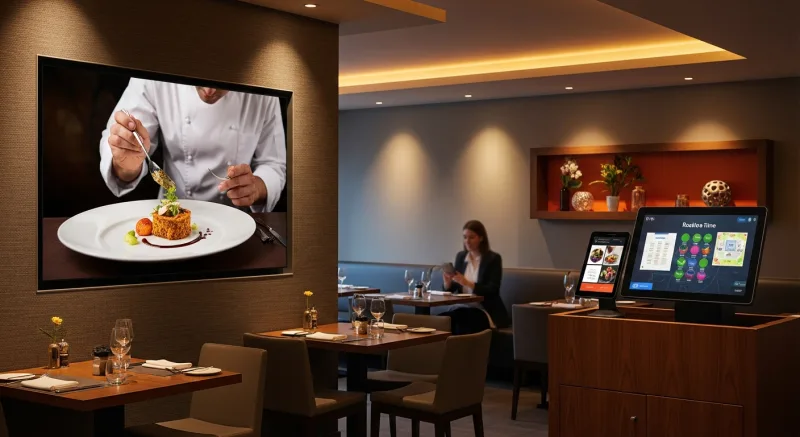
Digital signage and KDS run on the same technology — a screen displaying dynamic, real-time content. Many restaurants use the same signage platform for both customer-facing menu boards and back-of-house kitchen displays. A single system managing both ensures that what the customer sees on the menu board matches what the kitchen sees on its display.
Promotional Displays
A screen in the dining area (not the ordering area) can show rotating promotions, upcoming events, loyalty program information, and social media feeds. This is where you promote catering services, seasonal specials, online ordering, and anything else that does not belong on the menu board but benefits from visual presentation.
Customer-Facing Order Status
In fast-casual and counter-service restaurants, a screen showing order status ("Now Serving: #47") reduces counter crowding, eliminates "Is my order ready?" interruptions, and improves the customer's perception of wait time. When customers can see their order progressing, the wait feels shorter.
Self-Service Kiosks
Self-ordering kiosks are essentially digital signage with touch input. The same content management approach — high-quality images, strategic item placement, suggestive selling prompts — applies. Rockin' Rolls Sushi Express operates 49 iPad self-ordering stations across 3 locations, using integrated signage and self-ordering to reduce serving time while increasing order accuracy.
Window and Outdoor Displays
A high-brightness display facing outward from your window serves as a 24/7 marketing tool. Display your menu during business hours and promotional content (hours, online ordering URL, catering information) after hours. You are advertising to every person who walks or drives by, at zero marginal cost.
POS-Integrated Signage: Why It Matters
Standalone digital signage works. But POS-integrated signage works better — and requires far less ongoing management.
When your signage system connects to your POS, three things happen automatically:
- Price changes sync instantly. Change a price in the POS, and the menu board updates within seconds. No manual editing, no design updates, no risk of displaying an incorrect price.
- 86'd items disappear. When the kitchen runs out of an item and marks it as unavailable in the POS, the menu board automatically removes it. No more customers ordering items you cannot make.
- Sales data drives content. The system can automatically feature items that are performing well, suppress items with low sales velocity, and adjust promotional placement based on real order data.
KwickSign is the digital signage module within the KwickOS platform. Because it shares the same database as the POS, inventory, and online ordering systems, every screen in your restaurant — menu boards, KDS, promotional displays, self-order kiosks — shows consistent, real-time information without any manual synchronization.
For multi-location operators, this integration is essential. Crafty Crab Seafood manages menu content across 19 locations from a single dashboard. A new limited-time item launches simultaneously on every menu board, every kiosk, and every online ordering page across all stores — with one update.
Common Mistakes to Avoid
Digital signage implementations fail for predictable reasons. Here are the most common pitfalls and how to avoid them.
- Too much content per screen. A printed menu board can afford to be dense because it is static — customers study it over time. A digital board cycles through content, so each screen must be scannable in seconds. Limit each display page to 8 to 12 items maximum.
- Poor image quality. A blurry food photo is worse than no photo. If you do not have professional-quality images of your food, use text-only layouts until you do. One great photo is better than ten mediocre ones.
- Cycle speed too fast. Content that changes every 5 seconds frustrates customers who are trying to read. Use 15 to 20 second display times for menu pages, and 8 to 10 seconds for promotional content.
- Ignoring brightness and glare. A screen that looked perfect at night may be unwatchable during afternoon sunlight. Test your displays at every time of day. Adjust screen brightness settings or add anti-glare treatments if needed.
- Forgetting audio. Unless you are intentionally using video content with sound, mute your displays. Background music from menu board videos creates noise pollution that irritates customers and staff.
- Set-and-forget mentality. Digital signage is not a one-time installation. Content should be updated at least monthly with seasonal items, new promotions, and refreshed imagery. Stale digital content is worse than a printed menu because it signals that the technology is not being used.
Implementation Checklist
Ready to move forward? Here is a step-by-step implementation plan:
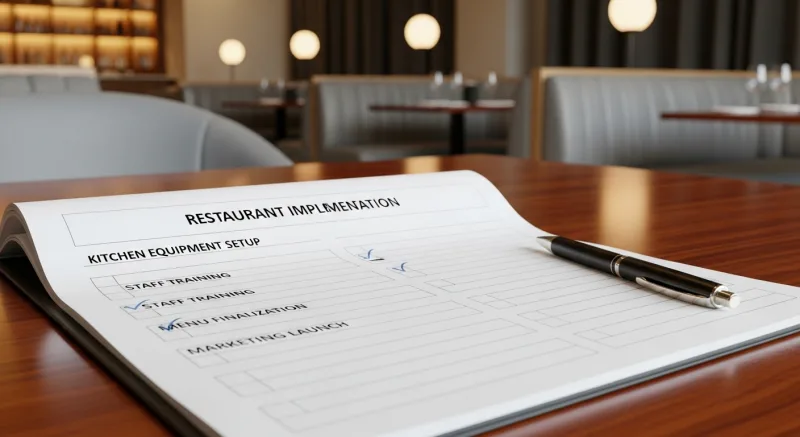
- Audit your current menu display. How many printed boards do you have? What are you spending annually on prints and design? Where are the pain points (price changes, seasonal items, promotions)?
- Define your screen layout. How many screens do you need? Where will they mount? Landscape or portrait? What content goes on each screen?
- Choose your hardware. For most indoor installations, consumer 4K TVs offer the best value. Size them for readability at your typical viewing distance.
- Select your software. Prioritize POS integration over standalone features. A system that syncs with your menu database saves hours of manual content management.
- Design your content. Start with your existing menu, optimized for digital display. Add 4 to 6 high-quality food photos. Create a dayparting schedule. Design 2 to 3 promotional templates for rotating content.
- Install and test. Mount displays, connect media players, load content. Test at different times of day for brightness and readability. Get feedback from staff and trusted customers.
- Measure results. Track average order value, item mix, and throughput speed before and after installation. Review data monthly and adjust content based on performance.
The Bottom Line
Digital menu boards are one of the highest-ROI investments a restaurant can make. The hardware is inexpensive. The annual savings on print costs often exceed the entire setup cost. And the revenue lift — 3% to 12% on average order value — compounds every day you operate.
The restaurants that benefit most are the ones that treat digital signage as a dynamic sales tool, not a static display. Dayparting, suggestive selling, real-time menu updates, and POS integration turn a screen on the wall into an active participant in every customer transaction.
Print menus had their era. That era is over.
Turn Your Menu Boards into Revenue Drivers
KwickSign integrates with KwickOS POS for real-time menu updates, automatic dayparting, and POS-synced content across every location.
Explore KwickSign