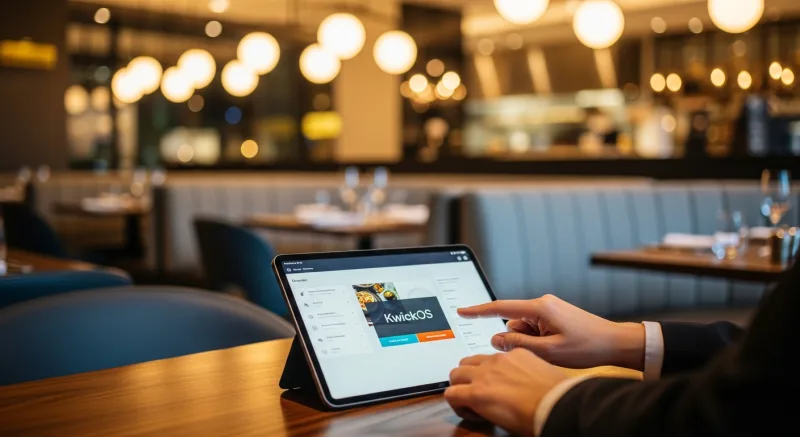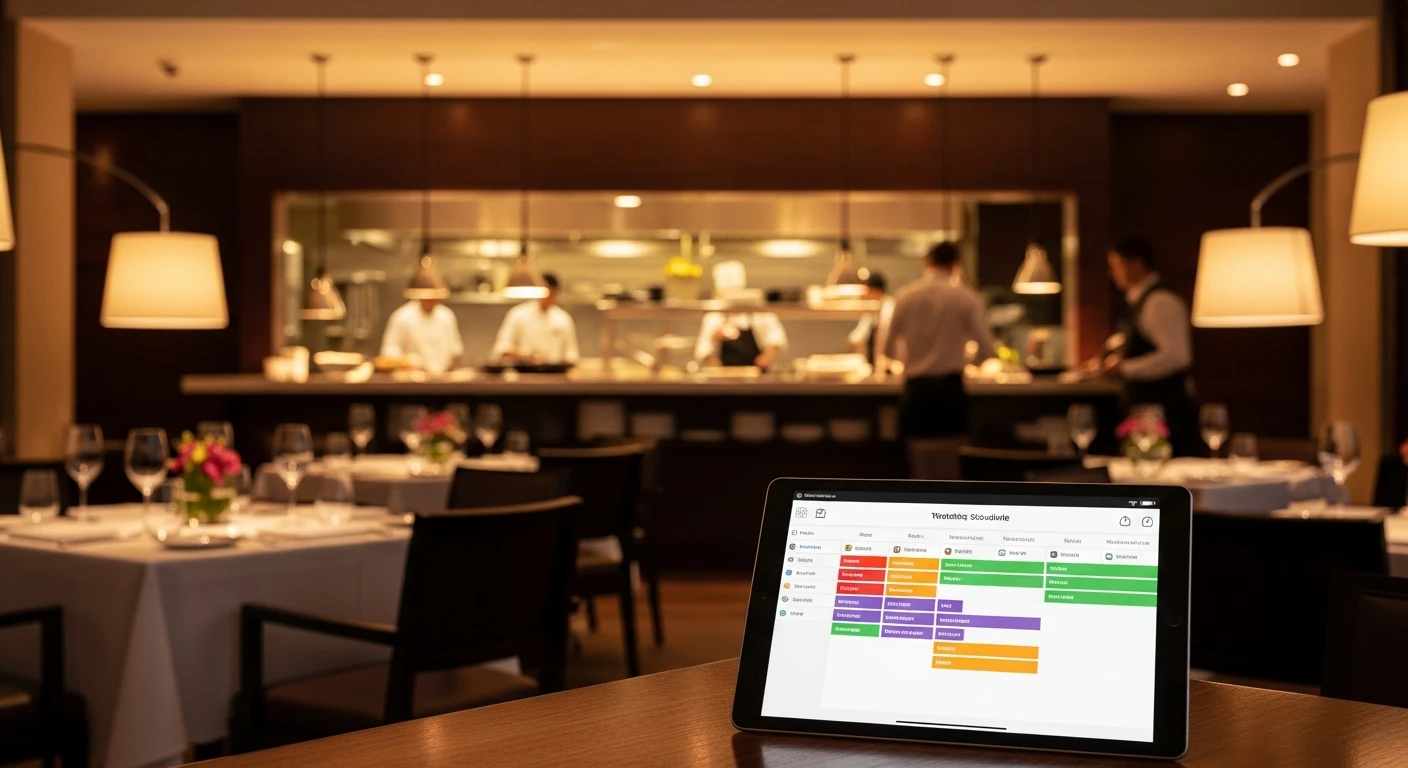
The best Employee Scheduling Software for Restaurants handles everything from checkout to closing — without extra apps or workarounds. Your line cook calls in sick 30 minutes before the Friday dinner rush. Your host is double-booked for Saturday brunch and Sunday brunch — but you actually need her both days. Meanwhile, you just got a complaint from the Department of Labor about overtime violations you didn't even know were happening.
Sound familiar? Labor is the single largest controllable expense for restaurants, typically accounting for 25-35% of total revenue. And yet most restaurant owners still manage schedules on spreadsheets, WhatsApp groups, or — worse — a whiteboard in the back office that half the staff never checks.
In 2026, restaurant employee scheduling software has evolved far beyond simple shift calendars. The best tools now integrate directly with your POS system, predict staffing needs based on sales data, and automatically flag labor law violations before they cost you $10,000+ in fines.
Why Restaurants Need Dedicated Scheduling Software
Restaurant scheduling isn't like scheduling for an office or retail store. You're dealing with split shifts, tip pools, varying skill levels (can this server handle the 12-top VIP table?), and labor laws that change by state. Here's what generic tools miss:
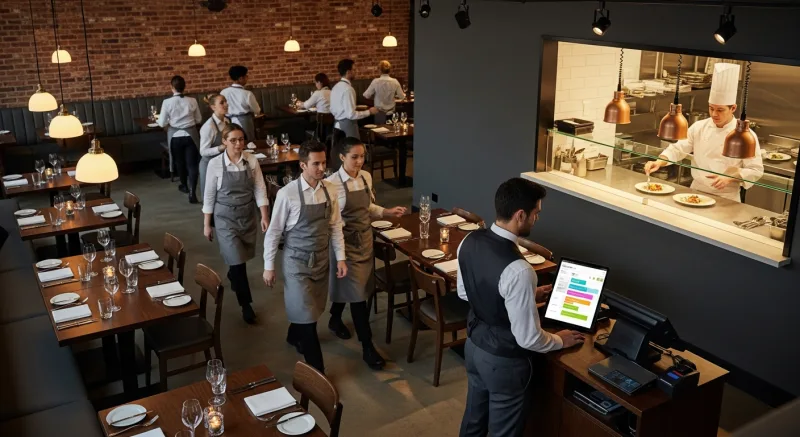
- Role-based scheduling — You need 2 line cooks, 1 prep cook, 3 servers, and 1 host for Thursday dinner. Not just "5 employees."
- Sales-based forecasting — Last year's Saint Patrick's Day did 2.3x normal revenue. Your scheduling tool should know that and suggest extra staff.
- Labor cost percentages in real-time — If your labor is trending toward 38% at 2 PM, you need to know before the dinner shift, not after payroll.
- Compliance automation — Predictive scheduling laws in cities like New York, San Francisco, Chicago, and Philadelphia require 14 days advance notice. Miss it? That's $75-500 per violation, per employee.
- Tip and overtime integration — Scheduling software that doesn't talk to your POS and tip distribution system is only doing half the job.
Key stat: Restaurants using integrated POS + scheduling systems report 8-12% lower labor costs compared to those using standalone scheduling tools, according to the National Restaurant Association's 2025 State of the Industry report.
What to Look for in Restaurant Scheduling Software
1. POS Integration (Non-Negotiable)
Your scheduling tool must connect to your POS. Period. Without sales data flowing into your schedule, you're guessing how many staff you need. With integration, the software can analyze historical sales by hour, day of week, and season — then recommend optimal staffing levels.
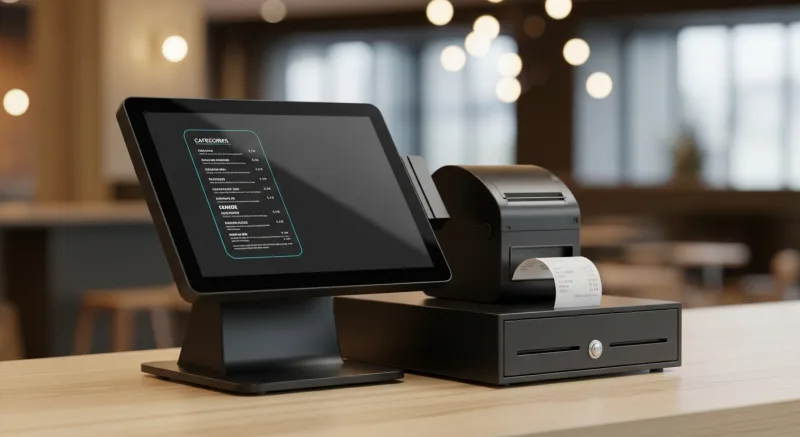
KwickOS takes this further by building scheduling directly into the operating system. There's no integration to configure, no API to maintain, no sync delays. Your schedule is built on the same platform that processes your sales, tracks your inventory, and manages your employees.
2. Fingerprint or Biometric Time Clock
Buddy-punching — where one employee clocks in for another — costs the average restaurant $4,800 per year. That's a real number from the American Payroll Association.
The fix? Biometric time clocks. KwickOS includes 1:N fingerprint verification that matches against all enrolled employees in under a second. No PINs to share, no buddy-punching possible. Toast doesn't offer fingerprint verification at all. Square's is limited to 1:1 matching. KwickOS's 1:N system means employees don't even need to enter their ID first — just touch the sensor.
3. Mobile Access for Staff
Your staff should be able to view schedules, request time off, swap shifts, and pick up open shifts from their phone. In 2026, this isn't a "nice to have" — it's baseline. Any tool without a mobile-friendly interface is already obsolete.
4. Labor Law Compliance Engine
Predictive scheduling laws are expanding fast. As of 2026, these cities and states require advance scheduling notice:
| Location | Advance Notice | Penalty per Violation |
|---|---|---|
| New York City | 14 days | $75 - $500 |
| San Francisco | 14 days | $40 - $100 |
| Chicago | 14 days | $300 - $500 |
| Philadelphia | 14 days | $50 - $100 |
| Seattle | 14 days | $50 - $100 |
| Oregon (statewide) | 14 days | $80 per shift |
| Los Angeles | 14 days | $100 per day |
Good scheduling software automatically flags when you're about to violate these rules. Great scheduling software — like the compliance engine in KwickOS — prevents you from publishing a non-compliant schedule in the first place.
5. Overtime Alerts and Cost Controls
Federal overtime kicks in at 40 hours/week. California requires daily overtime after 8 hours. Some states have split-shift premiums. Your scheduling software needs to track all of this and alert you before an employee goes over — not after, when the paycheck is already cut.
Top Restaurant Scheduling Solutions Compared
| Feature | KwickOS | 7shifts | HotSchedules | Toast |
|---|---|---|---|---|
| Built into POS | ✅ Native | ❌ Separate app | ❌ Separate app | ✅ Add-on ($) |
| Fingerprint time clock | ✅ 1:N | ❌ | ❌ | ❌ |
| Sales-based forecasting | ✅ Real-time | ✅ Via POS sync | ✅ Via POS sync | ✅ Native |
| Labor compliance alerts | ✅ Automatic | ✅ | ✅ | ✅ |
| Processor-agnostic | ✅ | N/A | N/A | ❌ Locked |
| Offline mode | ✅ Hybrid | ❌ Cloud-only | ❌ Cloud-only | ❌ Cloud-only |
| Multi-language | ✅ EN/ES/ZH | Limited | English only | Limited |
| Starting price | Contact us | $34.99/mo | $2-4/employee/mo | $69/mo + fees |
5 Scheduling Strategies That Cut Labor Costs
1. Schedule to Sales, Not to Shifts
Stop scheduling the same number of people every Tuesday. Use your POS sales data to identify exactly when you need more hands and when you can run lean. A restaurant doing $800 on Tuesday lunch doesn't need the same staff as $2,400 Saturday dinner.
2. Stagger Start Times
Instead of having everyone arrive at 4 PM for dinner service, stagger arrivals: prep cook at 2 PM, line cooks at 3:30, servers at 4:15, host at 4:45. This alone can save 15-20 labor hours per week for a mid-sized restaurant.
3. Cross-Train Relentlessly
An employee who can work the line, expedite, and host is three times more valuable than one who can only do one role. Use your scheduling software to track certifications and cross-training progress so you always know who can fill in where.
4. Automate Shift Swaps
When an employee can't make a shift, let them post it for swap in the app. Set rules (only employees with the same role and certification level can pick it up) and let the system handle it. Managers should approve, not facilitate.
5. Monitor Real-Time Labor % During Shifts
If your target labor cost is 28% and you're hitting 34% at 2 PM, you can send someone home early rather than discovering the overage on next week's P&L. KwickOS displays real-time labor percentage on the manager dashboard, alongside live sales data.
Real result: Crafty Crab Seafood, running 19 locations with 152 KwickOS terminals, reduced scheduling conflicts by 60% after switching from spreadsheet-based scheduling to KwickOS's integrated system. Their general managers now spend 3 hours less per week on schedule management.
Common Scheduling Mistakes (and How Software Fixes Them)
Mistake 1: Ignoring predictive scheduling laws. Fix: Automated compliance engine that blocks non-compliant schedules.
Mistake 2: Not accounting for break requirements. Fix: Auto-scheduled breaks based on shift length and state law (California's 30-minute meal break after 5 hours, for example).
Mistake 3: Over-relying on "closers who also open." Fix: Fatigue alerts when an employee is scheduled with less than 10 hours between shifts (called "clopening").
Mistake 4: Not tracking actual vs. scheduled hours. Fix: Fingerprint time clock data compared against the published schedule, with variance reports sent to managers daily.
Mistake 5: Building schedules in isolation. Fix: Integrated scheduling that accounts for security permissions, tip eligibility, and role requirements in a single view.
How to Switch to Better Scheduling Software
If you're currently using spreadsheets, a whiteboard, or a standalone app like 7shifts or HotSchedules, switching to an integrated POS scheduling system is easier than you think:
- Export your current employee list — names, roles, availability, certifications
- Set up role definitions — line cook, prep, server, bartender, host, manager
- Import historical sales data — at least 3 months for forecasting accuracy
- Enroll fingerprints — takes about 30 seconds per employee
- Publish your first schedule — most managers are scheduling within 1-2 hours of setup
KwickOS makes this transition seamless because scheduling is part of the platform, not a bolt-on. When you switch to KwickOS, your scheduling, POS, KDS, inventory, and employee management all come online at the same time.
Stop Losing $4,800/Year to Scheduling Problems
KwickOS combines POS + scheduling + fingerprint time clock + labor compliance in one platform. See it in action.
Get a Free Demo →Bottom Line
Restaurant employee scheduling in 2026 isn't just about filling shifts — it's about optimizing labor as a strategic advantage. The restaurants that win are the ones using real sales data to staff intelligently, biometric time clocks to eliminate theft, and compliance automation to avoid costly penalties.
Whether you're running a single coffee shop or managing multiple locations across a metro area, the right scheduling tool integrated with your POS will pay for itself within the first month.
Related reading: Restaurant Employee Theft Prevention Guide • Restaurant Tip Laws: What You Need to Know • Compare POS Systems • Free Labor Cost Calculator