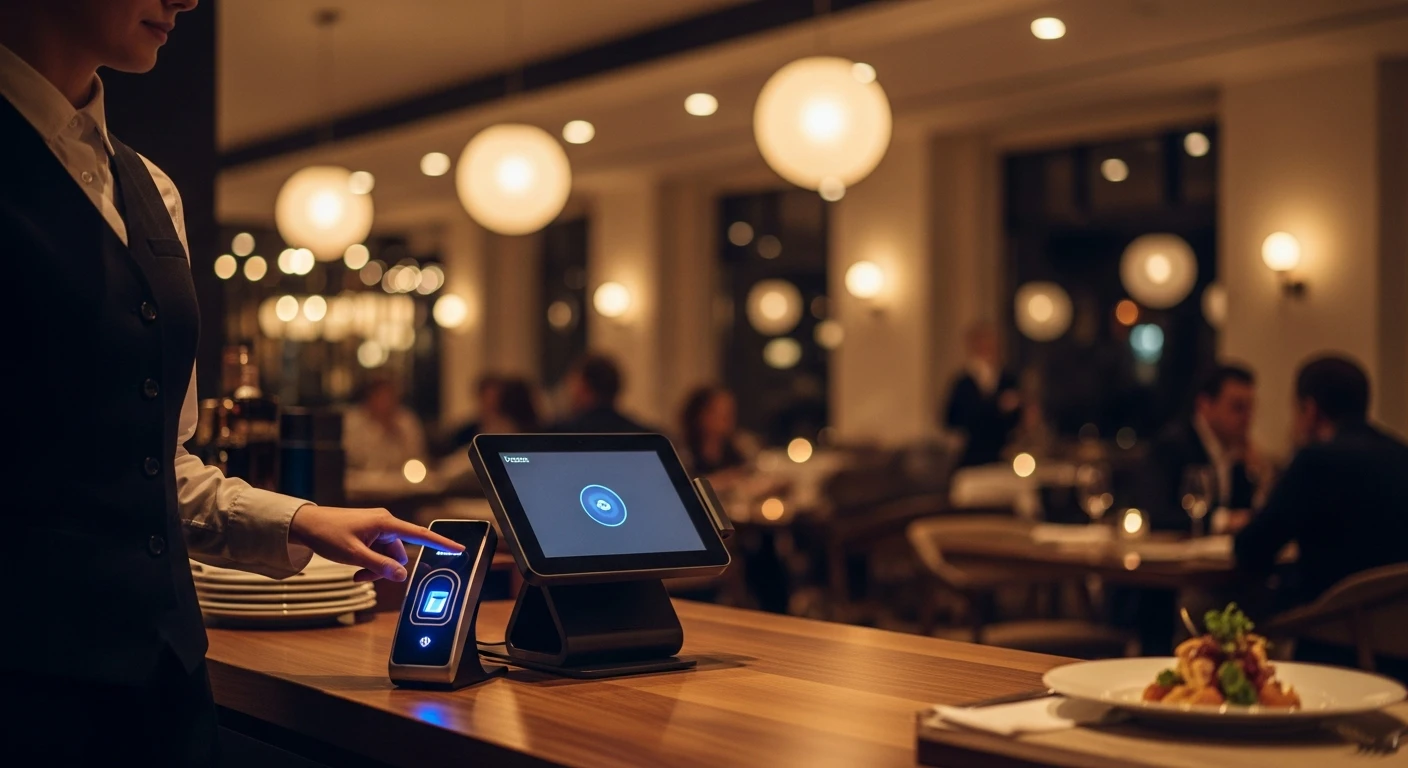
The $2,000 Mystery: A Story Most Restaurant Owners Know Too Well
For restaurant operators, How Fingerprint POS Systems Prevent Employee Theft isn't optional — it's the backbone of daily operations. David Chen had been running his family's Chinese restaurant in suburban Atlanta for nine years. Solid reviews, steady regulars, and a loyal kitchen crew that had been with him since year two. Business was good. So when David sat down with his accountant in January and saw the numbers, his first reaction was confusion, not anger.
The food cost percentage had crept up to 38%. It should have been 30%. Cash deposits were consistently $150 to $200 short per week compared to what the POS reported. And the discount line on his P&L had nearly doubled over six months — from $1,400/month to $2,600/month — without any new promotions running.
David was losing roughly $2,000 every month, and he could not pin it on any single problem.
After three weeks of watching cameras, cross-referencing shift schedules, and manually auditing cash drawers, the picture came into focus. One server was ringing up orders under a co-worker's login to obscure a pattern of unauthorized 20% discounts applied to friends' meals. A line cook was clocking in a buddy who showed up 45 minutes late — three or four times a week. And the closing shift manager had figured out that voiding small cash orders after the customer left put untraceable bills in her pocket.
None of this showed up on any single report. There was no dramatic, movie-style heist. It was slow, quiet, and systematic — and David's existing POS system (a well-known cloud platform with PIN-based logins) made it remarkably easy.
David's story is not unusual. It is the norm.
The Scale of the Problem: Numbers That Should Keep You Up at Night
According to the National Restaurant Association, employee theft costs U.S. restaurants between $3 billion and $6 billion annually. The U.S. Chamber of Commerce estimates that 75% of employees steal from their employer at least once, and that half of those do it repeatedly. In the restaurant industry, where cash changes hands hundreds of times per shift and dozens of employees share the same terminals, the opportunity is constant.
Here is what the typical breakdown looks like for a mid-volume restaurant:
- Cash skimming: $400–$800/month. Small cash orders voided after payment, with the cash pocketed. Nearly impossible to detect with standard POS reporting.
- Buddy punching: $300–$600/month. Employees clocking in for absent or late co-workers. A 2024 American Payroll Association study found that buddy punching affects 75% of businesses with manual or PIN-based time clocks.
- Unauthorized discounts: $500–$1,200/month. "Friends and family" discounts applied without manager approval, or sweetheart deals for regulars who tip well in cash.
- Inventory walkouts: $200–$500/month. Product leaving through the back door, often masked by inflated waste reports.
Add those up and you are looking at $1,400 to $3,100 in monthly losses for a single location. For a restaurant operating on 5–8% net margins, that is the difference between a profitable year and a break-even one.

Why PIN Codes and Passwords Fail
Every POS system on the market uses some form of operator identification. The question is how strong that identification actually is.
Most systems — including Toast, Square, and Clover — rely on PIN codes, swipe cards, or simple password logins. These methods have a fundamental problem: they verify the credential, not the person. If Server A knows Server B's four-digit PIN (and they always do — PINs get shared within the first week), then Server A can operate the system as Server B with zero accountability.
This is not a theoretical vulnerability. It is the primary mechanism behind the vast majority of POS-based employee theft in restaurants.
Think about it from the thief's perspective. If you want to void a $45 cash order and pocket the money, you do not do it under your own login. You wait until a co-worker steps away, punch in their code, process the void, and walk away. The audit trail points to someone else. Even if a manager reviews the void log, the wrong person gets questioned.
PIN-sharing also enables buddy punching on time clocks. Your cook texts his buddy: "Running late, clock me in." The buddy types in the PIN. Your payroll now shows an employee arriving at 10:00 AM who did not actually walk through the door until 10:47. At $15/hour, that is $12 in stolen wages per incident. If it happens three times a week across multiple employees, you are bleeding $150–$200/month in phantom labor costs alone.
How KwickOS Fingerprint Verification Actually Works
KwickOS takes a fundamentally different approach. Instead of trusting a PIN or a password, KwickOS uses biometric fingerprint scanning to verify the actual human being operating the terminal. No codes to share. No cards to swap. Your finger is your identity.
The system operates on two distinct levels of verification:
1:N Fingerprint Matching — "Who Is This Person?"
When an employee touches the fingerprint scanner to begin a session or start a transaction, KwickOS performs a 1:N match. That means it compares the scanned fingerprint against the entire database of enrolled employees to determine who is operating the system. The employee does not need to type in a name or select a profile first. They just scan, and the system identifies them in under one second.
This is the baseline layer. Every single interaction with the POS — every order entered, every payment processed, every item modified — is tied to a verified fingerprint identity. Not a PIN that could belong to anyone. A fingerprint that belongs to exactly one person.
1:1 Fingerprint Verification — "Are You Authorized for This?"
For sensitive operations, KwickOS adds a second layer: 1:1 verification. When an employee attempts a high-risk action — voiding an order, applying a discount above a set threshold, opening the cash drawer without a sale, or modifying a closed check — the system requires a specific authorized person to scan their fingerprint to approve the action.
This is not a generic "manager override" where any manager's PIN works. The system checks: is this specific fingerprint enrolled in the list of people authorized to approve this specific type of action? A shift lead might be authorized to approve discounts up to 15% but not voids over $50. The general manager might have full authority. A server has none.
The permissions are granular, and the verification is absolute. You cannot fake a fingerprint. You cannot share it. You cannot write it on a sticky note under the register.
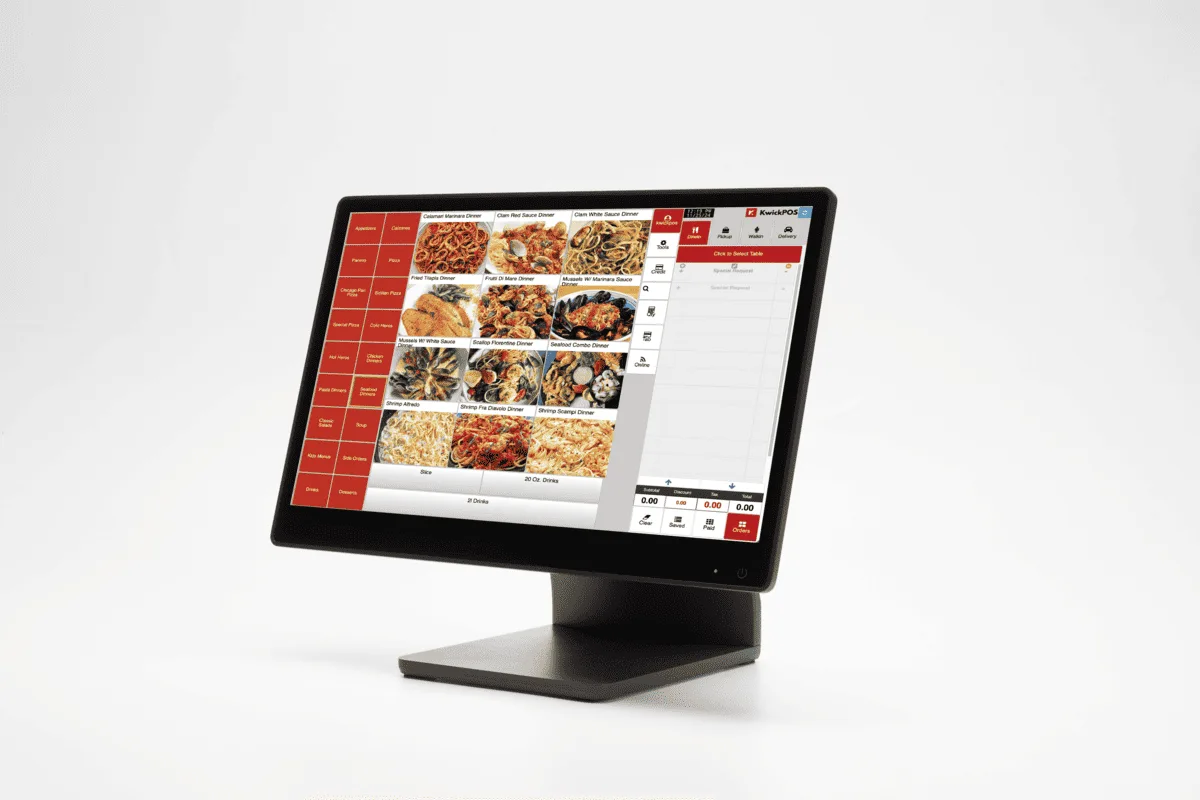
Five Theft Scenarios and How Fingerprint Verification Stops Each One
Scenario 1: The After-Hours Void
The scam: A server processes a $62 cash payment from a table. After the guests leave, she voids the order and pockets the cash. On a PIN-based system, she uses another server's login to process the void, creating a false audit trail.
With KwickOS: The void requires a 1:1 fingerprint scan from an authorized manager. The server cannot perform the void herself — the system physically will not allow it without a manager's finger on the scanner. The manager's identity is logged with a timestamp. If the manager is not on-site, the void cannot happen. Period.
Scenario 2: Buddy Punching
The scam: A cook is running 40 minutes late. He texts a co-worker to clock him in using his PIN. The restaurant pays for 40 minutes of labor that never happened.
With KwickOS: The time clock requires a fingerprint scan. The co-worker's fingerprint does not match the cook's profile. Clock-in denied. The cook's actual arrival time is recorded when his finger hits the scanner. No exceptions, no workarounds.
Scenario 3: The Sweetheart Discount
The scam: A bartender gives his friends a 30% discount every Friday night. On a PIN-based system, he applies the discount under his own login and hopes no one notices — or uses a manager PIN he learned weeks ago.
With KwickOS: Discounts above the server's authorized threshold (say, 10%) trigger a 1:1 fingerprint verification prompt. Only a manager's fingerprint unlocks the discount. Every approved discount is logged with the manager's verified identity, the amount, the table, and the timestamp. If a pattern emerges — the same manager approving 30% discounts at the bar every Friday — it is visible in seconds.
Scenario 4: The Cash Drawer Skim
The scam: A cashier opens the cash drawer between transactions, removes a $20 bill, and closes it. On many POS systems, a "no sale" drawer open leaves a minimal log entry with no verified identity.
With KwickOS: Every cash drawer open requires a fingerprint scan. Every no-sale open is flagged and logged with the verified operator identity. Managers receive alerts when no-sale drawer opens exceed a configurable threshold per shift. The cashier knows the system is watching — and more importantly, the system knows exactly who opened that drawer at 7:43 PM.
Scenario 5: The Ghost Employee
The scam: A manager creates a fake employee in the system and clocks them in for shifts that never happen, collecting the paycheck.
With KwickOS: Every employee must enroll a physical fingerprint. Ghost employees cannot clock in because they do not exist as physical people who can scan a finger. The scam is structurally impossible.
Real Results: Case Studies from KwickOS Customers
Diva Nail Beauty — 4 Locations, Commission Tracking Transformed
Diva Nail Beauty operates four nail salon locations with over 30 technicians working on commission-based pay. Before KwickOS, tracking which technician performed which service — and allocating tips correctly — was a manual nightmare. Technicians disputed commission calculations. Tips were split incorrectly. Managers spent hours each week reconciling paper logs with POS records.
After implementing KwickOS with fingerprint verification, every service transaction is automatically tied to the technician who performed it via their fingerprint scan. Commission tracking became fully automated. Tip allocation is precise — each payment is linked to a verified identity, so there is no ambiguity about who served which client.
The results: Diva Nail Beauty reported a 90% increase in operational efficiency for payroll and commission processing. Weekly reconciliation that used to take 3–4 hours per location now takes about 20 minutes. Employee disputes over commission and tip calculations dropped to near zero. And because every transaction is fingerprint-verified, the temptation to manipulate service records — claiming credit for a co-worker's client, for example — was eliminated entirely.
Shogun Japanese Hibachi — Per-Station Access Control in Minutes
Shogun Japanese Hibachi needed a system that could handle the unique workflow of a hibachi restaurant, where chefs operate at individual cooking stations and servers work specific sections. The challenge was configuring per-station access so that each chef and server could only interact with orders in their assigned zone — without creating a training burden that would slow down onboarding.
KwickOS delivered customized per-station access controlled by fingerprint. Each chef scans in at their station and sees only the orders assigned to that grill. Servers scan in and access only their section's tables. Cross-station access requires manager fingerprint authorization.
The standout metric: new operators reached full proficiency in 5 minutes. There was no complex login process to teach. No PINs to memorize. No station assignments to manually configure each shift. Scan your finger. The system knows who you are, where you are authorized to work, and what you are allowed to do. That simplicity translates directly to faster onboarding and fewer errors during service.
What the Competition Does Not Offer
This is worth stating plainly: Toast, Square, and Clover do not support fingerprint biometric verification.

Toast uses PIN codes and mag-stripe employee cards. Square uses passcodes. Clover supports PIN-based logins. All three systems suffer from the same fundamental weakness — the credential can be shared, stolen, or faked.
Some restaurant owners assume that camera systems compensate for this gap. They do not. Cameras can help you investigate after a theft is discovered, but they do nothing to prevent it in real time. By the time you review footage, the money is gone. And matching a blurry camera timestamp to a specific POS transaction processed under a shared PIN is exactly as frustrating as it sounds.
Fingerprint verification is not surveillance after the fact. It is prevention at the point of action. Every transaction, every void, every discount, every drawer open — verified, logged, and tied to one specific person. That changes the entire security model from reactive to proactive.
Implementation: What to Expect
If you are considering fingerprint verification for your restaurant, here is what the rollout typically looks like with KwickOS:
- Hardware setup (Day 1): KwickOS works with compact USB fingerprint scanners that connect to your existing POS terminals. No proprietary hardware required. The scanners cost a fraction of what you would spend on a camera system.
- Employee enrollment (Day 1–2): Each employee scans their fingerprint during onboarding. The process takes about 30 seconds per person. The fingerprint template is encrypted and stored locally — KwickOS does not transmit raw fingerprint data to the cloud.
- Permission configuration (Day 1–2): Define which roles can perform which actions. Servers can process orders. Shift leads can approve discounts up to 15%. Managers can void and access cash drawers. Owner accounts have full authority. This takes about an hour for most restaurants.
- Staff training (Day 2–3): As Shogun Hibachi demonstrated, operators reach proficiency in about 5 minutes. The workflow is intuitive — scan your finger instead of typing a PIN. Most employees actually prefer it because it is faster.
- Monitoring and adjustment (Week 1–2): Review the fingerprint-verified transaction logs to fine-tune permission levels and discount thresholds. KwickOS provides dashboards that make anomalies immediately visible — unusual void patterns, excessive no-sale drawer opens, discount frequency by employee.
The ROI Calculation
Let us be conservative. Assume your restaurant is losing $1,500/month to the combination of buddy punching, unauthorized discounts, cash skimming, and unverified voids. That is $18,000 per year.
A fingerprint-equipped KwickOS setup costs a fraction of that annually. Even if biometric verification only eliminates 60% of your losses (and in practice, it eliminates far more), you are looking at a net savings of $8,000–$10,000 per year per location. For a three-location restaurant group, that is $24,000–$30,000 back on the bottom line.
But the real return is not just in recovered dollars. It is in the culture shift. When every employee knows that every action is tied to their verified identity, behavior changes. The temptation to cut corners disappears because the opportunity to cut corners disappears. Honest employees are protected from false accusations. Managers spend less time investigating and more time running the restaurant.
Seven Signs Your Restaurant Needs Fingerprint Verification
- Your cash drawer is short more than $50/week with no explanation.
- Your discount percentage has increased without corresponding promotions.
- You see voids or comps that staff cannot adequately explain when questioned.
- Employees arrive at different times than their time clock records show.
- Multiple employees share PINs or manager override codes (they almost certainly do).
- You have caught employees operating the POS under someone else's login.
- Your food cost or labor cost percentages are higher than industry benchmarks and you cannot figure out why.
If three or more of these apply to your restaurant, you are not dealing with a mystery. You are dealing with a systems problem — and fingerprint verification is the systems solution.
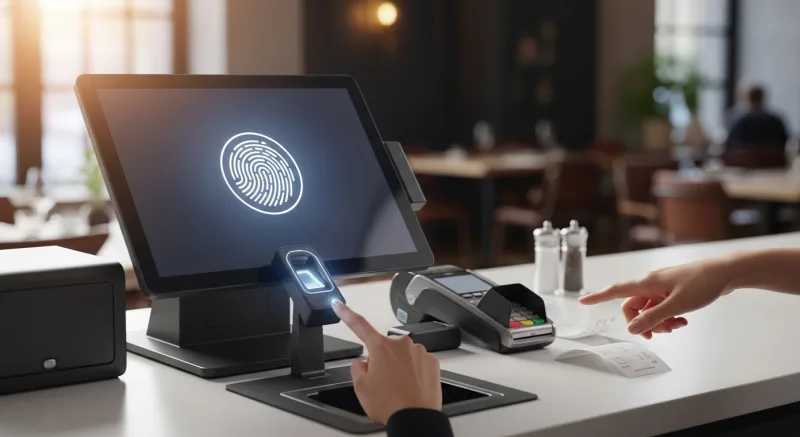
The Bottom Line
Employee theft in restaurants is not primarily a people problem. It is an access control problem. When your POS system cannot verify who is actually pressing the buttons, you are relying on trust alone. Trust is important, but it is not a security strategy.
KwickOS fingerprint verification closes the gap that PIN-based systems leave wide open. Every transaction is verified. Every sensitive action requires biometric authorization. Every audit trail points to a real, confirmed identity. Toast, Square, and Clover simply do not offer this capability.
For David Chen in Atlanta, switching to KwickOS with fingerprint verification eliminated his $2,000/month mystery losses within 60 days. The unauthorized discounts stopped because they required manager fingerprint approval. The buddy punching stopped because the time clock required a physical fingerprint. The after-hours voids stopped because no one could process them without a biometrically verified manager on-site.
His accountant noticed the difference before he did. Food costs dropped back to 30%. Cash deposits matched POS reports. The discount line on the P&L returned to normal. No confrontations. No firings. The system simply removed the opportunity, and the behavior corrected itself.
That is the power of building security into the operating system, not bolting it on after the fact.
Stop Losing Money to Preventable Theft
See how KwickOS fingerprint verification protects your revenue and simplifies accountability. Schedule a free 15-minute demo with a restaurant security specialist.
Get Your Free Demo