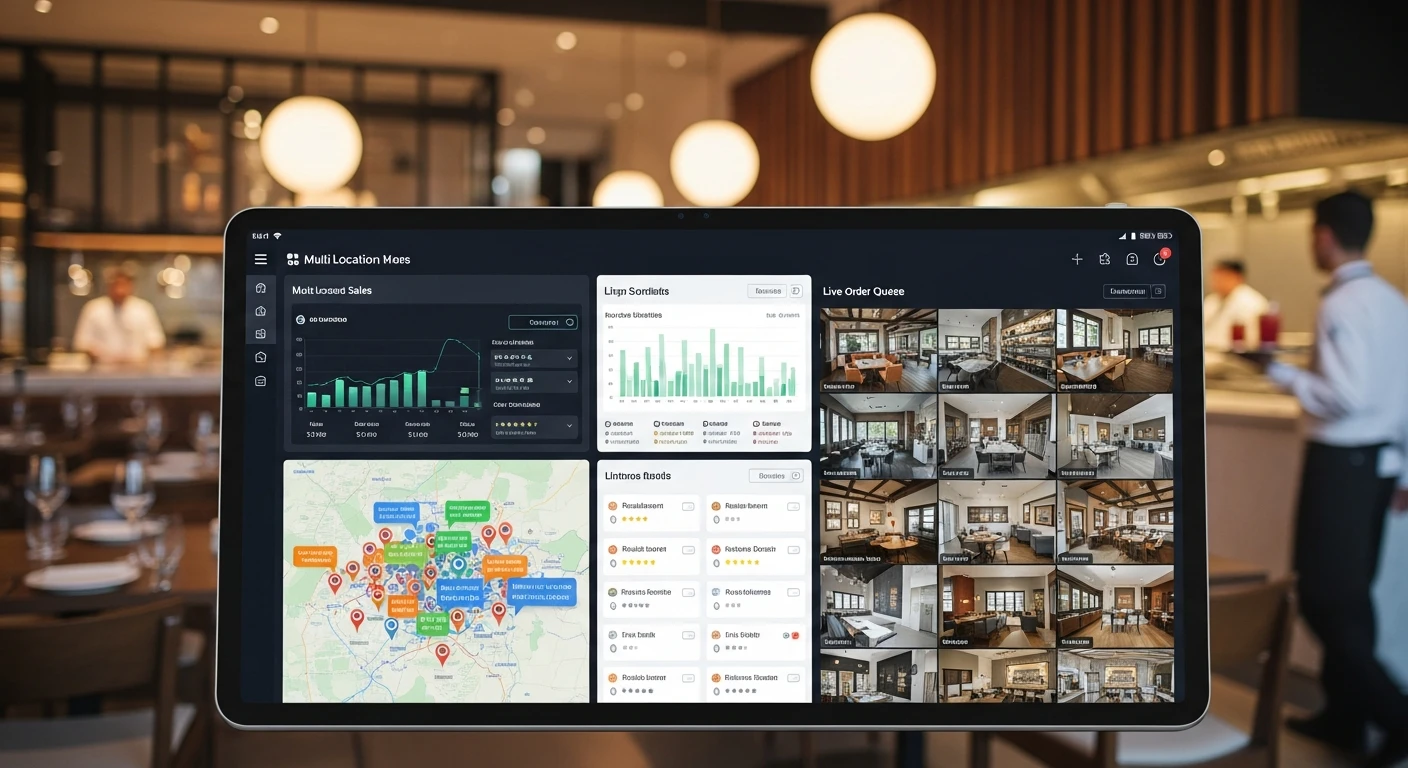
When Michael Chen opened his third Crafty Crab Seafood location in late 2021, he made the same mistake every growing restaurant operator eventually makes. He assumed that what worked for three stores would scale to ten. By the time he had fourteen locations across four states, his management process looked like this:
Every time a menu item changed — a new seasonal crab boil, a price adjustment on the combo platter, a discontinued appetizer — he picked up the phone and called each general manager individually. Fourteen calls. Fourteen conversations confirming the update. Fourteen opportunities for someone to fat-finger a price or forget to remove a modifier.
"We had a situation where our garlic butter shrimp was $14.99 at most locations, $15.99 at two stores in Texas, and $13.99 at one location in Virginia because a manager had entered the old price during a promotion and never reverted it," Michael recalls. "A customer posted about it on social media. That kind of inconsistency erodes trust faster than anything."
By the time Crafty Crab expanded to 19 locations with 152 active terminals, the phone-call method was not just inefficient — it was operationally dangerous. A single menu update could take an entire business day to propagate. Regional promotions required a spreadsheet just to track which stores had implemented what changes. And comparing performance across locations? That meant logging into separate dashboards, exporting CSVs, and manually stitching together reports.
This is not a Crafty Crab problem. This is a multi-location restaurant problem. And if you are running more than three locations, you are either already dealing with it or about to.
The Five Operational Fractures That Break Multi-Location Restaurants
After working with dozens of multi-unit operators, from five-store regional chains to 600+ location global brands, the failure modes are remarkably consistent. They fall into five categories, and each one compounds the others.
1. Menu Consistency: One Change, Nineteen Headaches
Menu synchronization is the most visible problem because customers notice immediately. A guest who orders the Cajun seafood platter at your Nashville location expects the same platter at the same price at your Atlanta location. When that expectation breaks, you have not just lost a customer — you have undermined the entire premise of being a chain.
The challenge is not just pushing a new item to every terminal. It is managing the cascading dependencies: updated pricing requires updated modifiers, which require updated kitchen display configurations, which require updated prep station routing. In a manual environment, each of those steps is a separate phone call or email, and each one is a point of failure.
2. Real-Time Performance Comparison Across Locations
If your Saturday night revenue report is not ready until Tuesday morning, you have already missed the window to act on it. Multi-location operators need to see, in real time, how each location is performing relative to the others. Which store had the highest ticket average? Which one is underperforming on upsells? Where did labor costs spike?
Without a centralized view, these answers require logging into multiple systems, pulling data from different platforms, and reconciling numbers that were calculated differently. By the time you have the picture, the picture has changed.
3. Employee Management Across Sites
A server at your downtown location calls in sick. You know your suburban location is overstaffed tonight. Can you move someone? In a fragmented system, you would not even know the suburban location had availability without calling the manager. And transferring an employee between locations often means creating a new profile in a different system, losing their training records, and starting from scratch on permissions.
4. Inventory Tracking Per Location
Your Baton Rouge location is running low on snow crab legs. Your Houston location over-ordered and has surplus that will expire in two days. Without per-location inventory visibility on a shared dashboard, these two problems exist in isolation. One location 86s a popular item while another throws away product. Multiply that by 19 locations and the waste alone can consume your margins.
5. Standardized Customer Experience
This is the aggregate effect of the first four problems. When menus drift, service varies, and operations fragment, customers feel it. They may not articulate it as "this chain has inconsistent POS management," but they will say "the one on Main Street is better than the one on Elm" — and they will stop visiting the one on Elm.
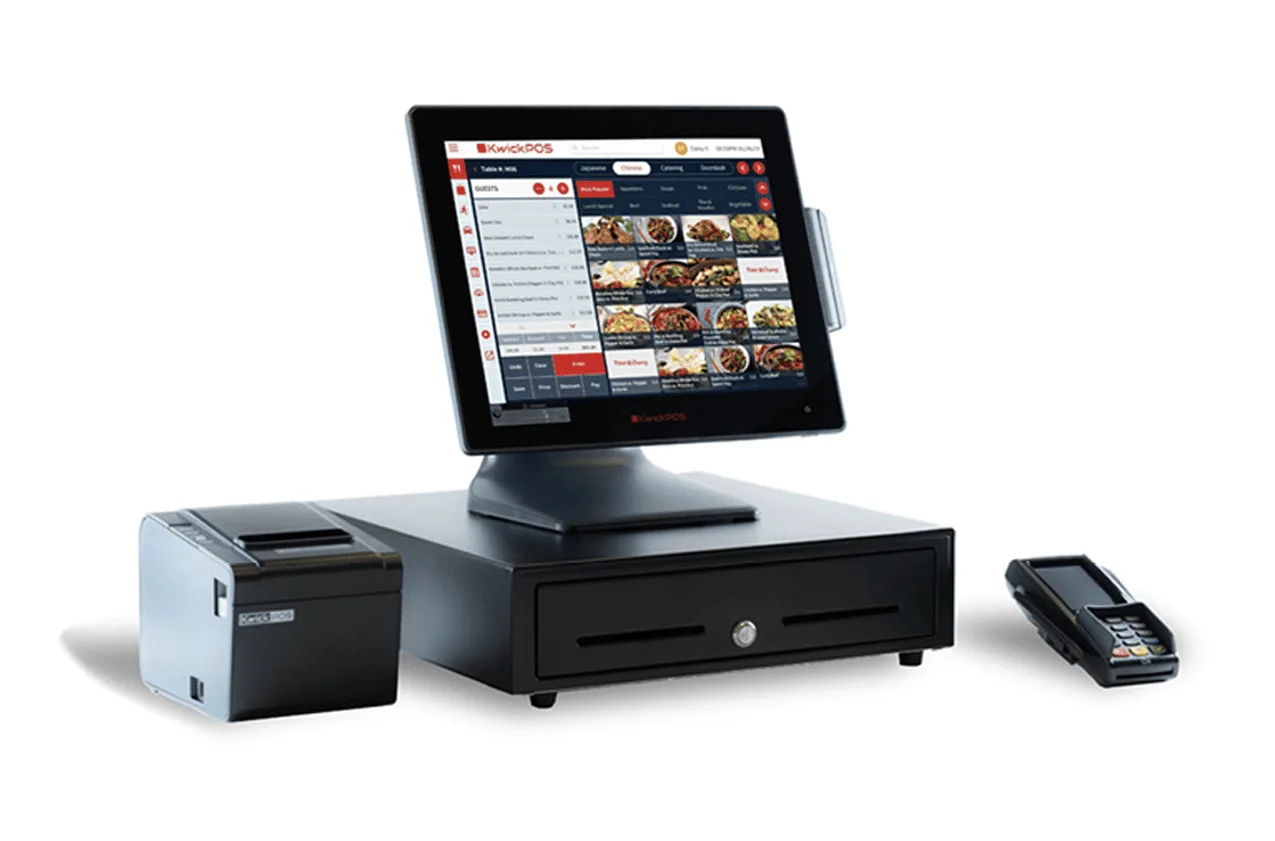
Case Study: Crafty Crab Seafood — 19 Stores, 152 Terminals, Zero Phone Calls
Crafty Crab's migration to KwickOS addressed each of the five fractures described above, but three implementations stand out for their operational impact.
One-Click Menu Synchronization
When Crafty Crab's culinary team finalizes a menu change, it is entered once in the KwickOS central management console. One click pushes that change to all 152 terminals across all 19 locations simultaneously. Pricing, modifiers, images, descriptions, kitchen routing, and allergen flags all travel together as a single package. No phone calls. No spreadsheets. No discrepancies.
The system also supports location-specific overrides for regional pricing or local regulatory requirements. The Houston locations can run a Texas-only promotion while the Virginia stores maintain standard pricing, all managed from the same interface with clear visual indicators showing which locations are running which configuration.
Customized KDS for Dietary Requests
Crafty Crab's menu involves complex dietary accommodations: shellfish allergies at a seafood restaurant require rigorous separation protocols. KwickOS's kitchen display system was configured with custom color-coded alerts that flag allergen-sensitive orders with full-screen warnings. When a server marks an order as containing a shellfish allergy accommodation, every KDS screen in the kitchen — from the fry station to the expo line — displays the alert. This configuration was set once at the central level and automatically deployed to all 19 kitchens.
Time-Specific Ordering for Food Quality
Crafty Crab implemented time-gated ordering through KwickOS, where certain items are only available during specific dayparts. The snow crab legs, which require 18 minutes of prep time, are automatically removed from the menu 30 minutes before kitchen close. This prevents orders that cannot be properly prepared, reducing waste and protecting the brand from serving rushed product. The time gates are managed centrally but account for each location's individual operating hours.
Before KwickOS
Menu updates: 19 phone calls, up to 8 hours to propagate
Allergen handling: Varied by location, dependent on individual manager training
End-of-night orders: Inconsistent cutoffs, frequent food waste
After KwickOS
Menu updates: 1 click, all 152 terminals updated in under 60 seconds
Allergen handling: Standardized KDS alerts across all 19 kitchens
End-of-night orders: Automated time gates per location, zero waste from late orders
Case Study: T. Jin China Diner — 15 Stores, Real-Time Competitive Intelligence
T. Jin China Diner operates 15 locations with 75 terminals, primarily in the mid-Atlantic region. Their operational challenge was different from Crafty Crab's. Menu consistency was manageable at their scale. Their pain point was visibility.
"I had data everywhere and insight nowhere," says their operations director. "Every location had its own sales reports, its own labor spreadsheets, its own food cost calculations. Pulling together a multi-location P&L was a three-day project every month."
Real-Time Online Reporting
KwickOS gave T. Jin a single reporting interface that aggregates data from all 75 terminals in real time. At any moment, their operations team can see: current-hour revenue by location, ticket count trends compared to the same day last week, labor-to-revenue ratios updating every 15 minutes, and item-level sales velocity across the entire chain.
This is not end-of-day reporting. This is right now. When the Columbia, Maryland location's lunch revenue started trailing at 11:45 AM on a Wednesday, the regional manager saw it immediately and called the GM. Turned out a road closure was diverting traffic. They activated a geo-targeted KwickMenu online ordering promotion within 20 minutes, recovering 60% of the projected lunch shortfall through delivery and pickup orders.
Monitor and Compare Performance on One Interface
T. Jin's most valued feature is the comparative performance dashboard. Every location is ranked, in real time, against every other location on any metric they choose: revenue per labor hour, average ticket size, speed of service, online order percentage, void rate. Managers see where they stand. Regional directors see patterns.
When T. Jin noticed that their Annapolis location consistently had the highest average ticket but the lowest table turn rate, they investigated and discovered that the KDS ticket times were running 4 minutes longer than the chain average. A kitchen workflow adjustment brought times down by 3 minutes and increased daily covers by 12% — a discovery that would have taken months to surface without centralized, comparative, real-time data.
Case Study: Haidilao Hot Pot — Enterprise Scale, 600+ Locations Worldwide
If Crafty Crab proves that KwickOS handles the operational complexity of a fast-growing regional chain, and T. Jin proves it delivers the analytics multi-unit operators need, then Haidilao proves it scales to enterprise.
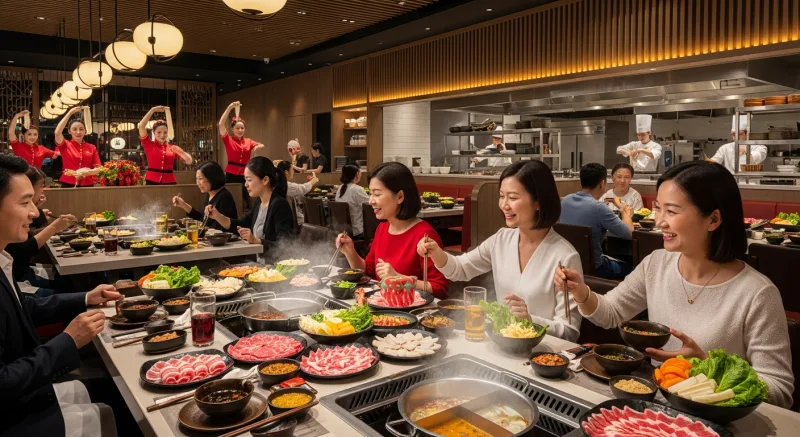
Haidilao Hot Pot operates over 600 locations worldwide. They are one of the most recognized restaurant brands in Asia, known for obsessive customer service standards and complex tableside cooking operations. Every table is essentially a live cooking station, which means the technology requirements go far beyond standard order-and-pay workflows.
Running KwickOS at this scale means managing menu variations across multiple countries and regulatory environments, supporting thousands of concurrent terminals, and maintaining sub-second response times during peak service. It is one thing to synchronize 19 locations. It is another to synchronize 600+ across time zones, languages, and compliance frameworks.
What matters for multi-location operators evaluating their technology stack is this: the same platform that runs a 5-store regional chain can run a 600-location global brand. You do not outgrow it. You do not migrate off it when you hit 50 stores, or 100, or 500. The architecture is the same. The management interface is the same. The only thing that changes is the number of locations in your dropdown menu.
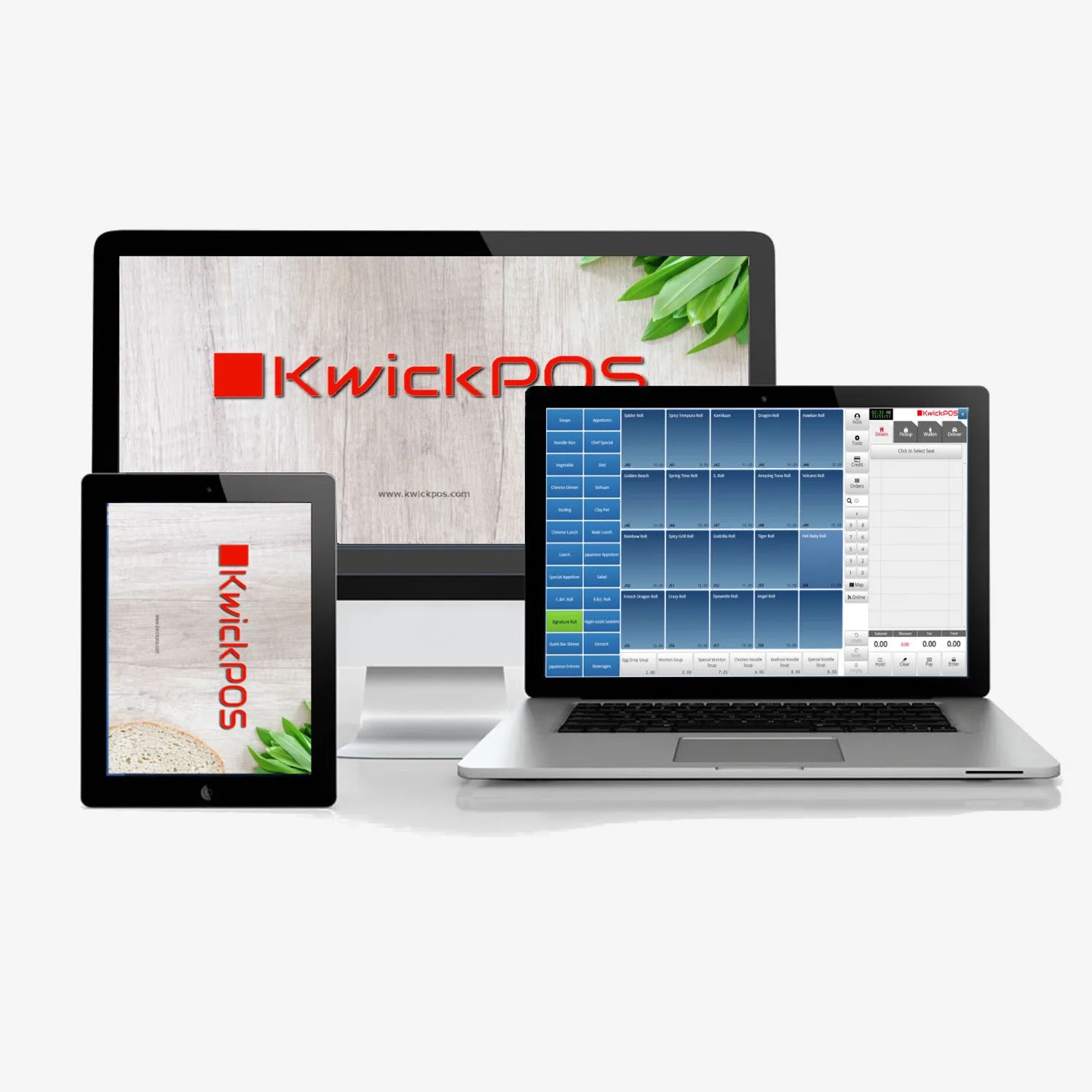
The Technical Architecture That Makes This Work
Multi-location management is not just a feature checkbox. It is an architectural decision that affects every layer of the system. Here is what KwickOS provides and why each capability matters operationally.
One-Click Menu Sync
Push menu changes to every terminal across every location simultaneously. Pricing, modifiers, images, allergens, and kitchen routing all travel as one package.
Centralized Reporting
Real-time dashboards comparing revenue, labor, speed of service, and item-level sales across all locations on a single interface.
Per-Location Inventory
Track stock levels at each location independently while viewing chain-wide supply positions. Identify surpluses and shortages across the network.
Role-Based Employee Access
Define permissions at the chain, regional, and location level. Transfer employees between stores with their training records and access profiles intact.
Remote Phone Management
Full management capabilities from your phone. Approve voids, check real-time sales, push menu changes, and monitor KDS times from anywhere.
Local+Cloud Hybrid
Each location runs locally and syncs to the cloud. If internet drops at one store, it keeps operating. Other locations are unaffected.
Why the Hybrid Architecture Matters for Multi-Location
This is the technical detail that most operators overlook until it costs them. Fully cloud-dependent POS systems create a single point of failure at every location: the internet connection. When your ISP has an outage at your busiest store on a Friday night, a cloud-only system means that store stops taking orders.
KwickOS runs a local processing instance at every location. Orders are processed, tickets are routed to the kitchen, and payments are captured locally. Data syncs to the cloud continuously when connectivity is available, and catches up automatically when connectivity is restored. From the multi-location management perspective, a store that goes offline still functions. You may see a brief gap in real-time reporting for that location, but the store itself never misses a beat.
For a 19-location operator like Crafty Crab, this architecture means that an ISP outage in one state does not create a cascading crisis. For Haidilao at 600+ locations, it means that the statistical certainty of at least one location having connectivity issues at any given time does not degrade the overall system.
KwickOS vs. Toast for Multi-Location Management: An Honest Comparison
Toast is the most common platform multi-location restaurant operators evaluate alongside KwickOS, so a direct comparison is warranted. This is not about which platform is "better" in the abstract. It is about specific architectural and business model differences that affect multi-unit operations.
| Capability | KwickOS | Toast |
|---|---|---|
| Multi-location pricing | One platform, all locations included | Separate subscription per location |
| Architecture | Local+cloud hybrid — works offline | Cloud-dependent — requires internet |
| Internet outage at one location | That location keeps operating normally | That location cannot process orders |
| Menu sync across locations | One-click push to all terminals | Available but per-location subscription required |
| Centralized reporting | Real-time, all locations, single dashboard | Available on higher-tier plans |
| Digital signage | Built-in (KwickSign) | Not available |
| Security cameras | Integrated (KwickPhoto) | Not available |
| Payment processor | Choose your own — save $6,000+/year | Toast Payments required |
| Cross-industry support | Restaurant + Retail + Beauty/Spa | Restaurant only |
| Scaling cost model | Linear — cost grows with usage | Per-location subscriptions compound |
The subscription model difference is the one that compounds most painfully at scale. If you are operating 19 locations on Toast, you are paying 19 separate subscriptions. Add the required Toast Payments processing fees across that volume, and the cost difference becomes substantial. KwickOS's unified platform model means your fifteenth location does not cost dramatically more to manage than your fifth.
The Internet Dependency Question
Ask any multi-location operator what keeps them up at night, and "what happens when the internet goes down" is always in the top three. With a cloud-only platform, an ISP outage at one location means that location is effectively shut down until connectivity returns. Across 19 locations, the probability of at least one store experiencing connectivity issues during any given dinner rush approaches certainty over time.
KwickOS's hybrid architecture treats this as an engineering problem, not a prayer. Each location runs independently. The cloud layer coordinates and aggregates. When the connection drops, operations continue. When it comes back, data syncs. Your customers never know the difference.
The Operational Playbook: How to Evaluate a Multi-Location POS
Whether you are currently running 3 locations and planning to grow, or managing 20+ and looking to consolidate, here is the evaluation framework that operators like Crafty Crab and T. Jin used before selecting their platform.
- Test the menu sync workflow. Add a new item with modifiers, pricing, an image, and allergen flags. Push it to multiple locations. Time it. Then check every terminal to verify accuracy. If any step requires manual intervention at the location level, that step will eventually fail at scale.
- Simulate an internet outage. Disconnect a terminal from the network during a mock service. Can it still take orders? Process payments? Route to the kitchen? When you reconnect, does the data sync cleanly? This is not an edge case. It is an inevitability.
- Pull a comparative report. Ask for same-day revenue by location, ranked by average ticket size, filtered by daypart. How long does it take? Is it real-time or does it require a nightly batch process? Can you do it from your phone while sitting in one of your restaurants?
- Transfer an employee between locations. Move a server's profile from Store A to Store B. Do their permissions transfer? Their training certifications? Their labor history? Or do you have to rebuild them from scratch?
- Calculate the true cost at your target scale. Not just the per-location subscription, but processing fees, hardware requirements, add-on features, and the labor cost of managing separate systems. Model it at 5 locations, 10, 20, and 50. Where does each platform's cost curve break?
From 1 Location to 600: The Growth Path
The most important decision a multi-location operator makes is not which POS to buy today. It is whether the platform they buy today can be the platform they are still running when they have five times as many locations.
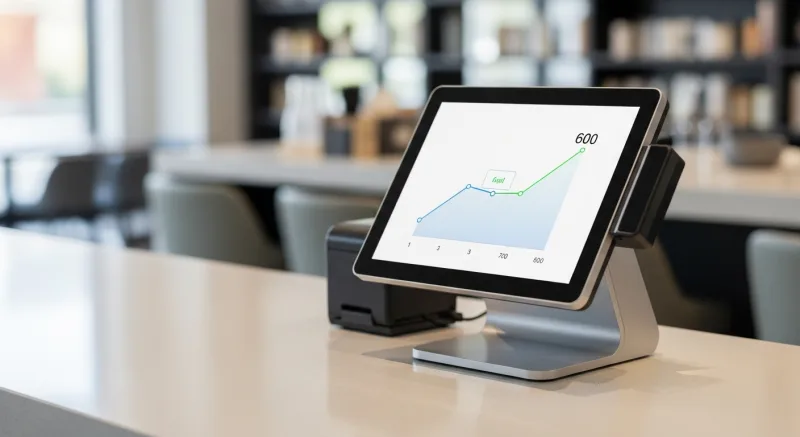
Crafty Crab started on KwickOS with 8 locations and grew to 19 without changing platforms, without migrating data, without retraining staff on a new system. T. Jin China Diner runs 15 locations on the same infrastructure that Haidilao uses for 600+. The difference is not the software. It is the number of locations in the dropdown.
That sentence may sound like marketing, but it is an architectural statement. Systems that are designed for multi-location from the ground up — with centralized management, per-location autonomy, and hybrid cloud architecture — scale differently than systems where multi-location was bolted on after the fact.
If you are running multiple restaurant locations today, or planning to, the question is not whether you need centralized management. You do. The question is whether you implement it before or after the inconsistencies, the blind spots, and the 19 phone calls start costing you more than the solution.
