For restaurant operators, Restaurant Employee Theft Costs $35 Billion/Year. Fingerprint Authe... isn't optional — it's the backbone of daily operations. Your best bartender is stealing from you.
That sentence is statistically likely to be true. The National Restaurant Association estimates that 75% of inventory shrinkage in restaurants is caused by employee theft. Not shoplifting. Not vendor fraud. Your own team.
The total cost to the U.S. restaurant industry: $35 billion per year. That is not a typo. Thirty-five billion dollars annually in cash register theft, inventory walking out the back door, unauthorized discounts, comped meals that were never authorized, and—the most pervasive category—time theft.
Time theft is the quiet killer. A server clocks in 10 minutes before they actually start working. A cook has their buddy punch them in while they are still in the parking lot. A bartender forgets to clock out and gets paid for 45 minutes of standing around after their shift. Individually, these incidents seem small. Collectively, the American Payroll Association estimates that buddy punching alone costs employers 2-5% of gross payroll.
For a restaurant spending $500,000 annually on labor, that is $10,000-$25,000 in theft from time fraud alone. Not suspicious. Not dramatic. Just a slow, invisible drain on your profitability that you never see because the numbers are baked into every payroll cycle.
There is one technology that eliminates time theft completely, and it is the one feature that Toast, Square, and Clover cannot offer: fingerprint authentication.
Why PINs and Passwords Fail in Restaurant Environments
Every major POS system uses some form of employee authentication. Toast uses 4-digit PINs. Square uses employee passcodes. Clover uses PINs or magnetic swipe cards. All of them share the same fatal flaw: they can be shared.
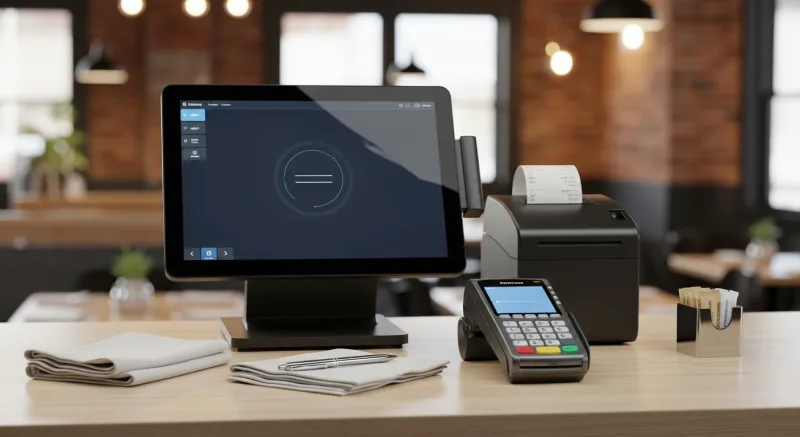
A PIN code is not proof of identity. It is proof that someone knows four numbers. When a server shares their PIN with a coworker ("hey, clock me in, I'm running 5 minutes late"), the system has no way to know that the wrong person is using the code. The time record looks legitimate. The payroll processes normally. The theft is invisible.
Magnetic swipe cards are slightly better but still easily defeated. Cards can be handed to another employee. Cards get lost. Cards get stolen from unlocked lockers. And replacing lost cards creates ongoing administrative costs.
The fundamental problem: PINs authenticate knowledge, not identity. Cards authenticate possession, not identity. Only biometrics authenticate identity.
How KwickOS Fingerprint Authentication Works
KwickOS supports two modes of fingerprint authentication, and the distinction matters:
1:1 Authentication (Verification)
The employee enters their ID number, then places their finger on the scanner. The system verifies that the fingerprint matches the registered print for that specific employee ID. This is "prove you are who you claim to be."
1:N Authentication (Identification)
The employee simply places their finger on the scanner. No ID number. No PIN. No name entry. The system compares the fingerprint against every enrolled fingerprint in the database and identifies who the person is. This is "tell me who you are."
1:N is faster and more secure. The employee walks up, places their finger, and the system instantly identifies them. No numbers to remember. No codes to share. No cards to carry. The entire authentication takes under 1 second.
Toast does not support fingerprint authentication. Square does not support fingerprint authentication. Clover does not support fingerprint authentication. This is not a feature gap they are planning to close—their hardware platforms do not include fingerprint scanners, and their software architectures do not support biometric matching.
KwickOS is one of the only POS platforms in the restaurant industry that supports native 1:N fingerprint authentication. If biometric security is a requirement for your operation, your options are limited.
What Fingerprint Authentication Protects
Fingerprint authentication on KwickOS applies across every employee interaction with the system:
- Clock-in/clock-out: Eliminates buddy punching completely. A fingerprint cannot be shared.
- POS login: Each server, cashier, and bartender authenticates with their fingerprint to access their POS session. No sharing screens. No using someone else's open session.
- Void/discount authorization: Manager-level actions (voids, comps, discounts) require the manager's fingerprint. No "I'll give you my manager code" shortcuts.
- Cash drawer access: Opening the cash drawer requires fingerprint authentication, creating an auditable trail of every drawer access.
- End-of-day closeout: Shift closeouts and cash counts are tied to a specific, biometrically verified individual.
The Real Cost of Time Theft (And the ROI of Eliminating It)
Let us put specific dollars on the problem and the solution.
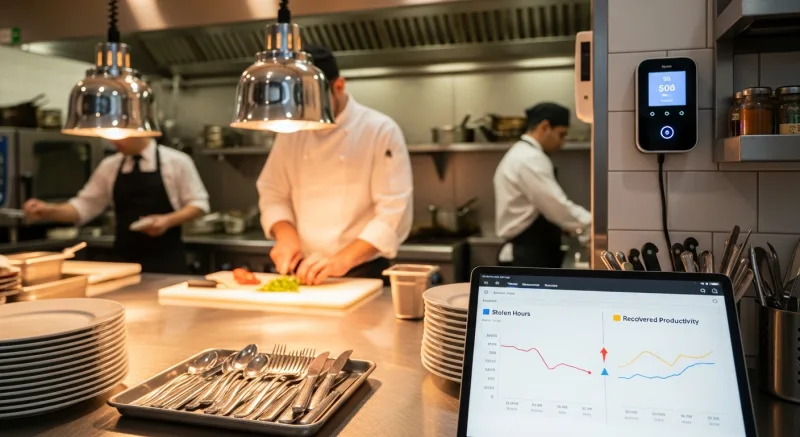
Time Theft ROI Calculator
Assumptions: Restaurant with 25 employees, $500,000 annual labor cost
A $100-$200 fingerprint scanner saves $20,000-$36,000 per year. That is not an ROI calculation—that is a mandate. There is no rational business argument against deploying fingerprint authentication when the numbers look like this.
Beyond Security: Complete Workforce Management on KwickOS
Fingerprint authentication is the headline feature, but KwickOS employee management covers the entire workforce lifecycle. Here is what the platform includes.
Scheduling
Building restaurant schedules on paper or spreadsheets is a weekly time sink that averages 3-5 hours per manager. KwickOS scheduling provides:
- Drag-and-drop schedule builder with shift templates for recurring patterns
- Availability tracking: Employees set their available hours. The system flags conflicts when you schedule outside availability.
- Shift swapping: Employees request swaps through the system. Manager approves with one tap. No text chain chaos.
- Labor cost forecasting: As you build the schedule, the system shows projected labor cost as a percentage of projected revenue. Adjust staffing before the week starts, not after payroll runs.
- Overtime alerts: The system warns before scheduling an employee into overtime territory.
Overtime Tracking and Alerts
Unplanned overtime is one of the top three controllable labor costs in restaurants. A single employee working 5 hours of unexpected overtime at time-and-a-half costs more than the employee's entire daily wage.
KwickOS tracks hours in real-time across all clock-in points (including multiple locations for multi-store operators). When an employee approaches 40 hours, the system generates an alert visible on the POS and the manager's dashboard. The alert fires at 35 hours (adjustable threshold), giving managers time to adjust the schedule before overtime kicks in.
For multi-location operators like T. Jin China Diner (15 stores, 75 terminals), overtime tracking across locations is critical. An employee who works 25 hours at Location A and 20 hours at Location B has hit 45 hours—5 hours of overtime that neither individual manager saw coming. KwickOS aggregates hours across all locations for each employee.
Tip Management
Tip distribution in restaurants is a compliance minefield. Federal and state laws dictate who can participate in tip pools, how tips must be distributed, and how tipped wages interact with minimum wage requirements. Getting it wrong exposes you to Department of Labor investigations and employee lawsuits.
KwickOS tip management handles:
- Automatic tip pool calculation based on configurable rules (percentage-based, points-based, or role-based distribution)
- Tip credit tracking for tipped minimum wage compliance (federal $2.13/hr tip credit + state-specific rules)
- Credit card tip reporting with automatic payroll integration
- Cash tip declaration prompts at clock-out
- Tip-out tracking (server-to-busser, server-to-bartender percentages)
Commission Tracking
For service businesses like nail salons and beauty spas, commission tracking is the workforce management priority. Technicians are typically paid a base rate plus commission on services performed.
Case study: Diva Nail Beauty (4 stores, 4 terminals) deployed KwickOS with automated commission tracking across all four locations. Before KwickOS, commission calculations were done manually by the owner at the end of each week—a process that took hours and was prone to errors that created employee disputes.
With KwickOS, every service performed is automatically attributed to the technician who performed it. The commission percentage is applied in real-time. At any point during the day, a technician can see their current commission total. At the end of the pay period, the commission report is generated automatically. The result: a 90% increase in operational efficiency and the elimination of commission disputes.
Labor Cost Percentage Monitoring
Labor cost as a percentage of revenue is the single most important number a restaurant operator tracks daily. The industry benchmark is 25-35% for full-service restaurants and 20-30% for fast-casual. Every percentage point above your target represents thousands of dollars in annual profit loss.
KwickOS displays real-time labor cost percentage on the manager dashboard. As revenue comes in and labor hours accumulate throughout the day, the percentage updates in real-time. If labor is trending over target at 2pm, the manager can adjust by sending a cook home early, delaying a server's start time, or choosing not to call in a backup.
This is impossible with paper timesheets. By the time you calculate payroll at the end of the week, the money is already spent. Real-time monitoring gives you the chance to intervene before the damage is done.
Employee Management Platform Comparison
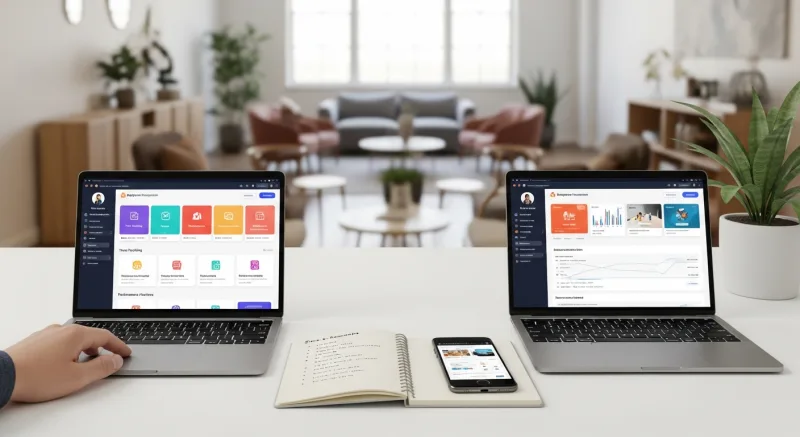
Workforce Management Feature Comparison
| Feature | KwickOS | Toast | Square | Clover |
|---|---|---|---|---|
| Fingerprint 1:N authentication | Yes | No | No | No |
| Fingerprint 1:1 authentication | Yes | No | No | No |
| Employee scheduling | Included | $50/mo add-on | $35/mo (Plus plan) | Via third-party apps |
| Real-time overtime alerts | Yes | Basic | Yes | Limited |
| Tip pool management | Included | Included | Basic | Limited |
| Commission tracking | Included | No | No | Via third-party apps |
| Real-time labor cost % | Yes | Yes | Basic | Limited |
| Multi-location hour aggregation | Yes | Yes | Yes | Limited |
The fingerprint authentication gap is the widest competitive moat in this comparison. Toast, Square, and Clover have no path to offering this feature without a fundamental hardware and software redesign. If you want biometric security, KwickOS is functionally the only mainstream option.
Security Beyond Theft: Access Control and Audit Trails
Employee theft is the most visible security concern, but access control and audit trails address a broader set of operational risks:
Role-Based Access Control
KwickOS lets you define granular permission levels by role. A cashier can process sales but cannot apply discounts over 10%. A server can access their own tables but cannot view the daily cash report. A shift manager can approve voids but cannot change menu prices. The owner can see everything.
Each permission is enforced by fingerprint. A cashier cannot escalate their own permissions by learning a manager's PIN—because there are no PINs. The manager must physically be present and scan their fingerprint to authorize restricted actions.
Complete Audit Trail
Every action in KwickOS is logged with the biometrically verified identity of the person who performed it. Voids, discounts, refunds, cash drawer opens, menu changes, price modifications, schedule edits—everything is timestamped and attributed to a specific fingerprint-verified individual.
This audit trail is invaluable for:
- Investigating discrepancies: When the cash drawer is short $47, you can see exactly who opened it, when, and what transactions occurred during each access period.
- Preventing unauthorized discounts: If a bartender is comping drinks for friends, the audit trail shows the pattern: same bartender, repeated discounts, specific time window.
- Liability protection: In the event of an employee dispute or legal claim, biometrically verified records are significantly more defensible than PIN-based logs.
Implementation: Adding Fingerprint Authentication to Your Operation
Hardware
KwickOS works with standard USB fingerprint scanners. The scanner connects to your POS terminal via USB. No additional server. No special software installation. Recommended models run $100-$200 per scanner, and you typically need one per POS station plus one for the time clock area.
Enrollment (15 Minutes for 25 Employees)
- Admin creates the employee profile in KwickOS (name, role, permissions).
- Employee places their finger on the scanner three times to register their print.
- The system stores a mathematical template of the fingerprint—not the fingerprint image itself. The template cannot be reverse-engineered into a fingerprint.
- Employee tests authentication: places finger, system identifies them by name. Done.
The entire enrollment process takes approximately 30 seconds per employee. For a team of 25, you are done in 15 minutes.
Daily Operations
Once enrolled, fingerprint authentication replaces every PIN and password interaction in KwickOS. Employees stop carrying cards. Managers stop resetting forgotten PINs. The whole operation becomes faster and more secure simultaneously—a rare combination in technology where security usually comes at the cost of convenience.
Frequently Asked Questions
Ready to Eliminate Time Theft and Secure Your Operation?
KwickOS fingerprint authentication is included free—1:N identification, role-based access control, complete audit trails. See it in action with a live demo.
Book Your Free Demo
(888) 355-6996 · 6405 Cypresswood Dr #250, Spring TX 77379
Turn One-Time Diners into Regulars: Built-In Gift Cards & Loyalty
Most POS companies treat gift cards and loyalty as afterthoughts — expensive add-ons that cost $50-100/month extra. KwickOS includes them at no additional charge because we believe they are essential revenue tools, not luxury features.
Gift Cards That Actually Drive Revenue
Here is what most restaurant owners do not realize: gift card buyers spend an average of 20-40% more than the card's face value. A $50 gift card typically generates $60-70 in actual spending. KwickOS supports both physical gift cards and electronic gift cards that customers can purchase, send, and redeem through their phones.
- Physical gift cards — branded plastic cards that sit on your counter and sell themselves during holidays
- E-gift cards — customers buy and send digitally via text or email, perfect for last-minute gifts
- Balance tracking — real-time balance across all your locations, no manual reconciliation
- Reload capability — customers top up their balance, creating a built-in prepayment habit
Loyalty Points That Keep Them Coming Back
KwickOS loyalty is not a punch card from 2005. It is a digital points system that tracks every dollar spent and automatically rewards your best customers:
- Earn points on every purchase — configurable ratio (e.g., $1 = 1 point, or $1 = 10 points)
- Tiered rewards — silver, gold, platinum levels to incentivize higher spending
- Birthday rewards — automated birthday offers that bring customers back during their special month
- Points-for-payment — customers redeem points directly at checkout, seamless for your staff
Membership Programs
For restaurants running VIP programs or subscription models (like monthly coffee clubs), KwickOS membership management handles recurring billing, exclusive pricing tiers, and member-only menu items — all within the same system your cashier already uses.
The bottom line: Toast charges $75/month extra for loyalty. Square's loyalty starts at $45/month. KwickOS includes gift cards, e-gift cards, loyalty points, and membership management in every plan. That is $540-900/year you keep in your pocket.