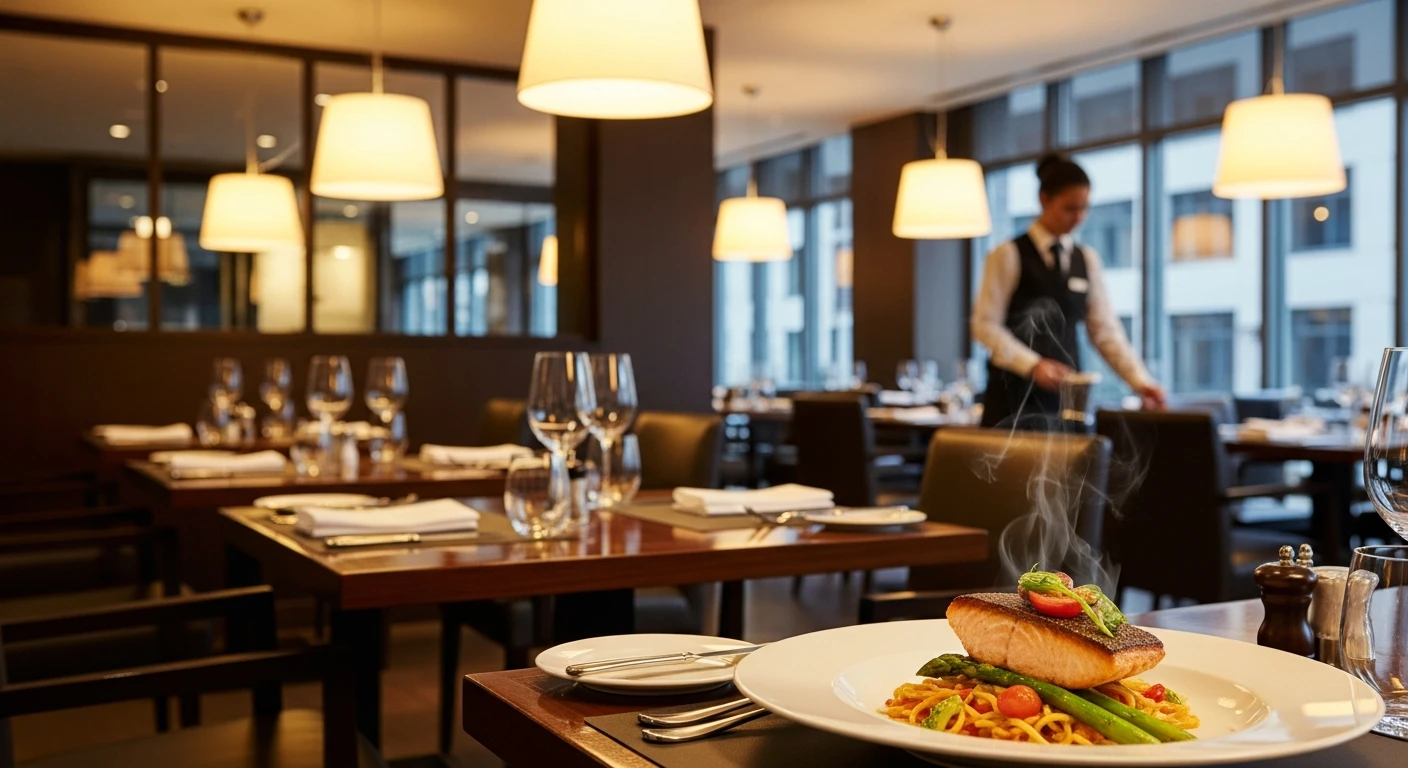
For restaurant operators, Google Business Profile for Restaurants isn't optional — it's the backbone of daily operations. You spent $40,000 renovating the dining room. You hired a chef with 15 years of experience. You agonized over the menu for three months.
And then a customer Googles "best Chinese food near me," sees your profile with two blurry photos, no menu, wrong hours, and a 3.8-star rating — and picks the restaurant below you instead.
You just lost a $47 check. And you will lose that same $47 check tomorrow, and the day after that, and every day you leave your Google Business Profile unoptimized.
Here's the thing: your Google Business Profile is the most important piece of marketing you own. Not your website. Not your Instagram. Not your Yelp page. Google. Because Google is where 73% of diners make their decision before they ever step through your door.
And that's not all: restaurants with complete, optimized Google Business Profiles get 7x more clicks than incomplete ones. They receive 520% more phone calls. They get 2,717% more direction requests.
Those are not typos. Those are the numbers Google published in their own business data reports.
This guide walks you through every optimization — from initial setup to advanced tactics — so your Google Business Profile becomes the 24/7 salesperson your restaurant deserves.
Step 1: Claim and Verify Your Profile (If You Haven't Already)
Before you can optimize anything, you need to own your listing. Go to Google Business Profile Manager and search for your restaurant. One of three things will happen:
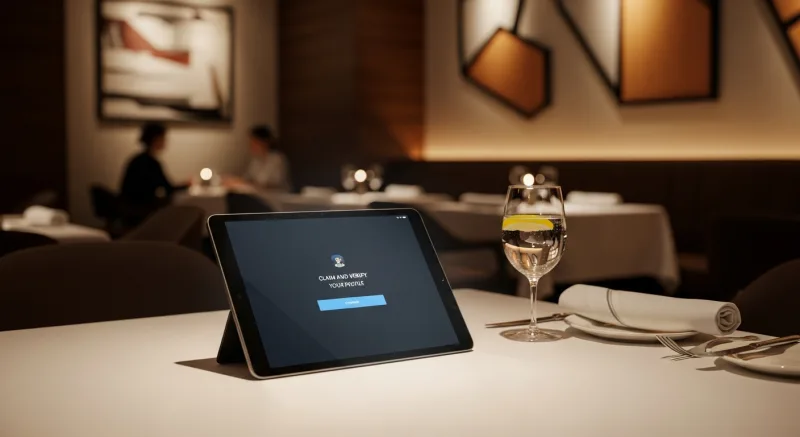
- Your restaurant appears and is unclaimed. Click "Claim this business" and follow the verification steps. Google will typically send a postcard with a PIN to your restaurant's address within 5-7 days.
- Your restaurant appears but someone else has claimed it. This happens more often than you would expect — a former employee, a marketing agency, or even a random person. Click "Request access" and Google will contact the current manager.
- Your restaurant does not appear. Click "Add your business" and create a new listing from scratch. You will still need to verify your address.
But it gets worse: until your profile is verified, you cannot respond to reviews, add photos, or post updates. Every day without verification is a day you have zero control over how your restaurant appears to the 73% of customers who check Google first.
Pro tip: Some restaurants qualify for video verification, which takes 24-48 hours instead of 5-7 days. When prompted, choose this option if available.
Step 2: Nail the Basics (They Matter More Than You Think)
Google's algorithm ranks business profiles based on three factors: relevance (how well your profile matches the search), distance (how close you are to the searcher), and prominence (how well-known and well-reviewed your business is). You cannot change your location, but you can dramatically improve relevance and prominence by getting the basics right.
Business Name
Use your exact legal business name. Do not stuff keywords like "Best Chinese Restaurant" or "Authentic Sushi." Google penalizes keyword-stuffed names and may suspend your listing. If your restaurant is called "Golden Dragon," your business name is "Golden Dragon" — not "Golden Dragon Best Chinese Food Downtown."
Categories
Choose a primary category that most accurately describes your business (e.g., "Chinese Restaurant," "Sushi Restaurant," "Pizza Restaurant"). Then add up to 9 secondary categories for services you offer: "Delivery Restaurant," "Catering," "Takeout Restaurant," "Asian Restaurant."
Here's the thing: your primary category is the single most important ranking factor you control. A restaurant categorized as "Chinese Restaurant" will appear in "Chinese food near me" searches. One categorized generically as "Restaurant" will not.
Hours
List your regular hours and update them for every holiday. Google tracks when businesses are actually open (through location data from Android phones) and will flag your listing if your posted hours do not match reality. Inaccurate hours are the number one reason customers leave 1-star reviews that say "showed up and they were closed."
Phone Number and Website
Use a local phone number, not a toll-free number. Google gives ranking preference to local numbers because they confirm your geographic location. Link to your website and, if you offer online ordering, add your ordering URL separately in the "Order" link section.
If your POS system supports online ordering, link directly to your ordering page rather than a third-party like DoorDash. Every order through your own system saves you the 15-25% commission that delivery apps charge.
Description
You get 750 characters. Use them wisely. Lead with what makes you different, include your cuisine type naturally, mention signature dishes, and end with a call to action. Do not write "We are a family-owned restaurant serving delicious food." That describes every restaurant in America.
Instead: "Golden Dragon has served authentic Cantonese and Szechuan cuisine in downtown Austin since 2003. Known for hand-pulled noodles, whole steamed fish, and dim sum brunch on weekends. Dine-in, takeout, and delivery available. Private dining room seats 40 for events."
Step 3: Photos — The Silent Conversion Machine
This is where most restaurants leave the biggest opportunity on the table. And that's not all — it is also the easiest fix.
Restaurants with more than 100 photos on their Google Business Profile get 520% more calls than the average business listing. Not 52%. Not 520 more calls. 520% more calls.
Why? Because photos answer the two questions every diner has before they visit a new restaurant: "Does the food look good?" and "Is this a place I want to spend an hour?"
What to Photograph
- Food (60% of your photos): Every signature dish, seasonal specials, desserts, drinks. Shoot in natural light. Overhead and 45-degree angles work best. Show the food on the plate as it is actually served — not on a bare table in the kitchen.
- Interior (20%): The dining room from multiple angles, bar area, private dining room, unique decor. Show the atmosphere — dim lighting for a date-night spot, bright and open for a family restaurant.
- Exterior (10%): The storefront during the day and at night (if you have signage that lights up), the patio, parking lot, and entrance. Customers use exterior photos to recognize your building when they arrive.
- Team (10%): The chef in the kitchen, servers interacting with guests, the owner. People connect with faces. A restaurant with team photos feels welcoming; one without feels corporate.
Photo Quality Rules
You do not need a professional photographer, but you do need these minimums: natural lighting (no flash), clean backgrounds (no clutter on the table), food that is freshly plated (not sitting for 20 minutes), and a resolution of at least 720px on the short side. A modern smartphone in good lighting beats a professional camera in bad lighting every time.
If you use a POS system with integrated photo capabilities — like KwickPhoto for menu photography — you can automatically sync professional-quality food images across your Google profile, online menu, and digital signage.
The 3-Per-Week Rule
Google's algorithm rewards freshness. Upload at least 3 new photos per week. This signals to Google that your business is active and engaged, which improves your ranking in local search results. Set a calendar reminder for your manager to photograph the day's specials every Monday, Wednesday, and Friday.
Step 4: Reviews — The Make-or-Break Factor
A Harvard Business School study found that a one-star increase in Yelp rating leads to a 5-9% increase in revenue. Google reviews carry even more weight because Google is where the majority of diners search.
But it gets worse: a single 1-star review costs the average restaurant approximately 30 customers. At a $35 average check, that is $1,050 in lost revenue from one bad review.
How to Get More Reviews (Without Being Annoying)
- Print a QR code on the receipt. Link it directly to your Google review page. The URL format is:
search.google.com/local/writereview?placeid=YOUR_PLACE_ID. If your POS system supports receipt customization, add the QR code automatically to every check. - Ask at the right moment. The best time to ask for a review is when the customer compliments the meal — not when they are paying the bill. Train servers to say: "That means a lot to us. If you have 30 seconds, a Google review really helps small businesses like ours."
- Table tent cards. A small card on every table that says "Enjoying your meal? Tell Google!" with a QR code. Simple, passive, and effective.
- Follow up digitally. If you collect email addresses through your loyalty program or email marketing system, send a thank-you email 2 hours after their visit with a direct link to leave a review.
How to Respond to Reviews (All of Them)
Responding to reviews is not optional. Businesses that respond to reviews earn 35% more revenue than those that do not. Google also factors review responses into your ranking — it is a direct signal that your business is engaged.
For positive reviews: Thank them by name, mention something specific they referenced, and invite them back. "Thanks, Sarah! Glad you loved the lobster roll — Chef Mike will be thrilled. Hope to see you again for our new weekend brunch menu."
For negative reviews: Acknowledge, do not argue, and move it offline. "Hi David, I'm sorry your experience didn't meet expectations. That's not the standard we hold ourselves to. I'd like to make this right — could you email me at manager@goldendragon.com so we can discuss?"
Here's the thing: potential customers do not read 1-star reviews to decide if your food is bad. They read your response to decide if you care. A thoughtful reply to a negative review is more persuasive than a dozen 5-star reviews.
Step 5: Google Posts — Your Free Weekly Billboard
Google Posts are short updates that appear directly in your Business Profile when customers search for your restaurant. Think of them as mini advertisements that cost nothing.
Restaurants that post weekly see 7x more profile views than those that don't post at all. Posts expire after 7 days, so you need a weekly rhythm.
What to Post
- Weekly specials: "This Week: Lobster Thermidor — $28. Available through Sunday." Include a photo.
- Events: "Live Jazz Every Friday 7-10pm. No cover charge. Reserve your table." Include a booking link.
- New menu items: "Just added: house-made tiramisu with espresso from local roaster." Photo required.
- Behind-the-scenes: "Chef Mike prepping 200 dumplings for tonight's dim sum service." These humanize your restaurant.
- Offers: "Mention this post for a free appetizer with any entree purchase. Valid this week only."
And that's not all: every post includes a call-to-action button — "Order Online," "Call Now," "Learn More," or "Reserve." Use it. A post without a CTA is a billboard without a phone number.
If you manage multiple locations — like T. Jin China Diner across their 15 stores — posting consistently across every profile becomes a management challenge. A centralized platform that lets you manage content across all locations from one dashboard saves hours per week. This is one area where your multi-location management system matters as much as your marketing strategy.
Step 6: Menu Upload — The 35% Click Boost
Restaurants with complete menus on their Google Business Profile receive 35% more clicks to their website than those without menus.
Google offers two ways to add your menu:
- Structured menu: You enter each menu item with a name, description, and price directly into Google Business Profile. This is the preferred method because Google can index individual dishes and show them in search results. When someone searches "lobster roll near me," your menu item can appear.
- Menu URL: You link to a menu page on your website. This is easier to maintain but less powerful for search because Google cannot parse items from a PDF or image.
The ideal approach is both: a structured menu in Google for search visibility and a link to your online ordering page for conversion. If your POS system integrates with online ordering, link the "Order" button directly to your ordering page — not to DoorDash or UberEats, where you lose 15-25% in commission fees.
Tiger Sugar, a bubble tea chain with 2 stores, uses self-ordering kiosks synced with their online menu. When they update a topping or adjust a price, the change reflects everywhere — their kiosks, their website, and their Google menu. That kind of sync eliminates the "we don't have that anymore" conversation that kills customer trust.
Step 7: Q&A — Control the Conversation
Google Business Profile has a Questions & Answers section that anyone can ask — and anyone can answer. If you are not monitoring this section, random customers (or worse, competitors) are answering questions about your restaurant.
Here's the thing: you can ask and answer your own questions. This is not gaming the system — Google encourages it. Seed your Q&A with the 5-10 questions your host stand gets asked most often:
- "Do you take reservations?" → "Yes! You can reserve a table through our website or by calling (555) 123-4567."
- "Is there parking?" → "We have a free parking lot behind the building with 30 spaces. Street parking is also available."
- "Do you have a private dining room?" → "Yes, our private dining room seats up to 40 guests. Email events@goldendragon.com for availability."
- "Are you halal/kosher/gluten-free friendly?" → Answer honestly and specifically.
- "Do you deliver?" → "Yes! Order directly through our website at goldendragon.com/order for the best prices, or through DoorDash and UberEats."
Check your Q&A section weekly. Upvote your own answers so they appear first. Flag any answers from non-business sources that are inaccurate.
Step 8: Attributes and Services — The Details That Win Searches
Google Business Profile lets you add dozens of attributes that help customers filter results: outdoor seating, wheelchair accessible, Wi-Fi available, accepts reservations, good for groups, LGBTQ+ friendly, takeout available, delivery available, curbside pickup.
Fill in every applicable attribute. These are not just informational — they are search filters. When a customer searches "restaurants with outdoor seating near me," only restaurants with that attribute checked will appear. Every unchecked attribute is a search you are invisible in.
The same applies to service attributes. If you offer catering, mark it. If you have a happy hour, mark it. If you serve breakfast, mark it and add your breakfast hours separately.
Step 9: Booking and Ordering Links — Close the Loop
Google allows you to add direct links for reservations and online ordering that appear as prominent buttons on your profile. These buttons get massive click-through rates because they catch customers at the exact moment of intent.
For reservations, link to your own booking system if you have one. Third-party platforms like OpenTable charge $1-$2.50 per cover — on a busy weekend, that is $200+ in fees for reservations you could have taken for free through your own system.
For ordering, link directly to your restaurant's ordering page. Crafty Crab Seafood, with 19 locations and 152 terminals, processes online orders directly through their POS system — bypassing third-party delivery commissions entirely. When a customer clicks "Order" on their Google profile, they land on Crafty Crab's own ordering page, not a 25%-commission marketplace.
With KwickOS and KwickDriver, restaurants pay a flat $2 + $6.99 per 5 miles for delivery instead of the 15-25% commission that DoorDash and UberEats charge. On a $50 order, that is $8.99 versus $12.50 — a savings of $3.51 per delivery that goes straight to your bottom line.
Step 10: Track Performance and Iterate
Google Business Profile includes a built-in analytics dashboard called "Performance" (formerly "Insights"). Check it monthly to understand how customers find and interact with your listing.
Key Metrics to Track
- Search queries: What terms are customers using to find you? This tells you which categories and keywords matter most.
- Profile views: How many people see your listing in search results and maps? A sudden drop means a competitor outranked you or Google changed its algorithm.
- Actions: How many people clicked to call, get directions, visit your website, or place an order? This is the conversion metric that matters most.
- Photo views: How do your photo views compare to similar restaurants? If you are below average, upload more and better photos.
Cross-reference these metrics with your POS data. If Google shows 200 direction requests in a month and your POS analytics show 180 new first-time customers, you know Google is driving real foot traffic — not just clicks.
The Common Mistakes That Kill Your Ranking
Even restaurants that set up their profile correctly make these ongoing mistakes that erode their ranking over time:
- Inconsistent NAP (Name, Address, Phone): If your name is "Golden Dragon Restaurant" on Google but "Golden Dragon Chinese Food" on Yelp and "Golden Dragon" on your website, Google loses confidence in your listing. Your NAP must be identical everywhere — every directory, every social profile, every website mention.
- Ignoring reviews for weeks: Responding within 24 hours signals engagement. Responding after 2 weeks signals neglect.
- No new photos for months: Google interprets stale photos as a stale business. Keep uploading weekly.
- Wrong holiday hours: Nothing generates 1-star reviews faster than a customer driving 20 minutes to find your restaurant closed on a holiday you forgot to update.
- Duplicate listings: If Google has created a second listing for your business (common after a name or address change), it splits your reviews and confuses the algorithm. Merge or remove duplicates immediately.
The Bottom Line
Your Google Business Profile is not a set-it-and-forget-it marketing asset. It is a living, breathing representation of your restaurant that 73% of potential customers will judge you by — often before they ever see your food, meet your staff, or walk through your door.
The restaurants that treat their Google profile like a primary marketing channel — updating it weekly, responding to every review, uploading fresh photos, posting specials — consistently outperform their competitors in local search. And in a business where a single percentage point of increased foot traffic can mean tens of thousands in annual revenue, that visibility advantage compounds.
You are already paying for the food, the staff, the rent, and the technology. Make sure the 73% of customers who check Google before visiting can actually see what you have built.
Turn Google Searches Into Orders
KwickOS integrates online ordering, menu management, and customer data — so when a diner clicks "Order" on your Google profile, they land on your system, not a 25%-commission marketplace.
Get a Demo