The market for POS Integrations has shifted dramatically — here's what that means for your bottom line. You close at 11 PM. You sit down to reconcile the day. DoorDash says you did $1,847 in delivery sales. Your POS says $1,614. QuickBooks shows $1,723. Your scheduling app billed you for 47 labor hours, but your POS clocked 52.
Three systems. Three different numbers. And now you're spending 45 minutes figuring out which one is right instead of going home.
Here's the thing: this isn't a data problem. It's an integration problem. When your tools don't talk to each other — or talk badly — every number in your business becomes a question mark. And question marks cost money. The National Restaurant Association estimates that data discrepancies from disconnected systems cost the average restaurant $5,000 to $12,000 per year in manual reconciliation time, missed orders, accounting errors, and inventory shrinkage.
But it gets worse: the more tools you bolt onto your POS, the more monthly fees you pay, the more logins your managers juggle, and the more points of failure you introduce. A single broken integration — DoorDash orders not reaching the kitchen, for example — can cost you hundreds of dollars in a single lunch rush.
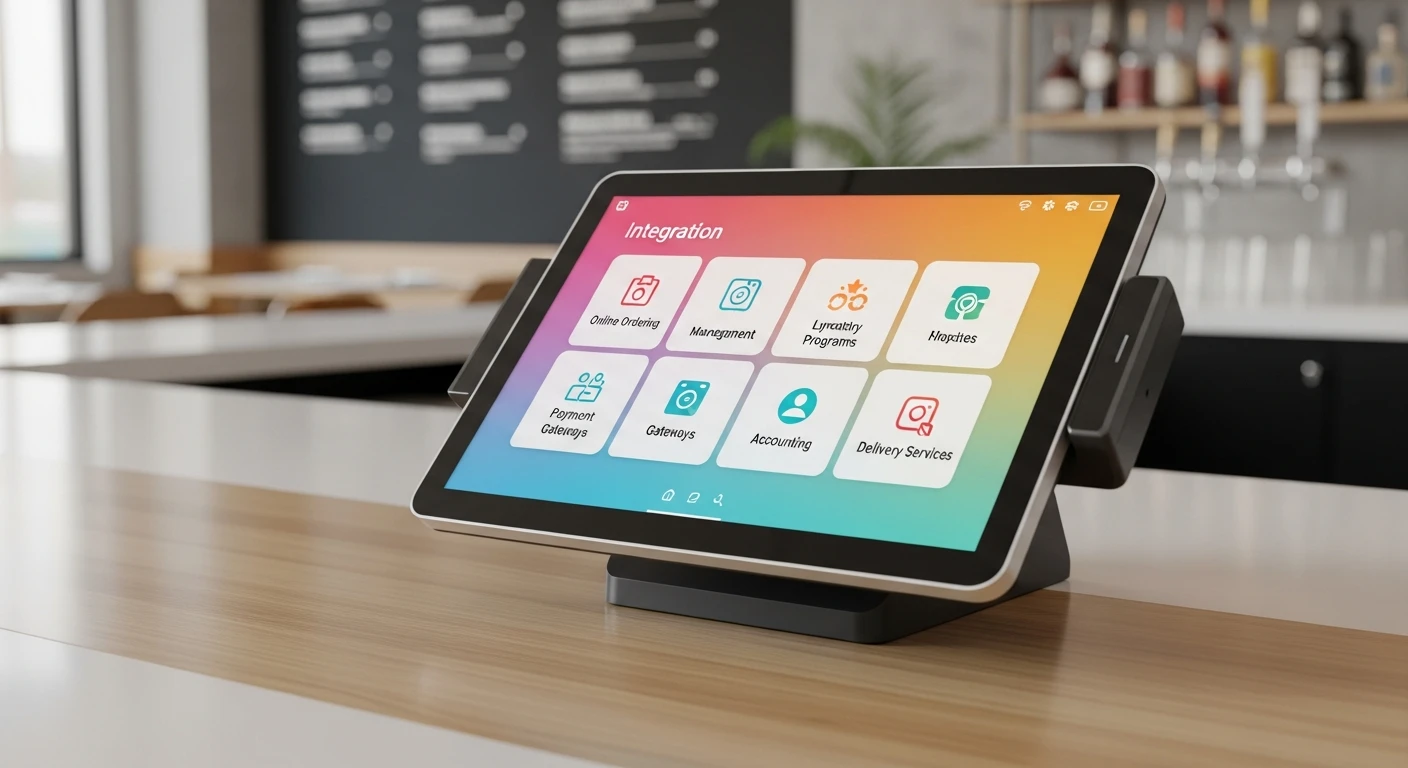
This guide breaks down the 11 integrations your POS system needs, ranks them by impact, shows you what each one should cost, and — most importantly — explains why the smartest restaurants are moving away from the integration patchwork entirely.
The Real Cost of Running Disconnected Systems
Before we get into the specific integrations, let's talk about what you're actually paying for a disconnected tech stack. Most restaurant owners think about software cost as the subscription fee. That's the visible cost. The invisible cost is much larger.
| Hidden Cost | Monthly Impact | Annual Impact |
|---|---|---|
| Manager time reconciling data across systems | 8-12 hours | $4,800-$7,200 |
| Missed or double-entered delivery orders | $200-$500 | $2,400-$6,000 |
| Inventory errors from manual counting | $300-$800 | $3,600-$9,600 |
| Payroll overpayment from time clock discrepancies | $150-$400 | $1,800-$4,800 |
| Third-party integration subscription fees (5-6 tools) | $400-$900 | $4,800-$10,800 |
| Total | $1,058-$2,612 | $17,400-$38,400 |
That's the range. A single-location restaurant doing $800K in annual revenue is spending 2-5% of gross revenue just to keep its software talking. And that's not all: these numbers don't account for the stress, the late nights, or the decisions you make based on bad data.
The 11 Integrations Every Restaurant POS Needs (Ranked by Impact)
Not all integrations are created equal. Here's every connection your POS should support, ranked by how much time and money each one saves.
1. Payment Processing
Annual impact: $3,000-$8,000 in savings
This is the most expensive integration decision you'll make — and most restaurant owners don't realize it's an integration at all. Your POS and your payment processor need to communicate seamlessly. But here's where it gets critical: many POS systems force you to use their proprietary processor, which means you can't shop for rates.
Toast locks you into Toast Payments at 2.99% + $0.15 per transaction. Square locks you into Square Payments at 2.6% + $0.10. You can't negotiate. You can't switch. You're paying whatever they decide to charge.
A processor-agnostic POS lets you connect any payment processor and negotiate interchange-plus rates. For a restaurant doing $40,000/month in card sales, the difference between a locked flat rate and a negotiated interchange-plus rate is $3,000 to $5,000 per year. Over a typical 3-year contract period, that's $9,000 to $15,000. Read our complete guide to processing fees for the detailed math.
2. Accounting (QuickBooks, Xero, Sage)
Time saved: 4-6 hours per week
If you or your manager are manually entering daily sales totals into QuickBooks, you are burning $200-$400/month in labor on a task that should be automatic. A proper accounting integration pushes daily sales summaries, tax collected, tips, discounts, and voids directly into your accounting software — categorized, reconciled, and ready for your accountant.
Here's the thing: a bad accounting integration is almost worse than no integration. If it only syncs total sales without breaking out tax, tips, comps, and voids, your bookkeeper still has to manually adjust every entry. Make sure the integration supports line-item detail, not just daily totals.
3. Online Ordering & Delivery Platforms
Error reduction: 85-95% fewer missed orders
Running a tablet farm — one for DoorDash, one for UberEats, one for Grubhub, plus your own online ordering — is the most common operational nightmare in restaurants today. Each tablet has its own notification sound. Each order needs to be manually re-entered into the POS. Each re-entry is a chance for error.
A proper delivery integration funnels all third-party orders directly into your POS and kitchen display system. No re-entry. No missed orders. No ticket confusion. Crafty Crab Seafood runs 19 locations with 152 terminals on KwickOS, and their delivery orders flow directly into the same kitchen queue as dine-in orders — one screen, one workflow, zero re-entry.
But it gets worse: third-party delivery commissions are eating 15-25% of every order. That's why more restaurants are building their own delivery channel. KwickDriver charges a flat $2 + $6.99 per delivery instead of a percentage — on a $50 order, that's $8.99 vs. $12.50 from DoorDash. Over 200 deliveries per month, you keep an extra $702.
4. Kitchen Display System (KDS)
Speed improvement: 2-4 minutes faster per order
A kitchen display system replaces paper tickets with screens that show orders in real time, organized by station, timed for accuracy, and color-coded for urgency. This isn't optional anymore — it's the difference between a kitchen that runs and a kitchen that scrambles.
The integration matters because the KDS needs to know more than just what was ordered. It needs modifiers, allergies, coursing, seat numbers, and prep routing. Shogun Japanese Hibachi customized their KDS to display hibachi orders by station, showing each grill chef exactly what's coming in the sequence they need to prepare it. New staff could read the screen and start producing food within 5 minutes of training.
When your KDS is built into the POS rather than bolted on, this level of customization is possible. When it's a third-party integration, you get generic ticket display.
5. Inventory Management
Food waste reduction: 2-5% of food costs
Every item sold should automatically deduct ingredients from inventory. A burger sale removes one bun, one patty, two slices of tomato, one ounce of lettuce. When this works, you know your theoretical food cost in real time. When it doesn't, you find out you're out of salmon at 7 PM on a Friday.
The challenge with third-party inventory integrations is recipe mapping. Your POS knows you sold a "Surf & Turf." Your inventory app needs to know that means 8oz ribeye + 6oz lobster tail + 2oz butter + sides. If the recipe mapping breaks — and it does, especially when you change menus — your inventory data becomes fiction.
T. Jin China Diner manages inventory across 15 locations and 75 terminals from a single dashboard. Because inventory is native to KwickOS, menu changes automatically update recipe mappings across every store — no re-syncing, no broken connections. That's 15 stores where a manager doesn't have to verify inventory data after every menu update.
6. Employee Scheduling
Time saved: 3-5 hours per week on scheduling
Scheduling needs sales data to be smart. You need to know that Tuesdays average $2,800 in revenue and Saturdays average $6,400 before you can staff appropriately. When your scheduling tool is connected to your POS, it can forecast labor needs based on historical sales patterns, flag overstaffing, and alert you when labor cost is trending above your target percentage.
Without this connection, you're scheduling from memory and gut feel. That costs you — either in overstaffing on slow days or understaffing on busy ones. Both are expensive.
7. Payroll
Time saved: 6 hours per week (this is the one)
And that's not all — payroll integration doesn't just save time. It prevents the errors that cause real damage. When your POS tracks clock-in/clock-out times, break compliance, overtime, and tip reporting, and feeds all of that directly to payroll, you eliminate the manual entry that leads to overpayment, underpayment, and Department of Labor complaints.
A restaurant with 25 employees processing payroll manually spends 6+ hours per pay period verifying time cards, calculating tip credits, checking overtime, and entering data into the payroll system. At manager pay rates, that's $150-$250 per pay period — or $3,900-$6,500 per year in labor just to run payroll.
Diva Nail Beauty automated their commission calculations across 4 stores through KwickOS, and reported a 90% increase in operational efficiency. Their previous process involved hand-calculating technician commissions from paper receipts — hours of work that now happens automatically.
8. Customer Loyalty & CRM
Revenue increase: 15-25% from repeat customer spend
A loyalty program that isn't connected to your POS is a punch card with extra steps. The power of digital loyalty is that it tracks spending automatically, segments customers by behavior, and triggers personalized offers without manager intervention.
Tiger Sugar runs loyalty through their KwickOS self-ordering kiosks. When a customer walks up, the kiosk recognizes their phone number, shows their points balance, and suggests their usual order with a one-tap reorder. Minimal steps, maximum personalization. That's only possible when loyalty is woven into the ordering system, not bolted onto it.
Disconnected loyalty programs can't do this. They require the customer to scan a separate app, the cashier to apply a separate discount, and the manager to reconcile separate reports. Every friction point costs you enrollment and repeat visits.
9. Reporting & Analytics
Decision speed: from weekly reports to real-time dashboards
Here's the thing: reporting is only as good as the data feeding it. When your POS, inventory, labor, and accounting data live in separate systems, building a complete picture of your business requires exporting CSVs, opening spreadsheets, and manually combining data. By the time you've built the report, the information is 3 days old.
An integrated reporting system shows you the KPIs that matter — sales per labor hour, food cost percentage, RevPASH, customer acquisition cost — in real time. T. Jin China Diner monitors all 15 locations from a single dashboard, spotting underperformance before it becomes a trend.
10. Digital Signage & Menu Boards
Upsell impact: 8-12% increase in average check
When your menu boards are connected to your POS, you can do things that printed menus can't: automatically hide items that are 86'd, promote high-margin items during slow periods, change prices for happy hour without manager intervention, and display different menus for breakfast, lunch, and dinner automatically.
This integration is particularly powerful for multi-location operators. Crafty Crab Seafood pushes menu updates to all 19 locations simultaneously through KwickOS — one click updates every menu board, every kiosk, and every online ordering page. Without this integration, a menu change means calling 19 stores and hoping every manager remembers to update every screen.
11. Self-Ordering Kiosks
Average check increase: 15-30%
Kiosks need to do more than display a menu. They need real-time inventory awareness (so customers don't order items that are out of stock), loyalty integration (so points apply automatically), payment processing (so transactions clear instantly), and KDS integration (so orders appear in the kitchen immediately).
That's four integrations inside one integration. And if any one of them breaks, the kiosk becomes a liability instead of an asset. Rockin' Rolls Sushi Express runs 49 iPad self-ordering stations across 3 locations — every kiosk order flows directly to the KDS, deducts inventory, applies loyalty points, and processes payment. That's only possible because every component is part of the same platform.
Baked Cravings took this further, deploying a self-serve kiosk at Lego Land for 24-hour retail sales. When the kiosk, payment terminal, and inventory system are one platform, unattended retail becomes viable. When they're separate systems, a single integration failure means a dead kiosk and lost sales.
The Integration Tax: What You're Really Paying
Let's add up what a typical restaurant pays monthly for a patchwork of third-party tools integrated with a basic POS:
| Tool | Popular Option | Monthly Cost |
|---|---|---|
| POS system | Toast Starter | $0 (locked processing) |
| Delivery aggregator | Otter / Chowly | $100-$300 |
| Inventory management | MarketMan / BlueCart | $150-$300 |
| Employee scheduling | 7shifts / HotSchedules | $70-$150 |
| Loyalty program | FiveStars / Thanx | $100-$250 |
| Accounting sync | Shogo / custom | $50-$100 |
| Digital signage | Menuboard Manager | $50-$100 |
| Total third-party fees | $520-$1,200/month |
That's $6,240 to $14,400 per year in subscription fees alone — before you count the manager hours spent maintaining these connections, troubleshooting failures, and reconciling conflicting data.
And that's not all: each of these tools requires a separate login, a separate support line, and a separate contract. When integration #4 breaks at 6 PM on a Friday, you're on hold with two vendors, each blaming the other, while your kitchen misses DoorDash orders.
The All-in-One Alternative: Why It's Winning
There's a reason multi-location operators are moving to all-in-one platforms. When POS, KDS, inventory, scheduling, loyalty, delivery, kiosks, digital signage, and analytics are built as one system, you eliminate:
- Integration maintenance — no APIs to monitor, no sync failures to troubleshoot
- Data reconciliation — one database, one source of truth
- Subscription stacking — one platform fee instead of 6-8 separate tools
- Vendor finger-pointing — one support team that owns the entire stack
- Training complexity — one interface for staff to learn
KwickOS was built from the ground up as an operating system, not a POS with add-ons. Every module — from kitchen display to online ordering to self-ordering kiosks — runs on the same local+cloud hybrid architecture with 1ms local latency and full offline capability. That means when your internet drops, your entire system keeps running — not just the POS, but inventory tracking, KDS routing, kiosk ordering, and loyalty points.
Compare that to a patchwork where every cloud-based integration goes down the moment your Wi-Fi hiccups.
When You Still Need Third-Party Integrations
No platform does everything. Even on an all-in-one system, there are cases where third-party integrations make sense:
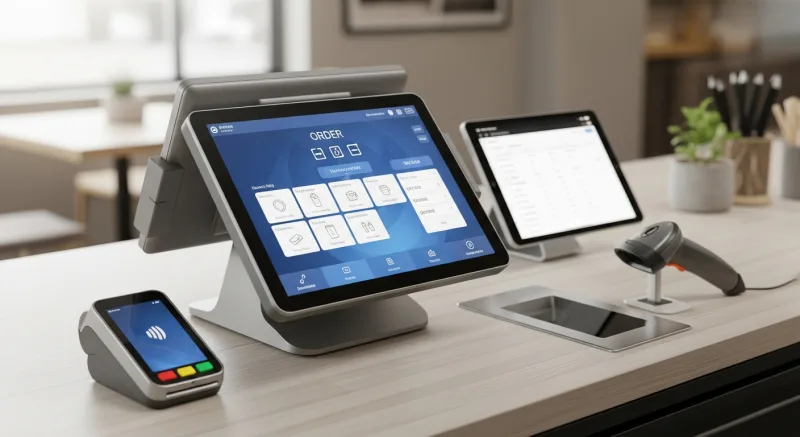
- Accounting software — QuickBooks and Xero are too entrenched to replace. You need this integration, but the sync should be automatic and detailed.
- Payroll providers — ADP, Gusto, and Paychex handle tax compliance at scale. Your POS should export time and tip data directly to your payroll provider.
- Third-party delivery apps — DoorDash and UberEats still drive discovery. The integration should bring their orders into your existing kitchen workflow, not create a separate one.
- Specialized industry tools — Reservation systems (OpenTable, Resy) for fine dining, catering management for events-heavy restaurants, or review management platforms.
The difference is going from 8-10 integrations down to 2-3. That's manageable. That's maintainable. That's affordable.
How to Evaluate POS Integration Quality
Not all integrations are built the same. Before you sign with any POS vendor, ask these five questions about every integration they claim to support:
- Is it native or third-party? Native integrations (built by the POS company) are more reliable. Third-party middleware adds another point of failure and another monthly fee.
- Is it real-time or batch? Real-time integrations update instantly. Batch integrations sync once per day or per hour. For delivery orders and inventory, you need real-time. For accounting, daily batch is acceptable.
- What data flows through? A "QuickBooks integration" that only sends daily totals is nearly useless. You need itemized sales, tax breakdown, tips, voids, comps, and category-level detail.
- What happens when it breaks? Ask who is responsible for fixing a broken integration. If the answer is "contact the third-party vendor," you'll spend days bouncing between support teams.
- What does it cost? Some POS vendors charge extra for integrations that should be included. Toast charges additional fees for many of its integrations on top of the base subscription. Compare total cost of ownership across all your required connections, not just the POS software fee. Use our POS cost calculator to see the real numbers.
The Bottom Line
Your restaurant is only as efficient as the weakest connection between your tools. Every manual data entry is an error waiting to happen. Every disconnected system is a reconciliation headache at the end of the month. Every third-party integration is a monthly fee and a potential point of failure.
The restaurants winning in 2026 aren't the ones with the most integrations. They're the ones that need the fewest — because their core platform already does what 6-8 separate tools used to do.
Haidilao didn't scale to 600+ locations worldwide by duct-taping 11 separate software tools together. Multi-location operators choose platforms that consolidate, not platforms that require an ever-growing list of integrations to function.
Whether you're a single-location owner tired of the reconciliation dance, or a multi-location operator looking to simplify your tech stack, the question isn't "which integrations do I need?" The better question is: "How many of these integrations can I eliminate by choosing the right platform?"
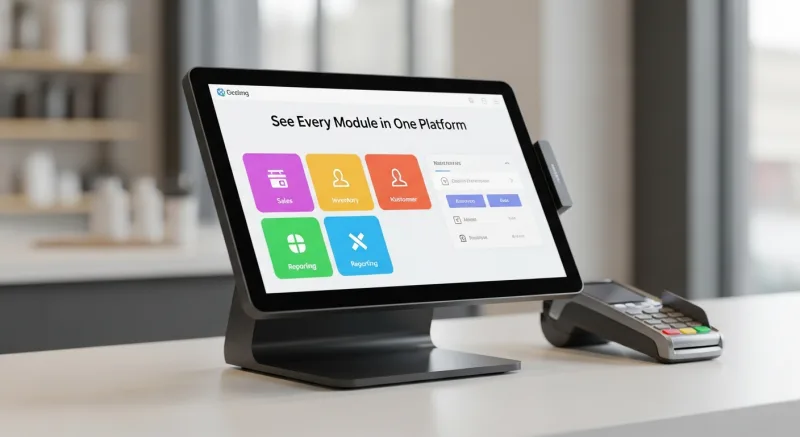
See Every Module in One Platform
KwickOS replaces 6-8 separate tools with one all-in-one operating system. POS, KDS, kiosks, loyalty, delivery, inventory, signage — all built in. Compare it against your current stack.
Compare POS Systems