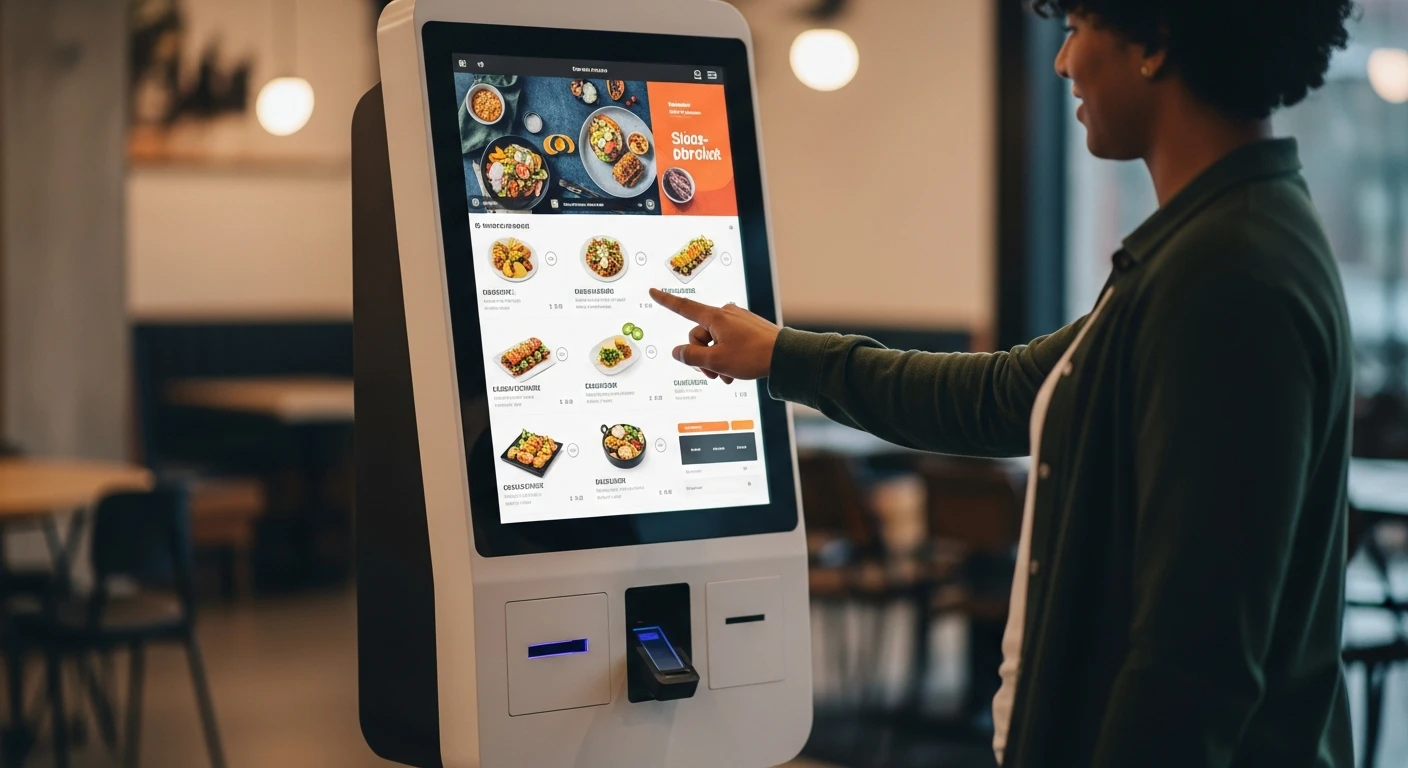
In 2015, McDonald's began installing self-ordering kiosks in its U.S. restaurants. By 2020, nearly all 14,000 domestic locations had them. The reason was not ambiance or novelty. It was a data point that McDonald's had observed in its European stores for years: customers ordering through kiosks spent an average of 20% to 30% more per transaction than customers ordering at the counter. For a company processing billions of transactions, that percentage translated into billions of additional dollars.
McDonald's was not alone in this discovery. Panera Bread reported that kiosk orders averaged 15% to 20% higher than counter orders. Taco Bell's app and kiosk orders were 20% larger. Shake Shack saw similar lifts. The pattern was consistent across brands, dayparts, and demographics: when customers order from a screen, they order more.
The question for independent restaurant owners and small chains is no longer whether kiosks work. The data from a decade of large-scale deployment is conclusive. The question is whether the economics work for a restaurant that is not McDonald's — whether a two-location sushi concept or a single-unit fast-casual restaurant can deploy kiosks and see a meaningful return.
The answer, increasingly, is yes. And the math is more compelling than most operators expect.
Why Customers Spend More at Kiosks
The 20-30% increase in average ticket size from kiosk ordering is not a mystery. It is the predictable result of removing social friction from the ordering process and replacing it with consistent, well-designed prompts.
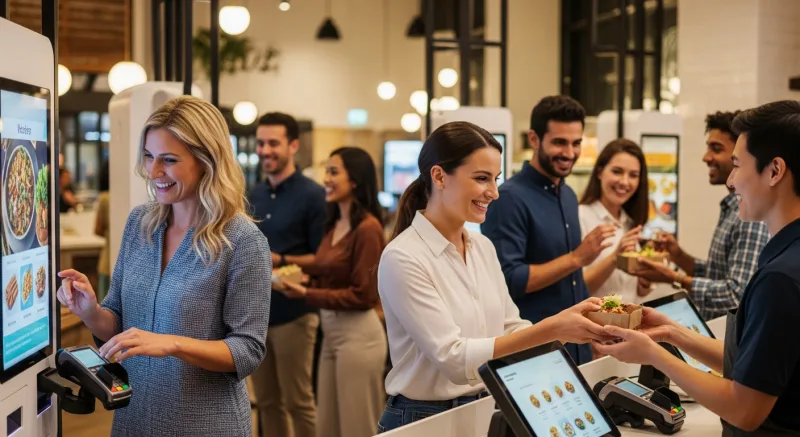
When a customer orders at the counter, several psychological forces work against a larger ticket:
- Time pressure. There are people in line behind them. The cashier is waiting. The customer orders quickly, skipping items they might have considered with more time.
- Social judgment. A surprising number of customers scale down their order because they feel self-conscious about ordering "too much" in front of another person. Research from Cornell's Food and Brand Lab has documented this effect extensively.
- Inconsistent upselling. Even well-trained cashiers forget to ask "Would you like to add a drink?" or "Want to make that a large?" during a rush. They are human. Their upselling rate drops as fatigue increases and the line grows.
- Menu familiarity. Counter customers tend to order what they know. They glance at the menu board, pick a familiar item, and move on. They do not browse. They do not discover new items. They do not see that you just added a seasonal special.
A kiosk eliminates every one of these frictions:
- No time pressure. The customer can browse the entire menu at their own pace. They discover items they did not know you offered. They read descriptions. They look at photos.
- No social friction. Ordering from a screen is private. Nobody is watching. Nobody is judging. The customer adds the extra side, the premium topping, the dessert they would not have asked a human for.
- 100% consistent upselling. Every single order gets prompted for add-ons, upgrades, and sides. Not 60% of the time during the lunch rush — 100% of the time, every time. "Add guacamole for $2.50?" appears on every burrito order without fail.
- Visual menu browsing. Photos sell. A customer who sees a high-quality image of your loaded nachos alongside their burrito order is far more likely to add it than a customer who does not even know you serve nachos.
Consistent across McDonald's, Panera, Taco Bell, and independent operators. The increase comes from more items per order (add-ons, sides, drinks) and larger item sizes (upgrades), not from higher prices.
The Labor Equation
Revenue increase is only half the kiosk story. The other half is labor efficiency.
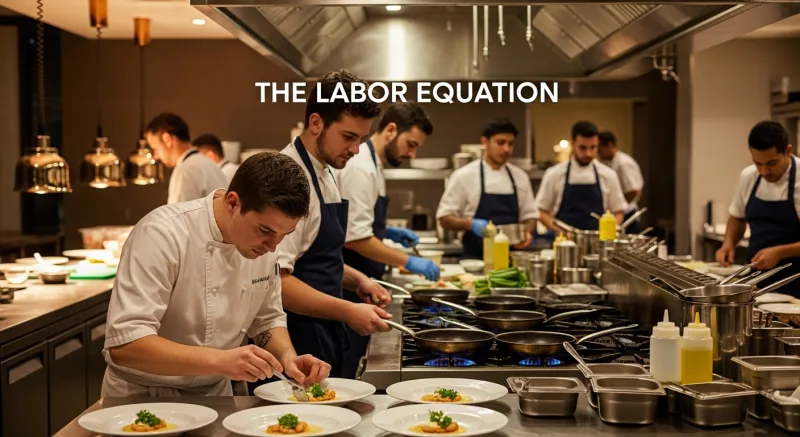
A counter cashier at a fast-casual restaurant handles one customer at a time. During a peak lunch rush, a single cashier processes approximately 30 to 40 transactions per hour. If you need to handle 80 customers between 11:30 AM and 1:00 PM, you need two cashiers at the counter for the entire 90-minute rush — plus a third during the absolute peak.
Three kiosks can absorb 80 to 100 orders in that same 90-minute window. Customers are ordering simultaneously on all three devices, with no wait time, no small talk, and no counting change. The kiosks do not need breaks, do not call in sick, and do not require payroll taxes.
This does not mean kiosks eliminate staff. It means they redeploy staff. The cashiers who were standing behind a counter taking orders can now be on the floor — running food, busing tables, greeting customers, answering questions, and providing the kind of human hospitality that actually builds loyalty. The kiosk handles the transactional part of ordering. The humans handle the experiential part of dining.
The labor savings are real and calculable:
| Scenario | Without Kiosks | With Kiosks |
|---|---|---|
| Cashier positions needed (peak) | 2-3 | 0-1 (for customers who prefer human ordering) |
| Cashier labor cost (peak hours) | $45-$67/hour (2-3 staff @ $15-$22/hr) | $0-$22/hour |
| Daily labor savings (4 peak hours) | -- | $90-$180 |
| Annual labor savings (365 days) | -- | $32,850-$65,700 |
| Order accuracy | 90-95% (human entry errors) | 99%+ (customer enters directly) |
The order accuracy row deserves attention. When a customer selects their own modifications on a touchscreen, there is no misheard order, no forgotten modifier, no "I said no onions." The customer confirms their order before submitting. The result is fewer remakes, fewer comps, and fewer angry customers — savings that are harder to quantify but very real.
What Kiosks Actually Cost
The hardware cost of self-ordering kiosks has dropped dramatically over the past five years. The days of $5,000-per-unit proprietary kiosk hardware are largely over. Here is what a typical deployment looks like in 2026:
| Component | Budget Option | Premium Option |
|---|---|---|
| Tablet (iPad or Android) | $330-$500 | $800-$1,100 |
| Kiosk stand/enclosure | $150-$300 | $500-$1,200 |
| Payment terminal | $200-$400 | $400-$600 |
| Receipt printer (optional) | $150-$250 | $250-$400 |
| Total per kiosk | $830-$1,450 | $1,950-$3,300 |
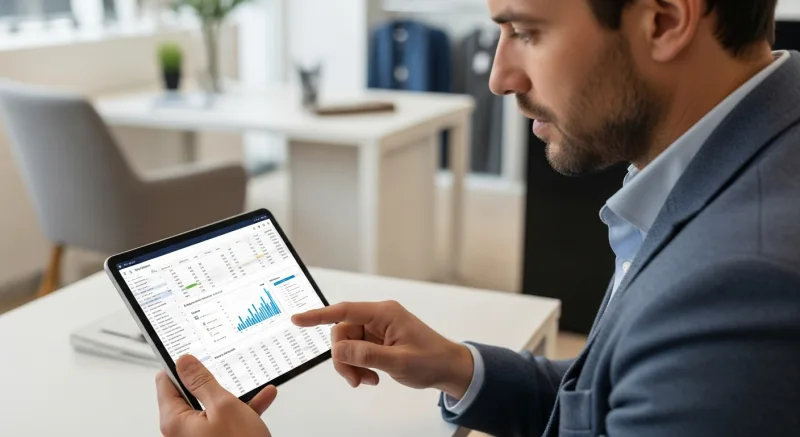
For a typical deployment of 2 to 4 kiosks, the total hardware investment ranges from $1,660 to $13,200. Against annual revenue increases of $30,000 to $80,000 and labor savings of $32,000 to $65,000, the payback period is measured in weeks, not years.
The software cost depends entirely on your POS platform. Some POS vendors charge additional monthly fees for kiosk functionality — $50 to $100 per kiosk per month is common. KwickOS includes kiosk ordering as part of the integrated platform at no additional per-kiosk fee, because the kiosk is just another order entry point in the same system that handles POS transactions, online orders, and server-entered orders.
Real-World Deployment: Rockin' Rolls Sushi Express
The theoretical case for kiosks is strong. The practical case is proven by restaurants that have deployed them at scale.
Rockin' Rolls Sushi Express operates 3 locations with 49 iPad self-ordering stations running on KwickOS. That is not a typo — 49 stations across 3 stores. This is not a cautious pilot. It is a full commitment to self-ordering as the primary customer interface.
Here is what that deployment looks like in practice:
- Customers seat themselves and order from the iPad at their table. No waiting for a server. No flagging someone down. The menu is on the screen the moment they sit down, complete with photos, descriptions, and customization options.
- Orders flow directly to the kitchen display system. There is no server intermediary. The customer taps "Submit Order" and the items appear on the appropriate KDS station within seconds. The speed from order to kitchen is as fast as physically possible.
- Serving time dropped significantly. By eliminating the order-taking step — the time a server spends walking to the table, writing down the order, walking to the terminal, and entering it — Rockin' Rolls cut minutes from every table's experience. With sushi, where freshness and speed are critical, those minutes matter.
- Upselling is built into the interface. Every sushi roll order prompts for additions: extra wasabi, extra ginger, a side of edamame, a drink. Every prompt converts at some rate. Across 49 stations and hundreds of daily orders, the cumulative revenue from consistent prompts is substantial.
The 49-station deployment also demonstrates an important point about scalability. KwickOS handles all 49 kiosk order streams alongside the traditional POS orders and any online orders, routing everything through the same KDS and the same reporting dashboard. The operator has one system to manage, one set of reports to review, and one menu to maintain — regardless of how many ordering channels are active.
"The iPads pay for themselves in the first week. Customers order more, order faster, and they love it. Our kitchen gets clean, accurate orders every single time. No misheard requests, no wrong tables." — Rockin' Rolls Sushi Express, 3 locations, 49 iPad stations on KwickOS
Beyond Fast-Casual: Kiosks for Every Restaurant Type
The common assumption is that kiosks only work for fast-casual and quick-service restaurants. That assumption is outdated. Self-ordering technology has adapted to serve a much wider range of concepts:
Full-Service Restaurants: Tableside Ordering Tablets
Instead of a freestanding kiosk, full-service restaurants are placing tablets at each table for ordering and payment. The server still greets the table, answers questions, and provides hospitality. But the mechanics of ordering — selecting items, customizing modifications, and submitting the order — happen through the tablet. This hybrid model captures the upselling benefits of self-ordering while preserving the human touch of full-service dining.
Bakeries and Retail Food: Self-Serve Kiosks
Baked Cravings, a bakery operating on KwickOS, deployed a self-serve kiosk at their Lego Land location. In a high-traffic, high-volume retail environment where customers want to grab a cupcake and go, the kiosk eliminates the bottleneck of a single cashier line. The PaxA35 terminal handles payment directly at the kiosk — no separate checkout step. The kiosk operates during all business hours, including 24-hour retail periods, without requiring staffing.
Bubble Tea and Specialty Drinks: Customization at Scale
Tiger Sugar International Dessert operates 2 stores with 2 kiosks on KwickOS. For a concept built around highly customizable drinks — sugar level, ice level, toppings, add-ons — kiosk ordering is ideal. Customers can take their time selecting from dozens of customization options without holding up a line. The result: minimal-step personalization that captures every customer preference accurately, plus electronic receipts integrated with the loyalty program.
The Full ROI Model: Building Your Business Case
Let us build a complete ROI model for a single-location fast-casual restaurant considering a deployment of 3 kiosks. We will use conservative assumptions throughout.
Current State Assumptions
- Average daily transactions: 200
- Average ticket size: $18
- Annual revenue: $1,314,000
- Counter cashier labor: 2 positions during peak, 1 position off-peak
- Annual cashier labor cost: approximately $62,000
Kiosk Impact Assumptions (Conservative)
- 60% of orders migrate to kiosks (40% still use counter)
- Kiosk orders average 15% higher ticket (conservative vs. the typical 20-30%)
- Counter staffing reduced by 1 position during peak hours
| Category | Calculation | Annual Value |
|---|---|---|
| Revenue increase from higher tickets | 120 kiosk orders/day x $2.70 increase x 365 days | $118,260 |
| Labor savings (1 fewer cashier during peaks) | 6 peak hours/day x $17/hr x 365 days | $37,230 |
| Reduced order errors | 60% fewer remakes on kiosk orders | $4,800 |
| Faster throughput (more customers served) | 5-10 additional customers/day x $18 | $32,850 - $65,700 |
| Total annual benefit | $193,140 - $225,990 | |
| Hardware investment (3 kiosks) | 3 x $1,200 average | ($3,600) one-time |
| First-year net return | $189,540 - $222,390 |
Even cutting these numbers in half to account for the most pessimistic assumptions, the first-year return exceeds $90,000 on a $3,600 investment. The payback period is approximately one week.
Use our profit margin calculator to model how kiosk-driven revenue increases would affect your specific margins, and our break-even calculator to determine exactly when your kiosk investment pays for itself.
Implementation Considerations
Deploying kiosks successfully requires more than plugging in hardware. Here are the practical considerations that determine whether your deployment thrives or stumbles:
Menu Design for Kiosks
Your counter menu and your kiosk menu should not be identical. A kiosk menu needs to be designed for touchscreen navigation: clear categories, high-quality photos for every item, logical customization flows, and strategic upsell prompts. Restaurants that simply mirror their POS menu onto a kiosk screen miss the opportunity for thoughtful upselling and end up with a clunky user experience.
Placement and Flow
Kiosks should be placed where they naturally intercept the customer's path — between the entrance and the counter, facing the incoming traffic. Customers should not have to hunt for the kiosk. Floor-standing units work better than wall-mounted units because they are visible from the door and accessible from multiple angles.
Payment Integration
The kiosk must accept all payment methods your customers expect: credit, debit, contactless (Apple Pay, Google Pay), and potentially cash (though cash-handling kiosks are significantly more expensive and rarely worth the cost for most restaurants). KwickOS kiosks integrate with any payment processor — because the platform is processor-agnostic — so you are not locked into a specific terminal or a specific rate.
Kitchen Integration
Kiosk orders must flow into the same kitchen workflow as counter and online orders. If kiosk orders go to a separate printer or a separate screen, the kitchen has two workflows to manage — which creates confusion and delays. KwickOS routes all orders — kiosk, POS, online, delivery — through the same kitchen display system, so the kitchen sees one unified queue regardless of where the order originated.
The Human Fallback
Always maintain a human ordering option. Some customers — particularly older demographics — prefer ordering from a person. Some orders are complex enough that a conversation is more efficient than a touchscreen. The goal is not to force every customer onto a kiosk. It is to give the 60-80% who prefer self-ordering the option to do so, freeing your staff to provide better service to the remaining 20-40%.
The 24-Hour Opportunity
One advantage of kiosks that is rarely discussed: they extend your ordering capacity beyond your staffing hours. Baked Cravings' kiosk at Lego Land operates during all retail hours, including periods when staffing a dedicated cashier would not be economically viable. A kiosk can take orders at 6 AM, at midnight, and at every hour in between — without overtime, without shift coverage challenges, and without the liability of a lone employee working a late-night shift.
For restaurants with late-night or early-morning demand, kiosks can open revenue windows that were previously closed. A ramen shop that closes the counter at 10 PM could keep the kiosk running until midnight. A coffee shop that does not staff a second barista until 7 AM could let early customers order and pay via kiosk at 5:30 AM.
The economics of extended hours change completely when the ordering function has zero marginal labor cost.
What Customers Actually Think
The most common concern restaurant owners raise about kiosks is customer acceptance. "Will my customers use them? Will they feel like we are replacing hospitality with technology?"
The data is clear. A 2024 survey by the National Restaurant Association found that 65% of customers said they would use a self-ordering kiosk if available, and 79% of customers under 45 preferred kiosk ordering to counter ordering. Among customers who have used kiosks, satisfaction scores are consistently higher than for counter ordering — primarily because of shorter wait times, greater customization control, and fewer order errors.
The generational divide is narrowing. While early kiosk adoption skewed heavily toward younger demographics, the post-pandemic normalization of QR codes, contactless payments, and app-based ordering has made self-service technology comfortable for a much broader audience. If your customers use ATMs, self-checkout at grocery stores, or airline check-in kiosks, they will use your restaurant kiosk.
The restaurants that report customer resistance are almost always the ones that poorly positioned or poorly designed their kiosk experience. A kiosk with a confusing interface, low-quality images, and a laggy payment flow will frustrate anyone. A well-designed kiosk with beautiful food photography, intuitive navigation, and fast payment processing becomes the preferred ordering method within days of deployment.
See Self-Ordering Kiosks in Action
KwickOS kiosk ordering integrates with POS, KDS, and online ordering — one platform, every channel. See how it could work for your restaurant.
Book Your Free Demo