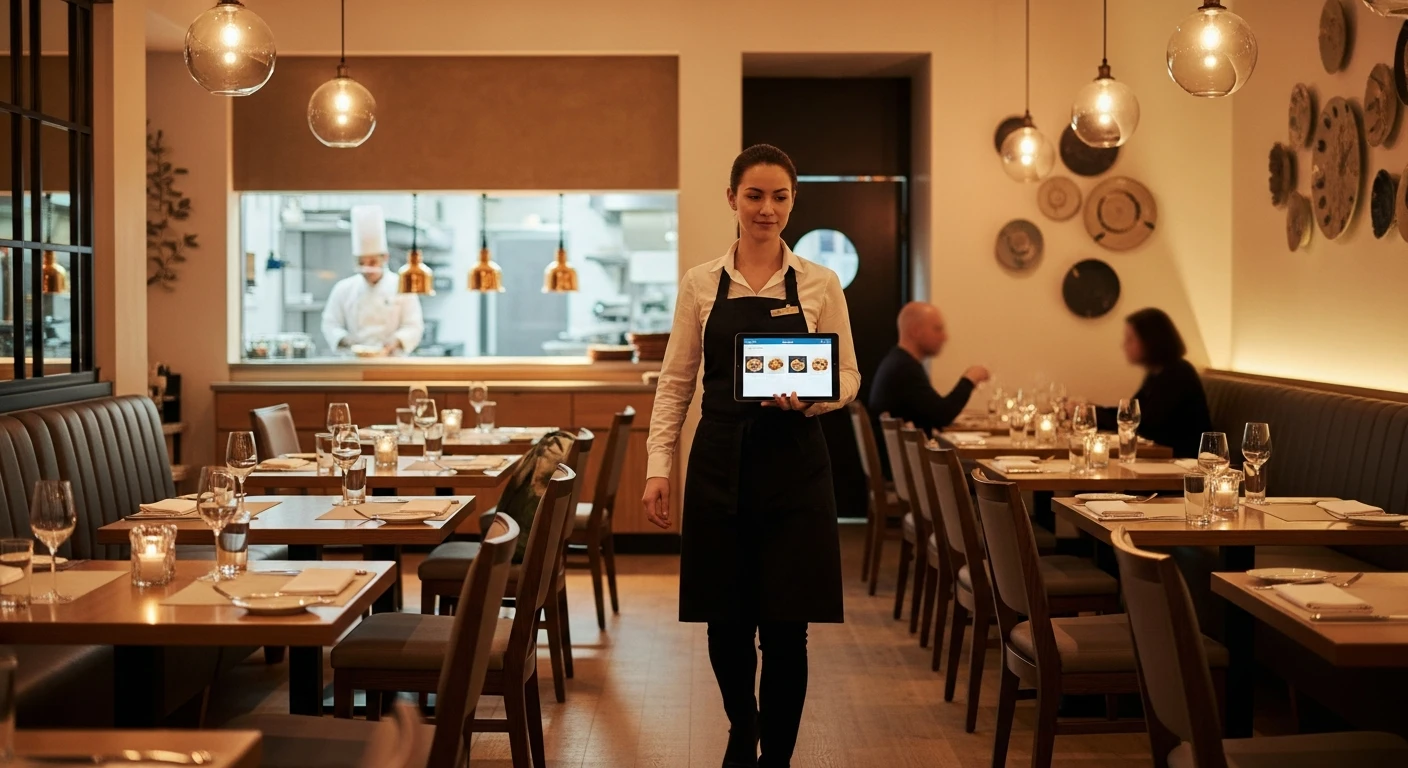
Online ordering is no longer optional for restaurants. In 2026, digital orders account for an estimated 35% of total restaurant revenue in North America, up from just 10% in 2019. Customers expect to order online for pickup and delivery, and restaurants that do not offer this capability are leaving significant revenue on the table.
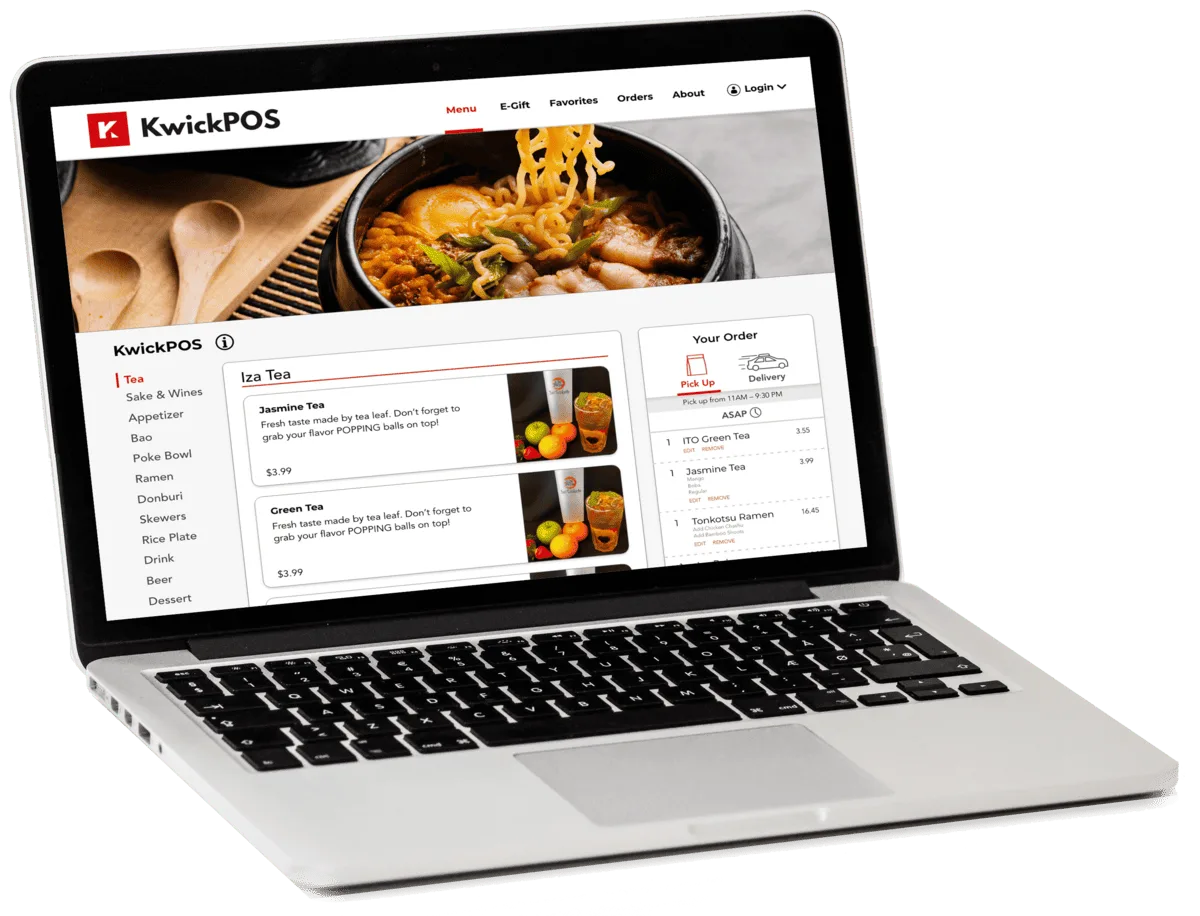
KwickMenu: built-in online ordering with zero commission fees
But here is the problem: the most visible restaurant online ordering platforms—DoorDash, UberEats, Grubhub—charge commissions of 15% to 30% per order. On a $40 order, that is $6 to $12 going to the platform. For restaurants already operating on thin margins, these commissions can turn a profitable order into a money-losing one.
The good news is that there are now multiple ways to offer online ordering directly through your own branded channels, with zero commission per order. This guide explains the options, the costs, and how to set up a system that drives online revenue while protecting your margins.
The True Cost of Third-Party Delivery Platforms
Before exploring alternatives, let us quantify what third-party platforms actually cost.
| Platform | Commission (Delivery) | Commission (Pickup) | Marketing/Boost Fees |
|---|---|---|---|
| DoorDash | 15% - 30% | 6% - 15% | Additional 1.5% - 6% |
| UberEats | 15% - 30% | 6% - 15% | Variable boost fees |
| Grubhub | 15% - 25% | 5% - 15% | Variable promotion fees |
Let us model this for a restaurant generating $10,000 per month in third-party delivery orders at an average commission of 25%:
- Monthly commission paid: $2,500
- Annual commission paid: $30,000
- Five-year total: $150,000
$30,000 per year in delivery commissions is the equivalent of a full-time employee. Many restaurants pay even more without realizing the cumulative impact on their P&L.
Beyond the direct commission, third-party platforms create additional hidden costs:
- Menu price inflation: Many restaurants raise menu prices 15-20% on delivery apps to offset commissions, which discourages price-sensitive customers.
- No customer data: The platform owns the customer relationship. You cannot market to them directly, track their preferences, or build loyalty.
- Brand dilution: Your restaurant appears alongside dozens of competitors, reducing brand differentiation.
- Order accuracy issues: With orders passing through a third-party interface, miscommunication and errors increase.
- Refund disputes: When customers complain about delivery issues (cold food, missing items), the restaurant often bears the cost even when the delivery driver is at fault.
Commission-Free Online Ordering: Your Options
There are three main approaches to building commission-free online ordering for your restaurant.
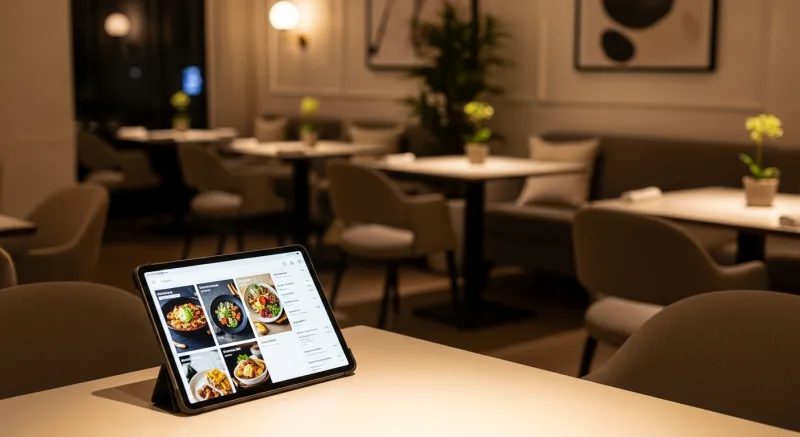
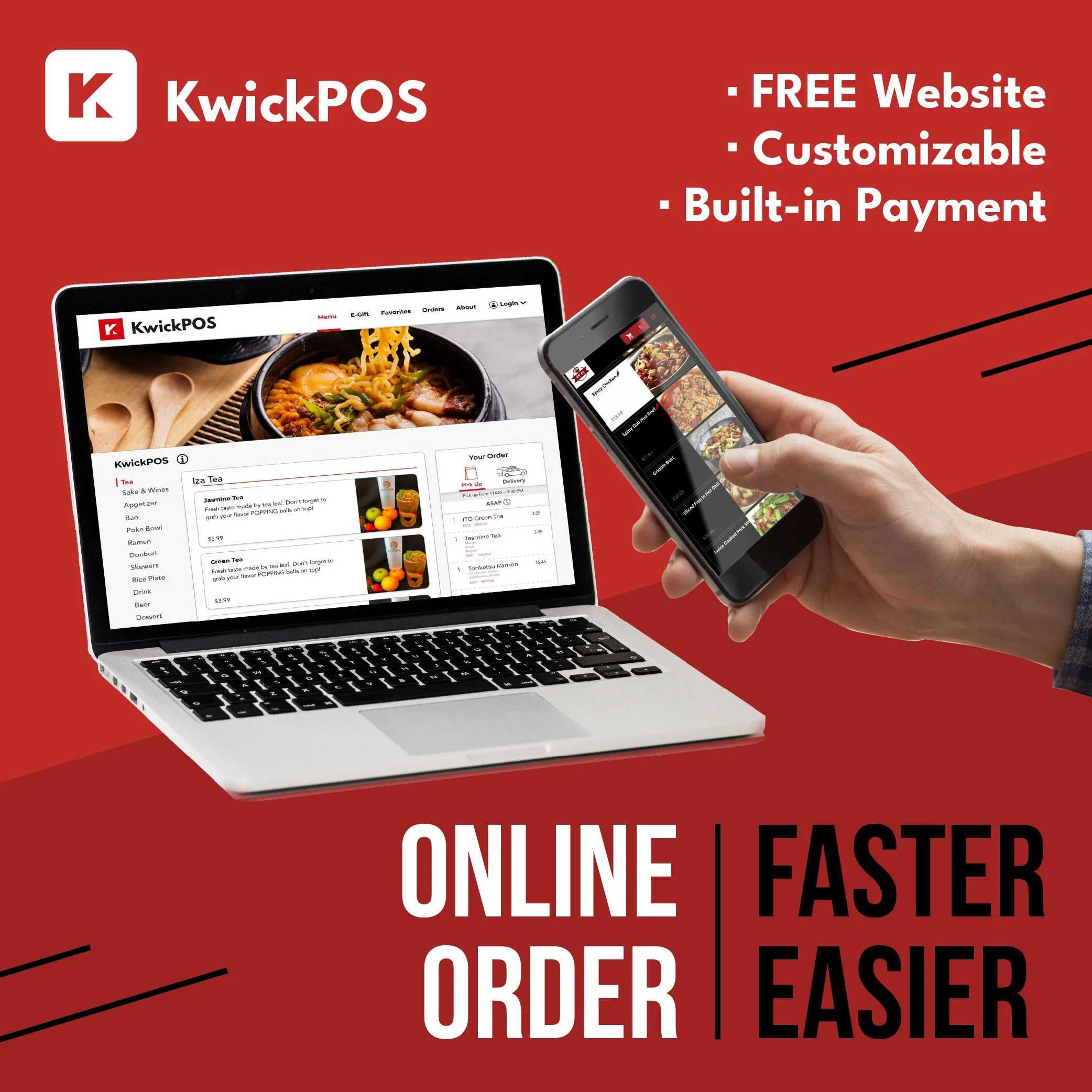
Commission-free online ordering — keep 100% of your revenue
Option 1: POS-Integrated Online Ordering
The most seamless approach is online ordering that is built directly into your POS system. Orders placed online flow straight to your kitchen display or printer without any manual re-entry, reducing errors and speeding up fulfillment.
KwickOS includes KwickMenu, a fully integrated online ordering module that provides:
- QR code ordering: Customers scan a code at the table or on marketing materials to view your menu and order directly.
- Web-based ordering: A branded ordering page accessible from your website, Google Business listing, or social media profiles.
- Direct POS integration: Online orders appear in KwickPOS instantly, printing to the kitchen alongside dine-in orders.
- Zero commission: No per-order fee. You pay only your standard payment processing rate (through the processor you choose, since KwickOS is processor-agnostic).
- Customer data ownership: You collect customer contact information for future marketing and loyalty programs.
- Real-time menu sync: Menu changes in KwickPOS automatically update on your online ordering page. Mark an item 86'd and it disappears from the online menu instantly.
This approach works best for restaurants that want the tightest integration with their existing operations and already use (or plan to use) a POS system that includes ordering capabilities.
Option 2: Standalone Online Ordering Platforms
If your current POS does not include online ordering, or if you want a dedicated solution, standalone platforms offer commission-free ordering for a flat monthly fee:
- ChowNow: Branded ordering apps and website integration. Flat monthly fee, no commission. Does not integrate deeply with most POS systems.
- Owner.com: Website and ordering platform for restaurants. Flat fee plus a per-order technology charge (not a commission, but not truly free either).
- GloriaFood: Free basic online ordering with paid premium features. Limited customization and POS integration.
The downside of standalone platforms is that orders typically arrive on a separate tablet or interface, requiring staff to manually enter them into the POS. This creates extra work, increases error rates, and slows down the kitchen during peak periods.
Option 3: Custom Website Ordering
Some restaurants build custom ordering functionality into their existing website using platforms like WordPress with WooCommerce or Shopify. This offers maximum branding control but requires web development resources and ongoing maintenance. For most independent restaurants, the cost and complexity of a custom solution outweigh the benefits compared to an integrated POS module.
Comparing the Approaches
| Factor | Third-Party Apps | POS-Integrated (KwickMenu) | Standalone Platform | Custom Website |
|---|---|---|---|---|
| Commission Per Order | 15% - 30% | 0% | 0% - 3% | 0% |
| Monthly Cost | $0 (commission-based) | Included with KwickOS | $99 - $399/mo | $50 - $500/mo |
| POS Integration | Separate tablet | Native | Limited/none | Requires development |
| Customer Data | Platform owns it | You own it | You own it | You own it |
| Setup Time | 1 - 2 days | Same day | 1 - 2 weeks | 4 - 12 weeks |
| Brand Control | Minimal | Full | Moderate to full | Full |
| Discovery/New Customers | Yes (marketplace) | No (your channels) | No | No |
The Hybrid Strategy: Best of Both Worlds
Many successful restaurants adopt a hybrid strategy rather than choosing exclusively between third-party and direct ordering:
- Use third-party apps for discovery: Keep a presence on DoorDash and UberEats with a limited menu to attract new customers who are searching for restaurants in your area.
- Convert customers to direct ordering: Include flyers, QR codes, and promotional offers in every third-party delivery order that incentivize customers to order directly next time. A message as simple as "Order direct at [yourrestaurant.com] and get 10% off" can shift a meaningful percentage of repeat orders to your commission-free channel.
- Track channel economics: Use your POS reporting (KwickTracker in the KwickOS ecosystem) to compare the profitability of orders by channel. You may find that certain menu items are profitable on third-party apps while others are not.
Restaurants that implement a hybrid strategy with strong direct ordering promotion typically shift 30% to 50% of their delivery orders from third-party apps to their own channels within six months—saving thousands in commissions annually.
How to Drive Customers to Your Direct Ordering Channel
Building an online ordering system is only half the battle. You also need customers to use it. Here are proven tactics:
In-Store Promotion
- Place QR code table tents on every table linking to your ordering page.
- Use digital signage (such as KwickSign) to display your ordering URL and QR code on menu boards and screens.
- Train staff to mention direct ordering during checkout: "Next time you can skip the wait and order ahead on our website."
- Print your ordering URL on every receipt, takeout bag, and napkin.
Digital Marketing
- Add an "Order Now" button to your Google Business Profile linking to your direct ordering page.
- Post your ordering link in your Instagram and Facebook bios and stories.
- Send email and SMS campaigns to your customer database (which you can build because you own the data from direct orders).
- Run Google Ads targeting "[your restaurant name] delivery" to capture customers who might otherwise end up on a third-party app.
Loyalty and Incentives
- Offer loyalty points only on direct orders.
- Provide exclusive menu items or discounts available only through your own ordering channel.
- Run a first-order promotion: "Get free delivery on your first direct order."
Setting Up Commission-Free Ordering: A Step-by-Step Checklist
- Choose your platform: If you are already on or evaluating a POS, check whether it includes built-in ordering (KwickOS/KwickMenu does). Otherwise, evaluate standalone options.
- Prepare your menu: Photograph your top 20 items. Write clear descriptions. Set accurate prep times. Organize into logical categories.
- Set up your ordering page: Configure hours, delivery zones (if applicable), minimum order amounts, and estimated wait times.
- Integrate with your POS: Ensure online orders route to the kitchen automatically. Test the flow end to end.
- Connect payment processing: Set up online payment acceptance. With a processor-agnostic system, this uses the same processor you use for in-store transactions.
- Promote aggressively: Install QR codes, update your website, post on social media, and train your staff—all before launch.
- Monitor and optimize: Track order volume, average order value, and customer feedback. Adjust menu, pricing, and promotions based on data.
Launch Commission-Free Online Ordering This Week
KwickMenu integrates directly with KwickPOS—no extra tablets, no commissions, no per-order fees.
Get StartedThe Bottom Line
Third-party delivery apps serve a purpose: they help customers discover new restaurants. But treating them as your primary ordering channel is a losing financial proposition. At 15% to 30% commission, every $1,000 in delivery orders through third-party apps costs you $150 to $300—revenue that goes straight to the platform instead of your business.
The most profitable approach is to own your online ordering channel, drive repeat customers to it, and use third-party apps selectively for acquisition. POS-integrated solutions like KwickMenu make this straightforward by connecting online orders directly to your kitchen without extra hardware, extra staff, or extra fees.
The math is clear: a restaurant doing $10,000 per month in online orders saves $24,000 to $36,000 per year by shifting from 20-30% commission channels to commission-free direct ordering. That is money that goes back into your food, your staff, and your growth.
For more on reducing your total restaurant technology costs, see our complete guide to restaurant POS system pricing.
Ready to Stop Paying Commissions?
Join 4,000+ restaurants using KwickOS to take orders directly—online, in-store, and over the phone.
Schedule a Demo