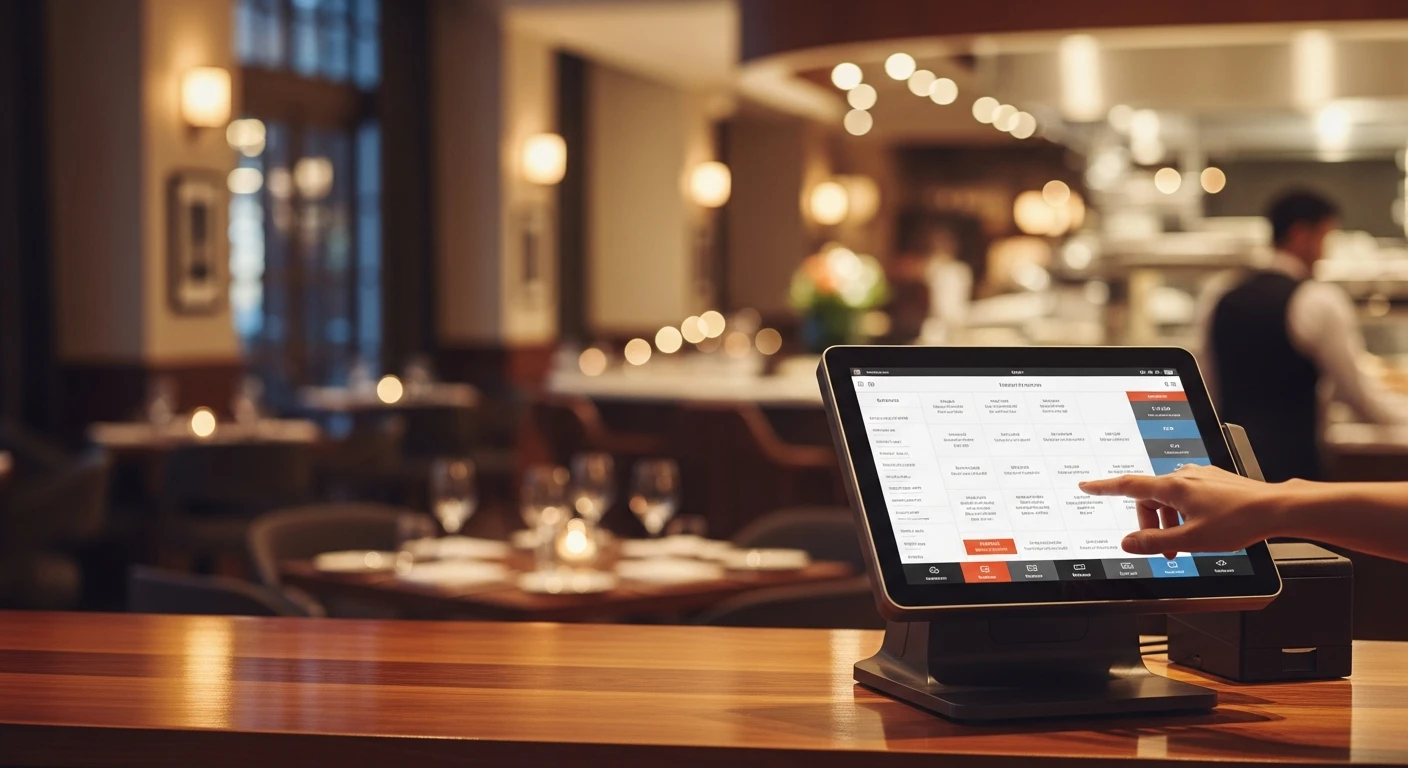
Ask a POS company how much their system costs and you will get a number that sounds reasonable—$69 a month, maybe $99. What they will not tell you upfront is that the monthly software fee is often the smallest line item on your technology bill. The real restaurant POS cost hides in payment processing markups, required add-on modules, proprietary hardware, installation fees, and long-term contracts that make switching expensive.
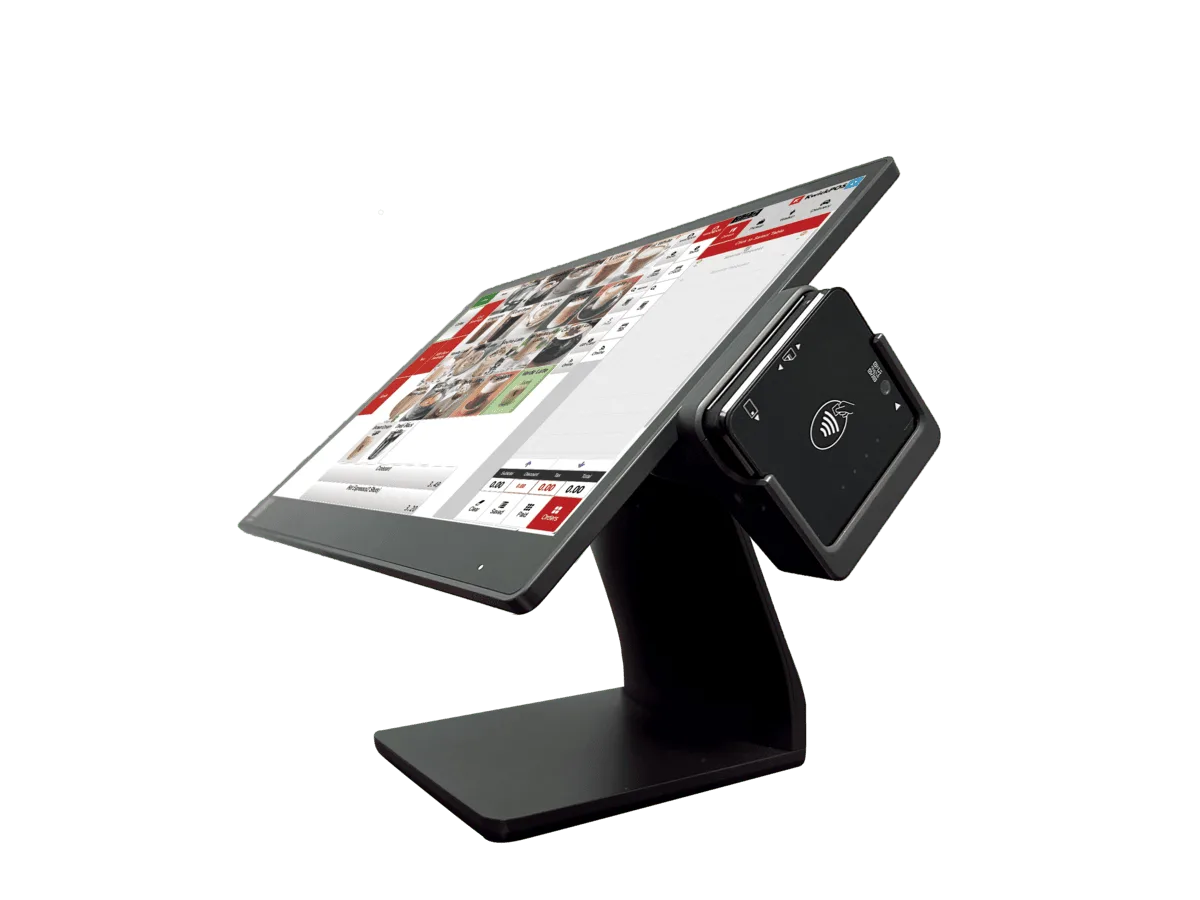
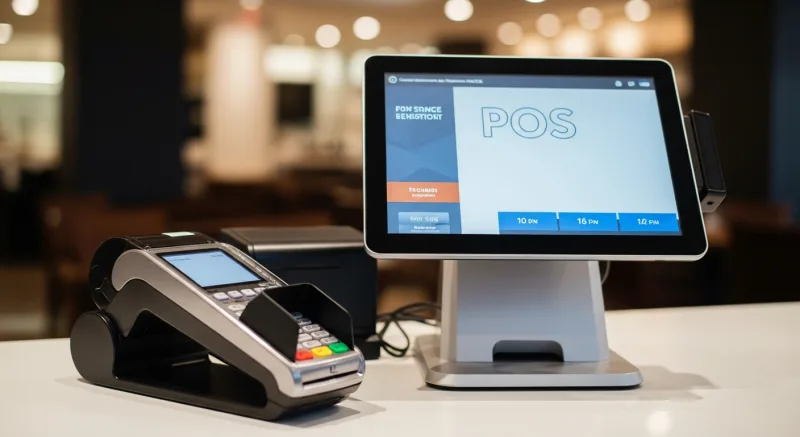
A complete POS setup: terminal, receipt printer, and peripherals
This guide breaks down every cost category so you can calculate the true total cost of ownership for a restaurant POS system in 2026—and find ways to reduce that number significantly.
The Five Components of Restaurant POS Pricing
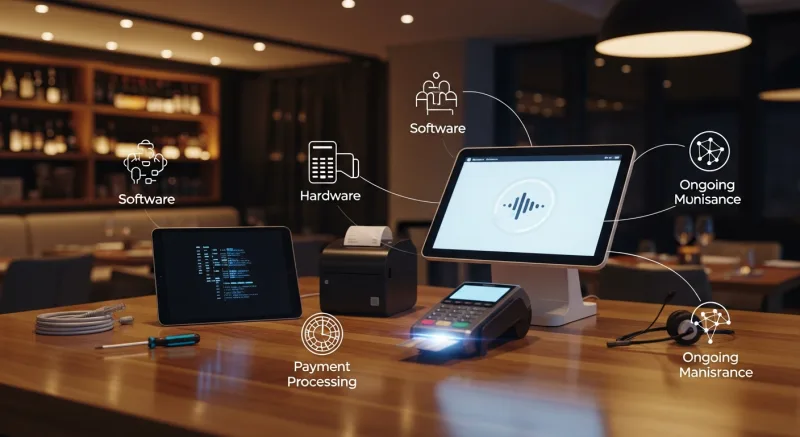
Every restaurant POS system has five cost layers. Some vendors roll them together, others break them apart, but you are always paying for all five whether you see them as separate line items or not.
1. Software Subscription Fees
This is the monthly or annual fee for the POS software itself. It is the number every vendor leads with in marketing because it tends to look affordable in isolation.
| POS System | Entry Plan | Mid-Tier Plan | Premium Plan |
|---|---|---|---|
| Toast | $0/mo (Starter) | $69/mo (Standard) | $110+/mo (Growth) |
| Square for Restaurants | $0/mo (Free) | $60/mo (Plus) | Custom (Premium) |
| Clover | $14.95/mo | $54.90/mo | $94.85/mo |
| TouchBistro | $69/mo | $69/mo + add-ons | $69/mo + all add-ons |
| KwickOS | Competitive per-terminal pricing; contact for quote | ||
Watch out for: Per-terminal fees that multiply your cost as you add stations. A restaurant with three terminals on Toast's Growth plan could pay $330+/month just for software.
2. Payment Processing Fees
This is the big one. For most restaurants, payment processing fees are 3 to 5 times larger than software subscription fees. A restaurant doing $50,000 per month in credit card sales at 2.9% + $0.30 pays roughly $1,480 per month in processing alone—$17,760 per year.
Here is where vendor strategy matters enormously:
- Locked processing (Toast, Square): You must use the vendor's built-in processor. You cannot negotiate rates or switch. The vendor earns a margin on every transaction.
- Flexible processing (KwickOS): You choose any processor. You negotiate your own rates. The POS vendor earns nothing on your transactions. For a detailed explanation, see our guide on POS processing fees.
A restaurant processing $600,000 per year in credit card transactions can save $6,000 to $18,000 annually by negotiating its own processing rate through a processor-agnostic POS like KwickOS, compared to a locked system charging 2.99% + $0.15.
3. Hardware Costs
POS hardware includes terminals, tablets, receipt printers, cash drawers, kitchen display screens, and card readers. Costs vary significantly:
| Hardware Type | Proprietary (Toast/Clover) | Standard (KwickOS/Square) |
|---|---|---|
| Primary Terminal | $799 - $1,350 | $300 - $600 |
| Handheld Device | $409 - $609 | $150 - $350 |
| Kitchen Display | $200 - $499 | $150 - $300 |
| Card Reader | $0 - $99 (subsidized) | $49 - $199 |
| Receipt Printer | $199 - $349 | $150 - $300 |
The hardware trap: Some vendors offer free or subsidized hardware in exchange for long-term contracts and higher processing rates. That "free" terminal may cost you thousands in processing markups over the contract period. Worse, proprietary hardware has no resale value if you switch vendors.
KwickOS runs on standard Android and Windows devices, which means you can source hardware from any supplier, replace broken equipment without vendor dependency, and repurpose devices if you ever change systems.
4. Add-On Module Fees
Most POS companies advertise a low base price and then charge separately for features that many restaurants consider essential. These add-on fees accumulate quickly:
- Online ordering: $50 to $100/month (or commission per order)
- Loyalty programs: $50 to $99/month
- Marketing/email: $75 to $99/month
- Advanced reporting: $30 to $50/month
- Gift cards: $25 to $50/month
- Payroll: $40 to $100/month
- Reservations: $50 to $200/month
A restaurant that needs online ordering, loyalty, and advanced reporting could easily pay an extra $130 to $250 per month on top of the base POS subscription.
KwickOS takes a modular approach with its suite of products—KwickPOS, KwickMenu, KwickSign, KwickPhone, KwickPay, and KwickTracker—that integrate natively. Online ordering through KwickMenu, for example, comes with no per-order commission, keeping your margins intact.
5. Installation, Training, and Support Fees
The last category is often overlooked during the buying process:
- Professional installation: $0 to $500 depending on vendor and complexity
- Menu programming: $100 to $500 for initial setup of complex menus
- On-site training: $200 to $500 per session
- 24/7 support: Some vendors include this; others charge $30 to $50/month extra
- Software updates: Usually included, but some vendors charge for major version upgrades
The True Cost: A Real-World Example
Let us model the total annual cost for a mid-size restaurant with two POS terminals, processing $50,000 per month in credit card transactions.
| Cost Category | Locked POS (e.g., Toast) | Processor-Agnostic (e.g., KwickOS) |
|---|---|---|
| Software (annual) | $2,640 ($110 x 2 terminals x 12) | ~$2,400 (varies) |
| Processing (annual @ $50K/mo) | $18,360 (2.99% + $0.15) | $14,400 (2.2% + $0.10 negotiated) |
| Hardware (amortized annual) | $900 | $500 |
| Add-ons (ordering + loyalty) | $2,388 | $0 (included) |
| Total Annual Cost | $24,288 | $17,300 |
| Annual Savings | — | $6,988 |
That is nearly $7,000 per year in savings, primarily driven by the ability to negotiate your own processing rates and the inclusion of modules that other vendors charge extra for. Over a typical three-year POS lifecycle, that amounts to roughly $21,000.
Calculate Your Savings
Find out how much you could save by switching to a processor-agnostic POS.
Get a Custom QuoteSix Ways to Reduce Your Restaurant POS Costs
1. Choose a Processor-Agnostic System
This is the single highest-impact decision you can make. When you are free to shop for your own payment processor, you can negotiate rates based on your actual volume and risk profile. Processors compete for your business, which drives rates down. Systems like KwickOS allow this flexibility by design.
2. Negotiate Processing Rates Annually
Even if you already have a good rate, renegotiate every year. As your volume grows, you have more leverage. Get quotes from at least three processors each time.
3. Avoid Proprietary Hardware
Systems that run on standard tablets and devices give you more options and lower replacement costs. A commercial Android tablet costs a fraction of a proprietary POS terminal and can be replaced overnight from any electronics retailer.
4. Audit Your Add-On Spending
Review every module you are paying for. Are you using the loyalty program? Is the email marketing tool generating measurable returns? Eliminate add-ons you are not actively using, or switch to a platform that bundles essential features into the base price.
5. Skip Long-Term Contracts
Month-to-month agreements give you flexibility to switch if a better option emerges or if the vendor raises prices. Any savings from a contract discount are often offset by the inability to leave when costs increase.
6. Factor in Total Cost of Ownership, Not Monthly Fee
Always calculate the full annual cost—software plus processing plus hardware plus add-ons plus support—when comparing systems. The cheapest monthly software fee often comes with the highest total cost once processing and add-ons are included.
The Bottom Line
The true cost of a restaurant POS system in 2026 ranges from roughly $12,000 to $30,000+ per year for a typical mid-size restaurant, depending primarily on how payment processing is handled. The software subscription fee that vendors advertise is usually the least significant portion of that total.
The most effective way to reduce your POS costs is to separate your software decision from your processing decision. A processor-agnostic system like KwickOS gives you that separation, letting you choose the best software for your operations and the best processor for your bottom line—independently.
Before signing with any POS vendor, build a full cost model using the five categories above. The restaurant that understands its total cost of ownership is the restaurant that spends less on technology and more on what actually matters: food, staff, and guests.
Take Control of Your POS Costs
Join 5,000+ businesses that choose their own payment processor with KwickOS.
Schedule a DemoSee what you get with KwickOS Restaurant POS — transparent pricing, no payment lock-in, and every feature included.