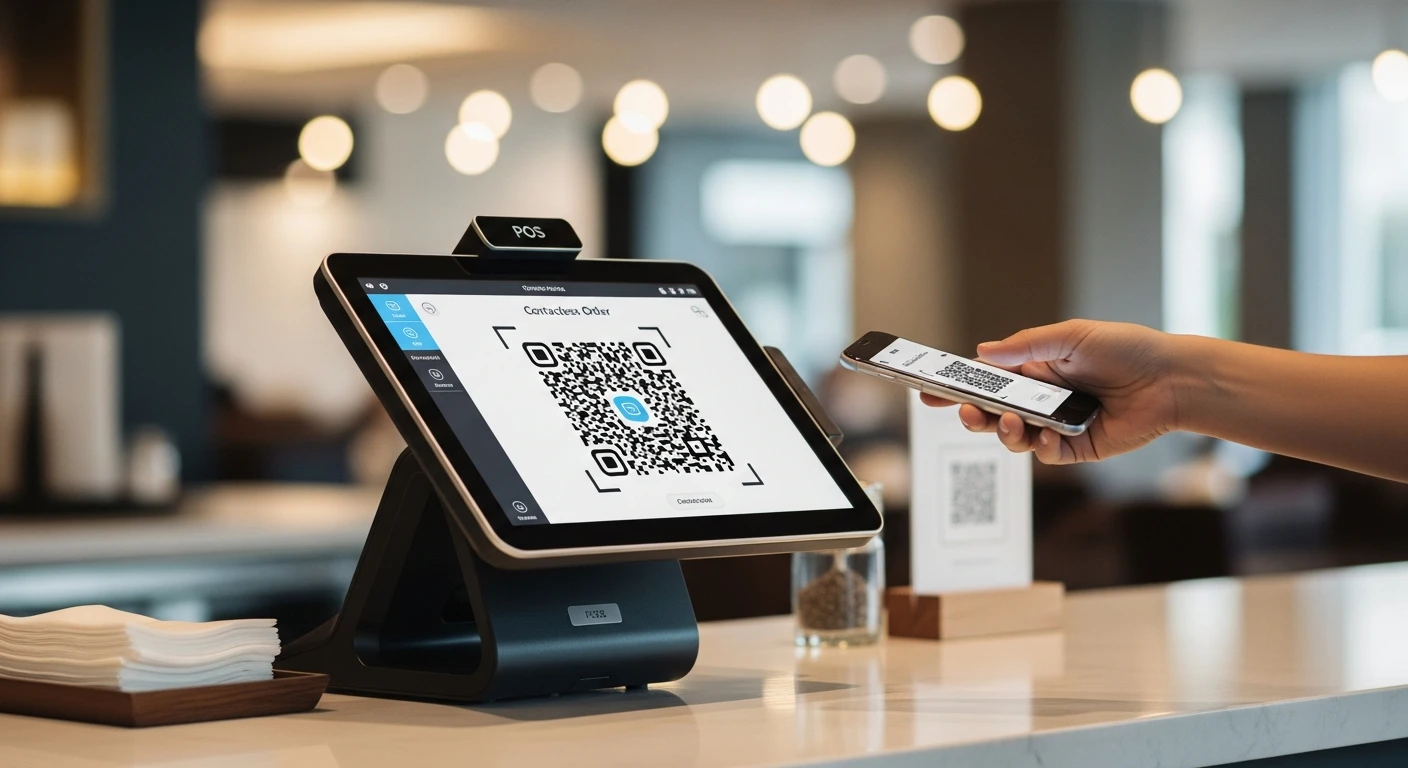
QR code ordering went from novelty to mainstream during the pandemic, and it has stayed. A 2025 National Restaurant Association survey found that 67% of diners are comfortable ordering via QR code at a sit-down restaurant, and 52% actually prefer it for casual dining. The reasons go beyond hygiene: customers like the convenience of browsing the menu at their own pace, ordering when they are ready without flagging down a server, and paying without waiting for the check.
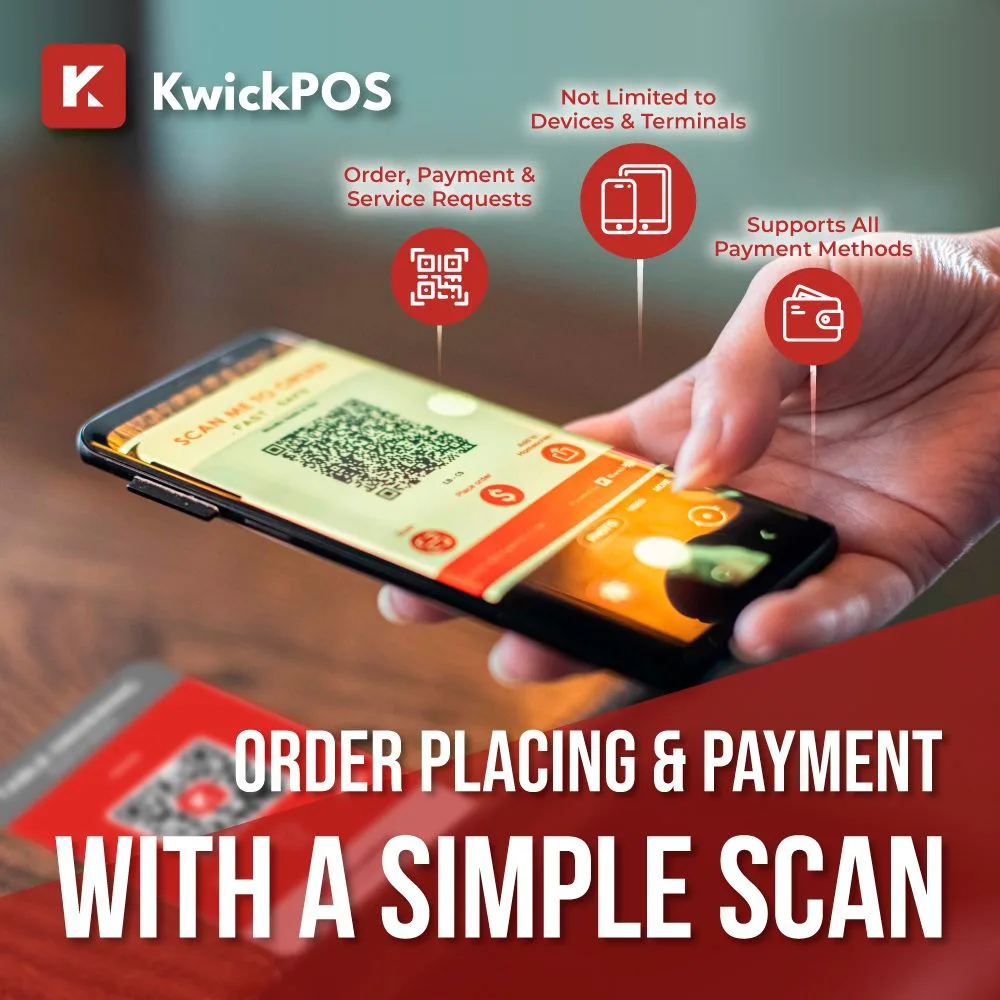
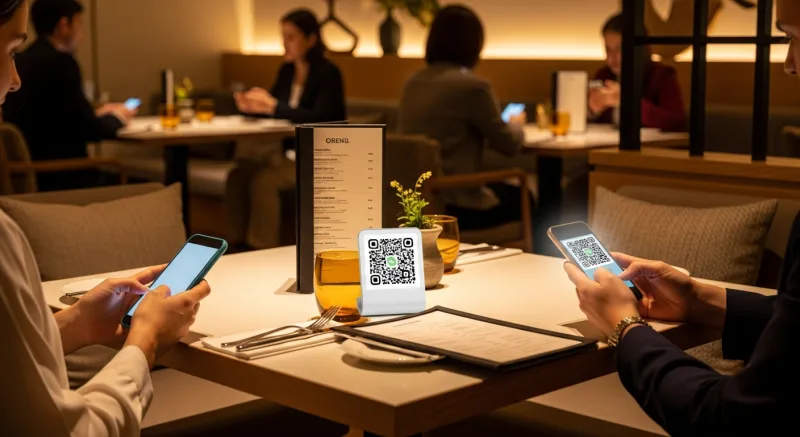
QR code ordering — guests scan, browse the menu, and order from their phone
For restaurant owners, QR code ordering offers something even more compelling: the ability to serve more customers with fewer front-of-house staff, reduce order errors, and increase average check sizes through smart upselling built directly into the digital menu. This guide walks you through how QR code table ordering works, how to set it up, and how to make it work well for both your customers and your operations.
How QR Code Table Ordering Works
The basic flow is straightforward:
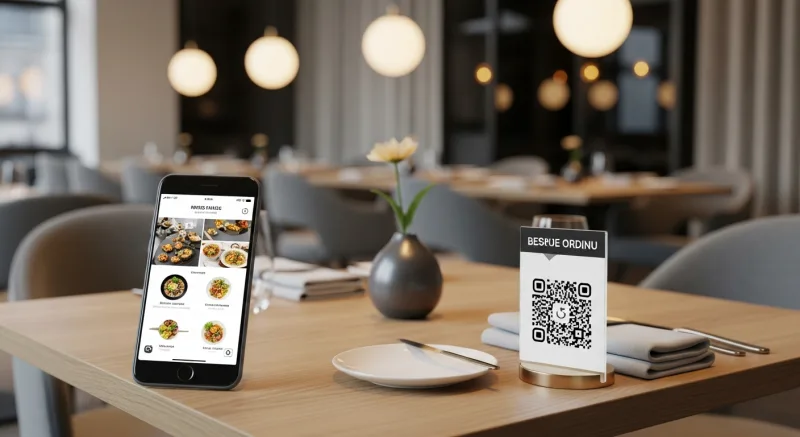
- Customer sits down and sees a QR code on the table (printed on a table tent, sticker, or embedded in the table surface).
- Customer scans the QR code with their phone camera. No app download required; the code opens a mobile-optimized menu in their web browser.
- Customer browses the menu, selects items, customizes modifications (no onions, extra sauce, etc.), and adds items to their cart.
- Customer places the order and optionally pays through the same interface (or pays traditionally at the end of the meal).
- The order goes directly to the kitchen via the KDS or ticket printer, tagged with the table number. No server needs to take or enter the order manually.
- Food is prepared and delivered to the table by a runner or server.
The QR code for each table is unique, encoding the table number so the kitchen and staff know exactly where to deliver each order. Some systems also support reordering (the customer can add more items mid-meal by scanning again) and bill splitting.
Benefits of QR Code Ordering for Restaurants
Labor Efficiency
The most immediate impact is on labor. When customers order themselves, servers shift from order-takers to hospitality providers, focusing on food delivery, table checks, and guest experience. A server who previously managed 4-5 tables can comfortably cover 8-10 tables with QR code ordering, because the most time-consuming part of table service (taking orders, entering them in the POS, processing payments) is handled by the customer.
This does not necessarily mean fewer staff. Many restaurants maintain the same headcount but deliver better, more attentive service to more tables, increasing revenue per labor hour.
Higher Average Check
This is one of the most consistently reported benefits of QR code ordering. Restaurants using digital ordering typically see a 12-22% increase in average check size. Several factors drive this:
- No ordering pressure: Customers browse at their own pace without feeling rushed by a waiting server. They discover items they might not have noticed on a quick menu scan.
- Visual menu with photos: Seeing high-quality photos of dishes (especially appetizers and desserts) triggers impulse orders. This is why investing in quality food photography matters so much.
- Built-in upselling: Digital menus can automatically suggest add-ons, upgrades, and pairings. "Add a side salad for $3.50?" or "Upgrade to a large for $2?" These prompts are presented to every customer, every time, without relying on server memory or sales skills.
- Easy reordering: Ordering another round of drinks or adding a dessert requires scanning the QR code again, not flagging down a server. Lower friction means more add-on orders.
Fewer Order Errors
When customers enter their own orders directly into the system, the entire chain of potential miscommunication (customer tells server, server remembers, server enters into POS, POS sends to kitchen) is compressed to one step: customer enters order, system sends to kitchen. Modifications, allergies, and special requests are captured exactly as the customer specifies them.
Faster Table Turns
Customers do not wait for a server to come take their order. They can start ordering the moment they sit down. At the end of the meal, they can pay immediately through their phone without waiting for the check, the card processing, and the return of the receipt. For casual and fast-casual restaurants, this can shave 10-15 minutes off each table visit.
Data Collection
QR code ordering systems capture valuable data: which items customers view but do not order, peak ordering times, popular modifications, and reorder rates. Some systems can also capture customer email or phone number for marketing purposes (with their consent). This data informs menu optimization, pricing strategy, and marketing efforts.
Setting Up QR Code Ordering: Step by Step
Step 1: Choose Your Platform
QR code ordering can be set up through a standalone platform or as part of an integrated restaurant management system. The key question is whether your QR ordering system integrates with your POS.
| Approach | Pros | Cons |
|---|---|---|
| Standalone QR ordering platform | Can work with any POS; quick to set up | May not sync with POS; separate management portal; potential for order discrepancies |
| POS-integrated QR ordering | Orders flow directly into POS and KDS; unified reporting; menu managed in one place | Tied to your POS provider's offering; may require POS upgrade |
| All-in-one restaurant platform (e.g., KwickOS) | QR ordering, POS, KDS, online ordering, and payments all integrated; single source of truth for menu and orders | Requires commitment to the platform ecosystem |
For the best operational results, POS integration is important. When your QR code orders flow directly into the same system as your server-entered orders, the kitchen sees all orders on one KDS screen, reporting is unified, and there is no risk of menu or pricing discrepancies between the digital and in-person ordering channels.
Step 2: Build Your Digital Menu
Your QR code menu is the customer-facing experience, so invest time making it excellent:
- Add photos to every item: This is non-negotiable for digital ordering. Items with photos get ordered significantly more than text-only listings. Use KwickPhoto or similar tools to create professional images from phone snapshots.
- Write clear, appetizing descriptions: Keep them concise (2-3 sentences max) but descriptive enough to set expectations. Mention key ingredients, preparation style, and portion size.
- Organize logically: Group items into clear categories (starters, mains, sides, desserts, beverages) and order them strategically, placing high-margin items at the top of each category where they get the most visibility.
- Configure modifiers: Set up all customization options (protein choice, cooking temperature, dressings, add-ons, allergies) so customers can fully customize their orders without needing to flag a server.
- Set up upsell prompts: Configure the system to suggest relevant add-ons during the ordering flow. "Add guacamole?" after a burrito selection, or "Pair with our house margarita?" after an entree.
Step 3: Generate and Print Your QR Codes
Each table needs a unique QR code that identifies the table number. Your ordering platform will generate these codes for you. Key considerations for the physical QR codes:
- Size: The QR code should be at least 1.5 inches square for reliable scanning. Larger is better; a 2-3 inch code on a table tent is ideal.
- Contrast: Black code on white background provides the best scanning reliability. Avoid placing QR codes on dark, patterned, or textured backgrounds.
- Durability: Restaurant tables get wet, wiped, and abused. Use laminated table tents, sealed stickers, or acrylic table inserts rather than plain paper that will deteriorate in days.
- Branding: Include a brief instruction ("Scan to order") and your restaurant logo alongside the QR code. Customers should immediately understand what the QR code is for.
- Placement: Position the QR code where customers will see it immediately upon sitting down. The center of the table, near the salt and pepper, or on a standing table tent all work well.
Step 4: Configure Kitchen Integration
QR code orders need to reach the kitchen reliably and clearly:
- Ensure orders from QR codes are labeled with the table number on the kitchen display or printed ticket.
- Consider using a distinct visual indicator (color code, icon, or label) so kitchen staff can differentiate QR code orders from server-entered orders at a glance.
- Set up sound alerts so the kitchen is notified when a new QR code order arrives, just as they would be for any other order.
- Test the full flow multiple times before launching: scan the code, place an order, and verify it appears correctly on the KDS with the right table number and all modifications.
Step 5: Configure Payment Options
Decide how you want to handle payment for QR code orders:
- Pay at order (full digital): Customers pay through the QR ordering interface using credit card or mobile wallet before the order is sent to the kitchen. This is common in fast-casual and QSR. Benefit: no payment processing needed at the table.
- Pay at end (tab model): Customers order through QR code but pay at the end of the meal, either through the QR interface or traditionally with a server. This is more common in full-service restaurants where customers may order multiple rounds.
- Hybrid: Offer both options and let the customer choose.
Payment processing through QR ordering works best when integrated with your POS payment system. With a platform like KwickOS, payments from QR orders, server orders, and online orders all process through KwickPay and reconcile in one system, regardless of how the order was placed.
QR Ordering, Fully Integrated
KwickOS connects QR code table ordering directly to your POS, KDS, and payment system. One menu, one system, all order channels unified.
See How KwickOS WorksMaking QR Ordering Work for Your Service Style
Fine Dining
QR ordering is generally not appropriate for fine dining, where personalized server interaction is a core part of the experience. However, some upscale restaurants use QR codes to provide a digital wine list or beverage menu, allowing guests to browse an extensive list at their own pace while the server focuses on food recommendations.
Casual Dining
This is the sweet spot for QR ordering. Offer it as an option alongside traditional server ordering. Some guests will prefer scanning and ordering themselves; others will want to interact with a server. Train your staff to present both options: "You can order with me, or feel free to scan the QR code on the table if you prefer."
Fast-Casual and QSR
QR ordering can replace or supplement the ordering counter entirely. Customers scan at their table, order and pay, and food is delivered or called when ready. This model dramatically reduces lines and counter labor.
Bars and Breweries
QR ordering is exceptionally effective in bar settings where customers want to reorder drinks without leaving their seat or waiting to catch the bartender's eye. The reduced friction of "scan, tap, order" increases drink-per-visit counts measurably.
Customer Experience Best Practices
The technology only works if customers actually use it and have a good experience. Here are the practices that make the difference:
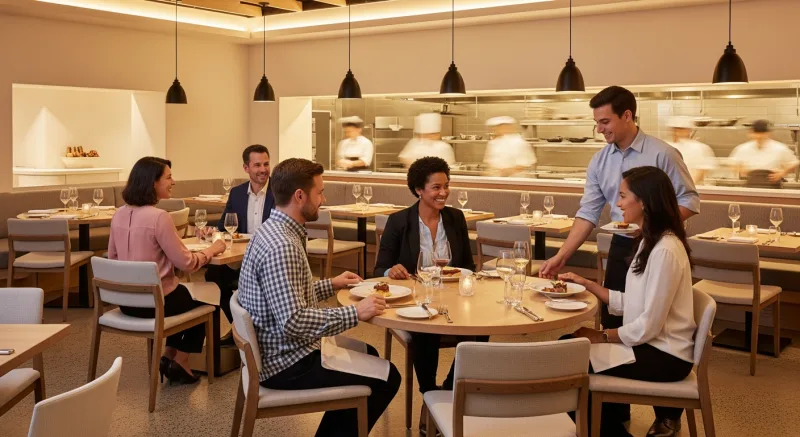
- Make it optional, not mandatory: Always have a fallback for customers who do not want to use their phone. A printed menu or a server ready to take orders verbally ensures nobody feels excluded.
- Ensure fast load times: The digital menu should load in under 3 seconds on a mobile connection. If it takes longer, customers will give up and ask for a server. Optimize images and keep the menu lightweight.
- No app download required: The QR code should open a web-based menu, not require downloading an app. Requiring an app download kills adoption rates.
- Mobile-first design: The menu must be designed for phone screens. Text must be readable, buttons must be tap-friendly, and the ordering flow must work smoothly on a 6-inch screen.
- Accessibility: Ensure the digital menu works with screen readers, has sufficient color contrast, and does not rely on hover interactions that do not work on mobile devices.
- Clear confirmation: After placing an order, give the customer a clear confirmation screen showing what they ordered, the table number, and an estimated wait time if possible. Uncertainty about whether the order went through is the biggest source of QR ordering anxiety.
Handling Common Concerns
"My customers are not tech-savvy enough."
If your customers can use a smartphone (and the vast majority of adults under 70 can), they can scan a QR code. Modern phones scan QR codes simply by pointing the camera at them; no special app is needed. Offering a brief instruction on the table tent ("Point your phone camera at the code") handles most hesitation. And always keep traditional ordering available as a backup.
"It will eliminate the personal touch."
QR ordering changes the role of servers; it does not eliminate them. Servers who are freed from order-taking and payment processing spend more time checking on guests, recommending dishes, ensuring satisfaction, and creating memorable interactions. Many restaurants report that hospitality quality actually improves after implementing QR ordering because servers have more time for each table.
"What about tips?"
Digital ordering platforms include tipping prompts during the payment flow. Data from multiple QR ordering platforms shows that average tip percentages are comparable to or slightly higher than traditional service, partly because digital payment interfaces present suggested tip amounts (18%, 20%, 22%) that anchor expectations upward.
"What if the WiFi goes down?"
QR ordering requires customers to have internet access (either via your restaurant WiFi or their cell data). Ensure your restaurant has reliable WiFi with adequate bandwidth. As a backup, train staff to seamlessly switch to traditional ordering if connectivity issues arise.
Measuring Success
After implementing QR code ordering, track these metrics to evaluate its impact:
- Adoption rate: What percentage of tables use QR ordering vs. traditional ordering? A rate above 40% within the first month is strong for casual dining.
- Average check comparison: Compare average check size for QR code orders vs. server-taken orders. You should see a measurable increase from QR orders.
- Table turn time: Track the average time from seating to payment for QR tables vs. traditional tables.
- Order error rate: Compare error and remake rates between QR orders and server-entered orders.
- Customer feedback: Monitor reviews and direct feedback for mentions of the ordering experience. Address any confusion or friction points promptly.
- Revenue per labor hour: The ultimate efficiency metric. With QR ordering allowing servers to cover more tables, this should increase.
Conclusion
QR code table ordering is not a pandemic workaround that is fading away. It is a permanent shift in how restaurants can serve customers, improve efficiency, and grow revenue. When implemented thoughtfully, with a well-designed digital menu, clear customer communication, seamless POS integration, and the option for traditional service alongside it, QR ordering benefits both restaurants and diners.
Start with the fundamentals: choose a platform that integrates with your POS (or use an all-in-one system like KwickOS that includes QR ordering natively), invest in quality menu photography, print durable table QR codes, and train your team on the new workflow. Then let the data guide your optimization. The restaurants succeeding with QR ordering are not the ones with the fanciest technology; they are the ones who make the customer experience seamless and keep improving based on what the numbers tell them.