Every time a customer swipes, taps, or dips a credit card at your restaurant, a chain of fees kicks in. You probably know you are paying somewhere around 2.5% to 3% per transaction. What most restaurant owners do not realize is that a significant slice of that percentage is not going to Visa, Mastercard, or your bank—it is going to your POS company.
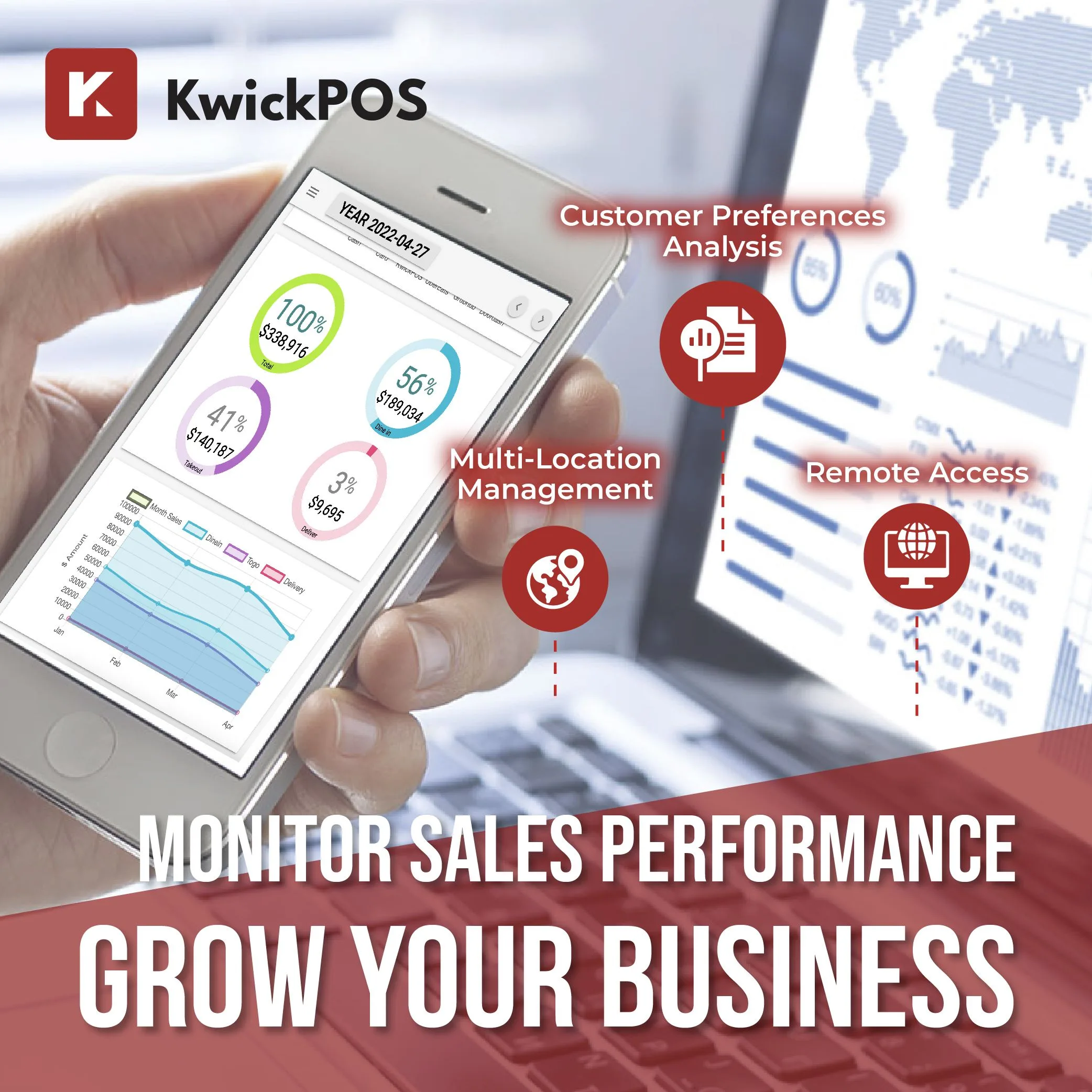
Understanding your processing fees starts with clear reporting
The business model is straightforward: POS companies like Toast, Square, and Clover require you to use their built-in payment processing. They then mark up the interchange rate and pocket the difference on every single transaction your business runs. For a busy restaurant, this markup generates far more revenue for the POS vendor than your monthly software subscription.
Understanding how POS processing fees actually work is the first step toward keeping more of your own money.
How Credit Card Processing Actually Works
Before we examine what POS companies charge, let us understand the three layers of fees that make up every credit card transaction:
Layer 1: Interchange Fees (Goes to the Card-Issuing Bank)
Interchange is the base cost set by the card networks (Visa, Mastercard, Amex, Discover). This fee goes to the bank that issued the customer's credit card. Interchange rates vary by card type, transaction method, and merchant category, but for restaurants they typically range from 1.5% to 2.4% + $0.10.
Every merchant pays interchange. It is non-negotiable and identical regardless of which POS system or processor you use.
Layer 2: Card Network Fees (Goes to Visa/Mastercard)
Also called assessment fees or dues, these are small charges from the card networks themselves—typically 0.13% to 0.15%. Like interchange, these are fixed and non-negotiable.
Layer 3: Processor Markup (Goes to Your Payment Processor)
This is the only negotiable portion of your processing cost. The processor markup is what your payment processor charges on top of interchange and network fees for actually routing the transaction. This markup can range from as low as 0.10% + $0.05 for high-volume merchants to 0.50%+ for smaller accounts.
When you add these three layers together, total effective processing rates for restaurants typically land between 2.2% and 3.0% per transaction.
Where POS Companies Make Their Money
Here is the critical insight: when a POS company like Toast or Square handles your payment processing, they are acting as your payment processor (or as a middleman between you and a processor). They set the processor markup—and they set it high.
| POS Provider | Published Processing Rate | Estimated Markup Over Interchange |
|---|---|---|
| Toast | 2.49% - 2.99% + $0.15 | ~0.50% - 1.00% |
| Square | 2.6% + $0.10 | ~0.40% - 0.90% |
| Clover (via resellers) | 2.3% - 3.5% + $0.10 | Varies widely |
| Independent Processor (negotiated) | Interchange + 0.10% to 0.30% | 0.10% - 0.30% |
The difference between a POS-bundled rate and a directly negotiated rate is typically 0.3% to 0.7% of every dollar processed. That gap represents pure profit for the POS company—and pure cost for you.
For a restaurant processing $50,000 per month in card transactions, a 0.5% markup difference equals $250 per month or $3,000 per year—more than many restaurants pay for their POS software subscription.
The Three Processing Models in 2026
Model 1: Locked Processing (Toast, Square)
The POS vendor is the processor. You cannot use anyone else. The vendor sets the rate, and you accept it. If rates increase—as Toast has done multiple times—your only option is to switch your entire POS system.
Who benefits: The POS company. They earn revenue from both software fees and processing margins.
Who loses: The merchant. You have zero negotiating leverage and no market competition working in your favor.
Model 2: Preferred Processing (Lightspeed, TouchBistro)
The POS vendor has a preferred processing partner but may allow third-party processors on higher-tier plans, sometimes with additional fees or reduced functionality. This is a middle ground that gives you some flexibility but often comes with friction.
Who benefits: Both parties, partially. You may get slightly better rates, but the POS company still earns referral revenue from the preferred partner.
Model 3: Processor-Agnostic (KwickOS)
The POS vendor has no financial stake in your payment processing. You choose any processor you want. You negotiate your own rates. The POS vendor earns revenue solely from software and services.
Who benefits: The merchant. You get full market competition on processing rates and keep 100% of your processing margin.
KwickOS was built from the ground up as a processor-agnostic platform. This is not an afterthought or a premium feature—it is the core architecture. Every one of KwickOS's 5,000+ active merchants chooses their own processor.
How Much Are You Really Losing to Processing Markups?
Let us run the numbers for different restaurant sizes:
| Monthly Card Volume | Locked POS Rate (2.9%) | Negotiated Rate (2.2%) | Annual Difference |
|---|---|---|---|
| $25,000 | $725/mo | $550/mo | $2,100 |
| $50,000 | $1,450/mo | $1,100/mo | $4,200 |
| $100,000 | $2,900/mo | $2,200/mo | $8,400 |
| $200,000 | $5,800/mo | $4,400/mo | $16,800 |
For a multi-location restaurant group processing $200,000+ per month across all sites, the savings from processor-agnostic POS can exceed $16,000 per year. That is a line cook's annual salary, or a full kitchen equipment upgrade, redirected from your POS company's profit margin to yours.
Why POS Companies Lock You Into Processing
The reason is simple economics. For most POS companies, processing revenue dwarfs software subscription revenue. Toast's financial disclosures show that payment processing generates the majority of their revenue—not software subscriptions. When you pay $69/month for software but generate $200+/month in processing margins for the vendor, you can see why they have no incentive to let you choose your own processor.
This creates a misalignment of interests. The POS company profits most when your processing costs are high. You profit most when your processing costs are low. These incentives are directly opposed.
Five Warning Signs Your POS Company Is Overcharging You
- You cannot see a breakdown of interchange vs. markup. If your statement shows a single flat rate with no interchange detail, you cannot verify what you are actually paying.
- Your rate has increased without clear explanation. POS-locked processors can raise rates with 30 days' notice, and your only recourse is to switch POS systems entirely.
- You were offered "free" hardware in exchange for a processing contract. That free terminal is funded by inflated processing margins. Do the math on how much extra processing you will pay over the contract term.
- Your POS contract includes an early termination fee. This is designed to prevent you from leaving when you discover better processing rates elsewhere.
- You have never received a competing processing quote. If you have not shopped your processing in the last 12 months, you are almost certainly overpaying.
How to Take Back Control of Your Processing Costs
Step 1: Get Your Current Effective Rate
Pull your last three months of processing statements. Divide total fees paid by total volume processed. This gives you your effective rate. If it is above 2.5%, there is almost certainly room for improvement.
Step 2: Get Competing Quotes
Contact at least three independent payment processors. Provide them with your monthly volume and average ticket size. Ask for interchange-plus pricing (not flat-rate or tiered), which gives you the most transparency.
Step 3: Choose a POS That Supports Any Processor
This is the structural fix. Moving to a processor-agnostic system like KwickOS ensures you will never be locked into a single processor again. You can switch processors at any time without changing your POS system, which gives you permanent negotiating leverage.
Step 4: Renegotiate Annually
Processing rates should decrease as your volume grows. Set an annual reminder to request new quotes and renegotiate with your current processor or switch to a better one.
Keep 100% of Your Processing Revenue
KwickOS is processor-agnostic by design. You choose the processor. You negotiate the rate. You keep the margin.
Learn MoreThe Industry Is Shifting
The era of POS-controlled processing is beginning to crack. Restaurant owners are more educated about processing economics than ever before. Review sites and industry forums are filled with merchants sharing their effective rates and comparing notes. Regulatory attention on payment processing transparency is increasing.
Forward-thinking POS companies have recognized this shift and built their business models around software value rather than processing margins. KwickOS, with over 4,000 restaurants including enterprise accounts like Haidilao (600+ locations), has demonstrated that a POS company can thrive without taking a cut of every transaction.
The question for restaurant owners is straightforward: do you want your POS company to be your business partner, earning revenue by making your operations better? Or do you want it to be your payment processor, earning more money every time your processing costs go up?
The answer should guide your next POS decision. For more context on total POS costs, see our complete restaurant POS pricing breakdown. And if you are specifically evaluating a move away from Toast, check out our guide to Toast alternatives.
See the Difference Processor-Agnostic Makes
Schedule a demo and we will show you exactly how much you can save on processing.
Request a Demo