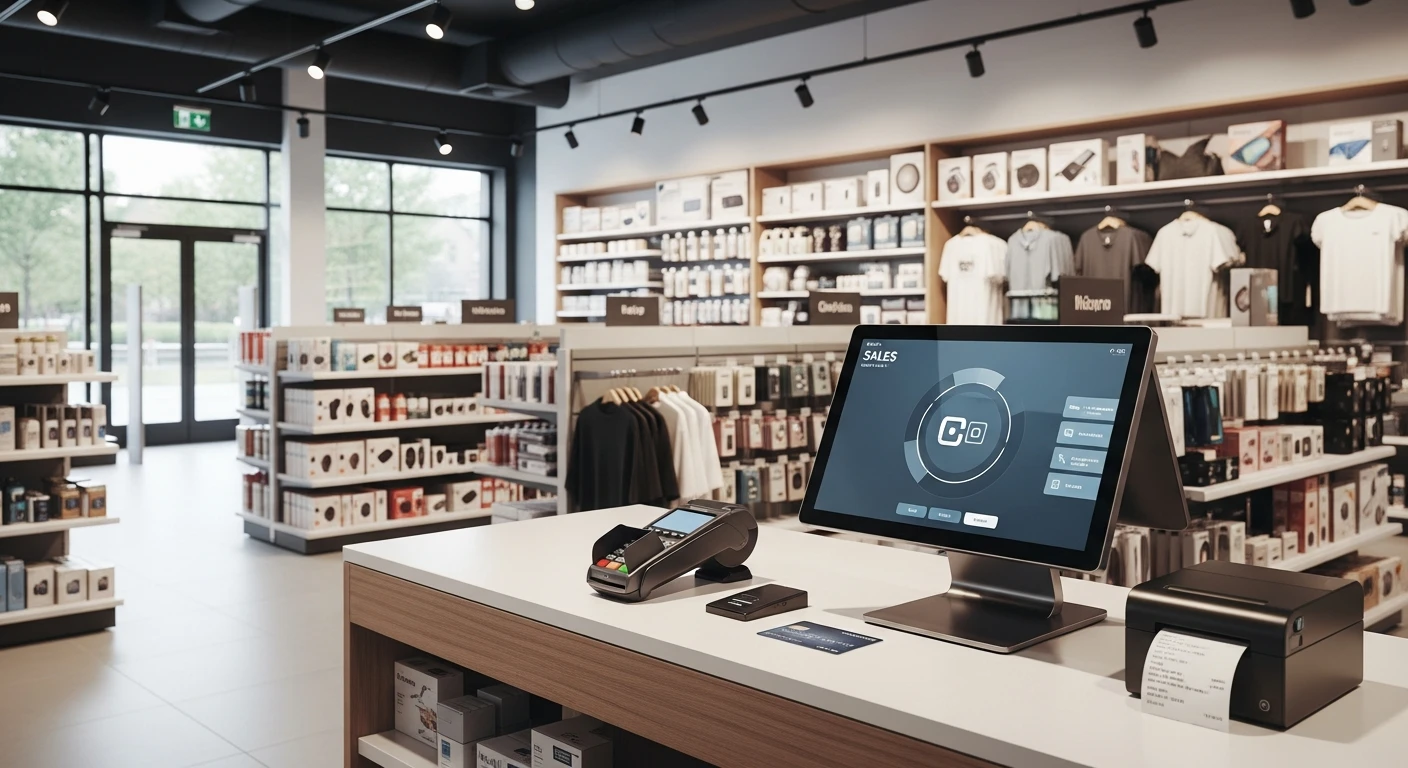
For retail store operators, POS Systems for Retail Stores in isn't optional — it's the backbone of daily operations. Choosing the right retail POS system is one of the most consequential technology decisions a store owner can make. The wrong platform drains revenue through processing fees, slows down checkout lines, and locks you into hardware you cannot repurpose. The right one accelerates growth, simplifies inventory, and gives you a real-time picture of your business from anywhere.
This guide breaks down the best point-of-sale systems for retail stores in 2026, comparing features, pricing structures, and the operational trade-offs that actually matter once the sales demo is over.
What Makes a Great Retail POS System in 2026?
Retail technology has matured significantly over the past three years. The baseline expectations for a modern retail POS system now include cloud-based management, integrated payment processing, and real-time inventory tracking. But the platforms that stand out go further.
Essential Features to Evaluate
- Inventory management with variant tracking — Color, size, style, and custom attributes should all be searchable and reportable without workarounds.
- Processor-agnostic payment support — Being locked into a single payment processor limits your ability to negotiate rates as you grow. The best systems let you choose and switch freely.
- Omnichannel capability — Your POS should unify in-store sales, online orders, and marketplace listings into a single inventory pool.
- Customer relationship management (CRM) — Built-in customer profiles, purchase history, and loyalty program support eliminate the need for bolted-on third-party tools.
- Offline functionality — Internet outages should not halt your business. A reliable retail POS system processes transactions locally and syncs when connectivity returns.
- Scalable hardware options — Tablets, kiosks, barcode scanners, and receipt printers should all be configurable without proprietary lock-in.
Pricing Models to Understand
Retail POS pricing falls into three broad categories:
- Subscription + processing — A monthly software fee plus per-transaction payment processing charges. This is the most common model from Square, Toast, and Clover.
- Flat licensing — A one-time or annual software license with the freedom to choose your own payment processor. This approach typically saves high-volume retailers thousands per year.
- Free tier with upsells — Limited functionality at no cost, with critical features gated behind paid plans. Attractive for startups, but costs often escalate quickly.
A store processing $50,000/month in card transactions can save $3,000 to $7,000 annually by switching from a bundled processing model to a processor-agnostic POS with negotiated merchant rates.
Top Retail POS Systems Compared
| Feature | KwickOS | Square | Clover | Shopify POS | Lightspeed |
|---|---|---|---|---|---|
| Processor-Agnostic Payments | Yes | No | No | Partial | Yes |
| Built-in Inventory Management | Advanced | Basic | Basic | Advanced | Advanced |
| Digital Signage (KwickSign) | Included | No | No | No | No |
| Built-in CRM & Loyalty | Yes | Paid Add-on | Paid Add-on | Limited | Paid Add-on |
| Offline Mode | Full | Limited | Limited | Limited | No |
| Multi-Location Support | Included | Paid Tier | Paid Tier | Paid Tier | Paid Tier |
| Online Ordering Integration | KwickMenu | Square Online | Third-Party | Native | Third-Party |
| Hardware Lock-in | None | Moderate | High | Low | Low |
In-Depth: The Best Retail POS Platforms
KwickOS — Best All-in-One Business Operating System
KwickOS takes a fundamentally different approach from traditional POS vendors. Rather than selling a point-of-sale terminal with add-ons, KwickOS delivers a complete business operating system where POS is one module alongside digital signage (KwickSign), voice AI ordering (KwickPhone), payment processing (KwickPay), online menus (KwickMenu), and delivery tracking (KwickTracker).
For retail stores, the advantages are immediate. KwickOS is fully processor-agnostic, meaning you can negotiate your own credit card rates and switch processors without changing your POS software. The platform supports 5,000+ merchants across North America, including enterprise-scale deployments like Haidilao's 600+ locations.
Inventory management includes variant tracking across unlimited attributes, automated reorder alerts, and real-time stock synchronization across multiple locations. The built-in CRM captures customer purchase behavior and powers a native loyalty program without third-party fees.
Best for: Retail stores that want a unified platform without processor lock-in, especially multi-location operators looking to consolidate technology vendors.
Square — Best for Simplicity
Square remains popular for its ease of setup. A new retailer can be processing transactions within minutes. The hardware is affordable, the interface is clean, and the ecosystem of add-ons covers most basic needs.
The trade-off is cost at scale. Square's flat processing rate of 2.6% + 10 cents is competitive for micro-businesses but becomes expensive as transaction volume grows. You cannot bring your own processor, and advanced inventory features require upgrading to Square for Retail Plus.
Best for: Solo operators and pop-up shops processing under $10,000/month who value simplicity over customization.
Clover — Best for Quick Hardware Deployment
Clover's hardware lineup is extensive and visually appealing. The countertop stations, handheld devices, and kiosks are well-designed, and Fiserv's backing provides stability. The app marketplace extends core functionality significantly.
The downside is that Clover hardware is proprietary. If you leave the platform, the devices become unusable. Processing is locked to Fiserv's network, and monthly costs climb quickly once you add the features that competitors include by default.
Best for: Retailers who prioritize hardware aesthetics and are comfortable with long-term vendor commitment.
Shopify POS — Best for Online-First Retailers
If your business started online and is expanding into physical retail, Shopify POS provides the tightest integration between your e-commerce store and in-person sales. Inventory, customer data, and order management flow seamlessly between channels.
For brick-and-mortar-first retailers, Shopify POS can feel feature-light. Advanced reporting, staff management, and multi-location features all require the Pro plan, and the platform assumes an online-first workflow that may not match your operations.
Best for: E-commerce brands opening physical locations that already use Shopify for their online store.
Lightspeed — Best for High-SKU Retailers
Lightspeed excels at managing large, complex product catalogs. Retailers with thousands of SKUs, such as sporting goods stores, electronics shops, or specialty retailers, will appreciate the deep inventory tools and purchase order management.
Pricing is on the higher end, and while Lightspeed allows some processor flexibility, the recent push toward integrated payments has narrowed those options. Customer support quality has also been inconsistent following their series of acquisitions.
Best for: Specialty retailers with 1,000+ SKUs who need advanced catalog and purchase order management.
See How KwickOS Compares for Your Store
Request a personalized comparison based on your transaction volume, number of locations, and feature requirements.
Compare POS SystemsHow to Choose the Right Retail POS System
Step 1: Calculate Your True Cost of Ownership
Monthly subscription fees are only part of the picture. Factor in payment processing costs (the largest expense for most retailers), hardware purchases, add-on module fees, and the cost of third-party integrations you will need to fill feature gaps.
A system that charges $79/month but locks you into 2.9% processing will cost far more over three years than a platform at $129/month that lets you negotiate processing down to 2.2%.
Step 2: Audit Your Integration Needs
List every piece of technology your retail store currently relies on: accounting software, e-commerce platform, email marketing, loyalty program, employee scheduling, and supplier catalogs. Then evaluate which POS systems natively include or integrate with those tools.
Platforms like KwickOS consolidate many of these functions into a single operating system, reducing the number of integrations you need to maintain. Others, like Square, rely on a marketplace of third-party apps that may introduce additional costs and reliability concerns.
Step 3: Test Offline Reliability
During your evaluation, deliberately disconnect the POS from the internet and attempt to process a sale. The results will vary dramatically across platforms. A retail store cannot afford to turn away customers during an internet outage, especially during peak hours.
Step 4: Evaluate Multi-Location Readiness
Even if you operate a single store today, choose a platform that scales. Opening a second location should not require migrating to a new POS system. Look for centralized inventory management, cross-location reporting, and role-based permissions for staff at different sites.
For guidance on scaling operations across locations, see our guide on managing multiple business locations.
Retail POS Trends Shaping 2026
AI-Powered Inventory Forecasting
Machine learning models trained on your historical sales data, local events, and seasonal patterns are making inventory forecasting significantly more accurate. Leading platforms now suggest reorder quantities and timing automatically, reducing both stockouts and overstock.
Unified Commerce Replaces Omnichannel
The industry has moved beyond simply connecting channels. Unified commerce means a single technology stack manages every customer interaction, whether it happens in-store, online, via mobile app, or through social media. KwickOS exemplifies this approach by building POS, online ordering, signage, and customer management into one platform rather than stitching separate tools together.
Contactless and Mobile Wallets Dominate
Tap-to-pay now accounts for over 60% of in-person card transactions in North America. Your POS hardware must support NFC payments, and your processing agreements should account for the lower interchange rates that contactless transactions often qualify for.
Embedded Financial Services
POS platforms are increasingly offering lending, cash advances, and instant payouts based on transaction data. While convenient, retailers should carefully evaluate the terms of these financial products compared to traditional banking relationships.
Common Mistakes When Selecting a Retail POS
- Choosing based on hardware price alone — A $49 card reader that locks you into 2.9% processing will cost you far more than a $500 terminal with negotiable rates.
- Ignoring contract terms — Some platforms require multi-year commitments with early termination fees. Read the fine print before signing.
- Overlooking staff training time — The most feature-rich system is useless if your team struggles to operate it. Evaluate the learning curve alongside the feature list.
- Skipping the integration audit — Discovering that your POS does not connect to your accounting software after installation creates expensive workarounds.
- Failing to plan for growth — Migrating POS systems is disruptive. Invest in a platform that accommodates your three-year growth plan, not just your current needs.
Ready to Upgrade Your Retail POS?
KwickOS gives retail stores processor-agnostic payments, built-in CRM, and multi-location management in one platform. Join 5,000+ merchants who already made the switch.
Become a PartnerFinal Verdict
The best retail POS system depends on where your business is today and where it is heading. For single-location shops focused purely on simplicity, Square remains a solid entry point. For online-first brands, Shopify POS offers natural integration with your existing store.
But for retailers who want long-term cost control, processor freedom, and a unified technology platform that grows with them, KwickOS delivers the most complete operating system available in 2026. The combination of POS, digital signage, voice AI, and built-in CRM eliminates the patchwork of subscriptions and integrations that drain both budget and attention from running your store.
Explore our industry-specific solutions to see how KwickOS is configured for different retail verticals, or visit our comparison page for a detailed feature-by-feature analysis against the platform you are currently using.