If you run a small business that accepts credit and debit cards, you are paying payment processing fees on every transaction. For the average restaurant or retail store processing 00,000-00,000 in annual card volume, these fees total 0,000-8,000 per year. Yet most business owners accept whatever rate their POS vendor gives them without questioning it.
How Payment Processing Fees Actually Work
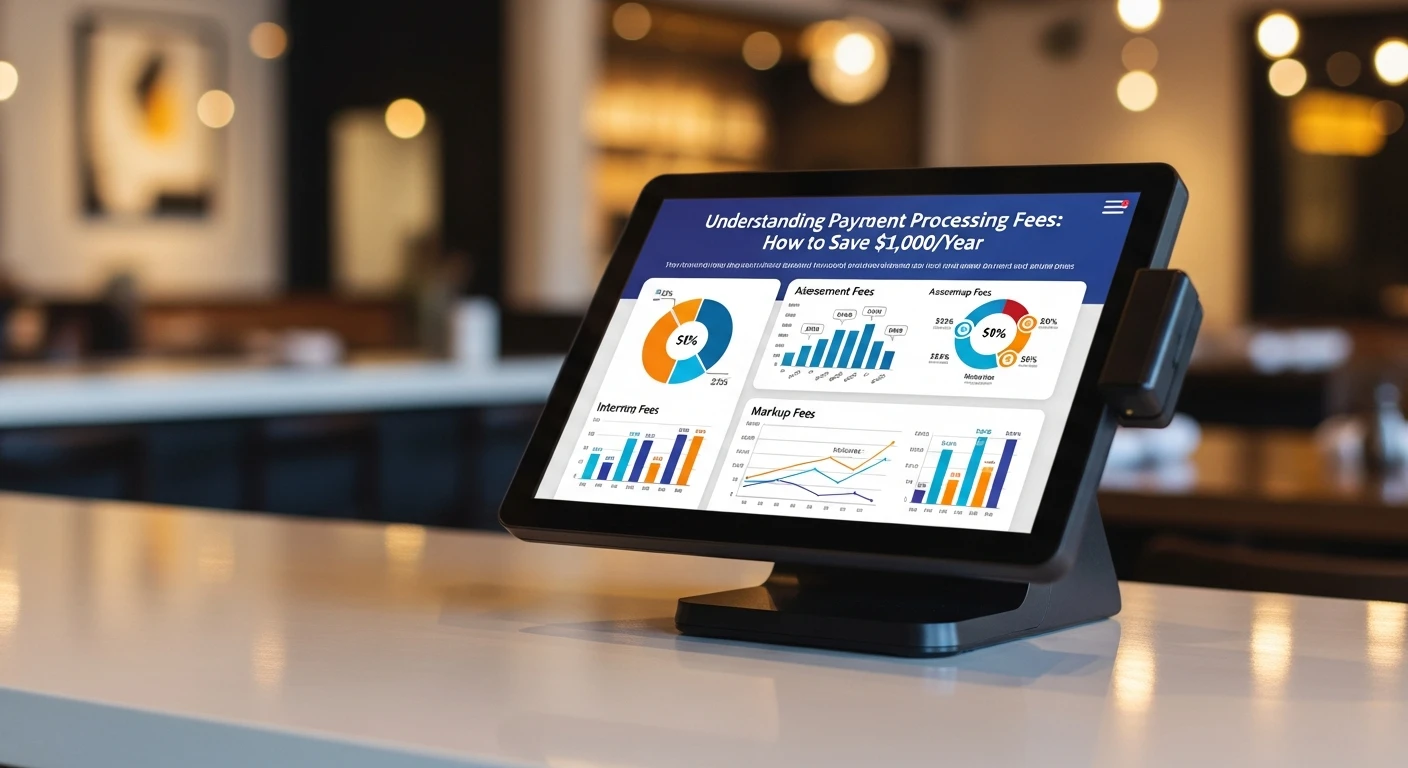
Every card transaction has three fee components:
1. Interchange Fees (Non-Negotiable)
Set by card networks (Visa, Mastercard) and paid to the issuing bank. Typically 1.5% to 2.5% depending on card type:
- Debit cards: 0.5% - 1.0%
- Standard credit cards: 1.5% - 1.8%
- Rewards credit cards: 1.8% - 2.3%
- Corporate/premium cards: 2.0% - 2.5%
2. Processor Markup (Negotiable)
Your payment processor charges 0.1% to 1.0% on top of interchange. This is where the real savings are.
3. Assessment Fees (Small and Fixed)
Card networks charge 0.13% - 0.15% on all transactions. Non-negotiable but insignificant.
The Two Pricing Models
Flat-Rate Pricing
POS systems like Square (2.6% + /bin/bash.10) and Toast (2.49%-2.99% + /bin/bash.15) charge a single percentage regardless of card type. Simple but expensive at volume — when a customer pays with a debit card (interchange ~0.8%), you still pay 2.6%.
Interchange-Plus Pricing
You pay the actual interchange plus a fixed markup (e.g., interchange + 0.25% + /bin/bash.10). You benefit from lower interchange on debit cards. Almost always cheaper at volume.
Real-World Savings Example
A restaurant processing 0,000/month (60% credit, 40% debit):
- Flat-rate at 2.6%: 2,480/year
- Interchange-plus at IC + 0.25%: ~,640/year
- Annual savings: approximately ,840
Over a 3-year contract, that is 1,520 in savings.
How Your POS Choice Affects Processing Costs
Locked Processing (Toast, Square, Shopify)
These platforms require their built-in payment processing. You cannot shop around for better rates. They profit directly from your volume, creating a conflict of interest.
Open Processing (KwickOS)
KwickOS lets you choose any payment processor. Get quotes from multiple processors, negotiate rates, choose interchange-plus pricing, and switch processors anytime.
Five Strategies to Reduce Fees
- Switch to a POS with payment processor freedom — this single change saves the most money. See our Toast alternatives guide.
- Negotiate your rates — get quotes from at least three processors.
- Request interchange-plus pricing — almost always cheaper over ,000/month.
- Encourage debit card payments — 40-60% lower interchange fees than credit.
- Audit monthly statements — look for PCI fees, batch fees, statement fees.
Hidden Fees to Watch For
| Fee Type | Amount | What It Is |
|---|---|---|
| PCI compliance fee | 9-20/yr | Maintaining PCI DSS compliance |
| PCI non-compliance | 9-0/mo | Penalty for not completing PCI questionnaire |
| Batch fee | /bin/bash.10-/bin/bash.30 | Settling each day's transactions |
| Statement fee | -5/mo | Monthly statements |
| Early termination | 00-00 | Canceling before contract end |
The ,000 Savings Breakdown
- Processing rate reduction: ,000-,000/year
- Eliminated add-on fees: ,200-,600/year
- Eliminated hidden fees: 00-00/year
- Hardware savings: 00-,200 one-time
Combined savings: ,800-0,400 in the first year.


Taking Action
- Calculate your current effective rate (total fees / total card volume). Over 2.5%? You are overpaying.
- Get competing quotes for leverage.
- Evaluate your POS. Platforms like KwickOS give you freedom to choose and save.
For a broader view, see our best restaurant POS systems guide.
Stop Overpaying for Payment Processing
KwickOS gives you complete payment processor freedom. See how much you could save.
Get Your Free Demo