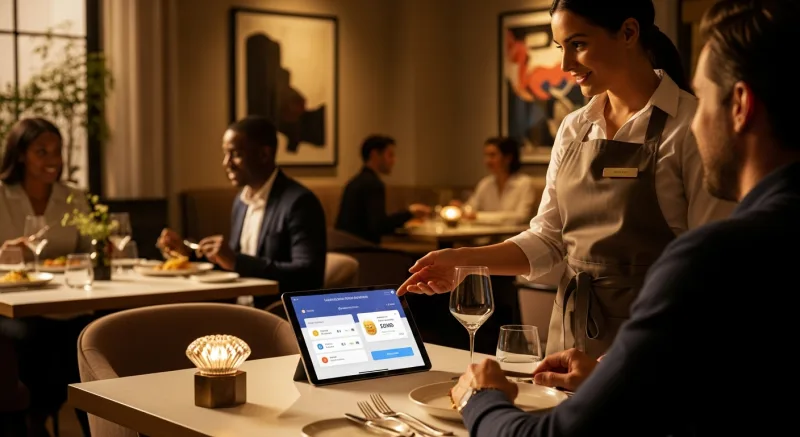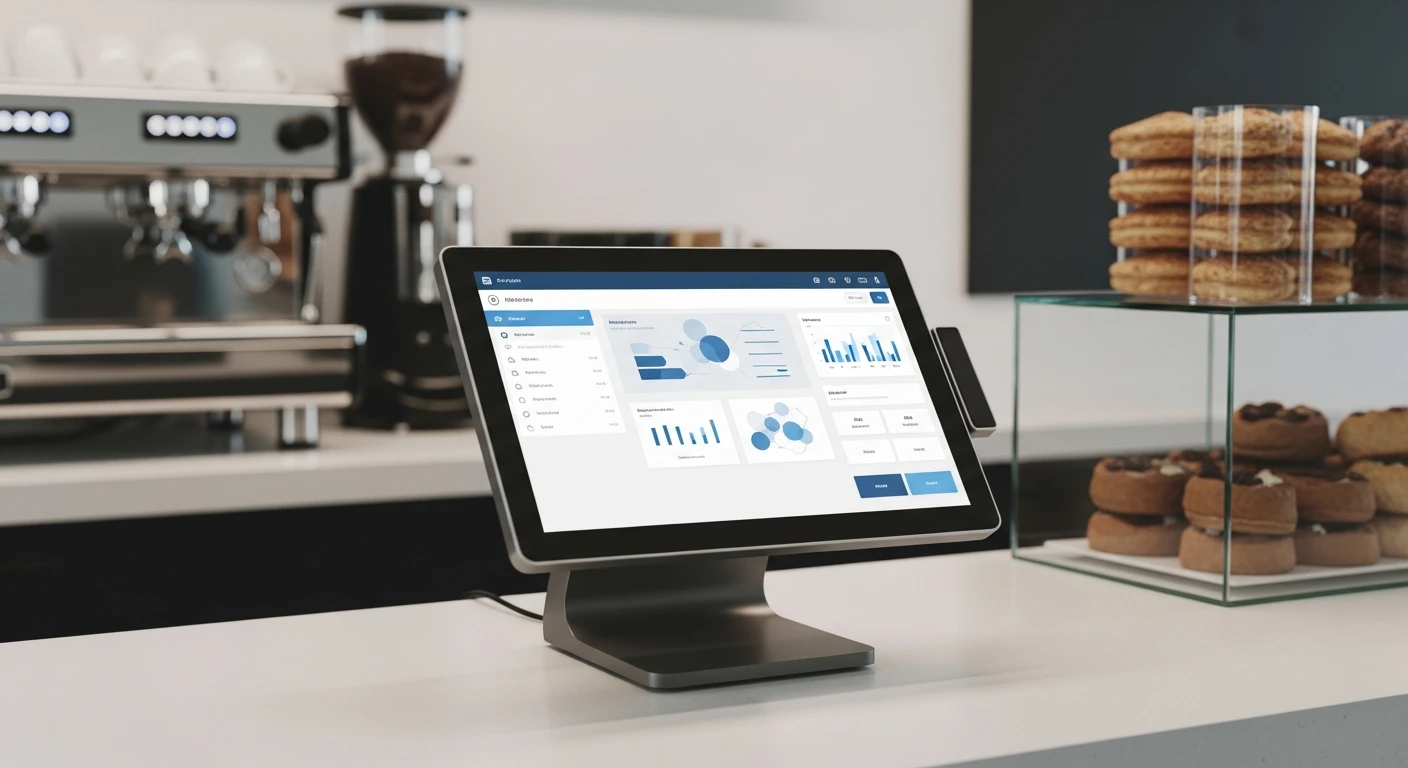
Choosing a POS system is one of the first and most consequential technology decisions a small business owner makes. The right system streamlines operations, saves money, and scales with your growth. The wrong one creates daily frustration, hidden costs, and painful migration headaches down the road.
This guide walks you through a practical evaluation framework — the same questions we hear from the 5,000+ businesses that have chosen KwickOS.
Step 1: Define Your Business Requirements
Different business types have fundamentally different POS requirements:
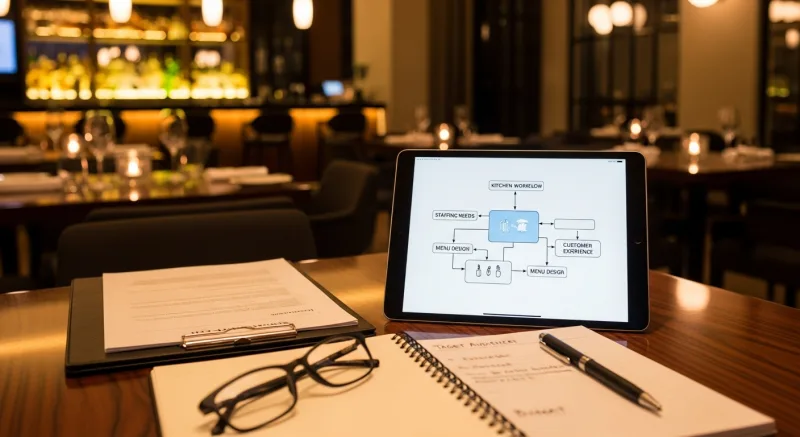
Restaurants and Food Service
- Table management and floor plan mapping
- Kitchen display system (KDS) integration
- Menu modifier and combo management
- Split checks and tip management
- Online ordering and delivery integration
- Inventory tracking with recipe-level depletion
Retail Stores
- Barcode scanning and label printing
- Purchase order and vendor management
- Size/color/variant tracking
- Customer accounts and loyalty
- E-commerce integration
Beauty, Spa, and Service Businesses
- Appointment scheduling and booking
- Service provider commission tracking
- Client profiles with service history
- Package and membership management
- Automated appointment reminders
A platform like KwickOS serves all three categories because it is designed as a business operating system rather than a single-purpose tool.
Step 2: Evaluate Total Cost of Ownership
The biggest mistake business owners make is choosing a POS based on the advertised monthly price. The true cost includes several components:
Software Fees
Monthly or annual subscription costs. Watch for tiered pricing where essential features are locked behind expensive plans.
Payment Processing Fees
This is often the single largest cost. If a POS system locks you into their payment processor, you lose the ability to negotiate competitive rates. The difference between a locked 2.99% rate and a negotiated 2.2% rate on 00,000 in annual card volume is ,950 per year. Learn more in our payment processing fees guide.
Hardware and Add-On Costs
Some vendors require proprietary hardware at inflated prices. Many POS vendors charge separately for inventory management, online ordering, loyalty programs, and staff scheduling. Calculate the total cost of every feature you need.
Cost Evaluation Tip
Create a spreadsheet with five cost categories (software, processing, hardware, add-ons, contract penalties) for each POS. The system with the lowest sticker price is rarely the one with the lowest total cost. KwickOS often delivers the lowest total cost because all features are included and payment processing is open.
Step 3: Test Reliability and Offline Capability
What happens when the internet goes down? Cloud-only POS systems stop working during outages. A hybrid architecture (like KwickOS's cloud+local approach) keeps everything running locally when the internet drops, then syncs data when connectivity returns.
Step 4: Assess Ease of Use
During your demo or trial, have a non-technical staff member test the system. Can they ring up an order within 5 minutes? Browser-based systems have an advantage — they look and feel like a website, which is familiar to everyone.
Step 5: Check Integration and Scalability
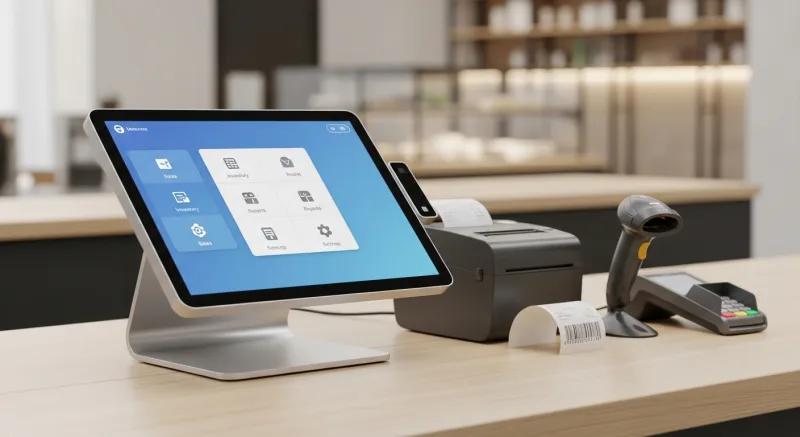
- Multi-location support: Can the POS manage all locations from a single dashboard?
- Third-party integrations: Does it connect with accounting software, delivery platforms, and other tools?
- Growth pricing: How does pricing change as you add terminals and locations?
Step 6: Evaluate Support
- Is support available 24/7?
- Can you reach support by phone, chat, and email?
- Does the vendor provide hands-on setup assistance?
Step 7: Run a Real Trial

- Set up your actual menu or product catalog — not a demo catalog.
- Process real transactions during a slower period.
- Test during peak hours if possible.
- Simulate failure scenarios: unplug your router.
- Get staff feedback.
Common Mistakes to Avoid
- Choosing based on price alone — the cheapest option usually becomes the most expensive once you add necessary features.
- Ignoring payment processing costs — typically 60-80% of your total POS-related expenses.
- Signing long-term contracts before testing — always trial before committing.
- Assuming all cloud POS systems work offline — most do not.
Our Recommendation
KwickOS was built on this exact philosophy. Every feature — from POS to digital signage — is included. You choose your payment processor. And the hybrid architecture means your business never stops. For a detailed comparison, read our best restaurant POS systems guide.

Find Out if KwickOS is Right for Your Business
Schedule a free 15-minute demo tailored to your business type. No pressure, no long-term commitment.
Get Your Free DemoSee the complete KwickOS Point of Sale System — built for small businesses with no contracts and transparent pricing.