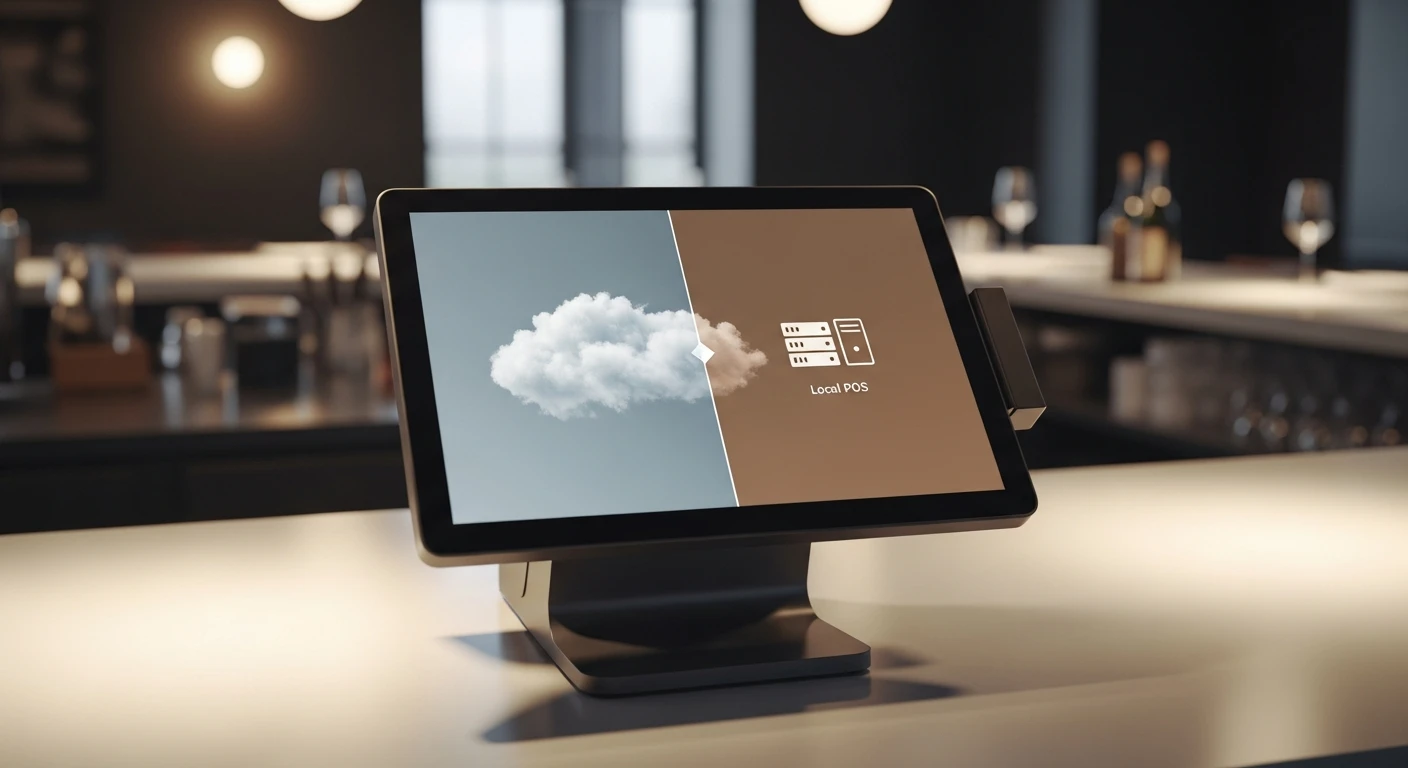
If you are evaluating POS systems in 2026, one of the first technical decisions you will face is architecture: cloud-based, locally installed, or hybrid. This decision has real-world consequences for reliability, data access, speed, and your ability to operate during internet outages.
The POS industry has largely moved toward cloud-first architectures, with platforms like Toast, Square, and Lightspeed running primarily in the cloud. But this shift has created a new category of problems that many business owners discover only after deployment. Meanwhile, traditional local systems offer bulletproof reliability but lack modern features like remote access and multi-location management.
The solution is hybrid architecture — and understanding why requires a clear look at the strengths and weaknesses of each approach.
Cloud POS: The Promise and the Problems
How Cloud POS Works
Cloud POS systems run on remote servers. Your terminal sends every transaction, menu lookup, and inventory check to a server over the internet. The data lives in the cloud, and you access it through a web browser or dedicated app.
Advantages of Cloud POS
- Remote access: Check sales, adjust menus, and view reports from anywhere.
- Automatic updates: The vendor pushes updates to all users simultaneously.
- Multi-location management: Centralized dashboard for all locations.
- Lower upfront cost: No server hardware to purchase.
- Automatic backups: Data backed up on vendor servers.
The Critical Weakness: Internet Dependency
The fundamental problem with cloud-only POS is that they stop working when your internet drops. During an outage, you may not be able to:
- Process any transactions
- Look up menu items or prices
- Apply discounts or promotions
- Send orders to the kitchen display
- Access customer accounts or loyalty data
- Open your cash drawer (on some systems)
Some cloud POS vendors claim offline mode capability, but these modes are typically severely limited. You might accept cash payments, but card processing, full menu functionality, and kitchen routing are often unavailable.
The Real Cost of Downtime
A restaurant averaging ,000 in revenue during a lunch rush loses approximately 6 per minute of downtime. A 30-minute internet outage during peak service costs 00 in lost revenue — plus frustrated customers who may never return. The average small business experiences 3-5 internet outages per year lasting 30+ minutes.
Other Cloud Limitations
- Latency: Every action requires a round trip to a remote server. Even 200ms per transaction adds up to noticeably slower service.
- Vendor dependency: If the vendor's servers go down, every business on the platform is affected simultaneously.
- Ongoing costs: Cloud POS requires perpetual subscription payments. Stop paying and you lose access.
Local POS: Reliable but Limited
How Local POS Works
Traditional local POS systems run on hardware installed at your business — a local server, desktop, or dedicated terminal. All data is stored and processed on-site. No internet connection is required for core operations.
Advantages of Local POS
- Internet independence: The system works regardless of connectivity. Orders flow, payments process, and kitchen tickets print with zero dependence on external servers.
- Speed: No network latency. Transactions process nearly instantaneously.
- Data control: Your data lives on your hardware with full control over access and backup.
- No ongoing cloud fees: Once purchased, no monthly subscription required.
Limitations of Local POS
- No remote access: Cannot check sales or adjust menus unless physically at the location.
- Manual updates: Software updates require on-site installation.
- Multi-location challenges: No centralized visibility across locations.
- Backup responsibility: Hardware failure without backups means data loss.
- Aging technology: Many local POS systems lack modern interfaces and integrations.
Hybrid Architecture: The Best of Both Worlds
Hybrid POS architecture runs a complete local system at your business while simultaneously syncing data to the cloud. This gives you the reliability of local with the convenience of cloud — without the compromises of either approach alone.
How Hybrid Works
KwickOS is built on hybrid architecture. Here is how it works:
- Normal operation (internet connected): The system processes everything locally for speed, while continuously syncing to the cloud. You get instant local performance plus real-time remote access.
- Internet outage: The local component seamlessly takes over. Orders keep flowing, payments keep processing, kitchen tickets keep printing. Staff and customers notice nothing.
- Internet restored: All data generated during the outage automatically syncs to the cloud. No manual intervention, no data loss.
Why Hybrid is Superior
| Capability | Cloud-Only | Local-Only | Hybrid (KwickOS) |
|---|---|---|---|
| Works offline | Limited/degraded | Full capability | Full capability |
| Remote access | Yes | No | Yes |
| Transaction speed | Network-dependent | Instant | Instant |
| Multi-location mgmt | Yes | No | Yes |
| Automatic updates | Yes | Manual | Yes |
| Data backup | Cloud only | Local only | Both (redundant) |
| Vendor outage impact | Total system down | None | None (local continues) |
Real-World Scenarios Where Hybrid Matters
Scenario 1: The Friday Night Internet Outage
Your restaurant is packed on a Friday night. At 7:30pm, your internet goes down.
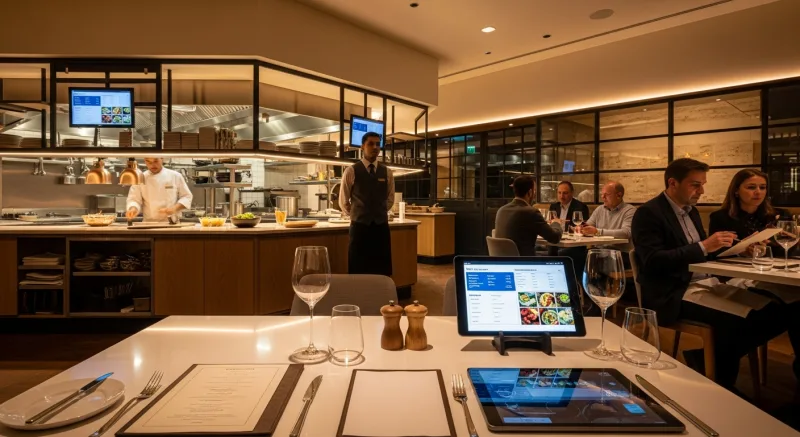
Cloud-only POS: Your system enters degraded offline mode supporting only cash. Credit cards fail. Kitchen display goes blank. You lose hundreds in revenue.
Hybrid POS (KwickOS): Nothing changes. Orders flow to the kitchen display. Credit cards process through the local payment connection. When internet returns, all data syncs automatically. Staff and customers never noticed.
Scenario 2: Multi-Location Management
You own three restaurant locations and want consolidated sales reports, centralized menu updates, and remote inventory monitoring.
Local-only POS: You drive to each location or hire IT for remote access. Menu changes require visiting each site.
Hybrid POS (KwickOS): Log into the cloud dashboard from home, see all three locations in real time, push menu changes to all locations with one click. Each location runs independently with zero internet dependency for core operations.
Scenario 3: Vendor Server Outage
Your POS vendor experiences a server outage — this has happened to Toast, Square, and others, affecting thousands of businesses for hours.
Cloud-only POS: Your system is down. You wait for the vendor to fix it.
Hybrid POS (KwickOS): Your local system continues operating normally. Cloud features are temporarily unavailable, but in-store operations are unaffected.
Questions to Ask POS Vendors About Architecture
When evaluating any POS system, ask these specific questions:
- What happens when the internet goes down? Get specific answers. Can you process credit cards? Do kitchen tickets still print?
- Is there a local component, or is everything cloud-based? Offline mode is not the same as a true local component.
- What happened during your last major outage? Every cloud provider has had outages. How long were businesses affected?
- Where is my data stored? Is it only in the cloud, or is there a local copy?
- How does syncing work between local and cloud? Is it real-time? What happens to data generated offline?
The Future is Hybrid
The POS industry is converging on hybrid architecture because neither pure cloud nor pure local solves the full problem. Businesses need internet-independent reliability AND remote management. They need instant local speed AND cloud-based multi-location visibility.
KwickOS was built from the ground up on hybrid architecture. Every feature, from POS and checkout to digital signage to delivery management, works seamlessly whether you are online, offline, or transitioning between the two.
For a broader comparison, read our best restaurant POS systems guide. For the latest trends, see our 2026 technology trends article.
Want to sell KwickOS? We handle installation, training, and 24/7 support — you focus on selling and earning residual income. Join Our Partner Program →
Experience Hybrid POS Architecture
See how KwickOS keeps your business running no matter what. Free demo, no commitment.
Get Your Free Demo