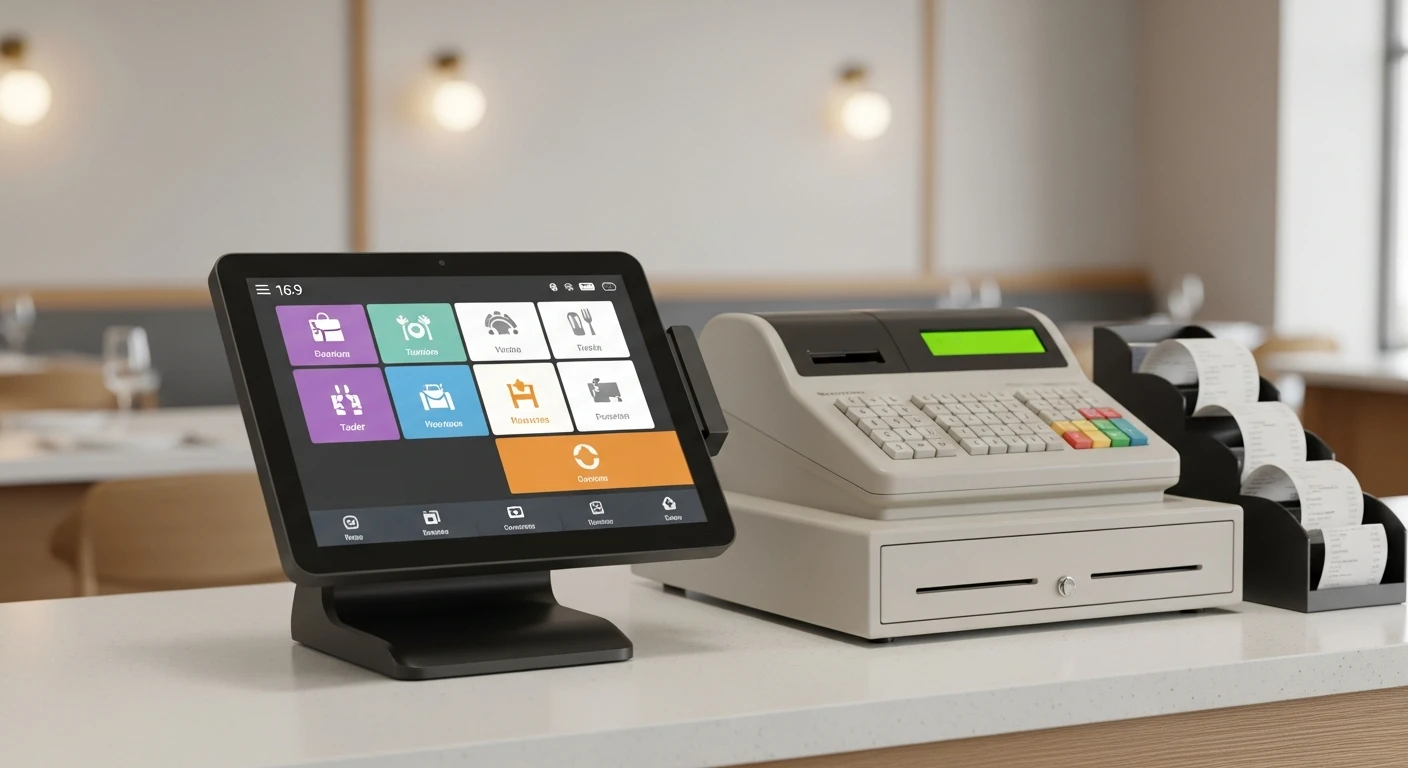
The debate between cloud POS and traditional POS systems is no longer theoretical. By 2026, cloud-based platforms dominate new installations, but legacy on-premise systems still run hundreds of thousands of businesses. The decision is not as simple as "new is better." Each architecture carries real trade-offs in cost, reliability, control, and scalability that depend on your specific business context.
This article provides a thorough, honest comparison to help you decide which approach fits your operation — and introduces the hybrid model that increasingly represents the best of both worlds.
Defining the Two Architectures
Traditional (On-Premise) POS
A traditional POS system stores all data locally. The software runs on a dedicated server (often a back-office PC), and terminals connect through a local network. Transaction records, inventory databases, and customer information all reside on hardware you own and manage on-site.
Examples include legacy systems from NCR Aloha, Oracle MICROS, and older versions of Heartland. These systems typically require upfront hardware purchases, on-site installation by a technician, and periodic manual software updates.
Cloud-Based POS
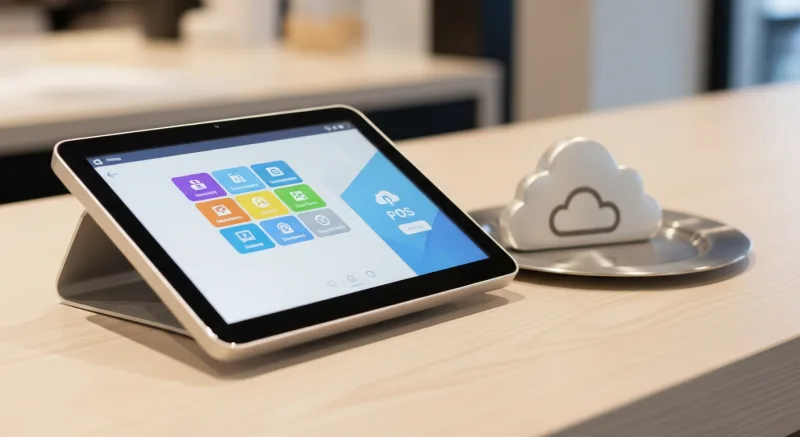
A cloud POS system stores data on remote servers and delivers software through an internet connection. The interface runs on standard hardware — tablets, touchscreens, or lightweight terminals — and updates happen automatically without on-site intervention.
Modern cloud POS platforms include Square, Toast, Clover, Shopify POS, and KwickOS. Most use a subscription pricing model with monthly fees rather than large upfront capital expenditures.
Feature-by-Feature Comparison
| Dimension | Traditional POS | Cloud POS | Hybrid (e.g., KwickOS) |
|---|---|---|---|
| Data Storage | Local server | Cloud servers | Cloud + local cache |
| Internet Dependency | None | High | Low (offline mode) |
| Upfront Cost | $5,000 – $20,000+ | $0 – $2,000 | $500 – $3,000 |
| Monthly Cost | $0 – $100 (support only) | $50 – $300+ | Varies by configuration |
| Software Updates | Manual / scheduled | Automatic | Automatic |
| Remote Access | VPN or none | Any browser/device | Any browser/device |
| Multi-Location Mgmt | Complex, costly | Built-in | Built-in |
| Hardware Flexibility | Proprietary terminals | Tablets, phones, kiosks | Flexible |
| Data Backup | Your responsibility | Automated | Automated + local |
| Scalability | Hardware-limited | Highly scalable | Highly scalable |
The Case for Cloud POS
1. Lower Barrier to Entry
Traditional POS systems routinely require $10,000 to $20,000 in upfront investment for hardware, software licenses, installation, and initial training. Cloud systems reduce this to a few hundred dollars for a tablet and card reader, with software costs spread across monthly subscriptions.
For new businesses with limited capital, this difference can be decisive. The money saved on POS infrastructure can fund inventory, marketing, or additional staff during the critical launch phase.
2. Real-Time Data from Anywhere
With a cloud POS, you can check today's sales, monitor inventory levels, and review staff performance from your phone while standing in line at the grocery store. Traditional systems require you to be on-site or set up complex VPN connections to access the same information.
For owners who manage multiple locations, this remote visibility is not a luxury — it is an operational necessity. See our guide on managing multiple locations for strategies that depend on real-time cloud data.
3. Automatic Updates and New Features
Cloud platforms push updates continuously. When tax regulations change, when new payment methods emerge, or when a critical security patch is needed, the update happens automatically. Traditional systems require scheduling a technician visit or running manual update procedures that can take your system offline.
4. Easier Integration Ecosystem
Cloud POS systems connect to accounting software, delivery platforms, loyalty programs, and marketing tools through APIs. Traditional systems may offer integrations, but they are often limited, expensive, and fragile — requiring middleware that adds cost and complexity.
Platforms like KwickOS take this further by building the integrations into the core platform. POS, online ordering (KwickMenu), digital signage (KwickSign), delivery tracking (KwickTracker), and CRM all share a single database, eliminating integration points entirely.
5. Scalability Without Infrastructure Investment
Opening a new location with a traditional POS means purchasing another server, installing software, and configuring networking. With a cloud POS, you set up a new tablet, log in, and start selling. The centralized platform handles inventory synchronization, reporting consolidation, and staff management across all locations automatically.
Cloud Power with Offline Reliability
KwickOS combines cloud-based management with full offline functionality. Your business keeps running even when your internet does not.
See How KwickOS ComparesThe Case for Traditional POS
1. No Internet Dependency
This is the strongest argument for traditional systems. A locally hosted POS does not care if your ISP is having a bad day. For businesses in areas with unreliable internet — rural locations, older commercial buildings, or regions prone to natural disasters — this independence is genuinely valuable.
However, it is worth noting that modern hybrid cloud POS systems have largely addressed this concern. KwickOS, for example, caches all critical data locally and processes transactions offline, syncing to the cloud when connectivity returns. The gap between "traditional offline" and "cloud with offline mode" has narrowed considerably.
2. Perceived Data Control
Some business owners prefer knowing their data sits on a server they can physically see and touch. This is psychologically reassuring, even though cloud infrastructure maintained by professional teams typically has better security, redundancy, and uptime than a back-office PC.
The reality is that local servers are more vulnerable to theft, fire, hardware failure, and ransomware than professionally managed cloud infrastructure. But the perception of control matters, particularly in industries with strict data handling requirements.
3. Lower Long-Term Software Costs (Potentially)
A traditional POS with a perpetual license has no monthly software fee. Over five to seven years, the total software cost may be lower than a cloud subscription. However, this calculation often ignores the cost of on-site support, manual updates, hardware replacement, and the IT expertise required to maintain a local server.
4. Customization Depth
Legacy enterprise systems from vendors like Oracle MICROS or NCR Aloha offer extremely deep customization for large-scale operations. If you need highly specific workflows that no cloud platform supports, a traditional system with custom development may be the only option. This applies primarily to large hotel chains, stadiums, and complex hospitality operations — not typical SMBs.
The Hybrid Approach: Why It Is Winning
The most forward-thinking POS platforms in 2026 have moved beyond the binary choice. The hybrid architecture combines cloud-based management and data synchronization with local processing capability that keeps your business running regardless of internet status.
How Hybrid Cloud POS Works
- Normal operation: The POS communicates with cloud servers in real-time, syncing transactions, inventory updates, and customer data continuously.
- Internet disruption: The local device detects the connectivity loss and seamlessly switches to offline mode. All functions — transaction processing, receipt printing, and order management — continue without interruption.
- Connectivity restored: Cached transactions and data changes sync automatically to the cloud. No manual intervention is required, and no data is lost.
KwickOS uses this hybrid architecture across its entire platform. Whether you are processing a payment through KwickPay, updating a menu board through KwickSign, or managing orders through KwickPOS, the system operates normally during internet interruptions and reconciles automatically when connectivity returns.
Businesses running KwickOS report zero transaction losses during internet outages — a critical advantage for high-volume operations where even five minutes of downtime during a lunch rush can mean hundreds of dollars in lost sales.
Total Cost of Ownership: A Realistic Comparison
Let us compare the five-year total cost for a single-location restaurant or retail store:
| Cost Category | Traditional POS | Cloud POS (Typical) | KwickOS (Hybrid) |
|---|---|---|---|
| Hardware (Year 1) | $8,000 – $15,000 | $500 – $2,000 | $500 – $2,500 |
| Software (5-Year Total) | $2,000 – $5,000 | $3,600 – $18,000 | Custom Quote |
| Payment Processing (5 Years) | Negotiable | Locked (typically higher) | Negotiable |
| IT Support & Maintenance | $3,000 – $10,000 | Included | Included |
| Add-ons (Loyalty, Online, Signage) | $5,000 – $15,000 | $3,000 – $12,000 | Included |
| Hardware Replacement (Year 3-4) | $3,000 – $8,000 | $300 – $1,000 | $300 – $1,000 |
The traditional POS appears cheaper on software alone, but hardware costs, IT support, add-on tools, and hardware replacement push the five-year total significantly higher. Cloud systems spread costs evenly but may lock you into expensive payment processing that erodes the savings.
The hybrid approach from platforms like KwickOS aims to optimize both: cloud convenience and updates with local reliability, processor-agnostic payments for cost control, and an all-in-one platform that eliminates add-on subscriptions.
Security Considerations
Cloud POS Security
Reputable cloud POS providers maintain PCI DSS compliance, encrypt data in transit and at rest, and employ dedicated security teams that monitor for threats continuously. Their infrastructure benefits from redundancy, automated backups, and disaster recovery capabilities that no SMB could replicate on-premise.
The primary risk is vendor dependency. If the cloud provider experiences a prolonged outage or goes out of business, your access to data and operational capability is affected. Evaluating the provider's financial stability, data portability policies, and SLA guarantees is essential.
Traditional POS Security
On-premise security is entirely your responsibility. This means physical security for the server, regular software patching, firewall configuration, backup management, and compliance with payment card industry standards. Many small businesses lack the IT expertise to maintain this properly, leaving local systems more vulnerable in practice than cloud alternatives.
Hybrid Security
Hybrid systems inherit the security advantages of cloud infrastructure while adding local data caching for operational resilience. The key is ensuring that locally cached data is encrypted and that the sync process is secure. KwickOS handles this automatically, encrypting local caches and using secure channels for all cloud communication.
Who Should Choose What
Choose Traditional POS If:
- You operate in an area with no reliable internet access and no viable alternatives (satellite, cellular backup).
- You have an existing, well-functioning traditional system with years of historical data and no compelling reason to migrate.
- Your operation requires custom integrations with legacy enterprise systems that have no cloud counterparts.
Choose Cloud POS If:
- You are starting a new business and want to minimize upfront investment.
- You need to manage multiple locations from a single dashboard.
- Remote access to sales, inventory, and reporting is important to your workflow.
- You want automatic software updates and new features without IT overhead.
Choose Hybrid Cloud POS If:
- You need the management benefits of cloud with the reliability guarantee of offline processing.
- You want processor-agnostic payment flexibility without giving up cloud convenience.
- You are scaling from one location to many and need a platform that handles growth seamlessly.
- You want POS, online ordering, signage, CRM, and delivery tracking in one integrated system rather than multiple subscriptions.
Experience the Hybrid Advantage
KwickOS delivers cloud management, offline reliability, and processor freedom in a single platform. Trusted by 5,000+ merchants including Haidilao's 600+ locations.
Become a PartnerMaking the Transition from Traditional to Cloud
If you are currently running a traditional POS and considering the move to cloud, here is a practical migration path:
- Export your data — Pull transaction history, customer records, inventory catalogs, and employee data from your existing system. Most traditional systems allow CSV exports.
- Run parallel systems — For the first two to four weeks, operate both your traditional and new cloud POS simultaneously. This catches configuration issues before they affect customers.
- Train incrementally — Start with your most tech-comfortable staff, then let them help train others. Peer training is more effective than vendor-led sessions for operational muscle memory.
- Migrate during a slow period — Do not switch POS systems during your busiest season. Choose a historically slow week to minimize disruption.
- Keep the old system accessible — Maintain read-only access to your traditional POS for at least six months after migration. You will need it for historical lookups and tax reporting.
For retailers evaluating specific cloud platforms, our retail POS comparison guide provides detailed feature and pricing analysis across the top options.
Final Thoughts
The cloud POS vs traditional POS debate is largely settled for new businesses: cloud wins on cost, flexibility, and feature velocity. For existing businesses on traditional systems, the question is when to migrate, not whether.
The most important nuance is that "cloud POS" is not a monolithic category. The best platforms — like KwickOS — have evolved beyond pure cloud into a hybrid architecture that eliminates the last legitimate advantage of traditional systems: offline reliability. Combined with processor-agnostic payments and an all-in-one module ecosystem, this hybrid approach represents the future of business technology for SMBs.
Explore industry-specific configurations to see how KwickOS adapts its hybrid cloud platform for restaurants, retail stores, and service businesses.
Looking for a cloud-first POS? Explore the KwickOS Point of Sale System — cloud-native with offline capability built in.
