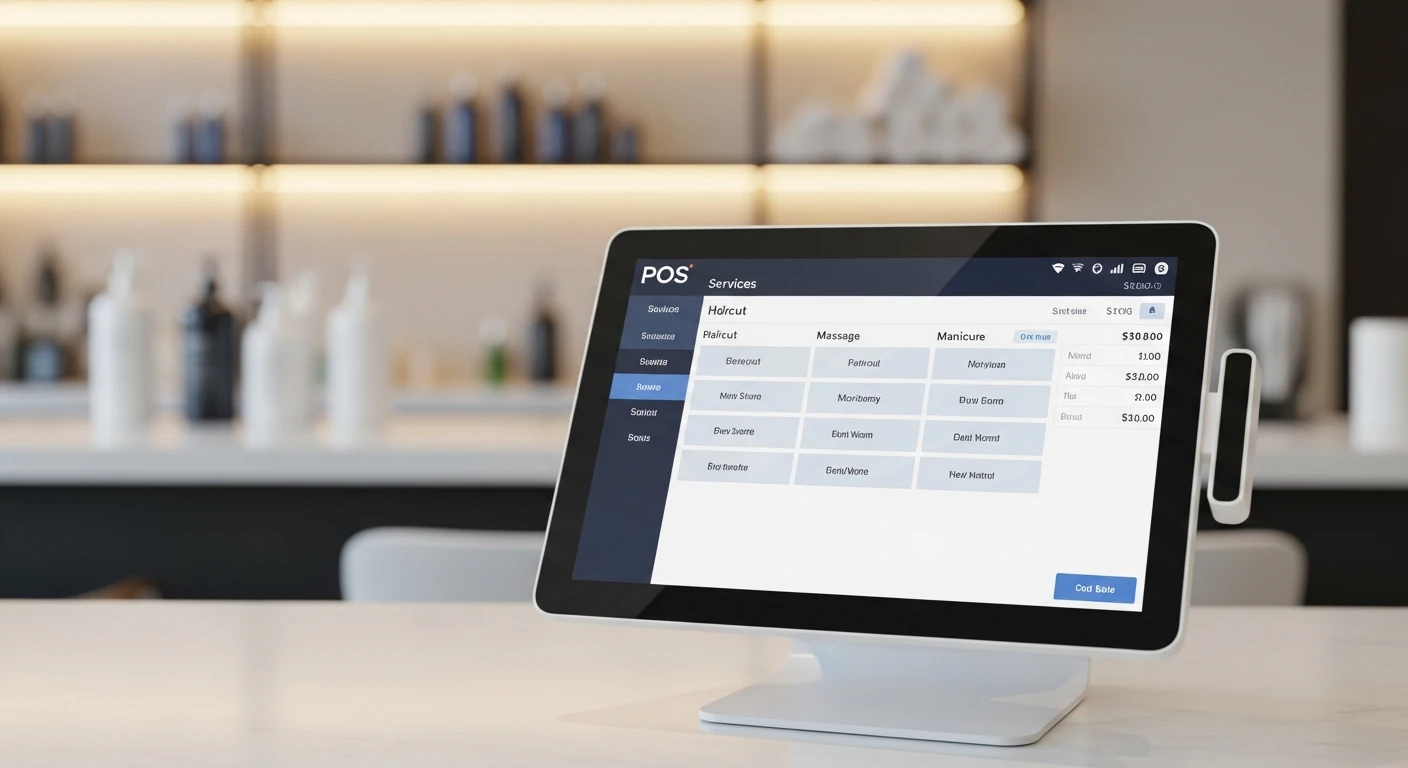
Running a salon or spa is fundamentally different from running a restaurant or retail store, and your POS system needs to reflect that. A generic retail POS cannot handle appointment scheduling, staff commission structures, service-plus-product transactions, or the client relationship management that drives repeat visits in the beauty industry. Yet many salon owners settle for a system that was not designed for their business, then spend hours working around its limitations.
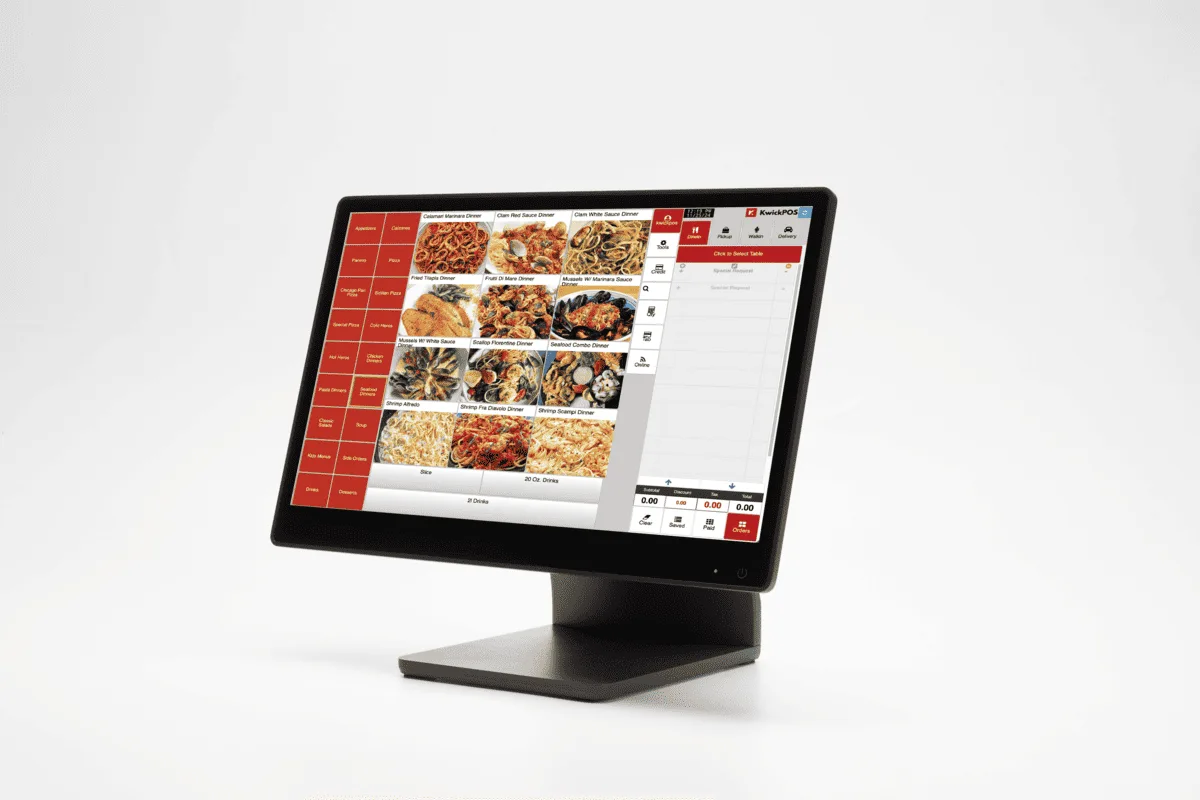
KwickOS POS station — perfect for salon and spa front desk
This guide covers the specific features salons and spas need from a POS system, what to look for when evaluating options, how to avoid common pitfalls, and what the best systems in 2026 offer. Whether you are opening a new salon, upgrading from pen-and-paper booking, or replacing a system that is not meeting your needs, this will help you make an informed decision.
What Makes Salon POS Different from Standard POS
A standard retail or restaurant POS handles transactions: scan items, total the bill, process payment. A salon POS must manage an entirely different set of operations:
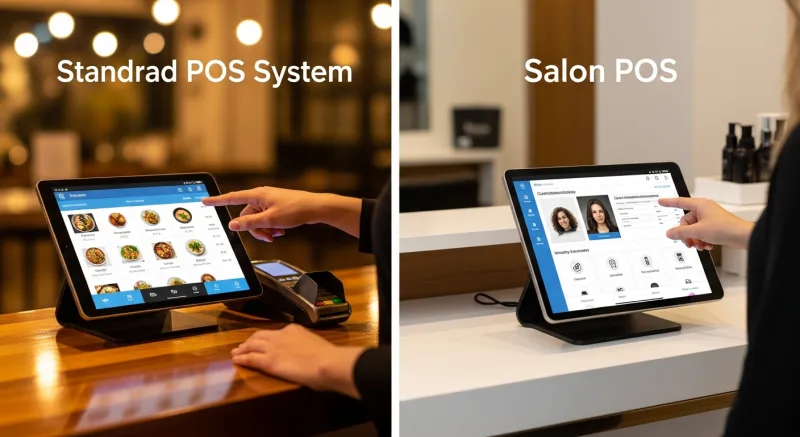
- Appointments are the core transaction, not walk-in purchases. The POS must integrate appointment scheduling with checkout, so that booking, service delivery, and payment are one continuous workflow.
- Staff are the product. Each stylist, esthetician, or therapist has their own schedule, service list, pricing, and commission rate. The POS must track who performed each service and calculate compensation accordingly.
- Hybrid transactions are standard. A typical salon visit might include a haircut (service), a conditioning treatment (add-on service), and a bottle of shampoo (retail product), all on one ticket. The POS must handle services and retail seamlessly in the same transaction.
- Client relationships drive revenue. Repeat clients are the lifeblood of a salon. The POS must store client history, preferences, formulas, and notes so that every visit builds on the last.
Essential Features for a Salon or Spa POS
1. Appointment Scheduling and Online Booking
This is the most critical feature. Your POS should include a built-in appointment calendar that:
- Shows each staff member's schedule in a clear, visual format (typically a day view with time slots per staff member)
- Allows online booking through your website, Google Business Profile, and social media, syncing directly with the in-house calendar in real time
- Sends automated confirmation and reminder notifications via text and email (this alone reduces no-shows by 30-50%)
- Handles recurring appointments for regular clients
- Supports variable service durations (a men's haircut might be 30 minutes while a color service is 2.5 hours)
- Manages buffer time between appointments for cleanup and preparation
- Allows clients to request a specific staff member or accept the next available
Online booking is no longer optional. In 2026, over 60% of salon appointments are booked outside of business hours, meaning clients are on your website at 10pm deciding whether to book. If they cannot book online, they may book with a competitor who offers that convenience.
2. Staff Management and Commission Tracking
Salon compensation is uniquely complex. Your POS must handle multiple commission structures, often simultaneously within the same business:
| Commission Model | Description | POS Requirement |
|---|---|---|
| Percentage commission | Stylist earns a percentage of each service (e.g., 45% of service revenue) | Track service revenue per staff member; calculate commission automatically |
| Tiered commission | Commission rate increases as the stylist reaches revenue thresholds (e.g., 40% up to $5K, 50% above $5K) | Track cumulative revenue per pay period; apply correct rate at each tier |
| Hourly + commission | Base hourly wage plus a smaller commission percentage | Integrate with time tracking; combine wage and commission in payroll reports |
| Booth rental | Stylist rents a station and keeps all revenue; pays fixed rent to the salon | Track revenue per station for business analytics; separate from salon revenue |
| Retail commission | Separate commission rate for product sales (e.g., 10-15% of retail revenue) | Differentiate service commission from retail commission per staff member |
The best salon POS systems calculate commissions automatically based on rules you configure for each staff member, then generate payroll reports broken down by service revenue, retail sales, tips, and commissions. Doing this manually in a spreadsheet is error-prone and time-consuming; it is one of the highest-value automations a POS can provide.
3. Client Management (CRM)
Every salon client should have a profile in your POS that stores:
- Visit history: Every appointment, service performed, and product purchased, with dates
- Service formulas and notes: Color formulas, treatment preferences, processing times, allergies, and personal notes ("prefers tea over coffee," "allergic to lavender")
- Contact information: Phone, email, birthday, and communication preferences for marketing
- Spending and visit frequency: How often they visit, average spend per visit, and lifetime value
- Photos: Before/after photos of services (invaluable for color consistency and for marketing with client permission)
This data transforms every visit from a standalone transaction into a relationship touchpoint. When a stylist can pull up a client's profile and see exactly what color formula was used last time, what products they bought, and that their daughter's birthday is next week, the service feels personal and premium.
4. Inventory Management for Beauty Products
Retail product sales are a significant revenue stream for salons, often representing 15-25% of total revenue with high margins. Your POS must track:
- Product stock levels with low-stock alerts so you never run out of your best sellers
- Back-bar product usage (professional products used during services, not sold to clients) to track true cost of service delivery
- Product performance reports showing which items sell, which sit on shelves, and which have the best margins
- Vendor management and purchase order generation for reordering
- Barcode scanning for fast, accurate retail checkout
Back-bar tracking is a feature often overlooked but critically important for understanding true service profitability. If a conditioning treatment uses $12 of professional product, that cost needs to factor into the service's margin calculation.
5. Loyalty Programs and Marketing
Client retention is the primary growth lever for salons. Your POS should support:
- Points-based loyalty programs: Clients earn points per dollar spent, redeemable for services or products. This encourages both repeat visits and retail purchases.
- Membership/package programs: Monthly memberships (e.g., one blowout per week for $99/month) or service packages (buy 5 facials, get 1 free) create predictable recurring revenue.
- Automated email and text marketing: Birthday offers, reactivation messages for lapsed clients ("We miss you! Here's 15% off your next visit"), and new service announcements.
- Review and referral management: Prompt happy clients to leave Google reviews; track and reward referrals.
Salons that implement a structured loyalty program see a 20-35% increase in client retention rates within the first year, according to industry surveys. The key is automating the program so it runs without requiring manual effort from front desk staff.
6. Payment Processing Flexibility
Salon transactions often involve tips, split payments, gift cards, and package redemptions in a single checkout. Your POS should handle:
- Tip prompts on the card reader with configurable suggested percentages
- Split payments (part cash, part card; or split between two cards)
- Gift card sales and redemption (both physical and digital gift cards)
- Package and membership redemption alongside additional service or retail charges
- Contactless payment (Apple Pay, Google Pay, tap-to-pay cards)
An important consideration is payment processing costs. Many POS systems lock you into their proprietary payment processor with rates that may not be competitive. Processor-agnostic systems, like KwickOS with KwickPay, allow you to choose your own payment processor or negotiate your own rates, which can save thousands of dollars per year for a busy salon.
7. Reporting and Business Intelligence
The reports your POS generates should answer the questions that drive salon profitability:
- Revenue by staff member: Who are your highest-producing team members? Are any staff consistently underbooked?
- Service mix analysis: Which services generate the most revenue and margin? Are there services that cost you money when you factor in time and product costs?
- Client retention rate: What percentage of first-time clients return? What is the average visit frequency for regulars? Are any long-time clients starting to lapse?
- Retail conversion rate: What percentage of service clients also buy a product? Which staff members are best at retail sales?
- Booking utilization: What is your chair utilization rate by day and hour? Where are the gaps in your schedule that represent lost revenue?
- No-show and cancellation rates: Are specific times, days, or staff members associated with higher no-show rates?
A POS System Built for Service Businesses
KwickOS provides appointment management, commission tracking, client CRM, inventory, and payment processing in one integrated platform, with the flexibility to choose your own payment processor.
Explore KwickOS for Salons & SpasFeatures That Seem Nice but Are Not Essential
When evaluating salon POS systems, vendors will pitch many features. Some are genuinely valuable; others are distractions. Features that sound appealing but rarely justify paying more for:
- Built-in social media posting: Dedicated social media tools (like Meta Business Suite or Later) are free and far more capable than what any POS includes. Do not pay extra for this in your POS.
- AI appointment optimization: Some vendors claim AI-powered scheduling that maximizes chair utilization. In practice, the algorithms are often not sophisticated enough to outperform a competent front desk manager.
- Integrated payroll processing: While commission tracking in the POS is essential, the actual payroll processing (tax withholding, direct deposit, compliance) is better handled by a dedicated payroll provider like Gusto or ADP. Look for POS systems that export commission data easily rather than ones that try to do payroll themselves.
Red Flags When Evaluating Salon POS Systems
Watch out for these warning signs when comparing options:
- Long-term contracts: Any POS vendor requiring a multi-year contract is a red flag. Month-to-month or annual agreements are the industry standard. If the product is good, they do not need to lock you in.
- Locked payment processing: If the POS vendor requires you to use their payment processor and will not allow alternatives, you lose negotiating power on processing rates. This can cost you significantly over time.
- Per-staff-member pricing: Some systems charge per user, which penalizes growing businesses. A salon that grows from 4 to 10 stylists should not see their POS cost more than double.
- No offline capability: If the system cannot process transactions when the internet goes down, one WiFi outage during a busy Saturday could mean lost revenue and chaos at checkout.
- Poor mobile experience: Salon owners and managers need to check schedules, approve time-off requests, and review reports from their phones. If the mobile app is an afterthought, day-to-day management will be frustrating.
- Limited data export: If you cannot export your client data, appointment history, and financial records in standard formats (CSV, Excel), the vendor is holding your data hostage. Ensure you always own and can access your data.
Hardware Considerations for Salons
Salon POS hardware needs differ from retail or restaurant setups:
Front Desk Station
The primary checkout terminal at the front desk typically includes a tablet or touchscreen terminal, a card reader, a receipt printer (optional, as many salons email receipts), and a cash drawer if you accept cash. This station handles check-in, checkout, retail sales, and scheduling.
Stylist-Accessible Devices
Consider whether stylists need access to the POS from their stations. Many salons provide a shared tablet in the back for stylists to view their schedule, check client notes, or clock in/out. In higher-end salons, stylists may have individual tablets at their stations to pull up client formulas and notes during the service.
Client-Facing Display
A client-facing screen during checkout shows the itemized bill and tip prompt, creating transparency and a smoother payment experience. This is increasingly standard and expected by clients.
Self Check-In Kiosk
Some busy salons use a tablet at the entrance for client self check-in. The client taps their name (or enters their phone number), and the system notifies their stylist that the client has arrived. This reduces front desk workload and wait times.
Pricing: What to Expect in 2026
| Component | Typical Cost Range |
|---|---|
| POS software subscription (monthly) | $50 - $200/month |
| Online booking add-on (if not included) | $0 - $50/month |
| Hardware (tablet + card reader + stand) | $300 - $1,000 |
| Payment processing fees | 2.3% - 2.9% + $0.10-0.30 per transaction |
| Implementation and training | $0 - $500 (many vendors include free onboarding) |
Total first-year cost for a single-location salon typically falls between $1,500 and $4,000, including hardware and software. The ROI comes from time saved on manual scheduling, commission calculation, and inventory management, plus revenue gained from reduced no-shows, better client retention, and increased retail sales.
Migration: Switching from Your Current System
If you are switching from another POS or from manual systems, plan the transition carefully:
- Export your data first: Before canceling your current system, export all client records, appointment history, product inventory, and financial data. This is your safety net.
- Import client records: Most modern salon POS systems can import client data from CSV files. Prioritize getting names, contact info, and service history into the new system before going live.
- Set up services and pricing: Build your complete service menu with accurate pricing, durations, and staff assignments in the new system. Test everything.
- Train your team: Schedule a full training session for all staff before go-live. Focus on the tasks they perform most often: booking appointments, checking clients out, viewing schedules, and pulling up client notes.
- Overlap systems briefly: If possible, run the old and new systems simultaneously for one week to catch any data gaps or workflow issues before cutting over completely.
- Communicate with clients: If online booking URLs change, update your website, Google profile, and social media links immediately. Send an email to your client list letting them know about any changes to the booking process.
The Case for an All-in-One Platform
Many salon owners piece together separate tools for scheduling, POS, marketing, and client management. This creates data silos, manual workarounds, and integration headaches. An all-in-one platform that handles POS, appointment scheduling, client management, inventory, marketing, and digital signage in one system eliminates these issues.
KwickOS is one such platform, originally built for restaurants but increasingly adopted by salons, spas, and other service businesses. Its modular approach means you can use the features you need (KwickPOS for transactions, KwickPhone for phone management, KwickTracker for delivery and logistics, KwickSign for in-salon digital displays) without paying for features you do not. And because it is processor-agnostic, you are free to negotiate the best payment processing rates for your business rather than being locked into a single provider.
Conclusion
Choosing the right POS system for your salon or spa is one of the most consequential technology decisions you will make. The right system saves hours of administrative work each week, reduces costly errors in commission tracking and inventory, improves client retention through better relationship management, and provides the data you need to grow profitably.
Prioritize the features that matter most for salon operations: integrated appointment scheduling with online booking, flexible commission tracking, robust client CRM with formula and notes storage, inventory management for retail and back-bar products, and payment processing flexibility. Avoid long-term contracts, locked payment processors, and systems that were not designed for service-based businesses.
Take the time to demo multiple options, ask for references from other salon owners, and run a realistic trial before committing. Your POS is the operational backbone of your business. Choose one that was built for the way salons actually work.
