7:42 PM on a Friday Night
Comparing Your Restaurant POS Needs Local Processing goes beyond feature checklists — it's about total cost of ownership and daily usability. Picture this. It is 7:42 on a Friday evening. The parking lot is full. There is a 25-minute wait at the door. The kitchen is running at full capacity, firing entrees on eight burners, plating appetizers, expediting a twelve-top that ordered the seafood tower. Servers are moving between tables with the practiced rhythm that only comes from a dinner rush you have done a thousand times.
Then the internet goes down.
Not a flicker. Not a slowdown. Gone. The cable company later blames a construction crew that severed a fiber line three blocks away. It will not come back for 47 minutes.
At Restaurant A, running a cloud-based POS, the next 47 minutes unfold like this: the server at table 14 tries to send a four-item order to the kitchen. The POS spins. And spins. Then throws an error. The kitchen display goes dark. The bartender cannot look up a cocktail modification. The manager starts handing out notepads. Credit card transactions fail because the authorization requires a round trip to the cloud. Guests start leaving. The host stops seating new tables. By the time the internet comes back at 8:29, the restaurant has lost an estimated $1,400 in revenue and generated a handful of one-star Google reviews that will persist for years.
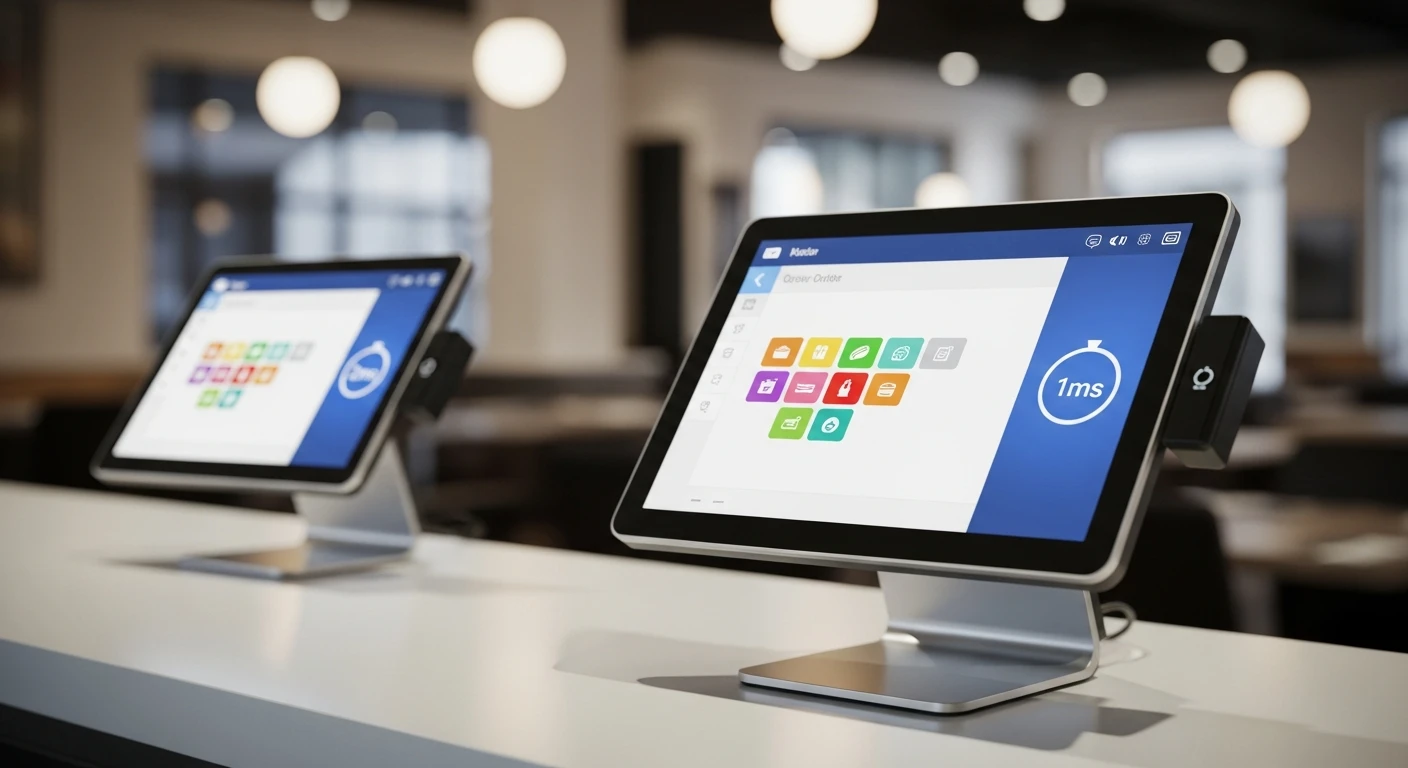
At Restaurant B, two miles away and on the same dead ISP trunk line, nobody notices. Not the servers, not the kitchen, not the guests. Orders flow from terminal to kitchen display in under a millisecond. Credit cards process through the local payment gateway. Tickets print. The POS is fast, responsive, and completely indifferent to what is happening with the internet. At 8:29, when the fiber is repaired, 47 minutes of accumulated transaction data silently syncs to the cloud. The owner, checking reports from home, sees a brief gap in the real-time dashboard, then everything fills in. She does not even call the store.
The difference between these two restaurants is not the quality of their food, their staff, or their management. It is architecture. One runs on a system that treats the cloud as the brain. The other runs on a system that treats the cloud as a backup.
The Number That Matters: 1ms vs 20ms (and What Happens at 0ms)
Let me explain this with some specifics, because the latency difference is not abstract. It is measurable and it compounds.
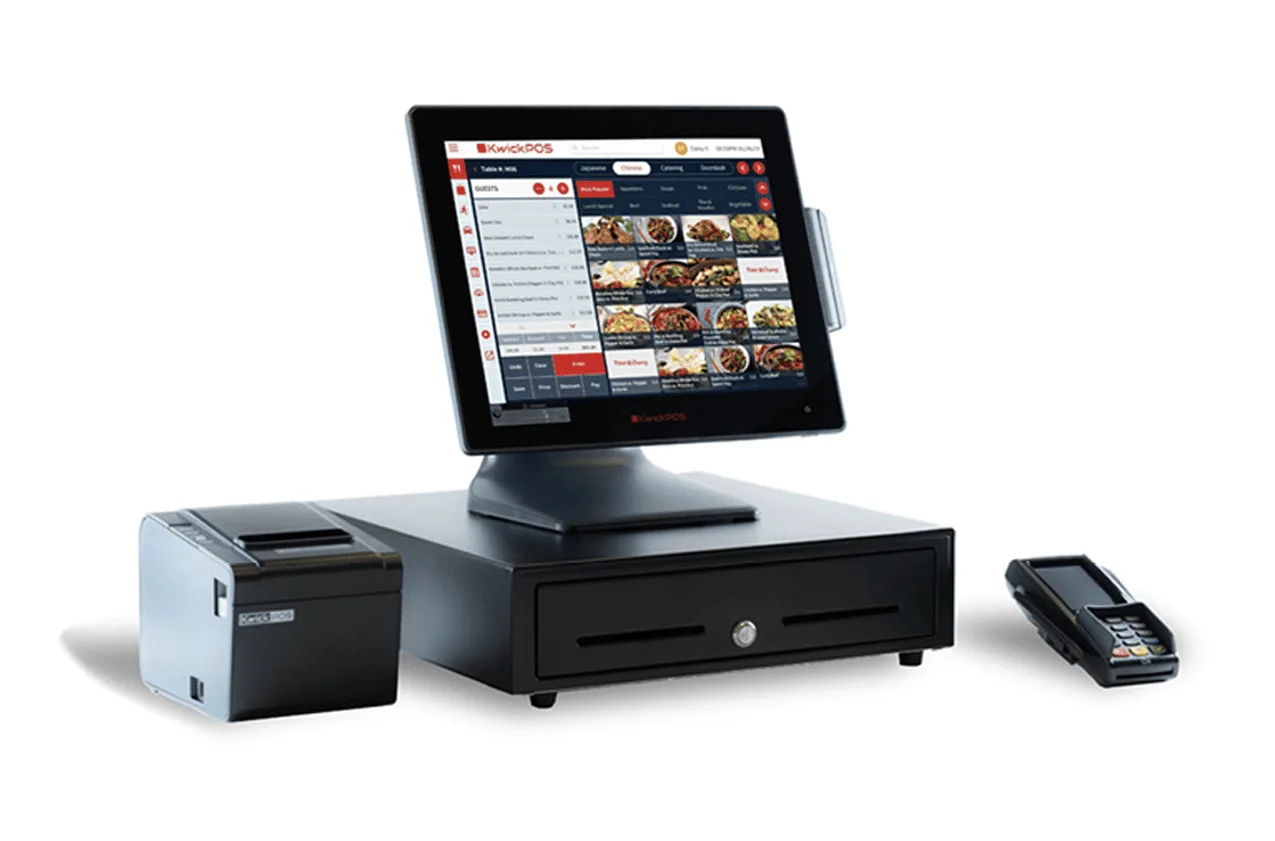
When a server taps "send order" on a KwickOS terminal, the request travels over the local network to an on-premise server sitting in the back office or the network closet. That journey takes approximately 1 millisecond. The server processes the order, routes it to the correct kitchen display station, updates inventory counts, and confirms back to the terminal. Total round trip: under 5 milliseconds. The server sees "Order Sent" before their finger has fully lifted off the screen.
On a cloud-only system like Toast, that same tap sends a request over the internet to a data center. Best case, on a strong connection, that round trip takes 20-50 milliseconds. That does not sound like much until you consider what happens at scale. A busy restaurant processes 300-500 individual POS interactions per hour during peak service: orders, modifications, payment authorizations, splits, discounts, kitchen status updates, table transfers. At 40ms per interaction versus 3ms per interaction, that is a cumulative difference of over 11 seconds of pure wait time per hour, distributed across your entire staff. Servers notice it as a slight but persistent sluggishness. The system feels "heavy."
But the real issue is not the 20ms. The real issue is what happens when it becomes infinity.
A cloud-only architecture means the connection to the data center is not optional. It is structural. Every transaction requires it. Toast's system, for example, depends on internet connectivity for order routing, payment authorization, menu retrieval, and kitchen display communication. When that connection becomes unavailable, the system does not just slow down. It stops. Toast does offer a limited offline mode, but restaurant operators who have experienced it describe it as barely functional: you can accept some cash payments, but card processing, full menu functionality, kitchen routing, and reporting are unavailable.
KwickOS is architected differently. The local server is the primary brain. It holds the complete menu database, processes all transactions, routes all kitchen orders, handles payment authorizations through a local gateway, and manages every operational function. The cloud connection is used for syncing data to the remote dashboard, pushing updates, and enabling remote management. When it is present, it adds capability. When it is absent, nothing breaks.
This is not "offline mode." This is the normal mode. The system was designed to work this way from the first line of code.
Why Cloud-Only POS Became So Popular (And Why That is Changing)
It is worth understanding how we got here. Cloud-only POS systems gained traction for legitimate reasons. They eliminated the need for expensive on-site servers. They made multi-location management possible through a single dashboard. They simplified software updates. And they made it easy for POS companies to control the entire ecosystem, from software to hardware to payment processing, which is extremely profitable.
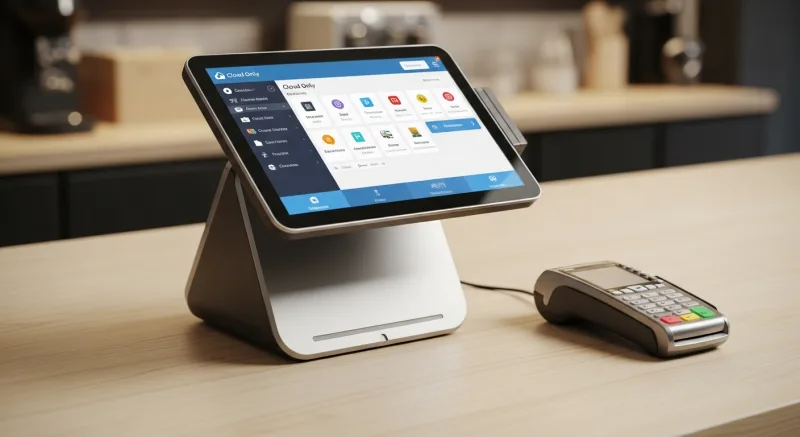
Toast, specifically, built an impressive business on this model. Their approach: give away the hardware (or sell it cheaply), lock the restaurant into Toast Payments, and collect a percentage of every transaction forever. It works as a business model. But it created an architecture where the cloud is not just a feature. It is a dependency.
The problem is that internet reliability in North America, while generally good, is not good enough for mission-critical restaurant operations. A 2025 survey by the National Restaurant Association found that 68% of full-service restaurants experienced at least one internet outage during business hours in the prior year. Of those, 41% reported an outage lasting 30 minutes or longer. For a restaurant averaging $2,500 in revenue during a dinner rush, a 30-minute outage represents approximately $625 in direct lost revenue, not counting the long-term cost of frustrated customers who do not return.
These are not rare events. They are statistical certainties over a long enough timeline. And if your POS architecture treats internet connectivity as a requirement rather than an enhancement, you are building your business on a foundation that will crack several times a year.
Inside the Hybrid Architecture: How KwickOS Actually Works
The KwickOS hybrid architecture is straightforward, but the details matter.
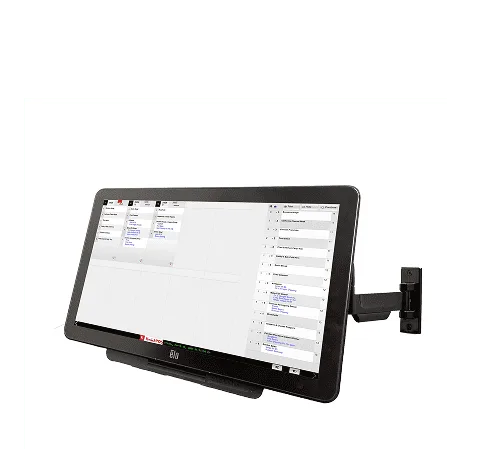
At each location, a compact local server (roughly the size of a paperback book) connects to your internal network. Every KwickOS terminal, kitchen display, kiosk, and peripheral device communicates with this server over the local network. The server runs a complete instance of the KwickOS operating environment, including:
- Full menu database with all items, modifiers, pricing, images, and availability rules
- Transaction processing engine that handles orders, payments, splits, discounts, and voids
- Kitchen routing logic that sends items to the correct station based on prep type, course timing, and kitchen capacity
- Payment gateway connection that authorizes card transactions locally, batching settlement when cloud connectivity is available
- Employee management including clock-in/clock-out, role-based permissions, and biometric (fingerprint) verification
- Inventory tracking with real-time count adjustments as items are sold
When internet is available, the local server continuously syncs data to the KwickOS cloud platform. This enables remote dashboard access, multi-location reporting, remote menu updates (pushed from cloud to local), and data redundancy. The sync is bidirectional and conflict-resolved: if a manager updates a menu price from the cloud dashboard while the local system is processing orders, both changes are reconciled automatically when they meet.
When internet is unavailable, the local server simply continues operating. There is no mode switch. There is no degraded functionality. There is no "offline" banner on the screen. The system works exactly as it does when connected, because the connection was never in the critical path to begin with.
The Fingerprint Factor: A Security Layer Toast Cannot Match
Here is a detail that most POS comparisons overlook, but that restaurant operators care about deeply: employee verification.
Cloud-based systems like Toast use PIN codes or swipe cards for employee login. The problem every restaurant owner already knows: PINs get shared. Server A knows Server B's code. A dishwasher clocks in for a line cook who is running late. Shift managers share their elevated-access PINs for "convenience." It is a security and accountability gap that PINs cannot close, no matter how strictly you enforce the policy.
KwickOS supports fingerprint biometric verification at the terminal. When an employee clocks in, opens a check, applies a discount, processes a void, or performs any action that affects revenue, their identity is confirmed by fingerprint. Not a PIN they might share. Not a card they might lend. Their actual fingerprint.
This matters operationally in three ways:
- Theft prevention: Voids and discounts are tied to a verified individual. When the end-of-night report shows $340 in voids, you know exactly whose finger authorized each one.
- Labor compliance: Clock-in/clock-out times are biometrically verified, eliminating buddy punching. For a 20-employee restaurant, buddy punching typically costs $1,500-$3,000 annually in paid-but-unworked hours.
- Speed: A fingerprint scan takes under one second. No fumbling for a card, no mistyping a four-digit PIN during a rush. Touch and go.
This feature runs entirely on the local server and the terminal hardware. It does not require a cloud round trip to verify identity. It is instant, and it works whether the internet is up or down.
Case Study: Crafty Crab Seafood - 19 Stores, 152 Terminals
Crafty Crab Seafood operates 19 locations across multiple states with a total of 152 POS terminals. Their operational reality makes the local-vs-cloud architecture question very concrete.
When you run 19 locations, you are dealing with 19 different internet providers, 19 different levels of connection reliability, and 19 different risk profiles for outages. A cloud-only POS means that any one of those locations can go down at any time based on factors completely outside your control. At Crafty Crab's scale, with 19 locations, the probability that at least one location experiences an internet disruption on any given week approaches certainty.
With KwickOS, each of those 152 terminals connects to a local server at its respective location. If the Crafty Crab in Virginia loses internet, the 8 terminals at that location continue operating identically. The servers keep taking orders. The kitchen display keeps showing tickets. Cards keep processing. Meanwhile, the other 18 locations are completely unaffected and the central management dashboard continues receiving data from all connected stores.
Crafty Crab also leverages one-click menu synchronization across all 19 locations through the cloud dashboard. When the corporate team adds a seasonal special or adjusts pricing, the change pushes to every location simultaneously. But critically, this sync happens in the background. If a location is temporarily offline when the update pushes, it receives the update automatically when connectivity restores. No location ever serves stale menu data for longer than the duration of its outage.
For a chain of this size, the customized KDS (kitchen display system) is equally important. Crafty Crab's kitchen workflow involves special request handling for allergens and custom preparations that differ by item category. The KDS routes these instructions to the correct prep station locally, with zero dependency on external servers. When your kitchen is firing 200 tickets an hour, a 40ms delay per interaction is the difference between smooth service and a backed-up expo line.
Case Study: T. Jin China Diner - 15 Stores, 75 Terminals
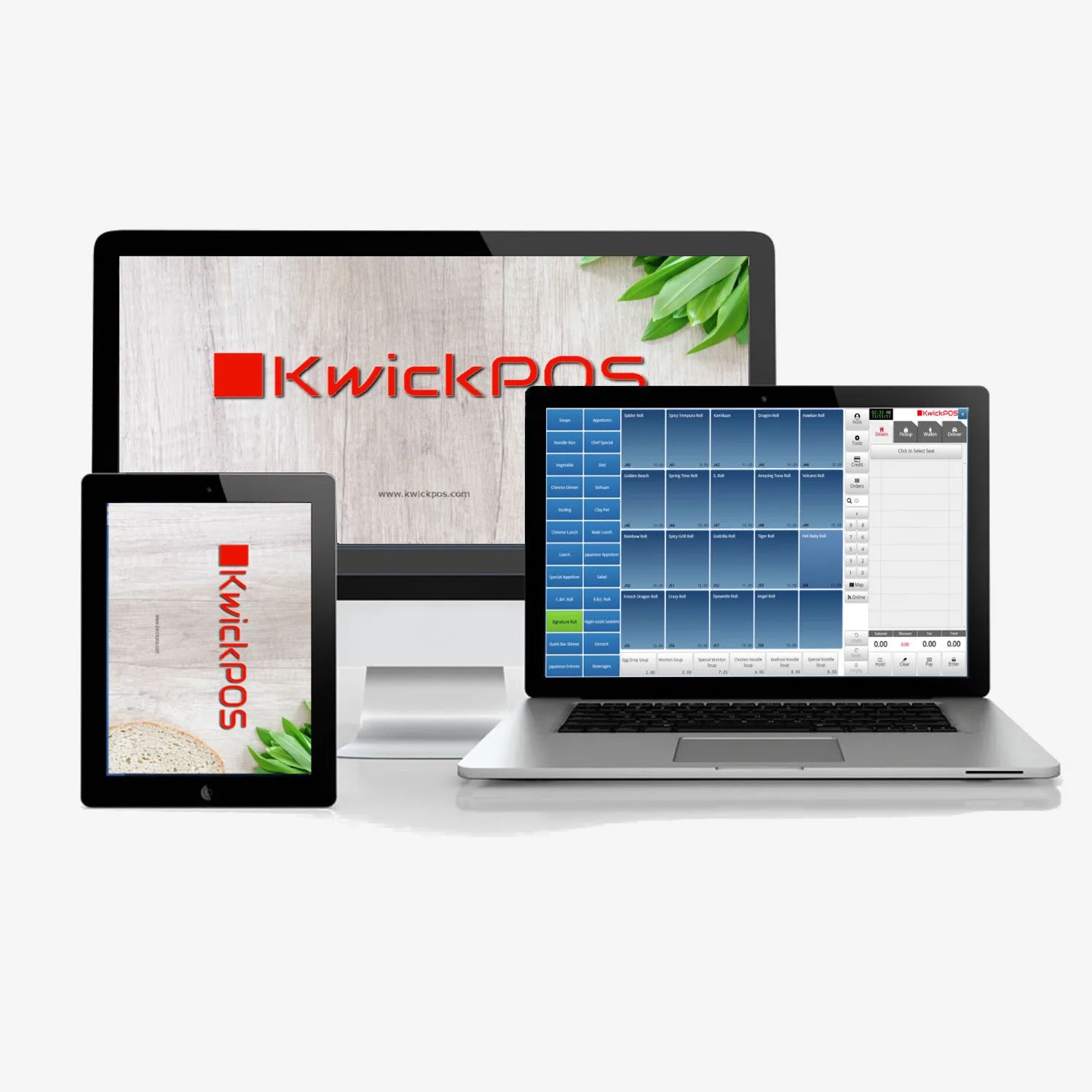
T. Jin China Diner runs 15 locations with 75 terminals and represents a different use case: an owner who wants granular, real-time visibility into every location without sacrificing local reliability.
The T. Jin operation uses KwickOS's cloud dashboard for real-time monitoring across all 15 stores. The owner can see live ticket times, current revenue, labor percentages, and inventory alerts from any device, anywhere. This is the cloud doing what the cloud does best: aggregating data from distributed locations into a unified view.
But here is the key architectural insight: that real-time monitoring data is generated locally at each store and pushed to the cloud. The cloud is receiving information. It is not generating it. If the cloud connection to any T. Jin location drops, that location continues to operate with full functionality. The monitoring dashboard shows a brief data gap for that store, then backfills when connectivity returns. At no point does the loss of cloud visibility affect the in-store operation.
T. Jin's 75 terminals across 15 stores process an estimated 4,500 transactions per day. At 1ms local processing versus 20-50ms cloud processing, the cumulative latency difference across all terminals is measured in minutes per day. That translates to faster table turns, shorter customer wait times, and staff who can focus on hospitality instead of waiting for screens to respond.
The Architecture Comparison: KwickOS vs Toast
| Capability | Toast (Cloud-Only) | KwickOS (Hybrid Local+Cloud) |
|---|---|---|
| Transaction processing location | Cloud servers (remote data center) | Local server (on-premise) |
| Typical transaction latency | 20-50ms per interaction | ~1ms per interaction |
| Internet outage behavior | Degraded "offline mode" (limited cash only) | Full operation continues unchanged |
| Kitchen display during outage | May lose connectivity to KDS | Local KDS routing, fully operational |
| Card payment during outage | Card transactions fail | Local payment gateway processes cards |
| Remote dashboard access | Yes | Yes (cloud-synced) |
| Multi-location menu sync | Yes | Yes (one-click cloud push to local) |
| Employee verification | PIN code / swipe card | Fingerprint biometric + PIN |
| Vendor server outage impact | All locations affected simultaneously | Zero impact on local operations |
| Data storage | Cloud only | Local + cloud (redundant) |
| Payment processor choice | Toast Payments only (locked) | Bring your own processor |
The Math on Latency at Scale
For the operators who want hard numbers, here is how latency compounds across a real operation.
Consider a mid-volume restaurant doing 400 covers on a Friday night. Each cover generates an average of 6 POS interactions: initial order entry, one modification, drink order, payment authorization, tip adjustment, and table close. That is 2,400 POS interactions in a single dinner service.
Cumulative Latency: One Friday Night
Cloud-only (40ms average round trip): 2,400 interactions x 40ms = 96,000ms = 96 seconds of cumulative wait time distributed across all terminals and staff.
KwickOS local (3ms average round trip): 2,400 interactions x 3ms = 7,200ms = 7.2 seconds of cumulative wait time.
The difference: 88.8 seconds of pure wait time eliminated in a single dinner service. Over a year (say, 310 operating days), that is approximately 7.6 hours of aggregate staff time recovered from waiting for screens to respond.
These numbers may seem small on a per-interaction basis. But restaurant operations are built on the accumulation of small efficiencies. A server who waits an extra fraction of a second on every screen tap across a six-hour shift feels it as fatigue and friction. A kitchen that gets tickets a few milliseconds faster clears orders a few seconds faster, which compounds across hundreds of tickets into measurably shorter wait times.
And none of this accounts for the latency spikes that cloud systems experience under load, during ISP congestion, or when the vendor's servers are handling peak traffic from thousands of restaurants simultaneously. Those spikes can push individual interactions into the 200-500ms range, which is perceptible and disruptive during high-volume service.
What to Ask Before You Sign
If you are evaluating POS systems right now, ask these questions. The answers will tell you everything about the architecture.
- "If I unplug the internet cable right now, what happens to this terminal?" Ask for a live demonstration. If the vendor hesitates, that is your answer.
- "Where does the transaction processing actually happen?" On a server in my building, or on a server in a data center? Be specific.
- "Can I process credit cards during an internet outage?" Not "queue them for later." Actually process and authorize them.
- "What is the average latency per POS interaction?" If they cannot give you a number, they have not measured it. If they have not measured it, they do not prioritize it.
- "Do you support biometric employee verification?" If security and accountability matter to your operation, a PIN code is not sufficient.
The Bottom Line
Cloud-only POS systems were a step forward from legacy local-only systems. They brought remote access, easy updates, and multi-location management to an industry that badly needed modernization. Toast deserves credit for pushing the restaurant POS market forward.
But the architecture has a fundamental flaw: it made internet connectivity a structural dependency for operations that cannot afford downtime. Restaurants are real-time, high-pressure environments where seconds matter and interruptions cost real money. Building the entire operation on a connection that fails multiple times per year is an unnecessary risk.
Hybrid architecture is not a compromise between cloud and local. It is the recognition that both have essential strengths, and a well-designed system uses each for what it does best. Local processing for speed and reliability. Cloud connectivity for remote management, data aggregation, and multi-location coordination.
Crafty Crab runs 152 terminals across 19 states on this principle. T. Jin monitors 15 locations in real time from a single dashboard without sacrificing local reliability at any of them. The architecture works at scale because it was designed for scale from the beginning.
Your Friday night rush deserves a system that does not care what your ISP is doing.
See the 1ms Difference for Yourself
We will show you a live demo of KwickOS processing transactions locally, then unplug the internet and keep going. 15 minutes, no commitment.
Book a Live Demo