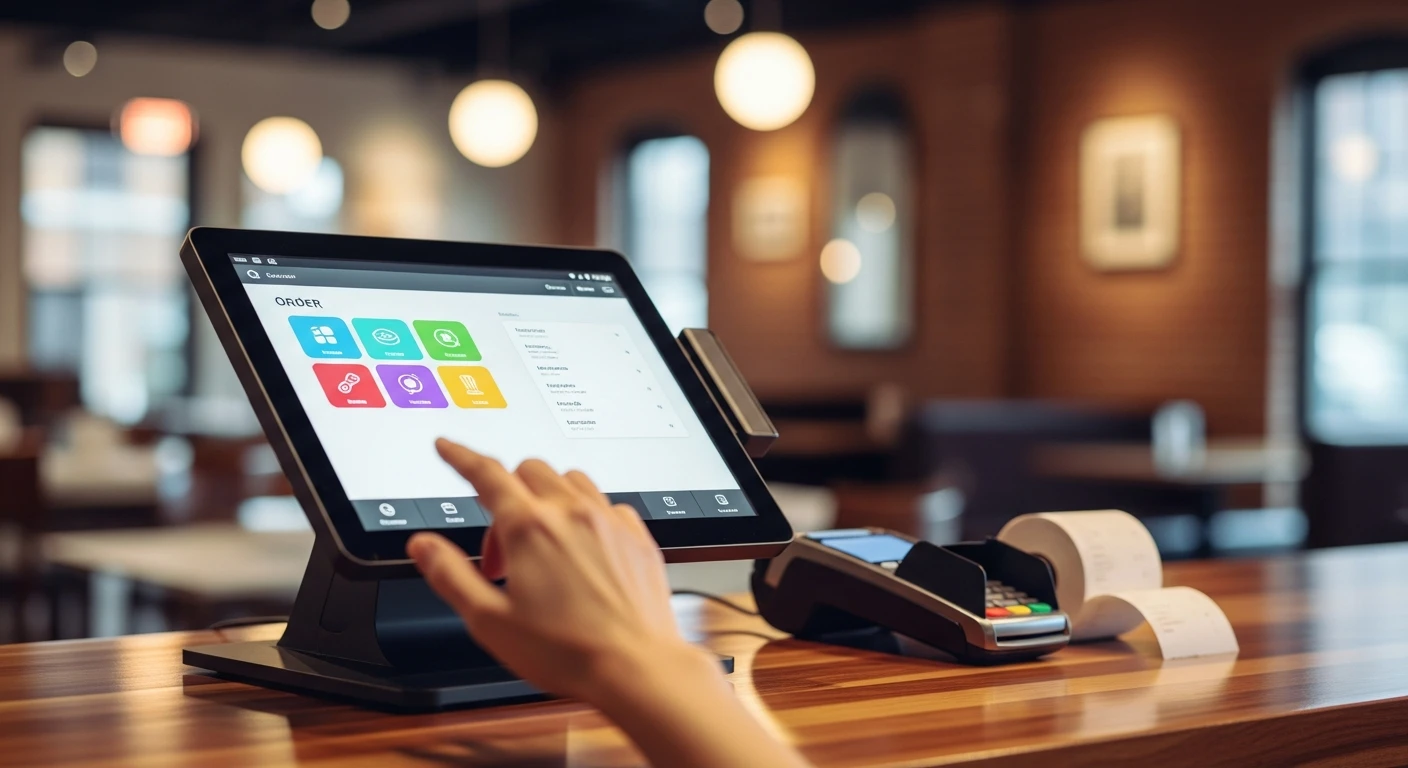
Somewhere right now, a restaurant owner is Googling “what is a POS system” for the first time. They have just signed a lease. They are about to spend $200,000 to $500,000 building out their restaurant. And they are about to make a decision about a piece of technology they barely understand — a decision that will cost them somewhere between $3,000 and $30,000 per year for as long as they own that restaurant.
This article is for that person. No jargon. No sales pitch disguised as education. Just a clear explanation of what a POS system is, what it does, what the different types are, and — most importantly — where the money goes that you did not expect to spend.
The Basics: What POS Actually Means
POS stands for point of sale. In the simplest possible terms, it is the place and the moment where a customer pays for something. The cash register at the front counter of a deli? That is a point of sale. The tablet a server brings to your table with the check? That is a point of sale. The screen on a self-ordering kiosk at a fast-casual restaurant? Also a point of sale.
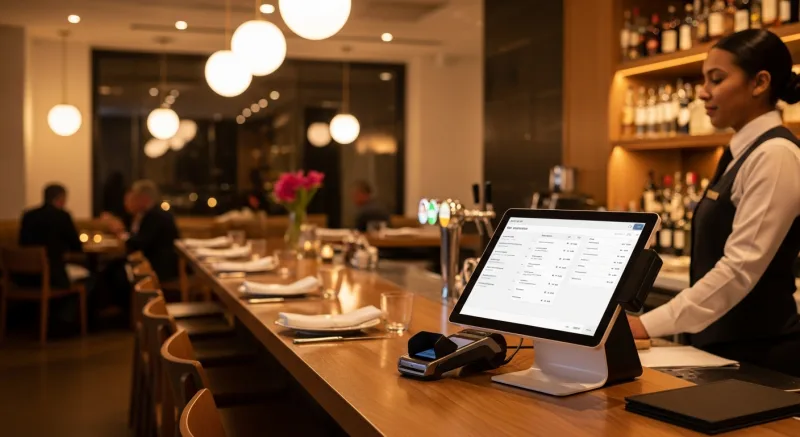
A POS system is the combination of hardware (the physical equipment) and software (the programs running on it) that makes that transaction happen. But here is where the definition gets interesting, because a modern POS system does far more than process payments. A modern POS is actually the operating system for your entire business.
Think of it this way. Your smartphone is technically a phone. But you use it for email, maps, banking, social media, and a hundred other things. A POS system is the same idea applied to your business. Yes, it processes sales. But it also manages your inventory, schedules your employees, runs your loyalty program, handles your online orders, generates your financial reports, and controls your kitchen displays.
That is a lot of power concentrated in one system. Which is exactly why choosing the right one matters so much.
Hardware vs. Software: The Two Halves of a POS
Every POS system has two components, and understanding both will save you from overpaying.
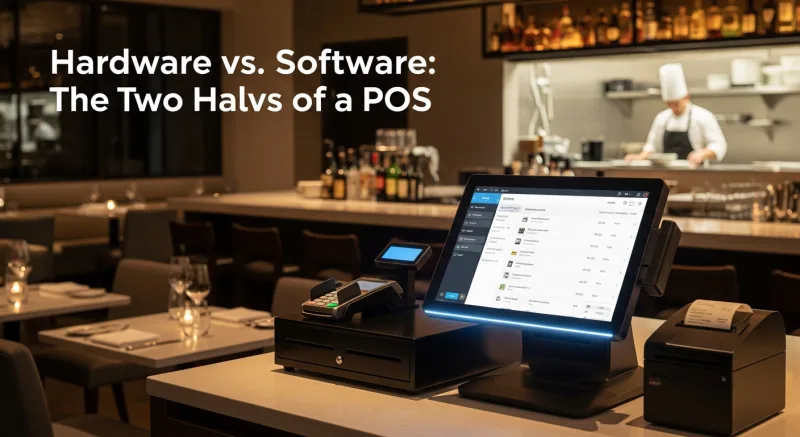
The Hardware
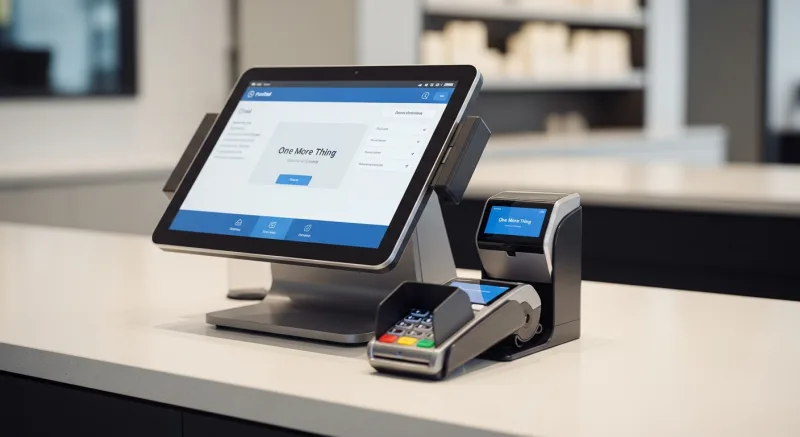
Hardware is the physical equipment you can touch. For a typical restaurant, a POS hardware setup includes:
- Terminal(s) — The touchscreen(s) where orders are entered. This might be a purpose-built POS terminal, a tablet (like an iPad), or a standard commercial display running specialized software.
- Receipt printer(s) — Thermal printers that produce customer receipts and, in some setups, kitchen tickets.
- Cash drawer — Connected to the terminal, opens automatically when a cash transaction is completed.
- Card reader / payment terminal — The device that reads credit cards, debit cards, and mobile wallets (Apple Pay, Google Pay).
- Kitchen display screens — Monitors in the kitchen that show incoming orders, replacing paper ticket printers.
- Network equipment — Router, switches, and access points that connect everything together.
Here is the first place money disappears. Some POS companies sell proprietary hardware — equipment that only works with their software. Toast, for example, sells their own terminals. If you want to switch POS providers later, that hardware becomes a very expensive paperweight.
Other POS systems run on standard hardware. KwickOS runs on Linux and works with commercially available touchscreens, tablets, and displays. If you ever switch providers (not that we think you will), the hardware does not go to waste.
A basic single-location restaurant setup includes 1-2 terminals, a receipt printer, a cash drawer, a card reader, and one kitchen display. Proprietary systems tend toward the higher end; standard-hardware systems toward the lower end. Multi-location operations scale linearly — Crafty Crab Seafood runs 152 KwickOS terminals across 19 locations.
The Software
Software is the invisible half — the programs that run on the hardware and do all the actual work. POS software handles:
- Menu management (items, prices, modifiers, combos, happy hour pricing)
- Order entry and routing to kitchen stations
- Payment processing and tip management
- Inventory tracking and low-stock alerts
- Employee clock-in/out and scheduling
- Customer data, loyalty programs, and gift cards
- Reporting and analytics
- Online ordering integration
- Delivery management
- Digital signage control
POS software is almost universally sold as a monthly subscription. You pay a recurring fee, typically ranging from $69 to $300+ per month, depending on the provider and the features included.
And that word — “included” — is where you need to pay very close attention.
The Three Types of POS Architecture
Not all POS systems are built the same way. The underlying architecture determines how fast the system responds, what happens when your internet goes down, and how vulnerable you are to outages. There are three types, and the differences matter more than most salespeople let on.
Type 1: Cloud-Only POS
A cloud-only POS stores everything on remote servers. Your terminal is essentially a web browser pointed at an application running in a data center somewhere. Orders, inventory, employee data, customer records — all of it lives in the cloud.
The upside: Easy to access from anywhere. Updates happen automatically. No server hardware to maintain on-site.
The downside: When your internet goes down, your restaurant goes down. And this is not a theoretical risk. Internet outages happen. Comcast has outages. AT&T has outages. Your router can fail. A construction crew can cut a fiber line. When it happens with a cloud-only POS, your servers cannot enter orders, your kitchen cannot receive tickets, and your payment terminals cannot process cards. You are reduced to pen, paper, and a lot of apologizing.
There is also a latency issue. Every time a server taps “send” on an order, that data travels to a remote server and back. In ideal conditions, that takes 20-50 milliseconds. During peak hours, with 8 terminals all sending data simultaneously through the same internet connection, that latency can spike — and every spike is a moment where a server is standing at the terminal waiting instead of attending to guests.
Type 2: Local-Only POS (Legacy)
Local-only POS systems run entirely on an on-site server. All data is stored locally. The internet is not required for daily operations.
The upside: Blazing fast. Immune to internet outages. Data stays on your premises.
The downside: You cannot access reports from home. Multi-location management is difficult. Software updates require on-site visits. The server hardware needs maintenance and eventual replacement. If the on-site server fails and you do not have backups, you lose everything.
Most legacy POS systems (the old Windows-based systems you might have seen in restaurants in the 2000s) were local-only. They are increasingly rare for new installations.
Type 3: Hybrid (Local + Cloud)
A hybrid POS combines local processing with cloud synchronization. The software runs on local hardware, so every order is processed on your local network at speeds measured in single-digit milliseconds. But the data also syncs to the cloud, so you get remote access, cloud reporting, and multi-location visibility.
When the internet drops, the local system keeps running without interruption. Orders flow from terminal to kitchen display over the local network. Credit card transactions queue locally and process when connectivity returns. Your staff may not even notice the internet went down.
When the internet comes back, everything syncs automatically. Cloud reports update. Multi-location dashboards refresh. No data is lost.
KwickOS uses hybrid architecture. It is the reason that T. Jin China Diner trusts it across 15 stores and 75 terminals — because when you are monitoring operations across 15 restaurants in real time, you need cloud visibility, but you also cannot afford a single location going dark because Comcast had a bad afternoon.
Where the $14,000 Goes: The Hidden Costs of a POS
Now we arrive at the part that POS salespeople hope you never figure out until after you have signed the contract. The monthly software fee is the smallest cost of your POS system. The real costs are hidden in three places.
Hidden Cost #1: Payment Processing Markup
Every time a customer pays with a credit or debit card, a small percentage of that transaction goes to the card networks (Visa, Mastercard, etc.) as an “interchange fee.” This fee is set by the card networks and is the same for everyone. It typically ranges from 1.5% to 2.5% depending on the card type.
On top of that interchange fee, your payment processor adds a markup. This is how the processor makes money. With an independent processor, this markup might be 0.2% to 0.5%. With a processor-locked POS like Toast, the markup is built into a flat rate that is typically higher — and you have no ability to negotiate it.
Let us do the math for a restaurant processing $500,000 per year in credit card sales with an average of 200 transactions per day:
| Fee Component | Locked-In POS (e.g., Toast) | Processor-Agnostic POS + Negotiated Rate |
|---|---|---|
| Effective rate | 2.99% + $0.15/transaction | 2.3% + $0.10/transaction |
| Percentage cost on $500K | $14,950 | $11,500 |
| Per-transaction cost (73,000 transactions) | $10,950 | $7,300 |
| Total processing cost | $25,900 | $18,800 |
| Annual difference | $7,100 per year | |
That $7,100 is not going to Visa or Mastercard. It is going to the POS company. Every single year. And because you are locked in, you cannot do anything about it.
A processor-agnostic system — one that lets you plug in any payment processor — gives you the power to shop rates, negotiate terms, and switch if a better deal appears. You keep 100% of the savings.
Hidden Cost #2: Add-On Features
Remember that list of things a modern POS system does? Inventory, scheduling, loyalty, gift cards, online ordering, kitchen displays, reporting? Some POS companies include all of those in the base price. Others charge separately for each one.
Here is what the add-on landscape looks like at a typical POS company:
Common POS Add-On Fees
That is $2,160 to $5,940 per year — on top of your base software subscription and processing fees.
An all-in-one system like KwickOS includes gift cards, e-gift cards, loyalty points, membership programs, online ordering, kitchen displays, digital signage, kiosk support, delivery management, employee scheduling, and inventory tracking in the base platform. No add-ons. No surprise charges on month three when you realize you need online ordering and it costs an extra $150 per month.
Hidden Cost #3: Contract Lock-In and Termination Fees
Some POS providers offer discounted rates if you sign a multi-year contract. The savings look attractive on paper. What they do not emphasize is the early termination fee, which can range from $5,000 to $15,000+ depending on how many months remain on the contract.
That means if the system does not work for your restaurant — if the support is terrible, if the software is buggy, if a critical feature is missing — you are paying thousands of dollars for the privilege of leaving.
Month-to-month agreements cost slightly more per month but give you the freedom to leave at any time. For a first-time restaurant owner who does not yet know exactly what they need, that flexibility is worth the premium.
The $14,000 in Perspective
Let us add it all up. A restaurant doing $500,000 per year in card sales, using a locked-in POS with typical add-on fees:
- Processing markup: $6,000 – $15,000/year
- Add-on features: $2,160 – $5,940/year
- Total hidden cost: $8,160 – $20,940/year
The $14,000 in the title of this article? It is the midpoint of that range. And it is not the total cost of the POS — it is the hidden cost. The cost above what you would pay with a processor-agnostic, all-in-one system.
Over three years (the typical contract length), that is $24,000 to $63,000 in avoidable costs. That is a kitchen renovation. That is a new patio. That is two years of a line cook’s salary. That is money you worked for, generated by your restaurant, siphoned away by a technology decision you made in week one.
So What Should You Look For?
If you are shopping for a POS system for the first time, here is a checklist that will keep you out of trouble:
- Processor-agnostic. Can you choose your own payment processor? Can you switch processors without switching POS systems? If the answer to either question is no, keep looking.
- All-in-one features. Are online ordering, gift cards, loyalty, KDS, scheduling, and inventory included in the base price, or are they paid add-ons? Ask for a complete list of what is and is not included.
- Hybrid architecture. Does the system work when the internet goes down? Ask specifically what happens during an outage. If the salesperson hesitates, that is your answer.
- Standard hardware. Does the POS run on proprietary equipment, or can it use standard commercial displays and printers? Proprietary hardware is more expensive up front and worthless if you switch providers.
- No long-term contract required. Is month-to-month available? If the company insists on a multi-year contract, ask why they are not confident enough in their product to let you leave.
- Fingerprint authentication. Does the system support biometric employee verification? In an industry where employee theft costs $6 billion per year, a PIN code is not enough.
- Multi-language support. If your staff speaks multiple languages, does the POS interface support them? KwickOS offers English, Chinese, and Spanish built in.
- Real customer support. When you call at 9 PM on a Saturday because the printer is not working, do you get a person or a chatbot? KwickOS provides 24/7 multilingual US-based support. Not a phone tree. Not a ticket system. A human being who speaks your language.
One More Thing
Here is the thing nobody in this industry wants to say out loud: many POS companies do not make most of their money from the software subscription. They make it from the payment processing markup. That is why they lock you in. That is why the software seems affordable. The software is the hook. The processing fees are the revenue engine.
Once you understand that, every POS sales pitch sounds different. When a salesperson tells you their processing rate is “competitive,” you know to ask: competitive compared to what? When they tell you the contract is “standard,” you know to ask: standard for whom? When they tell you the system “includes everything you need,” you know to ask for the complete price list.
Knowledge is leverage. Now you have it.
See What a POS System Should Actually Cost
KwickOS is processor-agnostic, all-in-one, and runs on hybrid architecture. No processing lock-in, no add-on fees, no multi-year contracts required. We will show you the total cost — no hidden math.
Get a Transparent Quote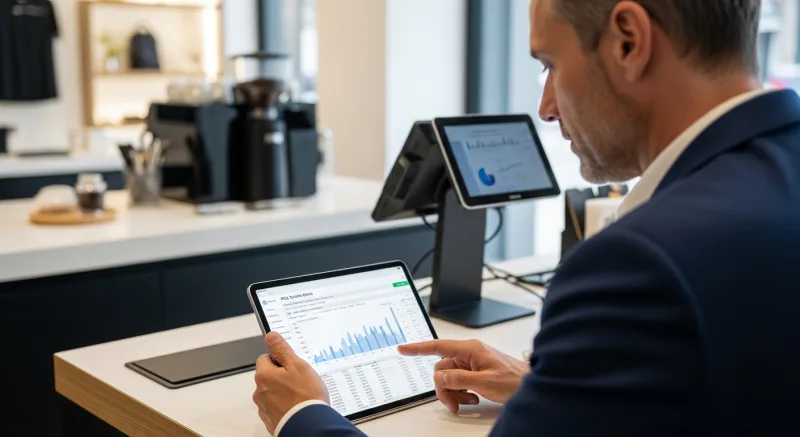
Or call us directly: (888) 355-6996
Turn One-Time Diners into Regulars: Built-In Gift Cards & Loyalty
Most POS companies treat gift cards and loyalty as afterthoughts — expensive add-ons that cost $50-100/month extra. KwickOS includes them at no additional charge because we believe they are essential revenue tools, not luxury features.
Gift Cards That Actually Drive Revenue
Here is what most restaurant owners do not realize: gift card buyers spend an average of 20-40% more than the card's face value. A $50 gift card typically generates $60-70 in actual spending. KwickOS supports both physical gift cards and electronic gift cards that customers can purchase, send, and redeem through their phones.
- Physical gift cards — branded plastic cards that sit on your counter and sell themselves during holidays
- E-gift cards — customers buy and send digitally via text or email, perfect for last-minute gifts
- Balance tracking — real-time balance across all your locations, no manual reconciliation
- Reload capability — customers top up their balance, creating a built-in prepayment habit
Loyalty Points That Keep Them Coming Back
KwickOS loyalty is not a punch card from 2005. It is a digital points system that tracks every dollar spent and automatically rewards your best customers:
- Earn points on every purchase — configurable ratio (e.g., $1 = 1 point, or $1 = 10 points)
- Tiered rewards — silver, gold, platinum levels to incentivize higher spending
- Birthday rewards — automated birthday offers that bring customers back during their special month
- Points-for-payment — customers redeem points directly at checkout, seamless for your staff
Membership Programs
For restaurants running VIP programs or subscription models (like monthly coffee clubs), KwickOS membership management handles recurring billing, exclusive pricing tiers, and member-only menu items — all within the same system your cashier already uses.
The bottom line: Toast charges $75/month extra for loyalty. Square's loyalty starts at $45/month. KwickOS includes gift cards, e-gift cards, loyalty points, and membership management in every plan. That is $540-900/year you keep in your pocket.
Ready to see a modern POS in action? Visit our Point of Sale System page for hardware, software, and pricing details.