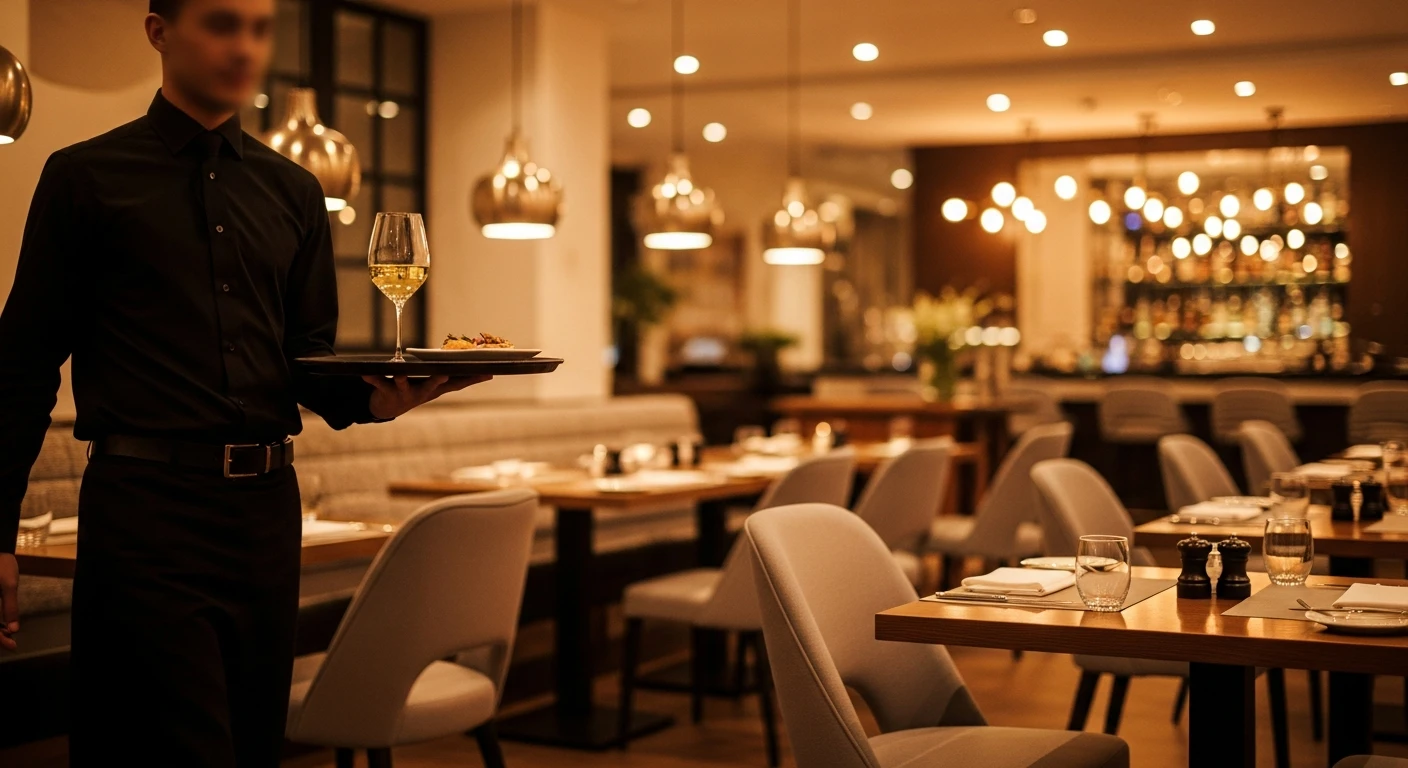
Opening a restaurant is one of the most exciting — and one of the most financially dangerous — things you can do. The average restaurant opening costs between $275,000 and $425,000. Most of that money goes where you would expect: lease, build-out, equipment, licenses, initial inventory, and payroll float. But buried inside those costs is a technology stack that most first-time owners barely think about — and that technology stack, chosen poorly, will quietly cost you $23,000 or more over the first three years.
Let me show you exactly where that $23,000 goes, and then walk you through the complete technology checklist so you can avoid every dollar of it.
The $23,000 Breakdown: Three Mistakes in One
The $23,000 is not a single mistake. It is three mistakes that compound on each other, and new restaurant owners make all three because nobody warns them.
The Three-Year Cost of Choosing Wrong
Signing up with a POS that forces you to use their processor instead of shopping rates. On $500K/year in card sales, the markup costs $6,000-$15,000 per year. Over 3 years: $18,000 – $45,000
Buying branded terminals that only work with one POS, instead of standard commercial equipment. Premium: $1,000 – $3,000 one-time
Online ordering, gift cards, loyalty, KDS, scheduling as paid add-ons at $200-$500/month. Over 3 years: $7,200 – $18,000
The $23,000 headline is actually the conservative estimate.
Now that you know what to avoid, let me walk you through exactly what technology you need to open a restaurant in 2026, what each piece costs, and which options keep you in control of your money.
The Complete Restaurant Technology Checklist
1. Point of Sale (POS) System
What it is: The central hub for every transaction. Servers enter orders here, payments are processed here, and all reporting flows from here.
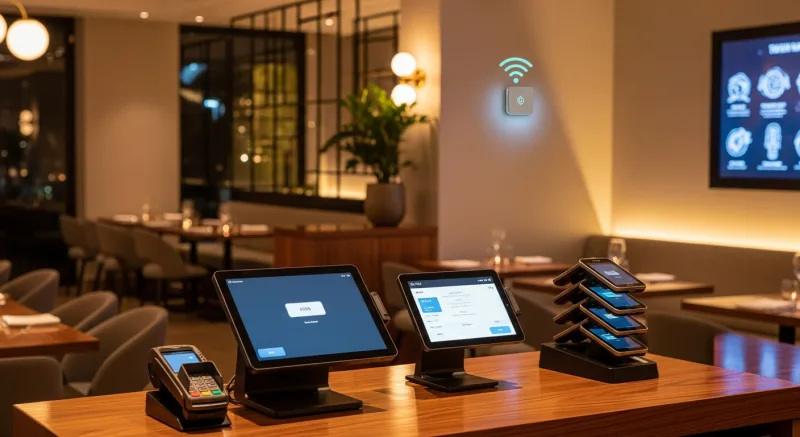
What you need: At minimum, one terminal for the front of house. A full-service restaurant with a bar typically needs 2-4 terminals. Fast-casual may need only 1-2 plus kiosks.
The beginner trap: Choosing based on the monthly software fee alone. A POS that costs $69/month but locks you into an expensive payment processor and charges $300/month in add-ons is far more expensive than a POS that costs $150/month but includes everything and lets you choose your processor.
The smart choice: A processor-agnostic, all-in-one system that runs on standard hardware and includes online ordering, loyalty, gift cards, KDS, scheduling, and inventory in the base price. No bolt-ons. No surprises.
2. Kitchen Display System (KDS)
What it is: Digital screens in the kitchen that replace paper ticket printers. Orders appear on the screen the moment they are entered at the POS, routed to the correct station (grill, fryer, cold, expo).
What you need: One screen per kitchen station, plus one for the expediter. A typical setup is 2-4 screens.
The beginner trap: Skipping KDS entirely to save money, or buying a KDS that does not integrate natively with your POS. A bolt-on KDS from a third-party vendor introduces latency, sync issues, and a second support relationship.
The smart choice: A KDS that is built into your POS platform. When a server sends an order, it appears on the kitchen screen in under two seconds over the local network — no internet required. KwickOS KDS routes orders to the correct station automatically, highlights modifications and allergies, and tracks cook times with color-coded alerts. Shogun Japanese Hibachi reported that new kitchen staff achieved proficiency with the system in under 5 minutes.
Cost trap to avoid: Some POS companies charge $15-30/month per KDS screen. That is $180-$360/year per screen. With 3 screens, you are paying $540-$1,080/year for something that should be included.
3. Online Ordering
What it is: A system that lets customers order from your website or a dedicated ordering page, with orders flowing directly into your POS and kitchen.
What you need: A branded ordering page or website integration that does not charge commission on orders. Third-party marketplaces (DoorDash, UberEats, Grubhub) charge 15-30% commission. Your own online ordering platform should cost zero commission.
The beginner trap: Relying exclusively on third-party delivery marketplaces for online orders. At 15-30% commission, a $30 order nets you only $21-$25.50. On $10,000/month in delivery orders, that is $1,500-$3,000/month in commissions — $18,000-$36,000 per year.
The smart choice: Run your own online ordering through your POS platform (zero commission on orders placed through your site) and use third-party marketplaces only for customer discovery. KwickMenu, part of the KwickOS platform, handles 500,000+ clicks per month across the KwickOS merchant network — that is real ordering volume, flowing through a system designed for restaurants.
4. Delivery Management
What it is: A system for managing delivery orders, dispatching drivers, and tracking deliveries in real time.
What you need: If you do any delivery, you need a system that manages driver dispatch and route optimization. If you use your own drivers, the system should track their location and manage delivery zones. If you use third-party drivers, it should integrate with delivery platforms.
The beginner trap: Paying 15-25% commission to DoorDash or UberEats on every delivery order, indefinitely, because you think you have no alternative.
The smart choice: KwickDriver charges a flat $2 per delivery plus $6.99 per 5 miles — not a percentage of the order. On a $30 delivery order, that is $8.99 instead of $4.50-$7.50 for short-distance deliveries, but the economics flip dramatically on higher-ticket orders. A $100 catering delivery through DoorDash costs you $15-$25 in commission. Through KwickDriver, it costs $8.99. And you keep the customer data, the customer relationship, and the ability to market directly to them.
5. Digital Signage
What it is: Digital menu boards, promotional displays, and TV screens throughout your restaurant that can be updated remotely in real time.
What you need: At minimum, one digital menu board at the counter or drive-through. Many restaurants also use screens for promotional content, wait-time displays, and kitchen status boards.
The beginner trap: Buying a standalone digital signage system from a third-party vendor, paying a separate monthly subscription ($20-50/month per screen), and managing it through a completely separate dashboard with its own login and its own learning curve.
The smart choice: Digital signage built into your POS platform. When you change a menu price in the POS, the digital menu board updates automatically. When you run a lunch special, the signage reflects it. When you sell out of an item, it disappears from the display. One system, one update, everything in sync. KwickSign, part of the KwickOS platform, does exactly this — and it is included, not an add-on.
6. Self-Ordering Kiosks
What it is: Freestanding or countertop touchscreens where customers place their own orders, browse the menu, customize items, and pay — without needing a cashier.
What you need: Fast-casual and QSR concepts benefit the most from kiosks. Rockin’ Rolls Sushi Express runs 49 iPad self-ordering stations across 3 locations. Baked Cravings uses a self-serve PaxA35 kiosk terminal at Lego Land for 24-hour retail. Even full-service restaurants are starting to add kiosks for takeout order entry.
The beginner trap: Assuming kiosks are only for fast food chains with massive budgets. Modern kiosk solutions run on standard tablets and integrate directly with the POS. A kiosk does not replace staff — it frees staff to focus on hospitality while the kiosk handles order entry.
The smart choice: Kiosks that are native to your POS platform, so menu changes, pricing, and inventory automatically sync. Kiosk orders should flow into the same kitchen display as server-entered and online orders. No separate system. No separate management interface.
Research consistently shows that customers ordering through kiosks spend 20-30% more per transaction because they browse more of the menu, are more likely to add extras and upgrades, and do not feel rushed by a line forming behind them.
7. Gift Cards and Loyalty Program
What it is: Physical and digital gift cards that customers can purchase and redeem, plus a loyalty program that rewards repeat visits with points, discounts, or free items.
What you need: Both. Gift cards drive new customer acquisition (someone buys a gift card and gives it to a friend who has never visited your restaurant). Loyalty programs drive repeat visits (a customer who is 50 points away from a free entree is coming back next week).
The beginner trap: Treating gift cards and loyalty as a “maybe later” feature. The longer you wait to launch a gift card program, the more holiday revenue you miss. The longer you wait to launch loyalty, the more repeat customers you lose to the competitor down the street who already has one. Also: paying $45-$100/month for a loyalty add-on and $25-$75/month for gift cards, when both should be built into your POS.
The smart choice: Launch gift cards and loyalty from day one, using a POS that includes both at no additional charge. KwickOS includes physical gift cards, e-gift cards (customers buy and send them digitally), loyalty points, and membership programs — all integrated into the POS, all available from the first transaction.
8. Security and Employee Authentication
What it is: The system that controls who can access what in your POS — who can void transactions, who can apply discounts, who can access the cash drawer, who can view reports.
What you need: Role-based permissions (servers see different screens than managers, managers see different screens than owners) and reliable employee authentication for clock-in/out, drawer access, and transaction authorization.
The beginner trap: Using a POS that relies solely on PIN codes for employee authentication. PINs get shared. Within three months of opening, at least two of your employees will know someone else’s code. Buddy punching (clocking in for a coworker who is not present) costs the restaurant industry an estimated $373 million per year.
The smart choice: Fingerprint authentication. KwickOS supports 1:N matching (touch the scanner, the system identifies you from all enrolled prints) and 1:1 matching (enter your ID, then verify with fingerprint). You cannot share a fingerprint. You cannot buddy-punch. Every transaction, every clock-in, every void is tied to a verified identity. This is a feature Toast, Square, and Clover do not offer.
The Technology Stack, Visualized
Here is what a complete restaurant technology stack looks like, with two approaches side by side:
| Technology Layer | Piecemeal Approach | All-in-One (KwickOS) |
|---|---|---|
| POS | Toast / Square / Clover | KwickPOS (included) |
| Kitchen Display | $15-30/mo per screen add-on | KwickOS KDS (included) |
| Online Ordering | $50-200/mo add-on or 15-30% commission | KwickMenu (included, zero commission) |
| Delivery | DoorDash/UberEats at 15-25% commission | KwickDriver ($2 flat + $6.99/5mi) |
| Digital Signage | $20-50/mo per screen, separate vendor | KwickSign (included) |
| Gift Cards & Loyalty | $70-175/mo combined add-ons | Built-in (included) |
| Employee Auth | PIN codes only | Fingerprint 1:N/1:1 + PIN |
| Payment Processing | Locked to POS vendor | Processor-agnostic (you choose) |
| Offline Capability | None (cloud-only) | Full (hybrid local+cloud, 1ms) |
| Languages | English only | English, Chinese, Spanish |
| Estimated monthly cost (beyond base POS) | $200 – $655/mo in add-ons | $0 in add-ons |
The Installation Timeline: What to Expect
Here is a realistic timeline for getting your restaurant technology operational, assuming you are starting from zero.
- 4-6 weeks before opening: Choose your POS system. This gives you time to order hardware, schedule installation, and complete menu programming. Do not wait until the last week. That is how you end up making a rushed decision you regret for three years.
- 2-3 weeks before opening: Hardware installation. Terminals, kitchen screens, printers, network equipment. A good installation takes 1-3 hours for a single location. If the installer is quoting a full day, the system is too complicated.
- 2 weeks before opening: Menu programming. Every item, modifier, combo, and price entered into the system. Your POS company should handle this, using your menu as a source document. If they expect you to do it yourself in a spreadsheet, find a different provider.
- 1 week before opening: Staff training. Servers, bartenders, hosts, kitchen staff, and managers all learn the system. Budget 1-2 hours per role. A well-designed POS — like KwickOS — should be learnable by a new operator in under 5 minutes for basic functions.
- Soft opening: Live testing. Run the system with real customers at reduced capacity. Identify issues, adjust configurations, verify that orders route correctly to the kitchen, payments process smoothly, and reports generate accurately.
- Grand opening: Full operation. Your POS provider should have a dedicated support contact available for the first 48-72 hours of full operation. Problems will surface under load that did not appear during testing. Having a direct line to support — not a chatbot, not a ticket queue — is non-negotiable.
KwickOS completes this entire process in 7-10 days from purchase to fully operational, including installation, menu programming, training, and dedicated support through the first week of service. Haidilao Hot Pot, with 600+ locations worldwide, trusts KwickOS for their operations. If the system can handle the complexity and volume of a global chain, it can handle your first restaurant.
The Real Question
The question is not whether you can afford good technology. The question is whether you can afford the wrong technology. Because the wrong technology does not just cost you $23,000 over three years in avoidable fees and markups. It costs you time — time spent managing multiple vendors, troubleshooting integration failures, waiting on hold with support, and manually doing things that a proper system handles automatically.

Time that should be spent in the dining room, talking to guests, tasting the food, coaching your team, and building the business you imagined when you signed that lease.
Your restaurant deserves technology that works for you, not technology that works against you. Choose wisely on day one, and you will not have to choose again.
Get the Full Technology Stack in One Platform
POS, KDS, online ordering, delivery, digital signage, gift cards, loyalty, kiosks, scheduling, fingerprint security — all included. No add-ons. No processing lock-in. No long-term contracts required.
Book a Demo — See It All Working Together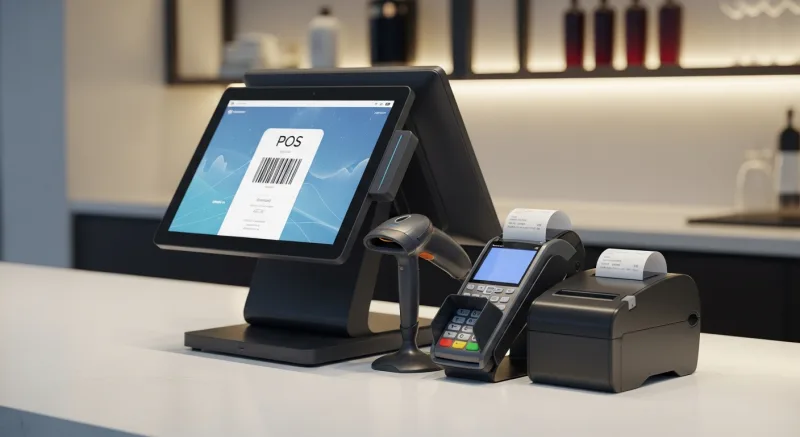
Or call us: (888) 355-6996 · 24/7 US-based support
Turn One-Time Diners into Regulars: Built-In Gift Cards & Loyalty
Most POS companies treat gift cards and loyalty as afterthoughts — expensive add-ons that cost $50-100/month extra. KwickOS includes them at no additional charge because we believe they are essential revenue tools, not luxury features.
Gift Cards That Actually Drive Revenue
Here is what most restaurant owners do not realize: gift card buyers spend an average of 20-40% more than the card's face value. A $50 gift card typically generates $60-70 in actual spending. KwickOS supports both physical gift cards and electronic gift cards that customers can purchase, send, and redeem through their phones.
- Physical gift cards — branded plastic cards that sit on your counter and sell themselves during holidays
- E-gift cards — customers buy and send digitally via text or email, perfect for last-minute gifts
- Balance tracking — real-time balance across all your locations, no manual reconciliation
- Reload capability — customers top up their balance, creating a built-in prepayment habit
Loyalty Points That Keep Them Coming Back
KwickOS loyalty is not a punch card from 2005. It is a digital points system that tracks every dollar spent and automatically rewards your best customers:
- Earn points on every purchase — configurable ratio (e.g., $1 = 1 point, or $1 = 10 points)
- Tiered rewards — silver, gold, platinum levels to incentivize higher spending
- Birthday rewards — automated birthday offers that bring customers back during their special month
- Points-for-payment — customers redeem points directly at checkout, seamless for your staff
Membership Programs
For restaurants running VIP programs or subscription models (like monthly coffee clubs), KwickOS membership management handles recurring billing, exclusive pricing tiers, and member-only menu items — all within the same system your cashier already uses.
The bottom line: Toast charges $75/month extra for loyalty. Square's loyalty starts at $45/month. KwickOS includes gift cards, e-gift cards, loyalty points, and membership management in every plan. That is $540-900/year you keep in your pocket.