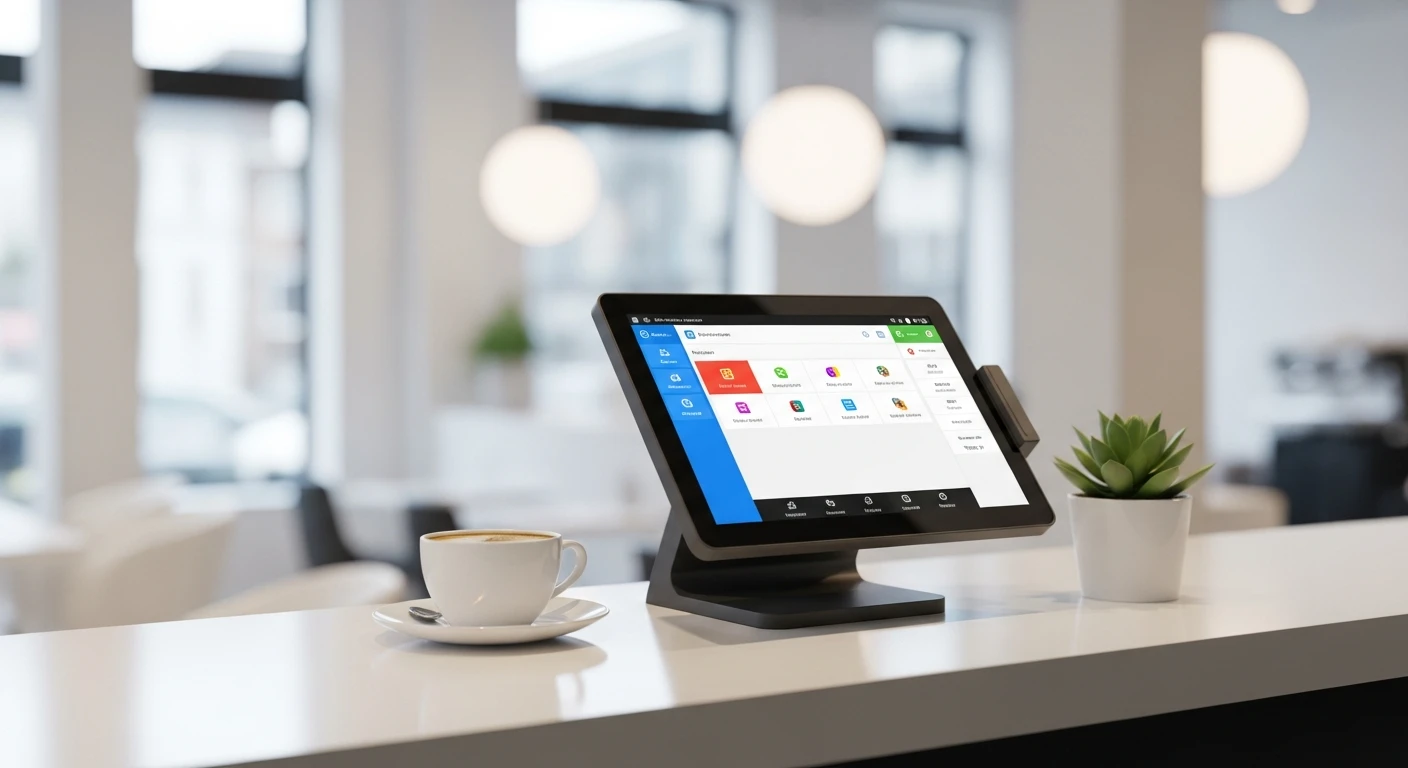
The best POS System for Nail Salons handles everything from checkout to closing — without extra apps or workarounds. Running a nail salon without the right pos system is like driving without a dashboard. It's Saturday at 6 PM. Your busiest day of the week just ended. Now comes the part every nail salon owner dreads: calculating commissions.
You pull out the paper log. Maria did 12 services today — 4 basic manicures at 50% commission, 5 gel sets at 55%, 2 pedicures at 50%, and 1 nail art set at 60%. Plus tips that need to be split with the assistant who prepped her station. Multiply that by 8 technicians, and you're looking at 2 hours of math — every single Saturday.
Here's the thing: it's not just the time. It's the errors. And the disputes. Maria says she did 13 services, not 12. Another technician claims she wasn't credited for a walk-in pedicure that came in during her lunch. You have no way to verify either claim because your tracking system is a paper notepad with coffee stains on it.
But it gets worse: the average nail salon loses $8,000 to $15,000 per year to commission calculation errors, untracked services, and the turnover that results from employees who don't trust their paychecks. That's money leaving your business not because of bad technicians, bad services, or bad location — but because of bad systems.
This guide covers everything you need to know about choosing a POS system for your nail salon — from the features that actually matter to the pricing models that are designed to trap you.
Why Generic POS Systems Fail Nail Salons
Most POS systems were built for restaurants or retail. They handle food orders or product sales just fine. But nail salons operate on a fundamentally different model:
| Business Need | Restaurant POS | Retail POS | Salon-Specific Needs |
|---|---|---|---|
| Primary revenue | Food sales | Product sales | Service-based (time + skill) |
| Employee pay | Hourly + tips | Hourly or salary | Commission + tips (variable rates) |
| Scheduling | Shift-based | Shift-based | Appointment-based + walk-ins |
| Service duration | Not tracked | Not applicable | Critical for scheduling and staffing |
| Customer tracking | Order history | Purchase history | Service preferences, allergies, favorite technician |
| Employee performance | Sales per server | Sales per associate | Services/hour, rebooking rate, product upsell rate |
When you try to run a nail salon on a restaurant POS, you're forcing a square peg into a round hole. Commission tracking becomes a spreadsheet outside the system. Appointment booking becomes a separate app. Performance metrics require manual calculation. And nothing talks to anything else.
The 7 Features Every Nail Salon POS Must Have
1. Automated Commission Tracking
This is the make-or-break feature. If a POS system cannot automatically calculate commissions based on completed services, it's not suitable for a nail salon.
What "automated" actually means:
- Each service category has a configurable commission rate (basic nails 50%, gel 55%, nail art 60%, product sales 15%).
- Each technician can have individual rate overrides (senior technicians may earn 5-10% more).
- Commissions calculate automatically as services are completed and checked out.
- Running totals are visible to technicians during their shift — not just at payroll time.
- Tip tracking and distribution happens in the same system.
- Payroll reports generate automatically at the end of each pay period.
And that's not all: the transparency of automated tracking matters as much as the accuracy. When technicians can see exactly how their commission was calculated — which services, which rates, which tips — trust goes up and disputes go down.
2. Service Menu Management
A nail salon's service menu is more complex than it looks. Each service has a name, price, duration, commission rate, product cost, and potentially multiple variations (regular polish vs. gel vs. dip powder). The POS needs to handle all of this without making checkout feel like filing a tax return.
Key capabilities:
- Category organization (Manicure, Pedicure, Enhancements, Waxing, etc.).
- Service modifiers (add gel, add design, upgrade to organic products).
- Duration tracking per service for schedule management.
- Automatic pricing for service combinations/packages.
3. Appointment Booking Integration
A salon POS that doesn't connect to the appointment book creates a gap where services fall through the cracks. Customer books a 2 PM gel manicure with Maria. If that appointment doesn't flow into the POS as a pending service, it might not get logged when Maria checks the client out — especially during a rush.
Integrated booking means: appointment created, service pre-loaded at checkout, commission automatically attributed to the assigned technician. No manual re-entry. No missed services.
4. Customer History and Preferences
Repeat clients are the lifeblood of a nail salon. A POS that remembers that Mrs. Johnson always gets a French manicure with extra-short nails and is allergic to a specific brand of gel — that's not just convenient, it's the foundation of the personal touch that keeps her coming back.
The data that matters:
- Service history (what, when, which technician).
- Product preferences and allergies.
- Preferred technician.
- Visit frequency and spending patterns.
- Notes from previous visits ("client has sensitive cuticles — use gentle technique").
5. Employee Performance Dashboard
You can't manage what you can't measure. A nail salon POS should show you, at a glance:
| Metric | What It Tells You | Benchmark |
|---|---|---|
| Services per day | Technician productivity | 8-12 for full-time |
| Revenue per technician | Individual earning power | $800-1,500/week |
| Average service ticket | Upselling effectiveness | $45-85 depending on market |
| Client retention rate | Service quality indicator | Above 60% rebooking |
| Product upsell rate | Add-on sales effectiveness | 15-25% of service clients |
6. Multi-Language Support
The nail salon industry has a significant Vietnamese, Chinese, and Korean workforce. A POS system that only operates in English creates a barrier for technicians — slower checkout, more errors, and a feeling of exclusion that contributes to turnover.
KwickOS supports English, Chinese, and Spanish natively across the entire interface — not just customer-facing screens, but the technician-facing checkout process, management reports, and training materials.
7. Fingerprint Clock-In
In a commission-based environment, accurate time tracking is essential for more than just payroll. It determines who was working when a walk-in service was performed (and therefore who gets the commission). It prevents buddy punching (clocking in for someone who hasn't arrived). And it creates an indisputable record for any disputes.
KwickOS's fingerprint 1:N identification means each technician touches the sensor once — the system identifies them without requiring a number or name selection. Fast, accurate, and impossible to fake.
Case Study: Diva Nail Beauty — From Spreadsheets to 90% Efficiency Increase
Diva Nail Beauty operates 4 nail salon locations with 4 KwickOS terminals. Their story illustrates exactly what happens when a nail salon upgrades from manual systems to integrated technology.
Before KwickOS
- Commission tracking: Paper logs and spreadsheets. Managers spent 8-10 hours per week calculating commissions for all technicians across all 4 stores.
- Disputes: 3-5 commission disputes per pay period. Each took 30-60 minutes to investigate, pulling paper records and cross-referencing appointment books.
- Turnover: Two experienced technicians left in a 6-month period, citing frustration with pay accuracy. Replacing each one cost approximately $3,000-5,000 in recruiting, training, and lost clients.
- Multi-location visibility: Each store operated independently. The owner had to visit each location or call managers for updates on daily performance.
After KwickOS
- Commission tracking: Fully automated. Every service logged at checkout triggers an automatic commission calculation based on the service type, technician tier, and any applicable overrides. Running totals visible to technicians in real time.
- Manager time on payroll: Dropped by 90%. From 8-10 hours/week to less than 1 hour — primarily reviewing automated reports rather than calculating from scratch.
- Disputes: Dropped to near zero. Technicians can see their own data. The system's record is authoritative. No more "I think I did one more pedicure than you counted."
- Turnover: Two technicians who had given notice decided to stay after seeing the new system. The transparency rebuilt trust that manual tracking had eroded.
- Multi-location management: All 4 stores visible from one dashboard. Revenue, commissions, services performed, employee clock-ins — all in real time, from anywhere.
The ROI Math
| Savings Category | Annual Value |
|---|---|
| Manager time saved (90% reduction in payroll calc) | $12,000 - $18,000 |
| Avoided turnover (2 technicians retained) | $6,000 - $10,000 |
| Commission accuracy (eliminated errors) | $3,000 - $5,000 |
| Processing savings (processor-agnostic) | $2,000 - $4,000 |
| Total annual ROI | $23,000 - $37,000 |
POS Comparison: What Nail Salons Actually Pay
Let's compare the real cost of different POS options for a nail salon with 8 technicians and 1 checkout terminal.
| Feature | Square | Vagaro | Clover | KwickOS |
|---|---|---|---|---|
| Monthly software | $0 (basic) | $85/mo | $84.95/mo | Contact |
| Commission tracking | No | Basic | No | Advanced (tiered, real-time) |
| Processing rate | 2.6% + $0.10 (locked) | 2.75% (locked) | 2.3-2.6% (limited choice) | You negotiate |
| Fingerprint clock-in | No | No | No | Yes (1:N) |
| Multi-language | Limited | English only | Limited | EN / CN / ES |
| Offline capability | Limited | No | Limited | Full (hybrid local+cloud) |
| Multi-location dashboard | Yes | Yes | Limited | Yes |
Here's the thing: the monthly software fee is a distraction. For a salon processing $30,000/month in card transactions, the difference between a locked 2.75% rate and a negotiated 2.2% rate is $1,980 per year. Over three years, that's $5,940 — far more than the difference in software subscription costs.
And that's not all: Square's $0/month plan has no commission tracking, which means you're back to spreadsheets — the very problem you were trying to solve.
How to Evaluate a POS for Your Nail Salon
When you're comparing options, run through this checklist. Any "No" on items 1-5 is a dealbreaker.
- Can technicians see their running commission totals during their shift? If the answer is "only at the end of the pay period" or "in a separate app," it won't solve your transparency problem.
- Can you set different commission rates by service type AND by technician tier? If the system only supports one flat commission rate, it can't handle real-world salon compensation structures.
- Does checkout trigger automatic commission calculation? If commission is calculated in a separate step or a separate system, services will be missed.
- Can you choose your own payment processor? This determines whether you're paying 2.2% or 2.75% on every transaction — a difference that compounds quickly.
- Does it work when the internet goes down? A Saturday afternoon internet outage that takes your POS offline costs $200-500/hour in a busy salon. Hybrid local+cloud architecture prevents this entirely.
- Multi-language interface? If a significant portion of your staff doesn't speak English as their first language, this isn't optional — it's essential for speed and accuracy.
- Multi-location support? If you have or plan to open multiple locations, evaluate this upfront. Migrating POS systems at 4 locations is exponentially harder than choosing the right one at 1.
Nail Salon Industry Numbers You Should Know
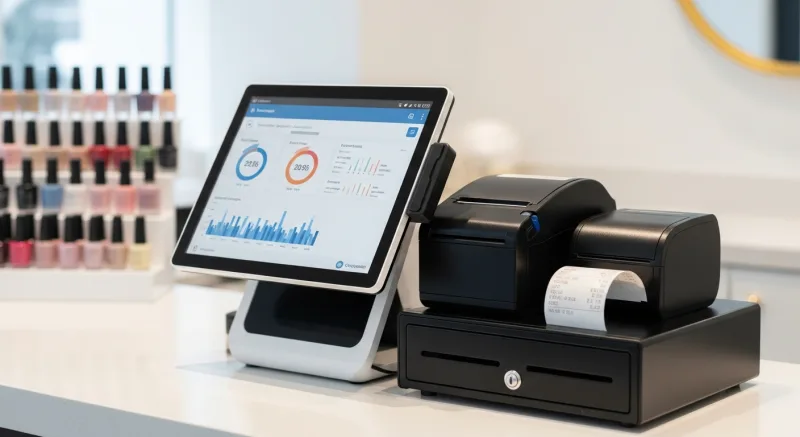
Understanding industry benchmarks helps you evaluate whether your salon is performing where it should be — and where a better POS system can help.
| Metric | Industry Average | Top Performers |
|---|---|---|
| Revenue per square foot | $150-250/year | $300+/year |
| Technician utilization rate | 60-70% | 80-85% |
| Client retention rate | 40-50% | 65-75% |
| Average service ticket | $38-55 | $65-90 |
| Product sales as % of revenue | 5-8% | 12-18% |
| Labor cost (commission + payroll tax) | 45-55% | 40-48% |
| Net profit margin | 8-12% | 15-20% |
The gap between average and top performers across these metrics represents $50,000 to $120,000 per year in additional revenue or savings for a typical salon. Technology alone doesn't close that gap — but the right technology makes the operational improvements visible and measurable.
The Bottom Line
A nail salon POS system isn't just a cash register. It's the central nervous system of your business — the system that tracks every service, calculates every commission, manages every appointment, and gives you the data to make better decisions.
The wrong POS costs you in ways that don't show up on a price tag: hours of manual commission calculation, technician turnover from pay disputes, processing fees you can't negotiate, and performance problems you can't see until it's too late.
Diva Nail Beauty's 90% efficiency increase wasn't magic. It was the result of replacing manual processes with automated ones, giving technicians transparency into their earnings, and giving the owner visibility across all 4 locations from a single screen.
Your salon deserves the same.
Automate Commission Tracking Today
KwickOS gives nail salons automated commission calculation, real-time technician dashboards, fingerprint clock-in, and processor-agnostic payments. See how Diva Nail Beauty achieved a 90% efficiency increase.
Get a Demo