Kitchen Display Systems: From Ticket Chaos to Perfect Timing
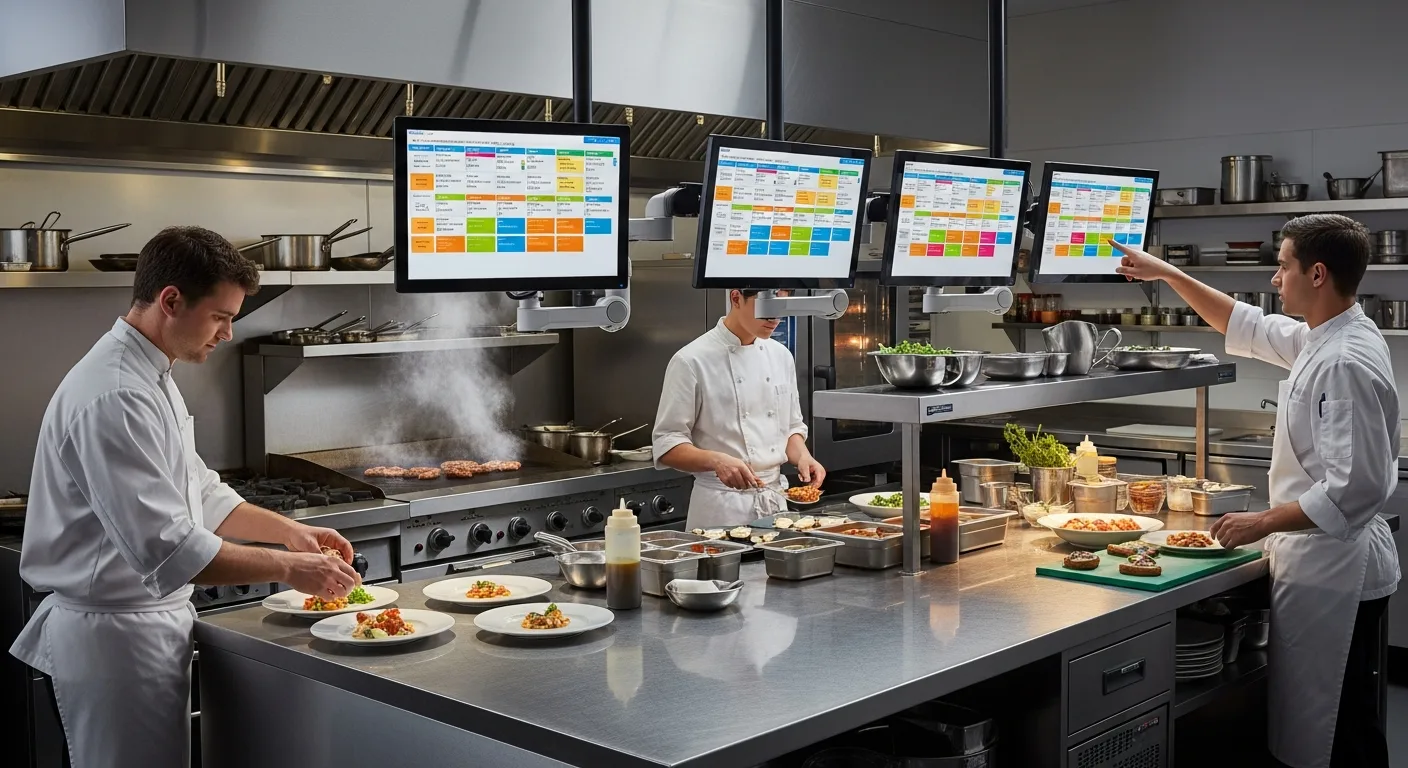
Paper tickets fall on the floor, get splashed with grease, and fade under heat lamps. A KDS doesn't just replace paper—it transforms how your kitchen communicates, prioritizes, and executes.
A Day in the Kitchen: Paper Tickets vs KDS
The Paper Ticket Kitchen (5:47 PM, Friday)
The printer is screaming. Tickets are coming faster than hands can grab them. The grill cook has nine tickets clipped to the rail, but the third one fell behind the fryer ten minutes ago and nobody noticed. Table 22 has been waiting 28 minutes for a medium-rare ribeye that was never started.
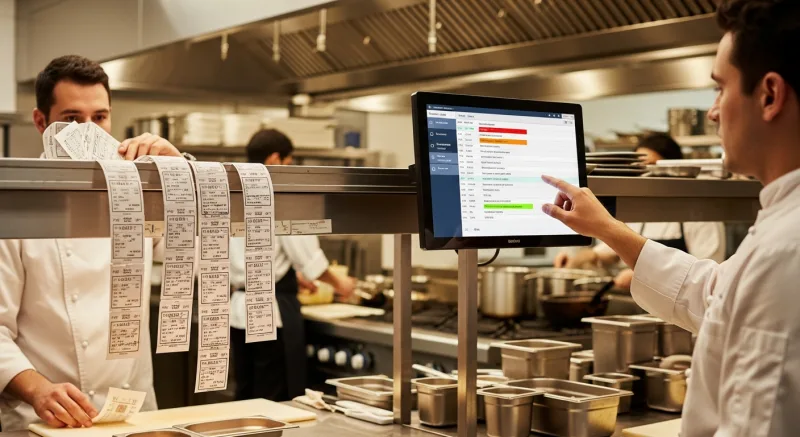
The expeditor is shouting across the line: "Where's the salmon for table 15?" The sauté cook shouts back: "What salmon?" The ticket with the salmon order is crumpled behind three other tickets, smudged with sauce, and the modification—"no capers, sub spinach"—is barely legible.
Meanwhile, table 9's appetizers are dying under the heat lamp because their entrees aren't ready yet. The timing is off. The apps came out in 6 minutes; the entrees are going to take 18. That's a 12-minute gap where appetizer plates are cleared and customers sit with nothing in front of them.
This isn't a bad kitchen. It's a normal kitchen running paper tickets during a Friday rush.
The KDS Kitchen (Same Restaurant, After Installation)
The same Friday rush. Orders come in faster than ever because the dining room now has tableside ordering—tickets fire instantly instead of waiting for servers to walk to the terminal.
But the grill cook's screen shows only grill items, sorted by time. The oldest ticket is highlighted in yellow (it's been 7 minutes). No ticket is in the red yet. He can see at a glance: 4 steaks, 2 salmon, 1 lamb chop. He knows exactly what to fire and when.
The sauté cook's screen shows only sauté items. The salmon is right there—second ticket down—with "NO CAPERS, SUB SPINACH" displayed in large, unmistakable text. No smudges. No interpretation required.
The expo screen at the pass shows the complete order for each table. Table 9's ticket shows: apps are done (green checkmark), entrees are 4 minutes out (the system calculates based on station timing). The expeditor fired the entrees to start 4 minutes after the apps, so both courses arrive with appropriate pacing.
Table 22's ribeye? It appeared on the grill screen the moment the server sent it. It's impossible for a ticket to "fall behind the fryer" when it lives on a screen that everyone can see.
How a KDS Actually Works: The Technical Foundation
A KDS is more than a screen that displays orders. It's an intelligent routing, timing, and coordination system. Here's what's happening behind the display:
Order Intake
When a server sends an order from the POS (or a customer submits an order from a tablet, kiosk, or online ordering system), the KDS receives it in under 2 seconds. With KwickOS's hybrid local+cloud architecture, this happens at 1ms latency on the local network. The order doesn't need to travel to a cloud server and back—it goes directly from the POS to the kitchen display on your local network.
This matters during a rush. Cloud-only KDS systems can experience 50–200ms delays when the internet is congested. On a busy Friday with 40 tickets on screen, even small delays compound into confusion. And if the internet drops entirely, cloud-only KDS goes dark. KwickOS KDS runs locally—no internet required for kitchen operations.
Order Parsing
The KDS doesn't just display the order as a block of text. It parses each item into structured data: item name, modifications, quantity, station assignment, estimated cook time, and course (appetizer, entree, dessert). This parsing enables every smart feature that follows.
The Bump Workflow
When a cook finishes an item, they "bump" it—typically by tapping the screen or pressing a bump bar button. The item moves from "in progress" to "completed." When all items in an order are bumped, the order moves to the expo screen for final quality check. When the expeditor bumps it from expo, the order is marked as served.
This creates an auditable timeline for every order: received at 6:12:04, grill items started at 6:12:08, sauté items started at 6:15:30 (delayed to course the entrees with the apps), all items bumped at 6:23:15, served at 6:24:02. Total ticket time: 11 minutes 58 seconds.
Station Routing: The Right Items to the Right Screen
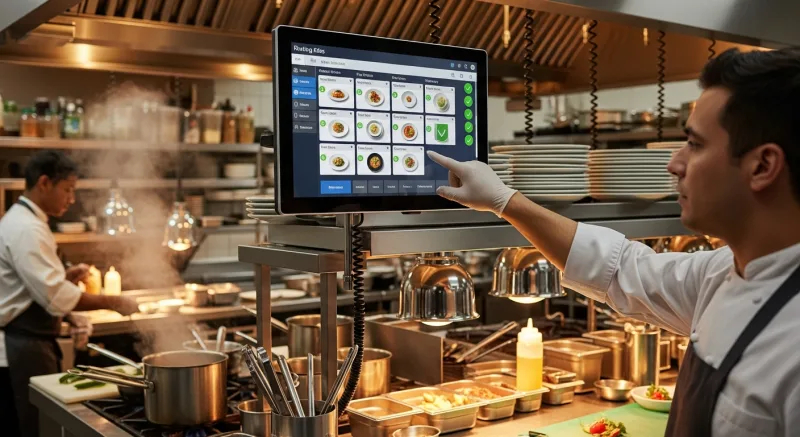
Station routing is the feature that transforms a KDS from "a screen that shows orders" into "a kitchen management system." Each menu item is assigned to a station (grill, sauté, fry, cold, dessert, beverage, etc.), and the KDS displays only the relevant items on each station's screen.
| Station | Items Displayed | Example |
|---|---|---|
| Grill | All grilled proteins and items | Ribeye MR, Salmon, Grilled Chicken |
| Sauté | Pan dishes, pasta, stir-fry | Shrimp Scampi, Pad Thai, Mushroom Risotto |
| Fry | Deep-fried items | Fries, Onion Rings, Fried Calamari |
| Cold / Salad | Salads, cold appetizers, desserts | Caesar Salad, Tuna Tartare, Tiramisu |
| Expo | Complete orders (all stations) | Full view: Table 12 — 2 Ribeye, 1 Salmon, 1 Caesar |
Without station routing, every cook sees every item. The grill cook is scanning past salad orders and desserts to find his items. With station routing, the grill cook sees only grill items. His cognitive load drops by 60–80%, depending on menu complexity. He's faster, calmer, and less likely to miss something.
Customization matters: Shogun Japanese Hibachi needed a custom station configuration for their hibachi displays. Each hibachi table is essentially its own cooking station, and the chef needs to see that specific table's orders—not the entire restaurant's. KwickOS KDS was configured with individual hibachi station screens, each showing only the orders for that table. The result: chefs achieved operator proficiency in under 5 minutes of training.
Timing Alerts: Yellow, Red, and the Psychology of Urgency
Every ticket on the KDS has a timer that starts when the order is received. The color-coded alert system is simple but profoundly effective:
GREEN
0 – 7 minutes
On track. Cook at normal pace.
YELLOW
8 – 11 minutes
Warning. Prioritize this ticket.
RED
12+ minutes
Overdue. This table is waiting. Act now.
These thresholds are fully configurable in KwickOS. A fast-casual restaurant might set yellow at 5 minutes and red at 8. A fine-dining restaurant might set yellow at 15 and red at 22. The thresholds match your service model and customer expectations.
The psychology is important: green tickets don't create anxiety. The cook works at normal pace. Yellow tickets create awareness without panic. Red tickets create urgency. The three-tier system prevents two failure modes: the kitchen that panics over every ticket (treating everything as urgent) and the kitchen that becomes numb to delays (treating nothing as urgent).
Timing Data as a Management Tool
Every ticket time is recorded. Over weeks and months, you build a dataset that reveals patterns:
- Average ticket time by day of week and hour (when does the kitchen slow down?)
- Average ticket time by station (which station is the bottleneck?)
- Percentage of tickets hitting yellow and red by shift (which team is faster?)
- Impact of menu items on ticket time (does adding the braised short rib slow everything down?)
This data drives staffing decisions, menu engineering, and station layout changes. It transforms the kitchen from a black box ("we had a bad night") into a measurable operation ("the fry station hit capacity at 7:15 PM, causing a cascade that added 4 minutes to every subsequent ticket").
The Expo Screen: Quality Control Before It Leaves the Window
The expo screen sits at the pass—the point where finished dishes move from kitchen to dining room. It shows the complete order for each table, with the status of every item:
- Gray: Item not yet started (waiting for course timing)
- Blue: Item in progress at a station
- Green: Item completed, waiting at the pass
- All green: Complete order, ready for the server to run
The expeditor uses the expo screen to coordinate the "moment of truth"—when all items for a table arrive at the pass at the same time, at the correct temperature, plated correctly. This is the hardest thing to do in a kitchen, and the expo screen makes it visible.
Coursing for Fine Dining
In a coursed meal (apps first, then entrees, then dessert), the KDS manages the timing between courses. When the server bumps the appetizer plates as cleared, the system fires the entree course to the kitchen stations. The kitchen doesn't need the server to walk back and verbally fire the entrees—it happens through the system.
This is particularly valuable for prix fixe menus, tasting menus, or any multi-course service where course pacing defines the guest experience.
Real Kitchens Running KwickOS KDS
Shogun Japanese Hibachi: Custom Station Displays
Shogun operates a traditional hibachi concept where chefs cook at the guest's table. Each hibachi table is both a dining surface and a cooking station—a unique configuration that standard KDS setups don't handle well.
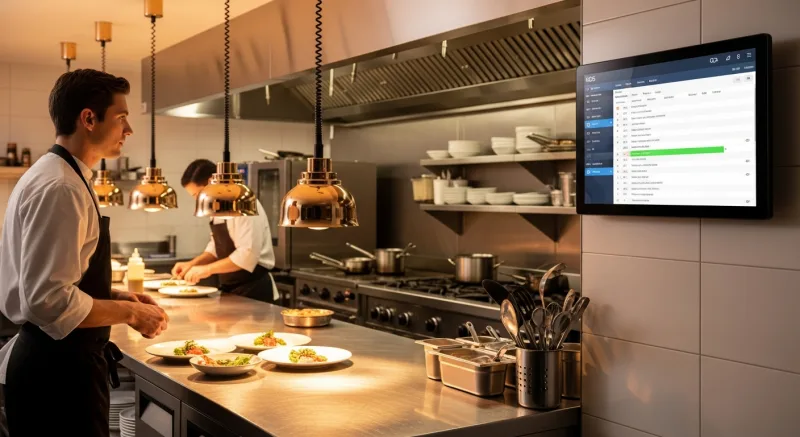
The challenge: each hibachi chef needs to see only the orders for their specific table. They don't need (or want) to see what's happening at the other five hibachi stations across the restaurant.
KwickOS KDS was configured with individual station screens per hibachi table. When guests at Table 3 order, only the Table 3 hibachi display shows those items. The chef sees the proteins, the modifications (allergies are highlighted in red), and the guest count. The result: chefs achieved operator proficiency in under 5 minutes. The system is intuitive enough that new hibachi chefs on their first day can follow the display without additional training.
The 4-terminal setup across the restaurant provides complete coverage: each hibachi station has its own screen, plus a central expo display for the sushi bar and traditional kitchen items that come from the back-of-house kitchen.
Crafty Crab: Special Requests Across 19 Stores
Crafty Crab operates 19 seafood restaurant locations with 152 terminals. Their menu is highly customizable: customers choose their protein, sauce, spice level, and cooking method. A typical order might read: "Snow Crab Legs, Garlic Butter, Extra Spicy, add corn and potatoes, substitute shrimp for crawfish in the combo."
On paper tickets, these modifications were the #1 source of errors. Cooks would miss the spice level, forget the substitution, or confuse "extra garlic" with "garlic butter." Across 19 locations, inconsistent execution of modifications was eroding customer satisfaction.
KwickOS KDS displays modifications in a structured, hierarchical format:
TABLE 7 — Order #1847
Snow Crab Legs (1 lb)
Sauce: Garlic Butter
Spice: EXTRA SPICY
Add: Corn, Potatoes
Seafood Combo
SUB: Shrimp for Crawfish
Modifications are color-coded by type: substitutions in amber (high attention), allergens in red (critical), add-ons in green (easy to miss), sauce/spice in blue (standard). One-click menu sync ensures these display rules are consistent across all 19 locations.
KwickOS KDS vs Toast KDS vs Paper Tickets
| Feature | KwickOS KDS | Toast KDS | Paper Tickets |
|---|---|---|---|
| Hardware required | Any screen with browser | Toast KDS hardware ($499+) | Thermal printer ($200–$400) |
| Station routing | Unlimited stations | Yes | Manual sorting |
| Timing alerts (color-coded) | Configurable thresholds | Yes | Manual time-checking |
| Coursing automation | Yes (server-triggered) | Yes | Verbal fire calls |
| Expo screen | Included | Included | Expeditor memory |
| Offline operation | Full (local network) | Limited | Always works |
| Custom station configs | Fully customizable | Standard presets | N/A |
| Ticket time analytics | Full reporting | Yes | None |
| Cost per screen | $150–$300 (any monitor) | $499+ (Toast hardware) | $0.02/ticket (paper + ribbon) |
The paper ticket argument: Some chefs prefer paper because they can physically arrange tickets on the rail. It's tangible and familiar. But paper fails at scale. A kitchen doing 200+ tickets per night on paper is fighting entropy. The benefits of KDS—routing, timing, analytics, legibility, and coordination—become undeniable above 100 tickets per day.
Setting Up Your KDS: A Practical Guide
Step 1: Map Your Stations
Walk your kitchen line and identify every distinct cooking station. Common configurations:
- Small restaurant (1–2 cooks): Single KDS screen showing all items + expo screen at pass (2 screens total)
- Mid-size (3–5 stations): Grill, sauté, fry, cold prep, expo (4–5 screens)
- Large / complex: Individual station screens + expo + bar + dessert + expeditor overview (6–10 screens)
Step 2: Choose Your Hardware
KwickOS KDS runs on any screen with a web browser. Practical options for kitchen environments:
- Budget: 22–27" desktop monitor + cheap mini PC or Chromecast ($150–$250 per station)
- Mid-range: Commercial kitchen-rated display with splash resistance ($400–$600 per station)
- Rugged: IP65-rated industrial display for high-splash areas like dishwashing or wok stations ($600–$900)
For most kitchens, a standard monitor in a protective enclosure (or mounted high enough to avoid splashes) works perfectly at the budget price point.
Step 3: Configure Routing Rules
In the KwickOS back office, assign every menu item to a station. This typically takes 30–60 minutes for a full menu. Items can be assigned to multiple stations if needed (a combo might route the burger to grill and the fries to fry simultaneously).
Step 4: Set Timing Thresholds
Configure yellow and red alerts based on your service expectations:
| Restaurant Type | Yellow Alert | Red Alert |
|---|---|---|
| Quick-service / fast-casual | 5 minutes | 8 minutes |
| Casual dining | 8 minutes | 12 minutes |
| Fine dining | 15 minutes | 22 minutes |
Step 5: Train and Transition
Run paper tickets alongside the KDS for 2–3 days. This gives your kitchen staff a safety net while they build confidence with the screens. Most cooks adapt within 1–2 shifts. By day 3, they'll refuse to go back to paper.
The Bottom Line
A KDS doesn't make your cooks cook faster. It makes them cook smarter. It eliminates the information bottlenecks—lost tickets, illegible handwriting, verbal miscommunication, invisible timing—that slow down even the best kitchen teams.
The investment is modest: a few hundred dollars per screen, running on hardware you can buy at any electronics store. The return is measured in faster ticket times, fewer errors, happier customers, and a kitchen team that can actually see what's happening instead of guessing.
Paper tickets had a good run. The kitchen deserves better.
Bring order to your kitchen
KwickOS KDS runs on any screen, routes by station, and gives you timing data that transforms kitchen management. Custom configurations for any concept.
Schedule a Demo (888) 355-6996