March 13, 2026 · 13 min read
Employee Time Clock, Scheduling, and Payroll: Why Your POS Should Handle It All
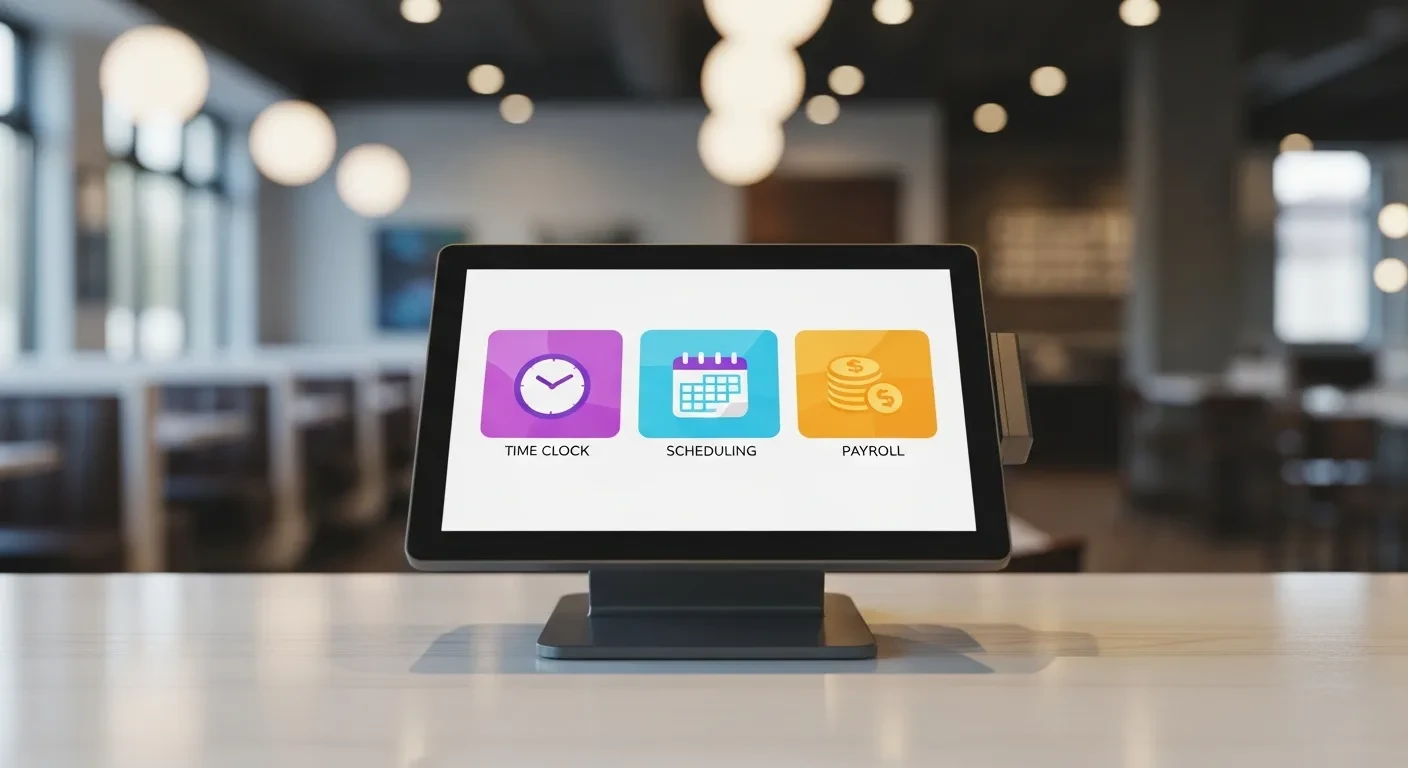
Your restaurant uses one system for point-of-sale, another for time tracking, a third for scheduling, and maybe a fourth for tip distribution. Each system costs money, creates data silos, and requires staff training. There is a better way: let your POS do all of it.
Key takeaway: The average small business loses $2,400 per year to buddy punching alone—where one employee clocks in for another who has not yet arrived. Fingerprint time clocks eliminate this entirely. Combined with built-in scheduling, overtime alerts, and automated tip distribution, an integrated POS labor management system saves $4,000–$8,000 annually compared to running separate tools.
The True Cost of Buddy Punching
Buddy punching is the most common form of time theft in the restaurant and retail industries. It works like this: Employee A is running 20 minutes late. Employee A texts Employee B: “Hey, can you clock me in?” Employee B enters Employee A’s PIN code or swipes their card. Employee A gets paid for 20 minutes they did not work.
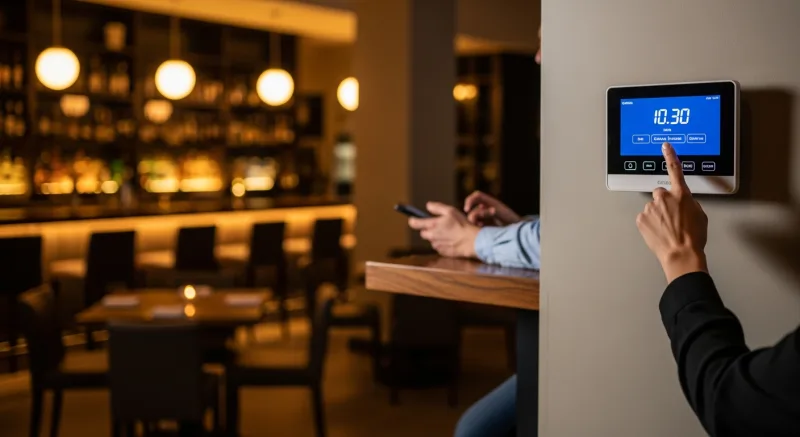
This sounds minor. It is not.
The American Payroll Association estimates that buddy punching costs U.S. employers 2.2% of gross payroll. For a restaurant with $500,000 in annual labor costs, that is $11,000 per year in time theft. Even conservative estimates put the cost at $2,400 per year for a small business with 10–15 employees.
The problem is not that employees are malicious. Most buddy punching happens because it is easy, socially normalized, and has no consequences. When the time clock uses a PIN code or swipe card, there is no way to verify that the person clocking in is actually the employee on the schedule.
Fingerprint Time Clock: The Only Real Solution
Fingerprint time clocks make buddy punching physically impossible. You cannot lend someone your fingerprint. There is no PIN to share. No card to swap. The person clocking in must be the person whose shift it is.
KwickOS uses biometric fingerprint verification with 1:N matching, which is a critical distinction from simpler 1:1 systems:
| Feature | 1:1 Fingerprint (Most Systems) | 1:N Fingerprint (KwickOS) |
|---|---|---|
| How it works | Employee enters ID first, then scans fingerprint to confirm | Employee scans fingerprint only—system identifies who they are automatically |
| Speed | 2 steps (ID + scan) | 1 step (scan only) |
| Security | Verifies the fingerprint matches a known employee ID | Identifies the employee from fingerprint alone—no ID to fake |
| Buddy punch protection | Partial (employee could share ID but not fingerprint) | Complete (no ID to share—fingerprint IS the identity) |
With 1:1 matching, a dishonest employee could theoretically register two fingerprints under two different IDs, creating a way to clock in a “ghost employee.” With 1:N matching, the system compares the scanned fingerprint against all enrolled fingerprints simultaneously. If that fingerprint is already registered to any employee, the system identifies them immediately. No duplicate registrations are possible.
Toast, Square, and Clover do not offer fingerprint time clock functionality. This is a KwickOS differentiator that directly impacts your bottom line.
Beyond Time Theft: Fingerprint for POS Security
The value of fingerprint verification extends far beyond the time clock. In a restaurant, certain POS functions should be restricted to authorized personnel:
- Voids and refunds: Unauthorized voids are a common source of internal theft. An employee voids a cash transaction after the customer pays, then pockets the cash. With fingerprint verification on voids, every void is biometrically tied to a specific manager.
- Discounts: Unauthorized discounts—giving friends and family free food—cost the average restaurant 3–5% of revenue. Fingerprint-protected discount authorization creates an auditable trail.
- Cash drawer access: Restrict cash drawer opens to fingerprint-verified employees. Every drawer open is logged with the specific employee’s identity.
- Report access: Financial reports, sales data, and employee information should be accessible only to authorized managers, verified by fingerprint.
- Price changes: Unauthorized menu price changes can be used to create discounts that do not appear as discounts. Fingerprint verification on price modifications prevents this.
For a business like Diva Nail Beauty with 4 locations and commission-based pay, fingerprint verification ensures that the right technician gets credit for the right service. The system cannot be gamed by entering another technician’s code. This is one reason Diva Nail Beauty reported a 90% efficiency increase after implementing KwickOS.
Scheduling: Why It Belongs in Your POS
Most restaurants use one of three scheduling methods: a spreadsheet, a paper schedule posted in the break room, or a standalone scheduling app like Homebase ($100/month) or When I Work ($80/month). All three have the same fundamental problem: they are disconnected from your sales data.
When scheduling lives inside your POS, it can use actual sales data to optimize labor:
Sales-Based Scheduling
Your POS knows that last Tuesday you did $4,200 in sales between 11 AM and 2 PM with 6 staff members on the floor. It knows that this Tuesday is projected to be similar based on historical patterns. It can recommend a staffing level that maintains your target labor cost percentage.
Without POS integration, scheduling is guesswork. Managers either over-staff (wasting labor dollars) or under-staff (losing sales and frustrating customers). POS-integrated scheduling turns guesswork into data-driven decisions.
Real-Time Labor Cost Monitoring
KwickOS displays live labor cost as a percentage of sales throughout the shift. If your target is 28% labor and you are currently at 32%, the manager knows immediately—not at the end of the week when the damage is already done. This real-time visibility allows on-the-fly adjustments: sending a server home early during a slow shift, or calling in an extra cook when an unexpected rush hits.
Overtime Alerts
An employee approaching 40 hours triggers an automatic alert before they hit overtime. Federal overtime rules require 1.5x pay after 40 hours, and some states (like California) require overtime after 8 hours in a single day. An unexpected overtime shift can cost $50–$100 extra—and across a year, unmanaged overtime adds up to thousands in avoidable expense.
KwickOS tracks hours in real time across all locations. If an employee works at two different locations (common in multi-unit operations like T. Jin China Diner’s 15 stores), the system aggregates their hours to ensure compliance with overtime regulations across the entire organization, not just per-location.
The Cost of Separate Systems vs. Built-In
The typical small restaurant or retail business uses a patchwork of standalone tools for labor management. Here is what that patchwork costs:
Annual Cost: Separate Tools vs. KwickOS Built-In
| Function | Standalone Cost | KwickOS Cost |
|---|---|---|
| Time clock / attendance | Homebase: $100/mo ($1,200/yr) | $0 (included) |
| Employee scheduling | When I Work: $80/mo ($960/yr) | $0 (included) |
| Tip management | Tiphaus: $50/mo ($600/yr) | $0 (included) |
| Fingerprint hardware | $200–$500 per device | Built into POS terminal |
| Buddy punching losses | $2,400/yr (industry average) | $0 (eliminated by fingerprint) |
| Total annual cost | $5,360–$5,660 | $0 |
| 3-year cost | $16,080–$16,980 | $0 |
For multi-location operators, multiply these costs by location count. Crafty Crab (19 locations) would spend over $100,000 in three years on standalone labor management tools.
Tip Management: The Complexity Most POS Systems Ignore
Tip distribution is one of the most error-prone, time-consuming, and legally sensitive tasks in restaurant management. Get it wrong and you face employee disputes, DOL complaints, and potential lawsuits.
Tip Pooling
Tip pooling collects all tips into a shared pool and distributes them based on a formula—typically by role and hours worked. Servers might receive 60%, bussers 20%, and bartenders 20%. The math is straightforward for a single shift, but becomes complex with split shifts, different tip pool structures for lunch versus dinner, and employees who work multiple roles.
KwickOS automates tip pool calculation based on configurable rules:
- Define pool percentages by role (server, busser, bartender, host, food runner)
- Calculate distribution based on actual hours worked, not scheduled hours
- Handle employees who work multiple roles in a single shift (2 hours hosting, 4 hours serving)
- Generate tip reports that comply with IRS reporting requirements
- Separate credit card tips from cash tips for accurate reporting
Tip Credit and Minimum Wage Compliance
In states that allow tip credits, employers can pay tipped employees a lower base wage as long as tips bring total compensation to minimum wage or above. If tips fall short, the employer must make up the difference. Tracking this requires knowing each employee’s actual tips per hour worked—data that only exists if your time clock and POS are integrated.
KwickOS calculates effective hourly rate (base wage + tips / hours worked) for each employee, each shift. If an employee’s effective rate falls below minimum wage, the system flags it immediately so the manager can address it before payroll runs.
Tip Reporting for Payroll
Tips must be reported for tax purposes, and employers are responsible for withholding payroll taxes on reported tips. KwickOS generates tip reports in formats compatible with major payroll providers (ADP, Gusto, Paychex, QuickBooks Payroll), reducing the weekly accounting burden from hours to minutes.
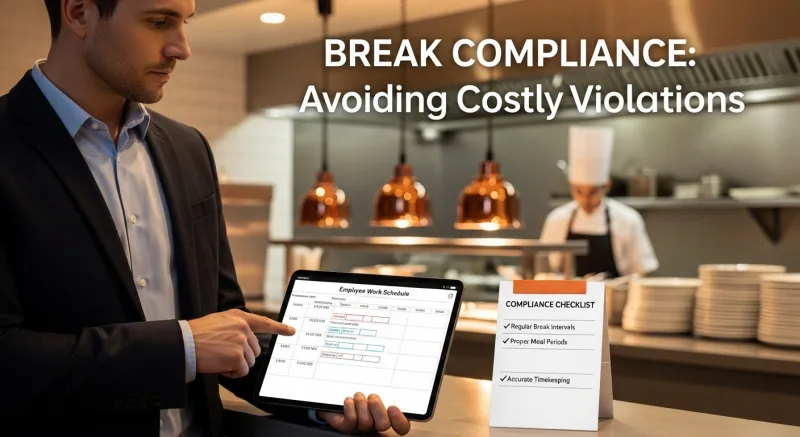
Break Compliance: Avoiding Costly Violations
Break compliance regulations vary by state but are strictly enforced, with penalties that can be severe:
- California: One hour of premium pay for each missed meal break or rest period. For a 20-employee restaurant, systemic break violations can result in $50,000+ in penalties per year.
- New York: 30-minute meal break required for shifts over 6 hours. Additional breaks for shifts starting before 11 AM and ending after 7 PM.
- Oregon: 30-minute meal break for shifts over 6 hours, plus 10-minute rest breaks for every 4 hours worked.
- Washington: 30-minute meal break no later than 5 hours into the shift, plus 10-minute paid rest breaks every 4 hours.
KwickOS tracks break compliance automatically:
- When an employee clocks in for a qualifying shift (length varies by state), the system starts tracking their break eligibility
- At the required time, the system alerts the manager: “[Employee Name] is due for a 30-minute meal break”
- The employee clocks out and back in for their break, creating an auditable record
- If a break is missed or shortened, the system logs it and can automatically apply premium pay where required by state law
This automated tracking protects you in labor audits. When the Department of Labor asks for break records, you have timestamped, biometrically verified data for every employee, every shift.
Commission Tracking for Service Businesses
For beauty salons, spas, and service-based businesses, commission tracking adds another layer of complexity to employee management. Technicians earn based on services performed, often with different commission rates for different service types.
Diva Nail Beauty operates 4 locations with commission-based technicians. Before KwickOS, tracking commissions required manual calculation: reviewing each ticket, identifying which technician performed which service, applying the correct commission rate, and reconciling across the pay period. This process consumed hours of management time and was prone to errors that caused employee disputes.
With KwickOS, commission tracking is automatic:
- Each service ticket is tied to the performing technician via fingerprint verification (not a dropdown menu that could be mis-selected)
- Commission rates are configured by service category and technician level
- Real-time commission dashboards let technicians see their earnings throughout the day
- Pay-period commission reports generate automatically for payroll
- Product sales commissions (retail upsells) are tracked separately from service commissions
The result: Diva Nail Beauty reported a 90% increase in operational efficiency after implementing KwickOS. Commission disputes dropped to near zero because every transaction is biometrically tied to the correct technician.
Multi-Location Labor Management
For businesses with multiple locations, labor management has unique challenges:
Employees Who Work Multiple Locations
It is common for employees to work at different locations throughout the week. T. Jin China Diner, with 15 stores, regularly moves staff between locations based on demand. The labor management system must aggregate hours across all locations for overtime calculation, while attributing labor costs to the correct location for P&L accuracy.
KwickOS tracks each employee as a single entity across all locations. An employee who works 30 hours at Location A and 12 hours at Location B triggers the overtime alert at 40 total hours, not at each location independently. The labor cost is attributed to each location based on actual hours worked there.
Centralized vs. Location-Level Scheduling
Multi-location operators need both perspectives: a corporate view of total labor across all locations, and a location manager view of their specific schedule. KwickOS provides both. Corporate can set labor budget targets by location. Location managers build schedules within those budgets. Deviations are flagged in real time.
Consistent Policies, Flexible Execution
Break rules, overtime thresholds, tip pool structures, and commission rates can be set at the corporate level and applied uniformly, while still allowing location-specific adjustments where local regulations differ.
Payroll Integration: From POS to Paycheck
The final step in the labor management workflow is getting accurate data to your payroll provider. This is where disconnected systems create the most pain.
When time tracking, tip reporting, and scheduling are in separate systems, the weekly payroll process looks like this:
- Export time data from the time clock system
- Export tip data from the POS
- Cross-reference scheduling data to verify hours
- Manually calculate overtime, break premiums, and tip credits
- Manually compile commission reports for service businesses
- Enter everything into your payroll provider
- Discover discrepancies, investigate, and correct
With KwickOS, the process is:
- Export a single unified labor report that includes hours, tips, overtime, break compliance, and commissions
- Upload to your payroll provider
That is it. The data is already reconciled because it all comes from one system. There are no discrepancies to investigate because there are no multiple sources to disagree.
KwickOS generates payroll export files compatible with ADP, Gusto, Paychex, QuickBooks Payroll, and generic CSV format. The export includes regular hours, overtime hours, tip income, break premium pay (where applicable), and commission earnings—everything your payroll provider needs in a single file.
Implementation: Getting Your Team on the System

Week 1: Setup and Configuration
- Enter all employees into KwickOS with roles, pay rates, and start dates
- Configure break rules based on your state’s requirements
- Set up tip pool structures by role and shift type
- Configure overtime rules (federal 40-hour and any applicable state daily rules)
- Set up commission rates for service-based businesses
Week 2: Fingerprint Enrollment
- Enroll every employee’s fingerprint in the system (takes 30 seconds per person)
- Test clock-in and clock-out with each employee
- Verify fingerprint recognition accuracy (request re-enrollment for any failures)
- Explain to staff why fingerprint is used and how their data is protected (templates are stored, not actual fingerprint images)
Week 3: Parallel Run
- Run KwickOS labor management alongside your existing system for one full pay period
- Compare results: hours, overtime, tip calculations, break tracking
- Resolve any configuration differences
- Train managers on real-time labor dashboards and overtime alerts
Week 4: Full Cutover
- Retire standalone time clock, scheduling, and tip management tools
- Cancel subscriptions to Homebase, When I Work, or other standalone tools
- Run first payroll cycle entirely from KwickOS data
- Review labor cost metrics and adjust scheduling targets as needed
Privacy and Data Protection for Biometric Data
Fingerprint data is biometric information, and several states have specific laws governing its collection and use:
- Illinois (BIPA): Requires written consent before collecting biometric data, a published retention/destruction policy, and prohibits selling biometric data. Violations carry penalties of $1,000–$5,000 per incident.
- Texas: Requires consent and prohibits sale of biometric data.
- Washington: Requires disclosure and consent for biometric data collection.
- New York City: Requires signage notifying customers of biometric collection (primarily aimed at retail, but employment use should also comply).
KwickOS addresses these requirements:
- Stores fingerprint templates (mathematical representations), not actual fingerprint images. The template cannot be reverse-engineered into a fingerprint.
- Provides configurable consent forms that employees sign during enrollment
- Supports automatic data destruction when employees are terminated
- Keeps biometric data encrypted at rest and in transit
- Never shares biometric data with third parties
The Bottom Line
Labor is your largest controllable cost. Every dollar lost to buddy punching, overtime overruns, break compliance violations, or tip calculation errors comes directly out of your profit margin. And every hour your managers spend on manual scheduling, time card reconciliation, and payroll preparation is an hour not spent running the business.

The solution is not more software subscriptions. It is fewer—specifically, one system that handles time tracking, scheduling, tip management, break compliance, commission tracking, and payroll export alongside your point-of-sale transactions.
KwickOS does exactly this. Fingerprint time clock with 1:N matching eliminates buddy punching. Real-time labor cost monitoring keeps you on budget. Automated tip pooling removes manual calculation. Break compliance tracking protects you in audits. Commission tracking (as proven by Diva Nail Beauty’s 90% efficiency gain) automates what used to take hours. And it is all included at no extra cost.
The math is simple: $5,000+ per year in standalone tool subscriptions and time theft losses, eliminated. The productivity gain for your management team: immeasurable.
Ready to consolidate your labor management into one system? Call us at (888) 355-6996 or request a free demo to see KwickOS employee management in action.
