Why Retail Store Owners Keep Overlooking the Best POS Option (Hint: It Did Not Start in Retail)
Updated March 2026
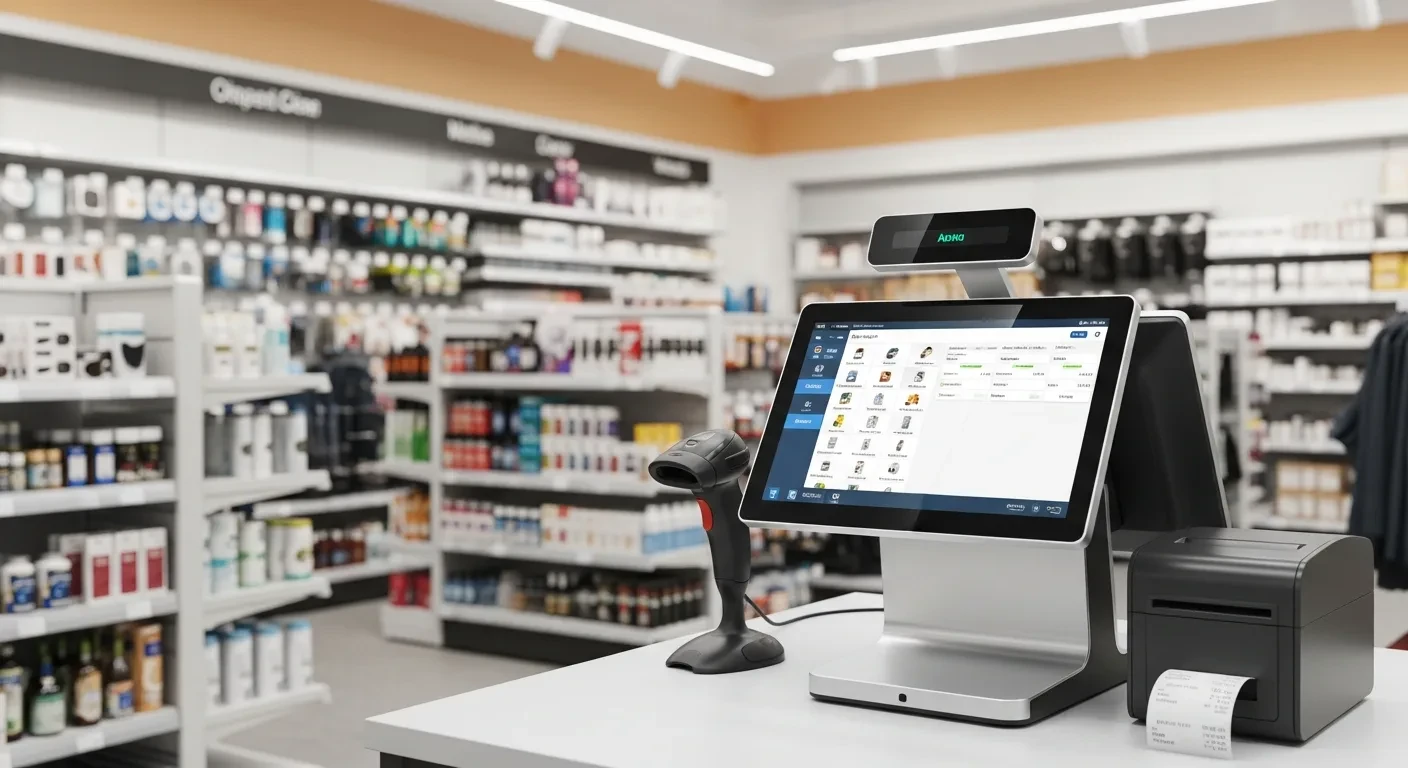
If you run a clothing boutique, a hardware store, a smoke shop, or a gift store, you have probably never considered a system built by a company known for restaurants. That assumption is costing you money. The most capable all-in-one POS platforms in 2026 were forged in the most demanding operational environment in small business — food service — and the skills that make them dominant there translate directly to retail with capabilities that retail-first platforms cannot match.
The Misconception That Limits Your Options
Retail POS shopping typically starts with Shopify POS, Square for Retail, or Lightspeed Retail. These are fine systems. They handle barcode scanning, inventory counts, and basic reporting. But they were built for a single-channel retail model that is rapidly disappearing.
Modern retail is multi-channel. You sell in-store, online, through social media, at pop-up events, and increasingly through delivery. You manage employees across shifts. You track inventory not just by SKU but by variant, location, and vendor. You need customer relationship management that remembers what Mrs. Patterson bought last Christmas so you can suggest something similar this year.
Restaurant POS systems have been solving these exact problems — multiple order channels, real-time inventory depletion, employee management, customer tracking — for a decade. KwickOS did not bolt on retail features as an afterthought. It applied the same operational engine that manages a 19-location restaurant chain to the fundamentally similar challenge of running a multi-location retail business.
Barcode Scanning and Inventory That Actually Works
Every retail POS promises inventory management. Few deliver it at the level a retail operator actually needs. Here is the difference between basic inventory and operational inventory:
Basic inventory tells you that you have 47 units of SKU #2847 in stock. When you sell one, it becomes 46. When you receive a shipment, you manually add the quantity. When you do a physical count and find only 43, you adjust and wonder where the other 3 went.
Operational inventory tells you that SKU #2847 has 47 units: 32 on the sales floor, 10 in the back room, and 5 at your second location. It knows you sell an average of 11 per week with a spike to 18 during holiday months. It automatically generates a purchase order when stock hits your reorder point of 20 units, sends it to your vendor, and tracks the expected delivery date. When those 3 units went missing, the system flagged the discrepancy the day it happened — not at month-end physical count — and correlated it with who was working that shift.
KwickOS handles operational inventory because restaurant inventory is inherently harder than retail inventory. A restaurant tracks perishable ingredients with expiration dates, recipe-level depletion (selling one dish reduces five ingredient SKUs simultaneously), and waste logging. Retail inventory — scanning a barcode and decrementing a count — is a simpler version of a problem KwickOS already solves.
Employee Theft: The Retail Problem Nobody Advertises
The National Retail Federation estimates that employee theft accounts for $50 billion annually in the United States. For a small retail store, the figure that matters is this: the average retail employee theft costs $1,551 per incident, and 75% of employees admit to stealing from their employer at least once.
Most retail POS systems rely on PIN codes for employee login. PINs get shared. A manager gives their PIN to a trusted cashier "just for today," and suddenly that cashier can perform voids, apply discounts, and process returns without oversight. Discount abuse and void fraud are the two most common forms of POS-enabled employee theft.
KwickOS uses 1:N fingerprint identification. Not 1:1 (where the system knows who you claim to be and verifies), but 1:N (where the system identifies you from a cold scan against every enrolled employee). You cannot share your fingerprint. You cannot claim you were not working the register when a suspicious void was processed at 3:47 PM, because the fingerprint log says otherwise.
For retail stores, the fingerprint system serves three functions simultaneously:
- Access control: Only managers can process returns over $50. Only the owner can modify pricing. Only authorized staff can open the register drawer.
- Accountability: Every transaction, void, discount, and drawer open is tied to a biometric identity. The audit trail is unforgeable.
- Time tracking: Clock-in and clock-out with fingerprint eliminates buddy punching. Payroll is accurate to the minute.
Shopify POS offers no biometric authentication. Square for Retail uses team member PINs. Clover offers fingerprint through third-party apps at additional cost. KwickOS includes it as core hardware because the restaurant industry — where cash handling and high turnover create constant theft exposure — demanded it years ago.
Purchase Orders and Vendor Management
Retail operations live on purchase orders. You need to track what you ordered from which vendor, when it is expected, what actually arrived (versus what was invoiced), and how that receipt adjusts your on-hand inventory. A retail POS without native purchase order management forces you into spreadsheets or separate software, creating data silos that guarantee errors.
KwickOS includes purchase order creation, vendor management, receiving workflows, and cost tracking. When a shipment arrives, your receiving staff scans items against the PO. Discrepancies are flagged immediately — if you ordered 24 units of a product and only 20 arrived, the system catches it before you pay the full invoice. The received quantity updates inventory in real time, and cost data flows into your margin reporting.
This is standard functionality in enterprise retail. For a single-location shop using Square, it means buying a separate inventory management subscription and hoping the integration works. KwickOS includes it because restaurants already need vendor management for their food and supply chain — extending it to retail SKUs is a natural capability.
Multi-Location Retail Without Enterprise Pricing
Operating two or more retail locations introduces a specific set of challenges that single-store POS systems handle poorly:
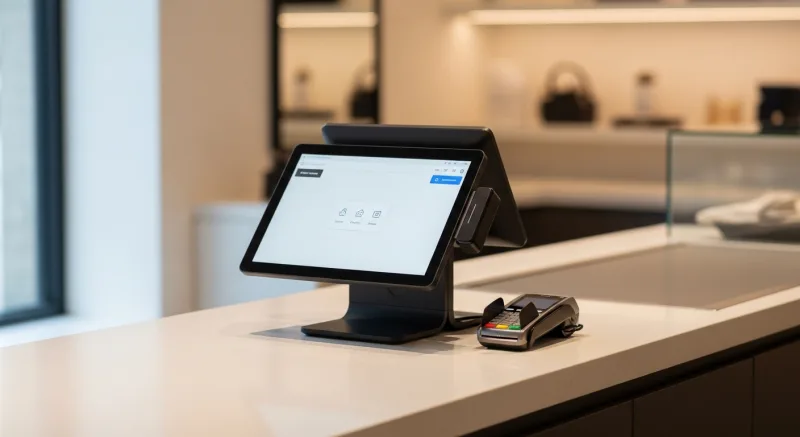
- Inter-store transfers: When Location A has excess stock and Location B is running low, you need to transfer inventory and have both locations reflect the change immediately. KwickOS handles inter-store transfers with a scan-and-confirm workflow that updates both locations in real time.
- Centralized reporting: You need to see sales, inventory, and labor data for all locations in one dashboard. Drilling down to individual stores should take one click. KwickOS provides this through its cloud dashboard, accessible from any browser.
- Consistent pricing with local exceptions: Most products are priced the same across locations, but some adjust for local market conditions. The system needs to support global pricing with per-location overrides.
- Staff sharing: Employees who work at multiple locations should have one profile. Their fingerprint works at any terminal. Their hours consolidate into one timesheet regardless of which location they clocked into.
T. Jin China Diner uses KwickOS across 15 locations with 75 terminals. Real-time remote monitoring lets ownership see every location’s performance from a single screen. The same centralized visibility works identically for a retail chain: you see which location is underperforming, which products are selling where, and which stores need restocking — all without driving between locations.
The Processing Fee Advantage for Retail
Retail average transaction values tend to be higher than restaurant tickets. A typical specialty retail transaction runs $35-75, compared to $15-25 in food service. Higher transaction values make percentage-based processing fees more expensive in absolute terms.
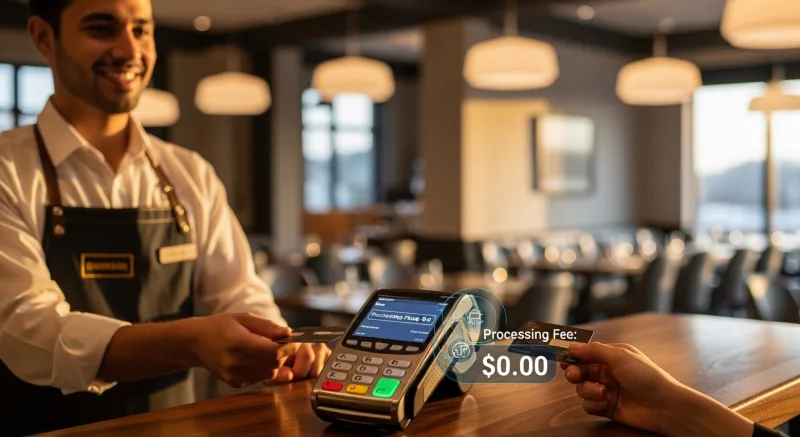
On a $60 retail transaction, Toast’s 2.99% + $0.15 takes $1.94. Square’s 2.6% + $0.10 takes $1.66. An independent processor at 2.2% + $0.08 takes $1.40. The difference per transaction is modest, but retail stores processing 150-300 transactions daily accumulate $3,000-7,000 in annual savings by choosing their own processor.
KwickOS lets you connect to any processor. When you open a second location and your volume doubles, you renegotiate your processing rate from a position of strength. Your POS vendor has no stake in your processing decision — they earn their revenue from the software, not from clipping your card transactions.
Customer-Facing Displays Change Retail Checkout
In retail, the customer-facing display is more than a receipt mirror. It is a marketing surface. While the cashier scans items, the customer sees the running total and — between items — promotional messages. "Join our loyalty program and save 10% today." "New arrivals this week: spring collection." These passive upsells convert at 3-5% without requiring the cashier to say anything.
KwickOS customer-facing displays support custom imagery, video loops, and promotional text that rotates based on time of day, season, or current promotions. A gift shop can show Valentine’s Day specials in February and graduation gifts in May. The display works as a digital signage unit between transactions, running your branded content when no one is checking out.
This dual-use — transaction display plus digital signage — is native to KwickOS through KwickSign. Restaurant operators have been using it for years (menu boards that double as promotional displays). In retail, the same technology turns dead checkout time into marketing impressions.
Online Ordering Is Not Just for Food
Buy-online-pickup-in-store (BOPIS) grew 106% between 2019 and 2024 across all retail categories. Customers now expect to browse your inventory online, place an order, and pick it up within hours. If your POS cannot support this workflow, you are losing sales to competitors who can.
KwickMenu — originally built for restaurant online ordering — supports any product catalog. A retail store can list inventory online with photos, descriptions, and real-time availability. A customer orders from their phone, the store receives the order on the POS, staff picks and stages the items, and the customer gets a notification when it is ready. The same infrastructure that handles 500,000 monthly clicks for restaurant online ordering works identically for retail.
Why Linux Matters for Retail Hardware
Most retail POS systems run on Windows tablets or iPads. Windows means licensing fees, forced updates during business hours, and virus vulnerability. iPads mean Apple’s hardware pricing and planned obsolescence cycles.
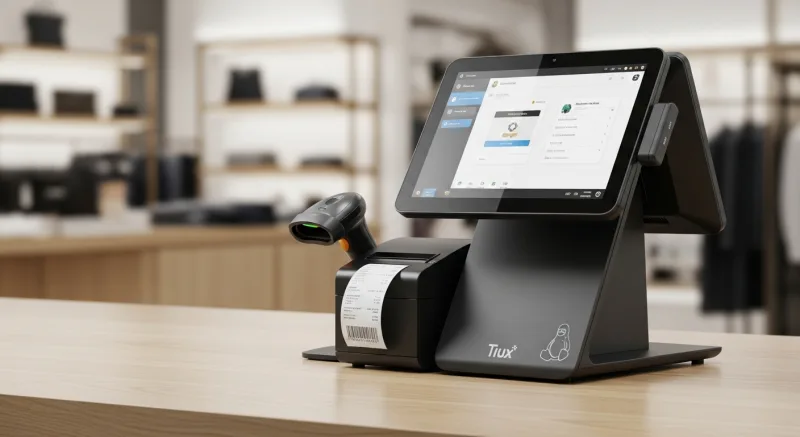
KwickOS runs on Linux with a web-based interface. The terminal hardware does not need a Windows license. Updates deploy silently during off-hours. The system runs on commodity hardware — any touchscreen terminal with a browser can run KwickOS. When a terminal dies, you replace it with any compatible hardware rather than buying a proprietary unit from your POS vendor at a 300% markup.
For retail operators watching every dollar, the hardware savings compound over time. A KwickOS terminal replacement costs $200-400. A proprietary Clover or Toast terminal costs $800-1,200. Over five years across multiple terminals, hardware lock-in costs thousands of dollars more than it should.
Making the Switch
Retail operators considering a POS change typically worry about three things: data migration, staff training, and downtime. KwickOS addresses each directly.
Product catalogs import via CSV. If your current system can export your inventory to a spreadsheet (and they all can), KwickOS can import it. Customer data, pricing tiers, and vendor lists transfer the same way. Most single-location retail stores complete data migration in under a day.
Shogun Japanese Hibachi trained staff on KwickOS in under 5 minutes — and that included specialized hibachi station displays. A retail cashier scanning barcodes and processing payments will reach proficiency in a single shift. The interface is designed around touch interaction patterns that feel intuitive to anyone who uses a smartphone.
Installation takes 1-3 hours for a single location. KwickOS provides onboarding support from purchase to go-live in 7-10 days. You do not need to shut down for a week to switch systems.
The best retail POS in 2026 might not be the one that was built exclusively for retail. It might be the one that was battle-tested in the most demanding operating environment in small business and then brought its full capabilities to your store.
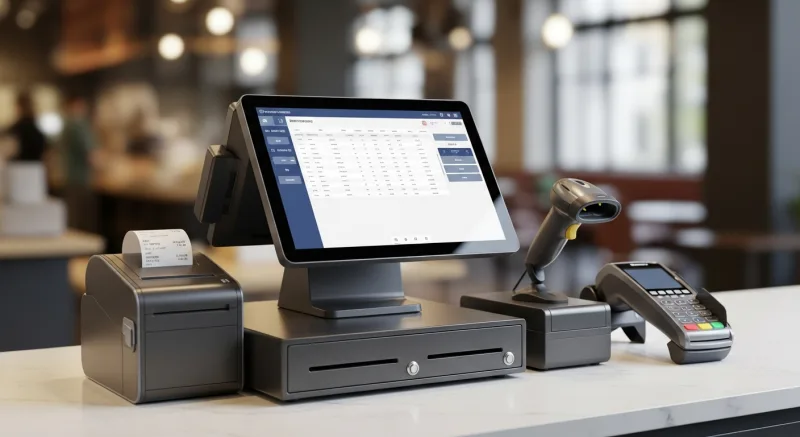
See KwickOS in a retail configuration. Call (888) 355-6996 or visit KwickOS.com for a demo tailored to your store.
The Revenue Features Most "All-in-One" Systems Charge Extra For
When POS companies say "all-in-one," they rarely mean gift cards and loyalty are included. Toast charges $75/month for their loyalty add-on. Square Loyalty starts at $45/month. Clover requires third-party apps. KwickOS includes all of these natively — zero extra cost.
Physical & Electronic Gift Cards
Sell branded physical cards at the register. Send e-gift cards via text or email. Track balances across every location in real time. Gift card holders spend 20-40% more than face value — this is not a nice-to-have, it is a revenue multiplier.
Points-Based Loyalty System
Every transaction earns points. Customers see their balance on receipts and can redeem at checkout. Configurable earn ratios, tiered VIP levels, and automatic birthday rewards. No separate app required — it runs inside the POS your cashier already knows.
Membership & Subscription Management
Run coffee clubs, wine memberships, or VIP dining programs. Recurring billing, exclusive member pricing, and member-only items — managed from the same dashboard as your daily operations. Your customers feel special. Your revenue becomes predictable.
Real impact: businesses using KwickOS loyalty features see repeat visit rates increase by up to 35%. Gift card programs generate an average of 15% additional revenue during holiday seasons.

Tom Jin
Founder & CIO of KwickOS · 30 Years IT · 20 Years Restaurant Industry
Tom built KwickOS after decades running restaurants and IT companies. Today KwickOS serves 5,000+ businesses across 50 states.