Digital Menu Boards: The $3,800/Year Mistake of Sticking with Printed Menus
By Tom Jin · March 25, 2026 · 12 min read
The Digital Menu Boards Save $3,800/Year vs Printed Menus debate comes down to one question: who controls your business data and processing revenue? You are spending thousands every year on something your customers barely glance at. Worse, every time food costs spike, you are selling at yesterday's prices because reprinting takes a week. Here is the math your print shop does not want you to see.
Let me ask you something uncomfortable.
When was the last time you changed a price on your menu board? Not thought about it. Not talked about it with your manager. Actually changed it — called the designer, waited for the proof, approved it, picked up the print, hung it on the wall.
If you are like most restaurant owners I have worked with over the past 20 years, the answer is somewhere between "a few months ago" and "honestly, I cannot remember."
And that delay is costing you real money. Every single day.
Here is what nobody tells you about printed menus...
The Hidden Cost of Printed Menus (It Is Not Just Ink)
When restaurant owners think about menu costs, they think about the obvious stuff: the designer charges $150, the print shop charges $200, done. Maybe four times a year.
But that is only the tip of the iceberg.
The real cost of printed menus hides in places you never think to look. And once you see the full picture, you cannot unsee it.
Cost 1: The Price Lag Tax
Chicken wings cost you $3.20 per pound last month. This month, your distributor raised it to $3.85. That is a 20% increase on one of your most popular items. You need to raise your menu price by at least $1.50 to maintain your margin.
But wait — you just reprinted your menus two weeks ago. Are you going to spend another $200 to reprint now? Of course not. So you eat the margin loss.
For one item, maybe that is $40-60 per week in lost margin. But ingredient costs fluctuate across your entire menu. Produce, protein, dairy — prices move constantly. Every week you sell at outdated prices is money walking out the door.
Average annual cost of price lag: $1,200-2,400 for a typical restaurant.
Cost 2: The Design-Print-Wait Cycle
Every printed menu change follows the same painful workflow:
- You decide to change something (Day 1)
- You email the designer (Day 1-2)
- Designer sends a proof (Day 3-5)
- You request revisions (Day 5-6)
- Final proof approved (Day 7)
- Print shop produces the order (Day 8-10)
- You pick up or receive the print (Day 10-12)
- Staff installs the new menu (Day 12-14)
Two weeks. For a price change. In a business where margins live and die by the day.
And here is the part that really stings...
During those two weeks, your customers are making purchasing decisions based on old information. Your staff is fielding questions about items that are no longer available. And your competitors with digital boards already updated their prices the same afternoon their costs changed.
Cost 3: Seasonal and Daypart Limitations
Does your restaurant serve breakfast, lunch, and dinner? That is three different menu configurations. With printed boards, you either cram everything onto one board (confusing customers) or you have staff physically swap boards at transition times (labor cost, plus they forget).
Seasonal specials? That is another print run. Holiday promotions? Another one. Limited-time offers? Another.
Each one costs $100-300 and arrives days after you needed it.
Cost 4: The "Good Enough" Trap
This is the sneakiest cost of all. Because reprinting is expensive and slow, you stop optimizing your menu. You stop testing which items in which positions drive the most orders. You stop featuring high-margin dishes with compelling photography. You stop running time-sensitive promotions.
You settle for "good enough" because "better" costs too much to implement.
And that is perhaps the biggest cost of printed menus: the revenue you never earn because you stopped trying to optimize.
Real Math: $3,800 Per Year and Growing
Let me break down the numbers for a typical single-location restaurant:
| Expense Category | Annual Cost |
|---|---|
| Quarterly menu reprints (4x/year) | $600 – $1,200 |
| Seasonal/promotional prints (3-4x/year) | $300 – $600 |
| Design fees per revision | $500 – $800 |
| Price lag margin loss | $1,200 – $2,400 |
| Staff labor for menu swaps | $200 – $400 |
| Total Annual Cost | $2,800 – $5,400 |
The midpoint? $3,800 per year. For a multi-location operator like the chains we work with, multiply that by every location.
Now consider what a digital menu board costs: a 55-inch smart TV ($300-400), a wall mount ($30), and software. With KwickSign, the software is included with your KwickOS subscription. No extra monthly fee.
Total first-year investment: under $500. Payback period: 6-8 weeks.
But here is where it gets interesting...
What Digital Menu Boards Actually Change
Saving $3,800 a year on print costs is nice. But the real transformation goes far beyond cost elimination. Digital menu boards fundamentally change how you run your restaurant.
Instant Price Updates
Your food cost spikes on Tuesday morning. By Tuesday afternoon, your menu prices reflect the change. No designer. No print shop. No two-week lag. Just log into your KwickOS back office, update the price, and watch it appear on every screen in your restaurant within 60 seconds.
This alone can recover thousands in margin that restaurants with printed menus bleed silently.
Automated Dayparting
Set your breakfast menu to display from 6 AM to 11 AM. Lunch from 11 AM to 4 PM. Dinner from 4 PM to close. Happy hour specials from 4 PM to 7 PM on weekdays only. Late-night menu on Fridays and Saturdays after 10 PM.
Once configured, it runs forever. No staff intervention. No forgotten menu swaps. No customer confusion about why the lunch special is still showing at 7 PM.
Dynamic Sold-Out Management
When the kitchen 86s an item in the POS, it vanishes from the digital board. No handwritten "SOLD OUT" signs taped to the wall. No awkward conversations at the register. The customer never even sees the item, so they never feel disappointed.
This might seem small. It is not. Every disappointed customer interaction carries a psychological cost — both for the customer and for your staff.
High-Margin Item Promotion
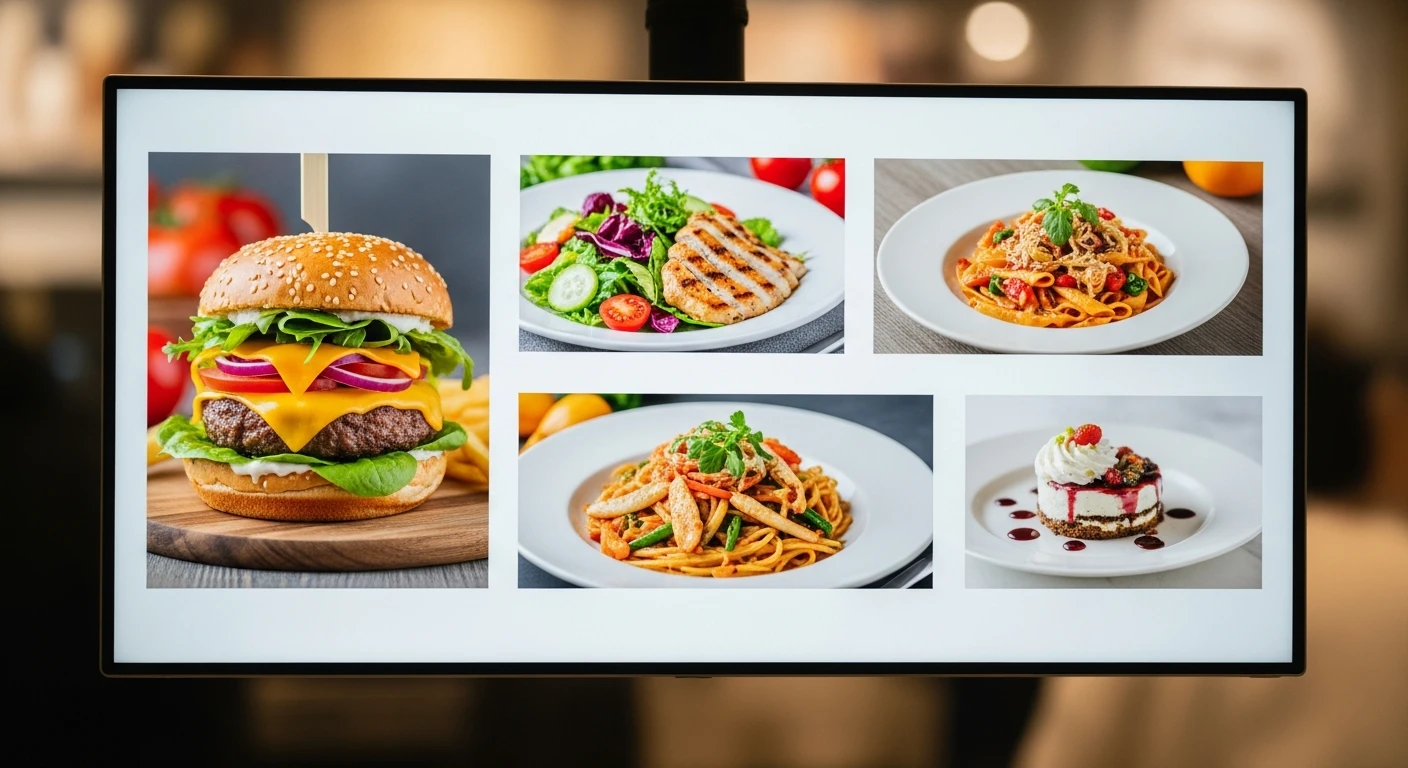
With printed menus, every item gets the same visual treatment. With digital boards, you can spotlight your highest-margin dishes with:
- Full-screen hero photography during slow periods
- Animated callout badges ("Chef's Pick," "Most Popular")
- Rotating featured items that change every 15-30 seconds
- Seasonal highlight zones that draw the eye to new additions
Research on digital signage in quick-service restaurants consistently shows that items with photography on digital boards sell 8-15% more than text-only listings. For a restaurant doing $500,000 annually, that is $40,000-75,000 in additional revenue from the same menu.
Why POS Integration Is the Feature That Matters Most
Here is where most restaurant owners make a critical mistake with digital signage.
They buy a standalone signage solution — a separate subscription, a separate login, a separate content management system. And then they manually update prices in two places: their POS and their signage software.
It works fine for the first month. Then someone changes a price in the POS and forgets to update the signage. Or updates the signage but types the wrong number. Now your menu board says $12.99 but the register charges $14.99, and a customer is angry.
This is not a hypothetical. It happens every single day in restaurants across the country.
KwickSign eliminates this problem entirely because it is not a separate product. It is a module within KwickOS — the same platform that runs your POS, your online ordering, your kiosks, and your kitchen displays. One database. One source of truth. Change a price once, and it updates everywhere:
- POS register screen
- Digital menu boards (all locations)
- Online ordering website
- Self-service kiosks
- Kitchen display system (KDS)
- Third-party delivery platforms
One change. Six touchpoints updated simultaneously. Zero chance of mismatch.
That is the difference between digital signage as a standalone product and digital signage as part of an integrated operating system.
Case Study: Shogun Japanese Hibachi
Let me tell you about a restaurant that transformed their customer experience with digital displays — and it was not even about the menu board.
Shogun Japanese Hibachi runs 4 terminals across their location. Hibachi restaurants have a unique challenge: each cooking station needs to display different information. The hibachi chef needs to see incoming orders for their specific grill. The sushi bar needs its own queue. The regular dining section has different timing requirements.
With KwickOS, Shogun configured customized hibachi station displays that show each chef exactly what they need — and nothing they do not. The result? New operators became proficient in under 5 minutes. Not 5 hours. Not 5 shifts. Five minutes.
Their customer-facing displays show the menu with vivid photography of sizzling hibachi plates, rotating seasonal specials, and real-time wait estimates. When a particular protein sells out for the evening, it disappears from the board before the next customer walks in.
Here is what made the difference: the digital displays paid for themselves within the first month — not from cost savings, but from increased orders on high-margin specialty rolls that customers discovered through the rotating photo displays.
That is the power of digital when it is integrated with your POS. It is not just a screen on a wall. It is a revenue tool that responds to your business in real time.
Gift Cards and Loyalty on the Big Screen
Here is something most restaurant owners overlook completely: your digital menu board is not just for food items. It is the most-viewed screen in your restaurant — which makes it the perfect place to promote gift cards and loyalty programs.
Gift Card Promotions That Sell Themselves
Imagine this: between menu rotations, your digital board displays a 10-second promotion — "Give the Gift of Great Food. E-Gift Cards Available. Scan to Send One Now." With a QR code that takes customers directly to your e-gift card purchase page.
KwickOS supports both physical and electronic gift cards, and here is the statistic that matters: gift card buyers spend 20-40% more than the card's face value. A $50 gift card generates $60-70 in actual revenue. Every gift card sold through your digital board promotion is bonus revenue you would never have captured with a printed menu.
- Physical gift cards — promote on-screen during holiday seasons when impulse purchases peak
- E-gift cards — display QR codes so customers can buy and send instantly from their phones
- Balance reminders — "Have a gift card? Check your balance here" keeps unused balances top of mind
- Reload promotions — "Add $25, get $5 bonus" displayed during checkout creates prepayment habits
Loyalty Sign-Ups at the Speed of a Glance
Your digital board can rotate a loyalty call-to-action every few minutes: "Join our rewards program. Earn 1 point per dollar. Your 10th meal is free." Add a QR code, and customers sign up from their phone while they wait in line.
KwickOS loyalty is not a punch card from 2005. It is a fully digital points system built into the same platform:
- Points on every purchase — configurable ratios that you control
- Tiered rewards — silver, gold, platinum levels that incentivize higher spending
- Birthday rewards — automated birthday offers that bring customers back
- Points-for-payment — seamless redemption at checkout, no extra steps for staff
Toast charges $75/month extra for loyalty. Square starts at $45/month. KwickOS includes gift cards, e-gift cards, loyalty points, and membership management in every plan. That is $540-900/year saved — on top of the $3,800 you are already saving on print costs.
Membership Programs on Display
Running a VIP coffee club? A monthly subscription meal plan? Your digital boards can promote these programs during off-peak hours when you most need to drive traffic. "Join our Lunch Club: $49/month for daily lunch specials" — displayed between 2-4 PM when you are trying to build afternoon traffic.
Toast vs Square vs KwickOS: Digital Signage Compared
Not all POS platforms handle digital signage the same way. In fact, most handle it poorly — or not at all.
| Feature | KwickOS | Toast | Square |
|---|---|---|---|
| Built-in digital signage | Included | Extra cost | Not available |
| Real-time POS price sync | Automatic | With add-on only | N/A |
| Automated dayparting | Yes | Limited | N/A |
| Works on any TV/display | Yes | Proprietary hardware | N/A |
| Gift card/loyalty on screen | Yes, included | Separate subscriptions | Separate subscriptions |
| Processor lock-in | No — processor-agnostic | Toast Payments required | Square Payments required |
The processor-agnostic point deserves special attention. Toast requires you to use Toast Payments. Square requires Square Payments. That means they control your processing rates, and you cannot negotiate or switch. KwickOS lets you use any payment processor, so you keep 100% of your processing revenue and maintain leverage to negotiate better rates.
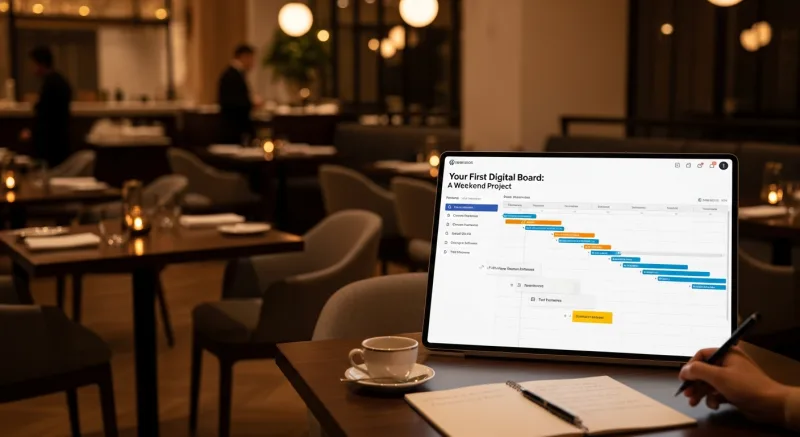
Your First Digital Board: A Weekend Project
You do not need to renovate your restaurant to test digital menu boards. Here is a practical weekend plan:
Saturday Morning: Hardware (1 Hour)
- Buy a 43" or 55" smart TV from any retailer ($250-400). Samsung, LG, TCL — they all work.
- Pick up a fixed wall mount ($20-40) or use a high shelf if wall mounting is not an option.
- Mount the TV where customers naturally look when ordering — typically directly behind or above the register area.
- Connect to your restaurant WiFi.
Saturday Afternoon: Configuration (1-2 Hours)
- Log into your KwickOS back office.
- Navigate to KwickSign and select which menu categories to display.
- Choose a layout template: full menu, split-screen (menu + promotions), or rotating categories.
- Upload hero images for your top 5-10 items.
- Set your daypart schedule.
- Add a gift card or loyalty promotion slide to the rotation.
- Preview on the TV from customer viewing distance (6-10 feet).
Sunday: Go Live and Observe
- Open the KwickSign display URL in the TV's built-in browser (or on a connected Fire Stick/Chromecast).
- Watch customer behavior. You will notice people spending more time looking at the board and asking about featured items.
- Track your average ticket over the next two weeks compared to the previous two weeks.
That is it. Under $500 invested. One weekend of your time. And you have eliminated a $3,800/year recurring expense while adding a revenue-driving asset to your restaurant.
Ready to see it in action? Schedule a demo and we will walk you through exactly how KwickSign works with your specific menu and layout.
Stop paying $3,800/year for printed menus
KwickSign is included with every KwickOS plan. Digital menu boards, gift card promotions, loyalty sign-ups — all from one platform. No extra fees.
Schedule a Demo (888) 355-6996Frequently Asked Questions
How much do printed menus really cost a restaurant per year?
Most restaurants spend $3,800 or more per year on printed menu costs when you factor in design fees ($75-200 per revision), printing costs ($2-8 per menu), seasonal reprints, and the hidden cost of lost revenue from outdated pricing. Restaurants that change prices monthly can spend over $4,500 annually.
How quickly do digital menu boards pay for themselves?
Most restaurants see full ROI within 3-6 months. A basic digital menu board setup costs $300-500 for a display, and with KwickOS the software is included at no extra charge. The combination of eliminated print costs and 8-15% average ticket increases means the hardware pays for itself quickly.
Do I need special hardware for digital menu boards?
No. KwickSign works on any TV or display with a web browser or connected streaming device. A standard 43-inch or 55-inch smart TV ($250-400) works perfectly. No proprietary hardware required.
Can digital menu boards sync with my POS?
KwickSign is built into KwickOS, so menu prices, item availability, and promotions sync automatically between your POS, digital boards, online ordering, and kiosks — one change updates everything. No manual double-entry required.
