Manage Your Restaurant From Your Phone: Real-Time Sales, Staff, and Alerts
You opened a restaurant to build a business, not to be chained to it. Here's how to run your operation from anywhere—your couch, your kid's soccer game, or your second location across town.
It's 7:43 PM on a Saturday. You're at your daughter's school play. Your phone buzzes: "ALERT: Void over $50 — Store #2, Server: Marcus, Table 14, $67.50 void on a steak dinner."
You pull up the live dashboard. Marcus has processed three voids in the last two hours. You text your manager: "Keep an eye on Marcus tonight. Something's off." Twenty seconds of your time. Zero disruption to your evening. Problem caught before it becomes a pattern.
That scenario used to be impossible. Without mobile management, you'd find out about those voids on Monday morning when you finally reviewed the weekend reports—if you reviewed them at all. By then, Marcus has worked three more shifts, and whatever was happening (honest mistakes, sloppy service, or something worse) has continued unchecked.
The Real Problem: You Can't Be Everywhere
Restaurant owners fall into two traps:
Trap 1: The owner who never leaves. You're at the restaurant 14 hours a day, six days a week. You know everything that happens because you see it. But you're burning out, your family barely sees you, and if you got sick tomorrow, the operation would struggle without you.
Trap 2: The owner who is flying blind. You have a manager running the floor and you check in when you can. But you don't really know your labor percentage today, you don't know if the lunch rush hit target, and you won't find out about problems until the weekly P&L review.
Mobile management eliminates both traps. You stay informed without being physically present. You catch problems in real time without hovering. And when you are at the restaurant, you spend your time on growth—not on babysitting operations that should run themselves.
Your Real-Time Dashboard, Explained
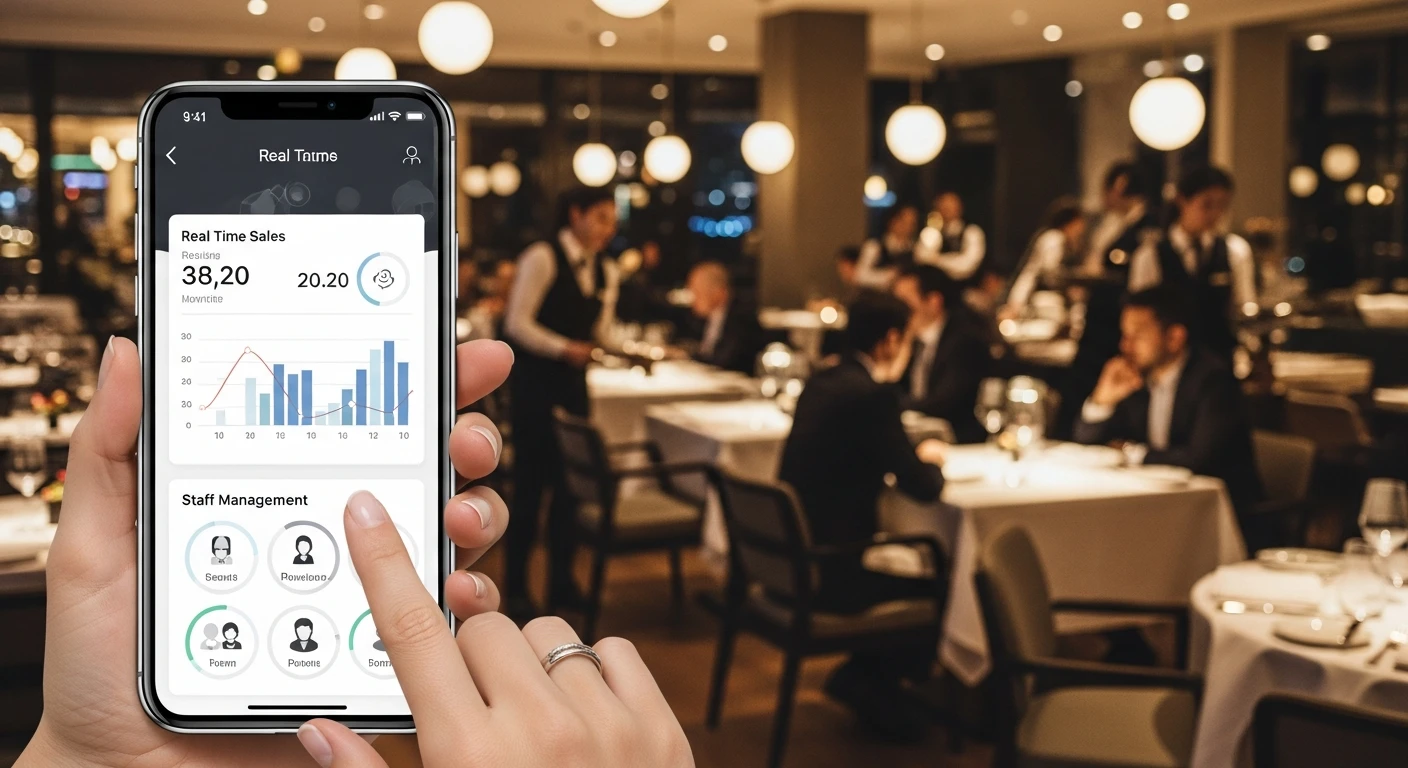
KwickOS runs in a web browser. That means any phone—iPhone, Android, anything—becomes your management console. No app to download from an app store. No waiting for updates to roll out. You open your browser, log in, and you're looking at live data.
Here's what the dashboard shows you at a glance:
Live Sales Metrics
| Metric | What It Tells You | Why It Matters at 7 PM on Saturday |
|---|---|---|
| Net sales (today) | Revenue collected so far | Are you tracking to hit your Saturday target? |
| Current open covers | How many guests are seated right now | Is the dining room full? Should you open the patio? |
| Average check | Revenue per guest | Are servers upselling or just order-taking? |
| Labor cost % | Payroll as percentage of revenue | If it's 38% and your target is 30%, you're overstaffed. |
| Who's clocked in | Current staff with clock-in times | Did the closer actually show up? |
| Hourly sales trend | Graph of sales by hour vs. last week | Is tonight tracking above or below last Saturday? |
This isn't a report you generate and review the next day. It's live. When an $87 ticket closes, the net sales number updates within seconds. When a server clocks in late, you see it appear in real time.
Kitchen Performance
The dashboard also surfaces kitchen metrics from the KDS: average ticket time, tickets pending, tickets in the red zone (over target time). If your kitchen is backing up at 7:30 PM, you know about it at 7:30 PM—not when customers start leaving one-star reviews tomorrow.
The Hybrid Advantage: 1ms vs 20ms
KwickOS uses a hybrid local+cloud architecture. Your local server processes data at 1ms latency. Cloud-only systems like Square average 20ms or more—and they go down entirely when your internet drops. The dashboard pulls from the local server when you're on-site and syncs through the cloud when you're remote. Either way, the data is current.
Push Alerts That Catch Problems Before They Cost You
Dashboards are great when you're actively looking. Alerts catch the problems when you're not.
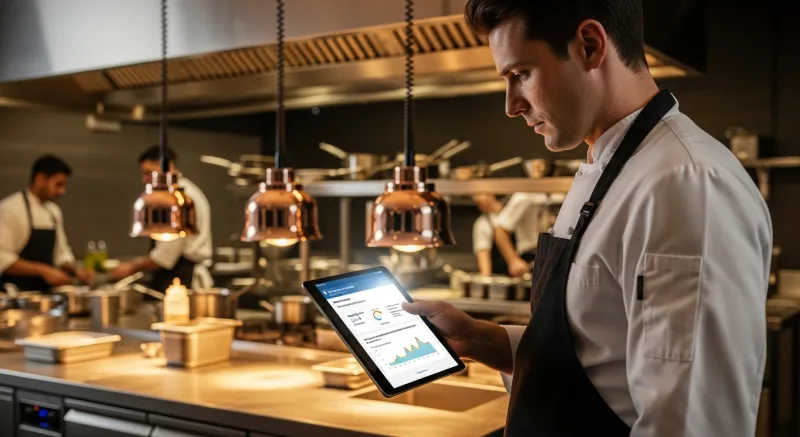
KwickOS sends configurable push alerts to your phone for events that require attention. Here are the alerts restaurant owners find most valuable:
Financial Alerts
- Void over threshold: Any void exceeding your set dollar amount (e.g., $50) triggers an instant alert with server name, table number, and item details.
- Discount over threshold: A 30% discount on a $200 tab? You'll know immediately.
- Cash drawer opened without sale: The drawer should only open during a transaction. Any other opening is flagged.
- Refund processed: Every refund generates an alert. Patterns become visible fast.
Labor Alerts
- Overtime approaching: Employee at 38 hours on Thursday? Alert fires so you can adjust Friday's schedule before OT kicks in at 40.
- No-show: If a scheduled employee hasn't clocked in within 15 minutes of shift start, you're notified.
- Break compliance: In states with mandatory break laws (California, New York, etc.), the system alerts when an employee approaches the break deadline.
- Buddy punch attempt: With KwickOS fingerprint verification, one employee can't clock in for another. The system flags any failed attempts.
Operations Alerts
- 86'd items: When the kitchen marks an item as sold out, you know instantly. Useful for planning tomorrow's prep.
- Daily sales target hit: A positive alert. When you cross $8,000 for the day, your phone buzzes with good news.
- End-of-day summary: Automatic closeout report at end of business: total sales, labor %, covers, average check, voids, and discounts.
The Math on Financial Alerts Alone
The National Restaurant Association estimates that employee theft costs restaurants 4–5% of gross revenue. For a restaurant doing $1.2M annually, that's $48,000–$60,000 per year. Most theft isn't dramatic—it's incremental: a voided appetizer here, a "spilled" drink there, a cash transaction that never gets rung up.
Real-time void and cash-drawer alerts make incremental theft visible immediately. You don't need to catch someone in the act. You just need to see the pattern: Server A processes 4x more voids than the average. That conversation happens this week instead of next quarter when you notice the food cost variance.
Multi-Location: One Screen, All Stores
For operators running two or more locations, the multi-location dashboard is transformative. Instead of logging into each store separately or calling managers for updates, you see every location on a single screen.
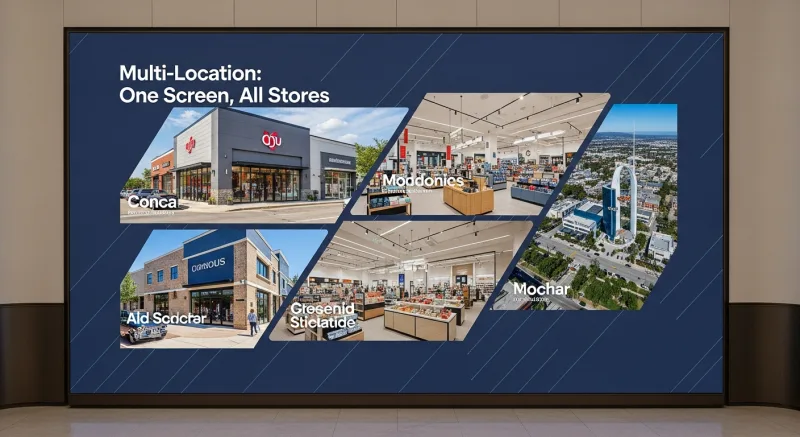
The multi-location view shows:
- Side-by-side sales: Store A is at $6,200 by 6 PM, Store B is at $3,800. Store B is underperforming—is it a staffing issue, a local event pulling traffic away, or just a slow night?
- Comparative labor cost: Store A is at 28% labor, Store B is at 35%. Store B has too many people on the floor for the volume they're doing.
- Aggregate totals: Your combined daily revenue, total covers, and blended food/labor costs across all locations.
- Per-store drill-down: Tap any location to see its full dashboard with individual metrics, staff list, and kitchen status.
Multi-location math: An owner with 5 locations who spends 30 minutes per day driving to or calling each store is spending 2.5 hours daily on status checks. That's 912 hours per year—roughly 23 work weeks. Remote monitoring reclaims that time.
How T. Jin China Diner Monitors 15 Stores Remotely
T. Jin China Diner operates 15 locations with 75 terminals. Before KwickOS, the owner relied on nightly phone calls with each store manager and weekly in-person visits to review operations. That's 15 phone calls per night and a grueling weekly driving circuit.
With KwickOS real-time remote monitoring, the daily workflow compressed dramatically:
- Morning check (5 minutes): Review yesterday's closeout summaries for all 15 stores on a single screen. Identify any anomalies in sales, labor, or void patterns.
- Lunch pulse (30 seconds): Quick glance at current lunch sales across locations. Any store significantly below its usual lunch number gets a call to the manager.
- Evening monitoring (passive): Alerts handle the evening. The owner only intervenes when something triggers a notification.
- Weekly review (30 minutes): Comparative performance analysis across all 15 stores. Which locations are improving? Which need attention? Where should the next training investment go?
Total daily time spent on monitoring: under 10 minutes. Compare that to the previous 2+ hours of phone calls and driving. That's 650+ hours per year returned to the owner for strategic planning, new store development, family time, or rest.
The real-time aspect was critical for T. Jin's model. With 15 locations spread across a region, problems at a distant store could fester for days before the next in-person visit. Now, an unusual pattern at Store #12 at 2 PM generates an alert at 2 PM. The response time went from days to minutes.
KwickOS Mobile vs Toast App vs Doing Nothing
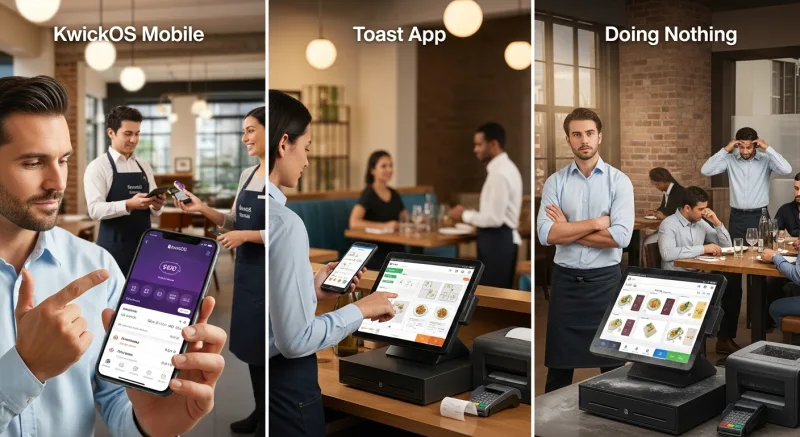
| Capability | KwickOS (Browser) | Toast App | No Mobile Management |
|---|---|---|---|
| Works on any phone | Yes (any browser) | Yes (native app) | No |
| Real-time live sales | Yes (sub-second update) | Yes | Next-day report at best |
| Configurable push alerts | Fully customizable thresholds | Limited presets | None |
| Multi-location single view | Yes, all stores at once | Must switch between stores | Drive to each store |
| Fingerprint-verified staff | Yes (1:N biometric) | PIN-based only | Paper timesheets |
| Remote menu changes | Yes, instant sync all devices | Yes | Go to the store |
| Processor-agnostic data | Yes (any processor) | Toast Payments data only | N/A |
The fingerprint verification detail matters more than you'd think for remote monitoring. When you see "Marcus clocked in at 4:02 PM" on KwickOS, you know it's actually Marcus—his fingerprint confirmed it. On PIN-based systems, "Marcus" could be anyone who knows his four-digit code. Buddy punching (one employee clocking in for another) costs restaurants an estimated 2–5% of payroll annually. For a restaurant spending $30,000/month on labor, that's $600–$1,500/month in phantom payroll.
Setting Up Remote Management in 15 Minutes
KwickOS remote access doesn't require a special setup process because the entire system is browser-based. If you can reach your store's dashboard URL, you're in. Here's the quick-start process:
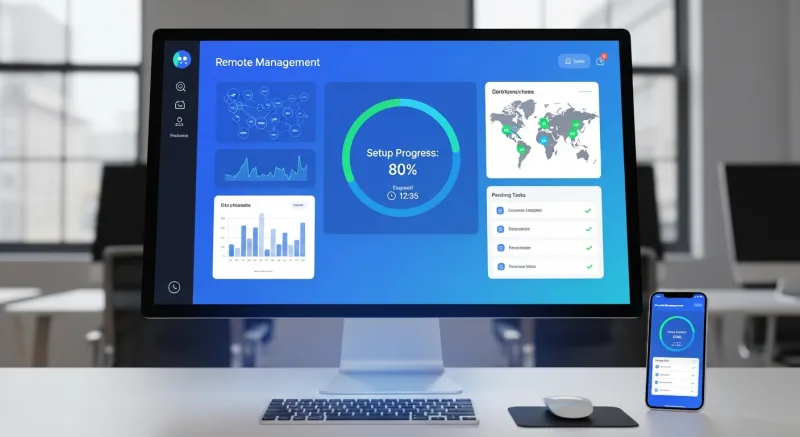
Step 1: Bookmark Your Dashboard (2 minutes)
Open your phone's browser and navigate to your KwickOS dashboard URL. Bookmark it. On iPhone, use "Add to Home Screen" to create an app-like icon. On Android, Chrome offers the same feature. Now it launches like a native app with a single tap.
Step 2: Configure Your Alerts (5 minutes)
In the back office, navigate to Alerts & Notifications. Set your thresholds:
- Void alert threshold: $50 is a good starting point for most restaurants
- Discount alert threshold: 20% or higher
- Overtime warning: 36 hours (gives you a 4-hour buffer before OT kicks in at 40)
- No-show window: 15 minutes past scheduled start
- Cash drawer alert: any non-sale opening
Step 3: Set Up Multi-Location View (3 minutes, if applicable)
For multi-unit operators, add each store's connection to your dashboard. Once configured, all locations appear on a single scrollable screen with key metrics. You can customize which metrics appear at the top level and which require a drill-down tap.
Step 4: Establish Your Monitoring Rhythm (5 minutes)
Don't check your dashboard 50 times a day. That's just trading one form of anxiety for another. Instead, establish three check-ins:
The three-check rhythm: 11 AM (pre-lunch: who's clocked in, any call-outs?), 2 PM (lunch recap: did we hit target?), and 9 PM (dinner progress: how's the evening tracking?). Three checks, under 2 minutes total. Let alerts handle everything else.
Step 5: Brief Your Managers
Let your managers know you're monitoring remotely. Frame it as support, not surveillance: "I can see if you're getting slammed and send extra help. I can spot a problem developing and give you a heads-up before it becomes a crisis." When managers understand remote monitoring helps them, resistance evaporates.
What Remote Management Actually Feels Like
We can talk about labor percentages and void detection all day. But the real value of mobile restaurant management is simpler than any metric: peace of mind.
When you know—not hope, not assume, but know—that your restaurant is running well right now, you can actually be present in the rest of your life. You can watch your kid's soccer game without that gnawing feeling. You can take a weekend trip without calling the store three times a day. You can be a business owner who has a life outside the business.
Tom Jin built KwickOS after 20 years of running restaurants. He knows what it's like to lie awake at 11 PM wondering if the closer remembered to lock the safe. The remote management features weren't designed by a software company guessing what restaurant owners need. They were designed by a restaurant owner who needed them himself.
Your restaurant is your livelihood. You should be able to check on it anytime, from anywhere, in under 10 seconds. In 2026, if your POS system doesn't give you that, it's not a management system—it's a cash register with a touchscreen.
See your restaurant from anywhere
KwickOS gives you real-time sales, staff, and alerts on any phone. No app download required—just open your browser.
Schedule a Demo (888) 355-6996