Choosing Your First Restaurant POS: The 5 Questions Nobody Tells You to Ask
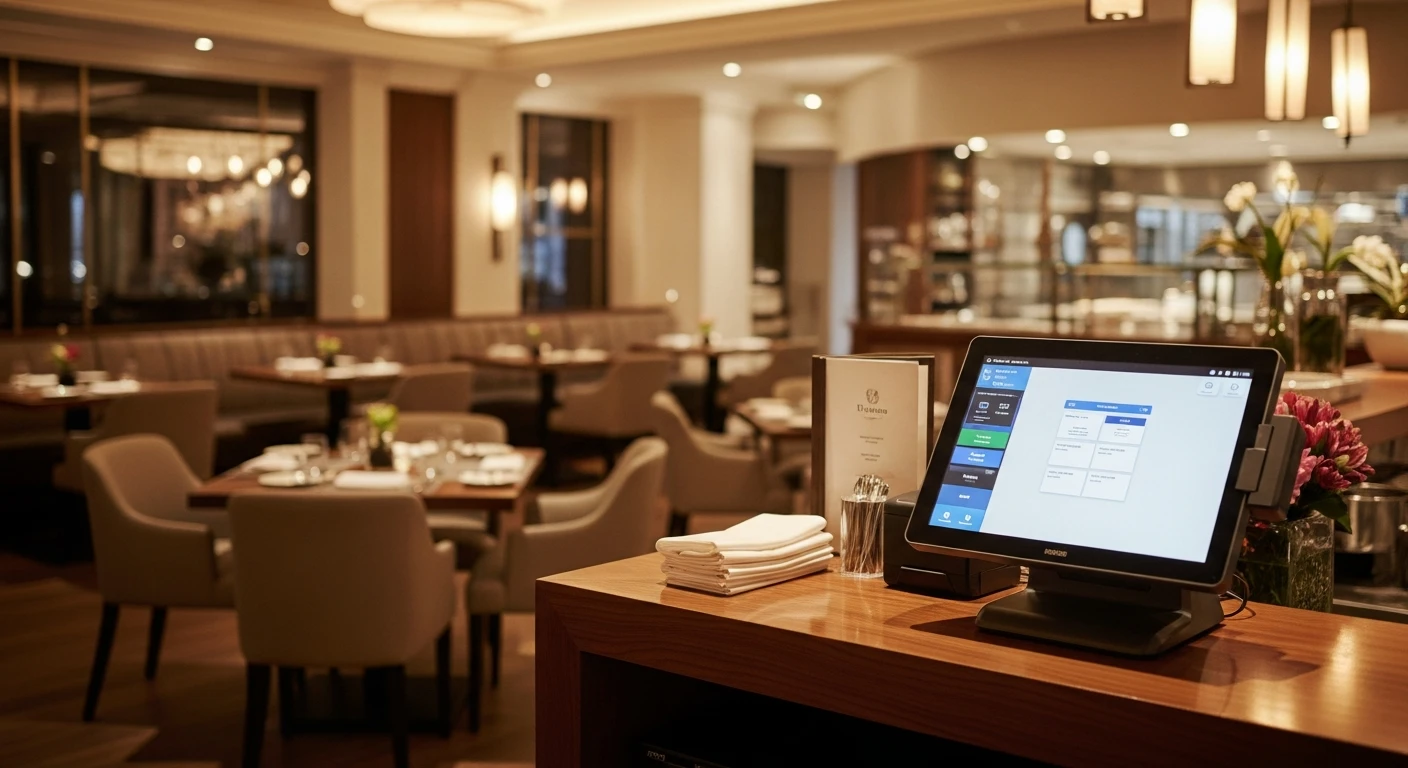
The best to Ask Before Buying Your First POS handles everything from checkout to closing — without extra apps or workarounds. You're about to open your first restaurant. You've signed the lease, hired the chef, designed the menu, and now someone says: "You need a POS system."
So you Google "best restaurant POS" and get 47 million results. Toast. Square. Clover. Lightspeed. TouchBistro. Every single one says they're the best.
Here's what none of them tell you: the POS decision you make today will cost or save you $5,000-20,000 per year for the next 3-5 years. Not in software fees. In hidden costs that nobody mentions during the sales demo.
I've been in the POS industry for 30 years. I've seen restaurants bleed money for years because they asked the wrong questions when choosing their first system. I've also seen restaurants save enough on processing fees alone to hire an extra staff member.
The difference? Five questions. That's it.
Question 1: "Can I Choose My Own Payment Processor?"
This is the single most important question. And it's the one most sales reps hope you don't ask.
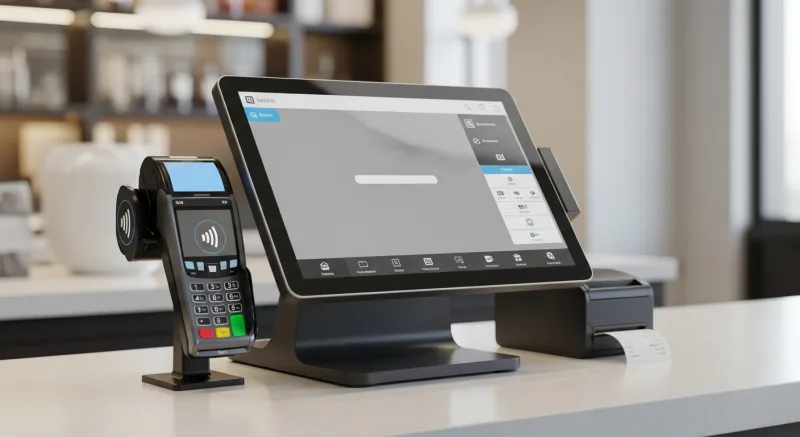
Why it matters: When a POS system locks you into their payment processor, you can't shop around for better rates. Ever. Your processing rate is set by the POS company, and you pay whatever they decide.
Here's what that looks like in practice:
- Toast: 2.99% + $0.15 per card transaction. Non-negotiable.
- Square: 2.6% + $0.10. Non-negotiable.
- Independent processor: 1.8-2.2% + interchange. Negotiable.
On $40,000/month in card sales (typical for a new restaurant after the first year):
- Toast processing cost: $1,196 + $150 = $1,346/month
- Independent processor: $800 + $100 = $900/month
- Annual difference: $5,352
That's $5,352 per year that goes to the POS company instead of your pocket. Over a 3-year period, that's $16,056.
KwickOS is processor-agnostic — you choose your processor, negotiate your own rates, and keep 100% of your processing revenue. As your volume grows, you renegotiate for even better rates. With locked-in systems, your rate stays the same no matter how much you grow.
Question 2: "What Happens When the Internet Goes Down?"
Cloud-only POS systems require internet to function. When your WiFi drops — and it will — orders can't be placed, payments can't be processed, and your restaurant grinds to a halt.
This isn't a theoretical problem. The average restaurant experiences 4-6 internet outages per year. If one happens during a Friday dinner rush, you're looking at $1,000-3,000 in lost revenue — not counting the customers who leave and never come back.
What to look for: A hybrid system that processes locally (on hardware in your restaurant) but syncs to the cloud for remote access and reporting. This gives you:
- 1ms local latency vs. 20ms for cloud-only (faster checkouts)
- Full offline capability — internet drops, your POS keeps running
- Cloud access for remote monitoring and reports
KwickOS runs on a hybrid local+cloud architecture. The POS processes locally at 1ms speed. If your internet goes down for an hour, your restaurant doesn't miss a beat. Orders, payments, and kitchen tickets all continue working. When internet returns, everything syncs automatically.
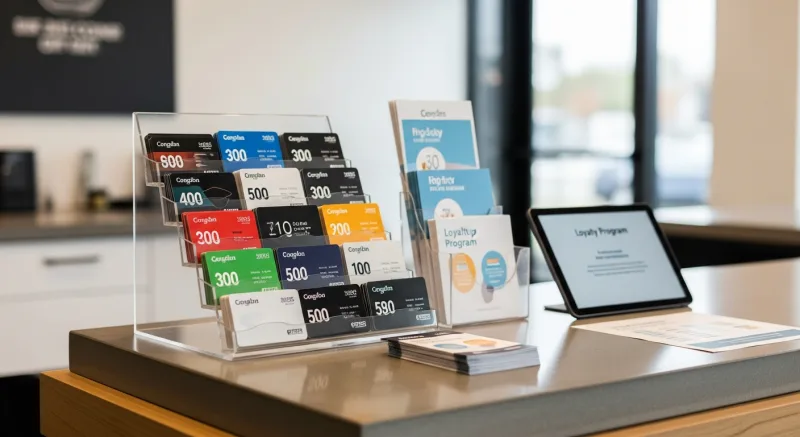
Question 3: "Are Gift Cards, Loyalty, and Online Ordering Included?"
This is where the "affordable" POS systems reveal their true cost.
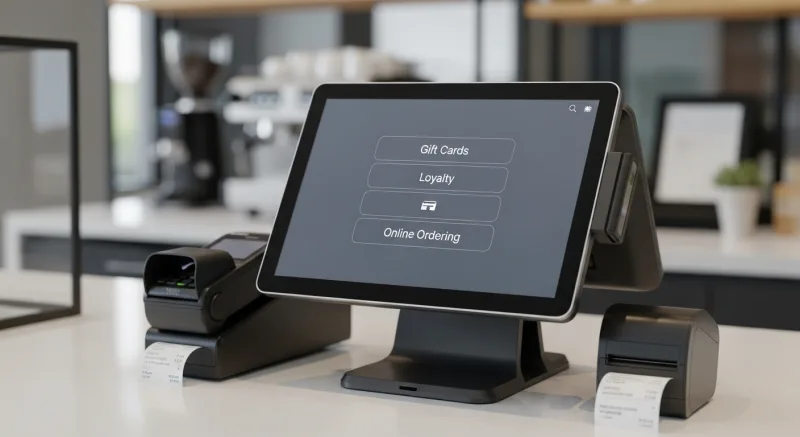
Most POS systems advertise a base price that looks reasonable — $69/month, $75/month. Then you want gift cards. That's $50 extra. Loyalty program? Another $50. E-gift cards? Premium tier at $75. Online ordering? $75 more.
Suddenly your $75/month POS is $275/month. That's $3,300/year in software fees alone — before processing.
Here's what each feature actually generates in revenue:
- Gift cards: 4-8% of annual revenue, 73% of holders spend 20% over face value
- Loyalty programs: Members visit 2x more often, spend 15-25% more per visit
- Points system: Creates psychological commitment that prevents defection to competitors
- Online ordering: 20-30% of modern restaurant revenue comes from digital channels
These aren't nice-to-haves. They're revenue drivers. And paying $200/month for the privilege of using them is backwards.
With KwickOS, gift cards, e-gift cards, loyalty, points, membership, and online ordering are all included at $0 extra per month.
Question 4: "What Does Your System Run On?"
This sounds technical, but it directly affects your bottom line.
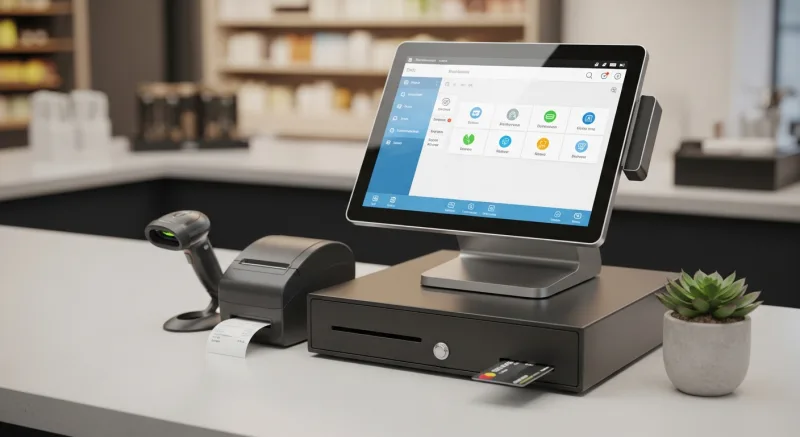
Some POS systems run on proprietary hardware that only they sell. If a terminal breaks, you can only buy a replacement from them — at their markup. A standard Android tablet might cost $300; a proprietary POS terminal from the same vendor costs $800-1,200.
What to look for:
- Standard hardware compatibility — runs on common tablets, terminals, and printers
- Linux-based — no Windows license fees, no manual updates, more stable
- Web-based interface — access from any browser, no special software needed
KwickOS runs web-based on Linux. No Windows license. No proprietary hardware lock-in. It runs on standard commercial terminals, iPads, and even the hardware from your previous POS (in many cases). If a screen breaks, you replace it with any compatible device — not a $1,200 proprietary terminal.
Rockin' Rolls Sushi Express runs 49 iPad self-ordering stations on KwickOS. Standard iPads. Standard mounts. No proprietary hardware markup.
Question 5: "What Happens If I Want to Switch in 2 Years?"
Nobody asks this question when they're excited about opening. But 2 years in, when you realize your POS is costing $8,000/year in processing premium and add-on fees, you'll wish you had.

Lock-in tactics to watch for:
- Long-term contracts — Some POS companies require 2-3 year contracts with early termination fees of $5,000-15,000
- Hardware financing — "Free" hardware that's actually a lease, with penalties for returning
- Data hostage — Your menu, customer data, and gift card balances trapped in their ecosystem
- Processing contract bundled with POS — Cancel the POS, you're still paying processing minimums
What to look for:
- Month-to-month or short-term agreements
- Data portability — you own your data and can export it
- Gift card balance migration support
- No early termination fees
KwickOS offers flexible terms. Your menu, customer data, and gift card balances are always exportable. If you ever want to leave (though with 5,000+ active merchants, most don't), your data comes with you.
The Real Cost Comparison: Year 1 Through Year 3
| Cost Category | Toast (3yr) | Square (3yr) | KwickOS (3yr) |
|---|---|---|---|
| Software | $2,700 | $2,160 | Competitive |
| Gift Cards + Loyalty | $3,600 | $1,620 | $0 |
| Processing Premium* | $16,056 | $8,640 | $0 |
| 3-Year Hidden Cost | $19,656 | $10,260 | $0 |
*Based on $40K/month card volume, comparing locked rates vs. market rate with independent processor.
Getting Started: What to Do Right Now
- Write down the 5 questions and bring them to every POS demo
- Ask for total cost of ownership — not just the monthly base price
- Get processing rate quotes from 2-3 independent processors before signing with any POS
- Check contract terms — monthly billing beats 3-year lock-in every time
- Schedule a free KwickOS demo — see what "all-in-one at $0 extra" actually looks like
Use our Startup Cost Calculator and Processing Fee Calculator to run your exact numbers before committing to any system.
Opening a Restaurant? Ask Us the 5 Questions.
Free demo, honest answers, no pressure. See why 5,000+ businesses chose KwickOS.
Get a Free Demo →