March 13, 2026 · 12 min read
Digital Wallets, Apple Pay, and the Death of Cash: Is Your POS Ready?
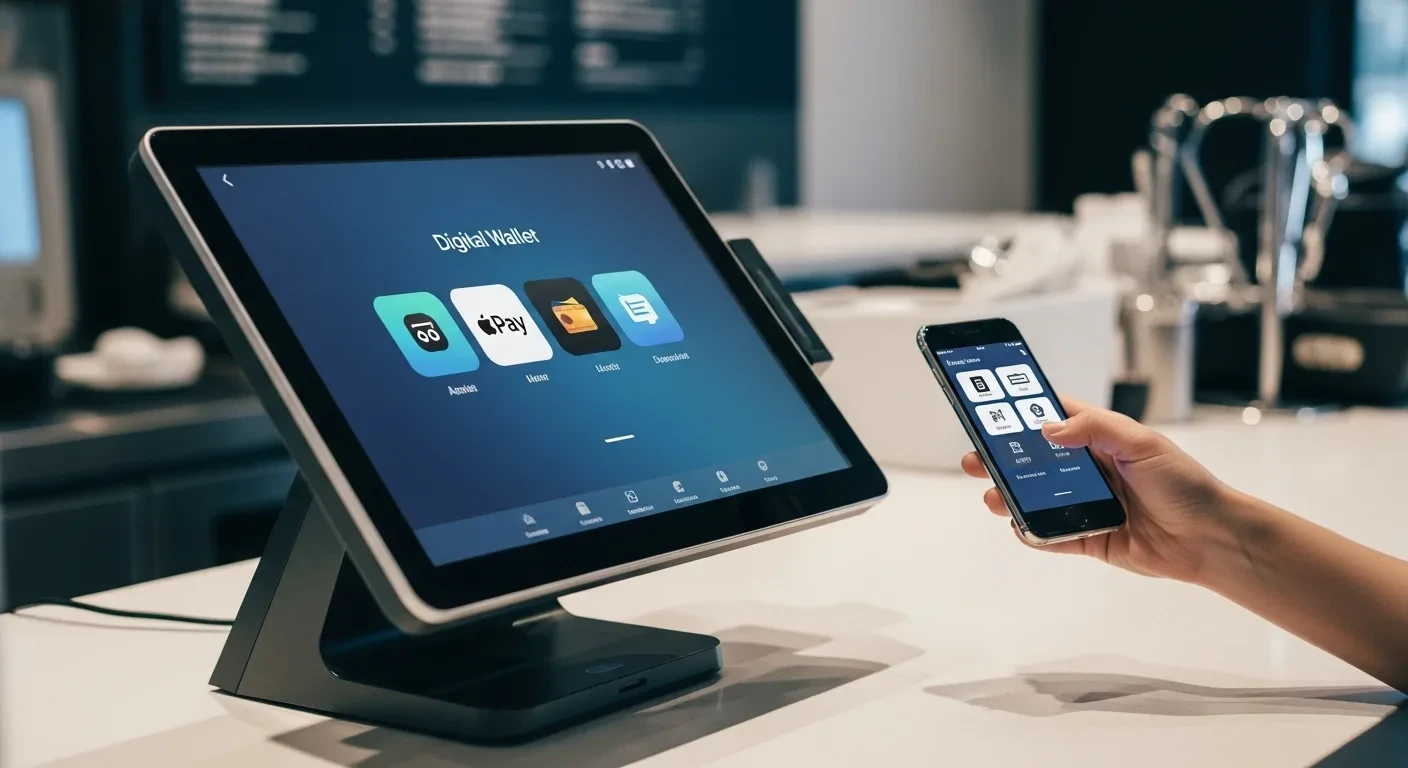
Cash is not dead yet. But it is on life support. Contactless payments now account for over 55% of in-store transactions in the U.S., and that number is accelerating toward 75% by 2027. If your POS cannot handle Apple Pay, Google Pay, QR codes, and stored-value digital wallets, you are losing transactions right now.
Key takeaway: Contactless payment adoption has crossed the tipping point. Over 85% of U.S. smartphones support digital wallets. Businesses that cannot accept tap-to-pay, QR payments, and digital wallet balances are creating friction that pushes customers to competitors who can. And the security model is actually better than traditional card payments.
The Contactless Payment Landscape in 2026
Five years ago, contactless payment was a novelty. Most Americans had never used Apple Pay. QR code payments were an Asian market phenomenon. Tap-to-pay was something early adopters talked about at dinner parties.
The pandemic changed everything. Between 2020 and 2023, contactless adoption in the U.S. tripled. And the behavior stuck. Once customers discovered that tapping a phone or watch was faster than inserting a card and entering a PIN, they never went back.
Here is where we stand in 2026:
- Apple Pay: Available on every iPhone since 2014 (iPhone 6 and later), now used by over 75% of iPhone owners in the U.S. Apple Pay processes over $6 trillion annually worldwide.
- Google Pay: Available on most Android devices with NFC capability. Growing at 40% year-over-year in the U.S. market.
- Samsung Pay: Available on Samsung Galaxy devices. Unique MST (Magnetic Secure Transmission) technology works even on older card readers, but NFC is now the standard.
- QR code payments: Used extensively in Asia (Alipay, WeChat Pay), now gaining traction in the U.S. through Cash App, Venmo, and restaurant-specific QR ordering.
- Stored-value wallets: Starbucks ($13 billion loaded annually), Chick-fil-A, and other chains have proven that brand-specific digital wallets drive massive loyalty. Smaller businesses can replicate this model.
Why Contactless Is Not Optional Anymore
Accepting contactless payments is no longer a competitive advantage. It is table stakes. Here is why:
Speed at the Register
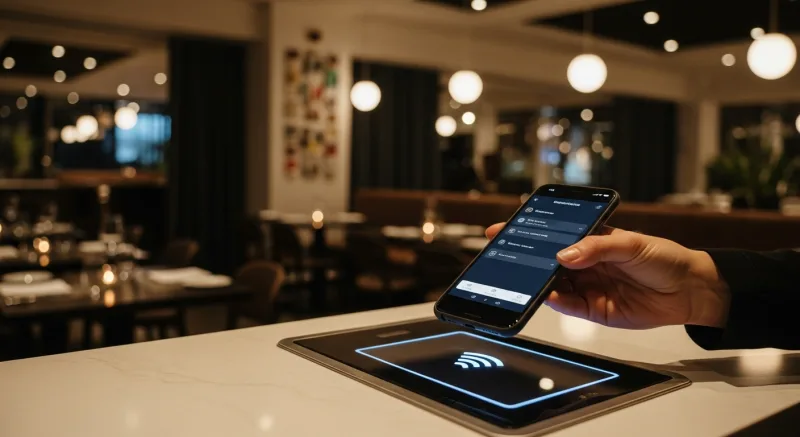
A tap-to-pay transaction completes in under 2 seconds. Chip card insertion takes 5–8 seconds. Swiping and signature takes 10–15 seconds. Cash handling (counting change) takes 15–30 seconds.
During peak hours, those seconds compound into minutes. A restaurant processing 100 transactions per hour saves 5–10 minutes per hour by shifting from chip to tap. Over an 8-hour shift, that is 40–80 minutes of recovered throughput—equivalent to 15–30 additional transactions per day.
Customer Expectation
According to a 2025 Mastercard study, 82% of consumers ages 18–44 expect businesses to accept contactless payments. Among that group, 29% say they would choose a different restaurant or store if their preferred one did not accept tap-to-pay. That is nearly one in three customers you could lose over a payment method.
Hygiene and Safety
Post-pandemic, many customers still prefer not to handle cash or touch shared payment terminals. Contactless payment eliminates physical contact entirely. The customer never touches your terminal. For food businesses, this hygienic advantage is especially valued.
International Tourists and Visitors
Visitors from China, South Korea, Japan, and Europe overwhelmingly use mobile payments. In China, cash usage has dropped below 10% of transactions. If your restaurant is in a tourist-heavy area and cannot accept Alipay, WeChat Pay, or contactless cards, you are turning away international spending.
How Digital Wallets Work: A Technical Primer for Business Owners
Understanding how digital wallets work helps you evaluate POS systems and answer customer questions. The technology is simpler than most people think.
NFC (Near Field Communication)
NFC is the technology behind Apple Pay, Google Pay, and contactless cards. The customer’s phone and your payment terminal communicate over a very short range (1–2 inches) using radio waves. The phone transmits a tokenized card number—not the actual card number—which the terminal sends to the payment processor for authorization.
Key point: NFC payments require an NFC-enabled payment terminal. Any modern payment terminal (Pax, Ingenico, Verifone) manufactured after 2018 supports NFC. If your terminal is older, you may need a hardware upgrade.
QR Code Payments
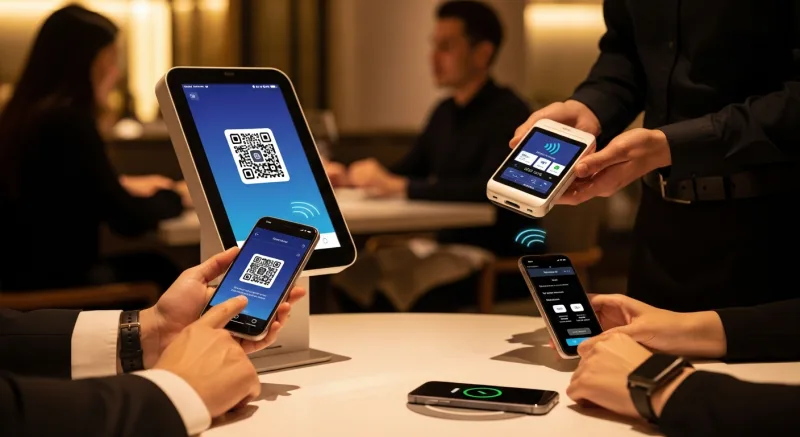
QR payments work differently. The customer scans a QR code displayed on your terminal, receipt, or table tent using their phone’s camera. The QR code contains a payment link that opens the customer’s payment app (Cash App, Venmo, or your own branded payment page). The customer confirms the amount and authorizes payment from their phone.
QR payments do not require NFC hardware. They work with any smartphone with a camera. This makes them ideal for:
- Table-side payments in full-service restaurants (QR code on the check)
- Accepting payment from customers whose phones lack NFC
- International payment apps like Alipay and WeChat Pay
- Outdoor markets, food trucks, and temporary setups
Tokenization: Why Digital Wallets Are More Secure Than Cards
When a customer adds a credit card to Apple Pay or Google Pay, the actual card number is never stored on the phone. Instead, the wallet creates a “token”—a unique substitute number that is tied to that specific device. Even if someone intercepted the token, it would be useless on any other device or in any other context.
This is fundamentally more secure than a physical credit card, where the actual card number is printed on the plastic and transmitted during every transaction. Card skimmers, which remain a persistent threat in the restaurant and retail industries, cannot capture tokenized payment data from NFC transactions.
The Full Payment Acceptance Spectrum
A modern POS should handle every payment type a customer might present. Here is the complete spectrum and how KwickOS handles each:
| Payment Type | Technology | KwickOS Support | Speed |
|---|---|---|---|
| Chip card (EMV) | Contact chip reader | Yes | 5–8 seconds |
| Contactless card (tap) | NFC | Yes | 1–2 seconds |
| Apple Pay / Google Pay | NFC | Yes | 1–2 seconds |
| QR code payment | Camera / QR scan | Yes | 5–10 seconds |
| Gift card (physical) | Magnetic stripe / barcode | Yes | 3–5 seconds |
| E-gift card (digital) | Barcode / code entry | Yes | 3–5 seconds |
| Loyalty points as payment | POS-integrated | Yes | Instant |
| Cash | Cash drawer | Yes | 15–30 seconds |
| Split payment (multiple types) | POS-managed | Yes | Varies |
The critical capability is split payment. A customer should be able to pay $20 from their gift card balance, $15 in loyalty points, and the remainder on Apple Pay—all in a single transaction. If your POS cannot handle this gracefully, you are creating friction at the moment that matters most: when the customer is ready to pay.
Building Your Own Digital Wallet: The Starbucks Model for Small Businesses
Starbucks loaded over $13 billion onto its mobile app in 2024. That is $13 billion in customer cash sitting in Starbucks’ bank account before a single latte is poured. The Starbucks mobile wallet is, by some measures, the largest financial institution that is not actually a bank.
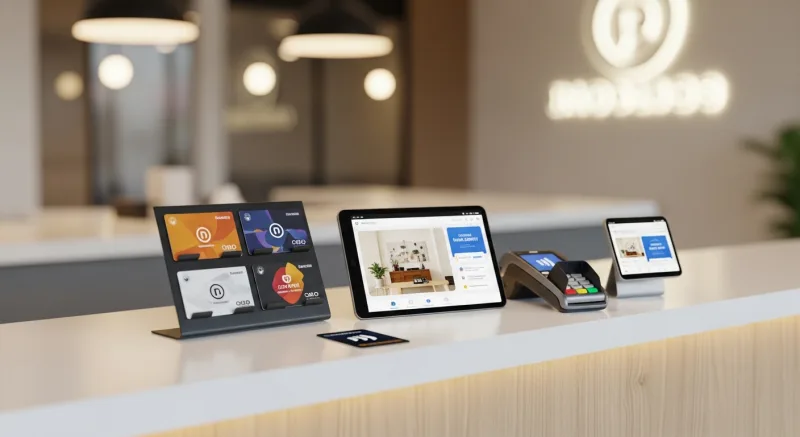
Small businesses can replicate this model on a smaller scale using gift cards and e-gift cards as a digital wallet:
How It Works
- Customer purchases an e-gift card or loads value onto their loyalty account
- The balance lives digitally, accessible via phone number or QR code on their phone
- Customer pays from their stored balance at checkout—faster than any card or cash transaction
- You receive the cash upfront when the value is loaded, not when it is spent
- Low balances trigger automatic reload prompts or reminders
Why This Matters for Your Cash Flow
Stored-value wallets give you cash today for purchases that happen tomorrow. If 100 customers load an average of $50 each, you have $5,000 in working capital that has not yet been redeemed. Some of it never will be (breakage). The rest creates a guaranteed return visit.
KwickOS integrates gift card balances, loyalty point balances, and stored value into a unified customer account. A customer who checks their balance sees everything in one place: “Gift Card: $23.50 | Loyalty Points: 340 (worth $17) | Total Available: $40.50.” This unified view encourages engagement with all three programs simultaneously.
PCI Compliance and Payment Security
Every business that accepts credit cards must comply with the Payment Card Industry Data Security Standard (PCI DSS). This is not optional, and non-compliance can result in fines of $5,000–$100,000 per month from your payment processor.
The good news: a properly configured modern POS handles most PCI compliance requirements automatically. Here is what you need to know:
Point-to-Point Encryption (P2PE)
Card data should be encrypted the moment it is captured by the payment terminal and remain encrypted until it reaches the payment processor. The POS never sees or stores the actual card number. KwickOS terminals use P2PE by default, which significantly reduces your PCI compliance scope.
Tokenization
For repeat customers, stored payment methods should be tokenized (replaced with non-sensitive substitutes). This allows “pay with your card on file” functionality without actually storing card numbers on your system.
Staff Access Controls
Not every employee needs access to payment functions. KwickOS uses role-based permissions to control who can process refunds, void transactions, or access payment reports. For businesses that need an additional layer of security, KwickOS supports fingerprint verification (1:N matching) for staff authentication—a feature unique to KwickOS that prevents unauthorized access to sensitive functions.
With 1:N fingerprint matching, the system identifies the employee from their fingerprint alone, without requiring an employee number first. This prevents a common fraud vector: one employee logging in under another’s credentials to process unauthorized refunds or discounts.
Offline Payment Security
KwickOS operates on a hybrid local+cloud architecture. Payment data captured during an internet outage is encrypted locally at the terminal level and processed once connectivity is restored. The local POS never stores unencrypted card data, even in offline mode. This is a critical distinction from POS systems that queue unencrypted transactions during outages, creating a security vulnerability.
International Payment Methods: Serving a Global Customer Base
If your business serves international tourists, students, or immigrant communities, payment acceptance goes beyond Visa and Mastercard.
Chinese Payment Apps
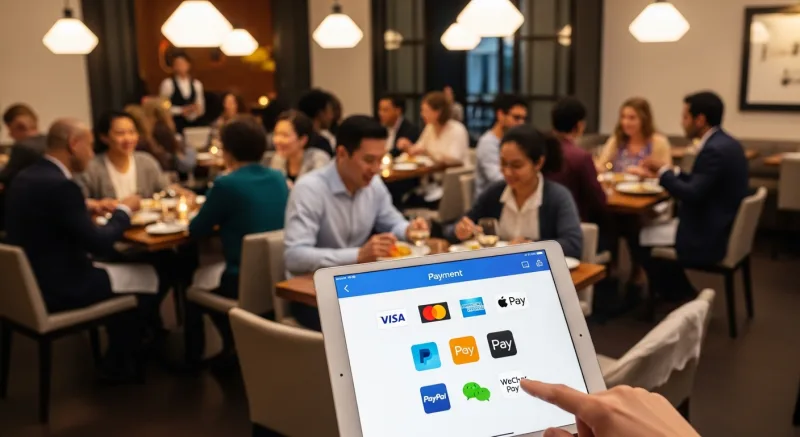
Alipay and WeChat Pay dominate commerce in China, where mobile payments account for over 85% of transactions. Chinese tourists and students in the U.S. strongly prefer to pay with these apps. Restaurants in tourist districts, near universities, and in areas with significant Chinese-American populations should accept both.
KwickOS supports Alipay and WeChat Pay through QR code scanning. The customer opens their payment app, generates a QR code, and the KwickOS terminal scans it. The transaction settles in U.S. dollars to your merchant account. For businesses like Haidilao (with 600+ locations worldwide) that serve a heavily international clientele, this capability is essential.
UnionPay
UnionPay is the world’s largest card network by transaction volume, issuing over 9 billion cards globally. Most are held by Chinese consumers. UnionPay cards can be processed through standard NFC and chip readers, but your payment processor must support the network. KwickOS’s processor-agnostic approach means you can choose a processor that supports UnionPay, Alipay, WeChat Pay, and traditional networks simultaneously.
The Declining Role of Cash: What the Data Shows
Cash is not disappearing overnight, but the trend is unmistakable:
- 2019: Cash represented 26% of U.S. transactions
- 2022: Cash dropped to 18% of transactions
- 2025: Cash represents approximately 12% of transactions
- 2027 (projected): Cash will represent under 8% of transactions
For restaurants, the cash decline is even steeper. Restaurant cash transactions dropped below 10% in 2025, with the remaining cash usage concentrated in small-ticket purchases (under $10) and specific demographics.
This has operational implications:
- Cash handling costs decrease: Counting cash drawers, making bank deposits, managing change—all of these tasks shrink as cash volume decreases. The average restaurant spends 5–8 hours per week on cash management.
- Shrinkage decreases: Cash businesses experience 1–3% shrinkage (theft, miscounting, mishandling). Digital payments have zero shrinkage.
- Tip distribution simplifies: When most payments are digital, tip pooling and distribution can be automated. No more counting cash tips, splitting envelopes, or dealing with discrepancies.
Important note: Several states and cities have passed laws requiring businesses to accept cash (including New York City, San Francisco, Philadelphia, and New Jersey). Before going cashless, check your local regulations. Even in jurisdictions without such laws, refusing cash can alienate certain customer segments. The recommended approach is to accept all payment types while optimizing your operations for the digital-dominant reality.
Future Payment Technologies to Watch
Biometric Payments
Amazon One uses palm scanning for payment at Whole Foods and Amazon Go stores. The technology works: hover your palm over a reader, and the payment is authorized from your linked account in under 1 second. As biometric payment infrastructure expands, POS systems will need to integrate with these new modalities.
Cryptocurrency and Stablecoin Payments
While Bitcoin and Ethereum remain too volatile for everyday commerce, stablecoins (USDC, USDT) pegged to the U.S. dollar are gaining merchant adoption. Major payment processors are beginning to support stablecoin settlement, which could offer lower processing fees than traditional card networks.
Embedded Payments in Wearables
Smartwatches (Apple Watch, Galaxy Watch) already support NFC payments. The next wave includes payment-enabled rings, bracelets, and even clothing with embedded NFC chips. Your POS does not need to change to accept these—they all use the same NFC protocol as Apple Pay and Google Pay.
Preparing Your Business: A Practical Checklist
Hardware Check
- Verify all payment terminals support NFC (contactless). Replace any terminals manufactured before 2018.
- Ensure terminals display the contactless payment symbol (four curved lines) prominently
- Test Apple Pay, Google Pay, and contactless card acceptance at every terminal
- Add QR code payment signage if you support Alipay, WeChat Pay, Venmo, or Cash App
Software Check
- Confirm your POS supports split payment across multiple payment types
- Verify gift card and loyalty points can be combined with digital wallet payments
- Test offline payment processing—what happens when your internet drops?
- Ensure your POS generates digital receipts (email/text) as an alternative to paper
Staff Training
- Train all staff on accepting contactless payments (where to hold the phone, common issues)
- Ensure staff can explain digital wallet payments to customers who ask
- Practice split payment scenarios: gift card + Apple Pay, loyalty points + cash, etc.
Customer Communication
- Display “We Accept Apple Pay / Google Pay” signage at entrance and register
- Add accepted payment icons to your website, online ordering page, and social media
- Promote e-gift cards and digital wallet loading through your marketing channels
The Bottom Line
The shift to digital payments is not coming—it has already happened. Over half of in-store transactions are now contactless, and the percentage grows every quarter. Customers expect to pay with their phone, their watch, their gift card balance, their loyalty points, or any combination of the above.
Your POS must handle all of these payment types seamlessly, securely, and quickly. If your current system requires workarounds, cannot split payments across types, or does not support NFC, you are creating friction that costs you revenue every day.
KwickOS accepts every payment type listed in this article: NFC wallets, QR codes, chip cards, contactless cards, gift cards, loyalty points, cash, and international payment apps. All on a processor-agnostic platform, so you keep the payment processing relationship and the processing margin. And all secured by fingerprint staff authentication, P2PE encryption, and PCI-compliant architecture.
Ready to upgrade your payment acceptance? Call us at (888) 355-6996 or request a free demo to see the full KwickOS payment experience.
