Speed Equals Money: How Quick-Service Restaurants Win or Lose 14 Seconds at a Time
Updated March 2026
For restaurant operators, All-in-One POS System for Quick-Service Restaurants isn't optional — it's the backbone of daily operations. At 300 transactions per day, saving 14 seconds per order gives you back 70 minutes of throughput. At an average ticket of $12.50, those 70 minutes translate to roughly 8 additional orders per shift — $100 in daily revenue that was always there, blocked by a slow register. Over a year, that is $36,500 from doing absolutely nothing different except processing orders faster.
Quick-service restaurant operators live and die by this arithmetic. The drive-thru timer is not just a metric on a corporate dashboard; it is the single most reliable predictor of whether a QSR location will survive its first three years. Average drive-thru times in the U.S. hit 382 seconds in 2025, up from 356 seconds in 2021. Every second added to that average is a customer who will not return.
Where Seconds Disappear
Most QSR operators blame slow transactions on staff speed. The real bottleneck is almost always the technology layer between the customer and the kitchen. Break down a typical QSR transaction and you find time leaking in predictable places:
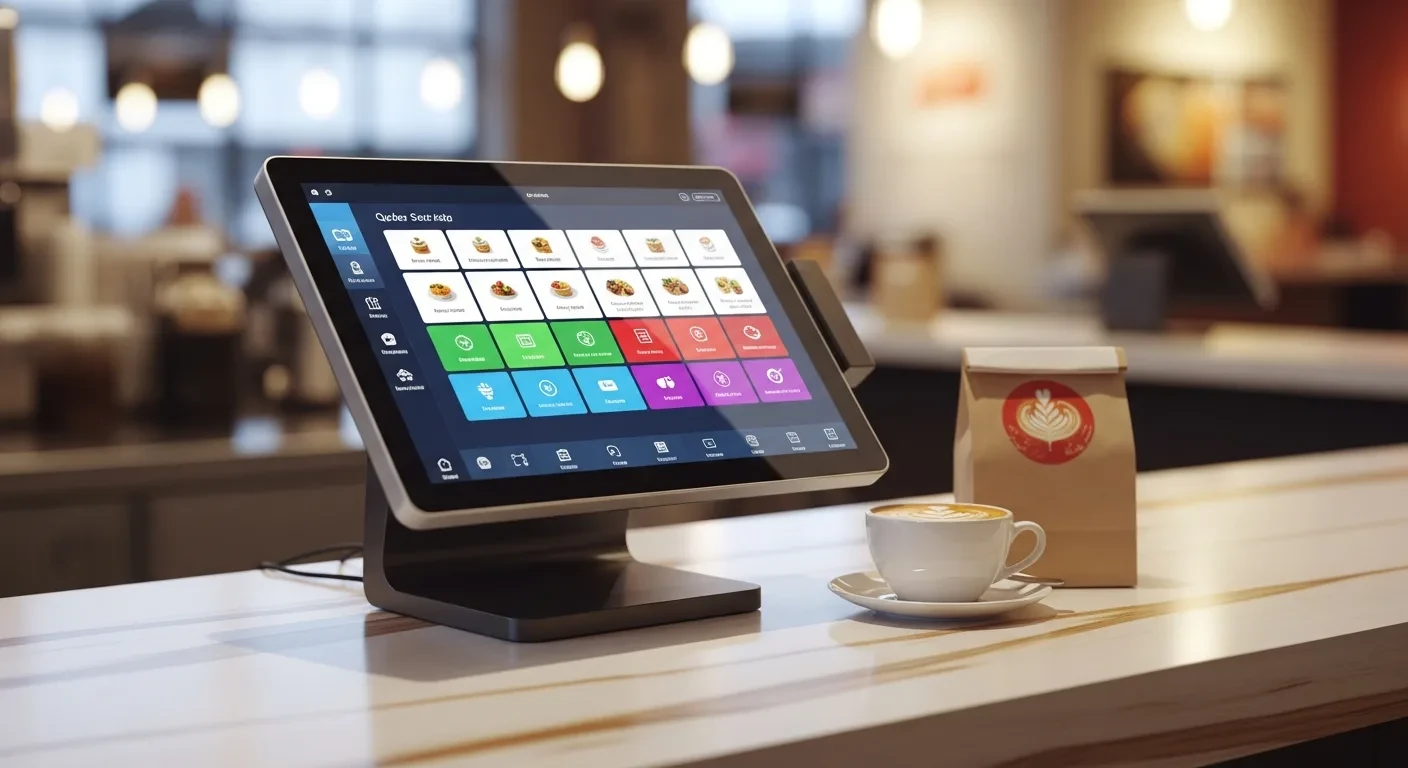
- Menu navigation: A cashier hunting through nested menu categories on a legacy POS spends 4-6 seconds per item. A well-designed touchscreen with visual buttons and combo shortcuts cuts that to 1-2 seconds.
- Payment processing: Cloud-dependent systems send card data to a remote server and wait for authorization. That round trip takes 3-5 seconds. A hybrid system with local processing returns authorization in under 1 second.
- Order confirmation: Reading the order back verbally adds 8-12 seconds. A customer-facing display that shows items as they are rung eliminates this step — the customer confirms visually while the cashier is already starting the next order.
- Kitchen ticket delivery: Some systems print paper tickets. The cook tears off the ticket, reads it, maybe asks a question. KDS displays push the order to the screen the instant it is placed — zero delay, zero paper, zero ambiguity.
Add these up and the difference between a legacy system and an optimized all-in-one platform is 14-22 seconds per transaction. At QSR volumes, that gap determines whether you serve 280 or 320 customers during a lunch rush.
The Self-Ordering Kiosk Revolution
Rockin’ Rolls Sushi Express deployed 49 iPad-based self-ordering stations across three locations. The result was not just faster service — it was a fundamentally different operation. Customers browsed the visual menu, customized their rolls, and paid without a single interaction with staff. Serving time dropped measurably as kitchen display integration routed orders directly to prep stations.
Self-ordering kiosks change QSR economics in three ways that most operators underestimate:
First, average ticket size increases. Industry data consistently shows 15-25% higher average tickets on kiosk orders versus counter orders. Customers are not embarrassed to add extra items when a screen suggests them. They linger on the menu and discover options they would never have asked about verbally. A prompt that says "Add avocado for $1.50?" converts at roughly 30% on kiosk versus 8% when a cashier upsells verbally.
Second, labor allocation shifts. You are not eliminating cashier positions — you are redeploying those hours to food prep, cleaning, and customer service. A QSR with four kiosks and one floating staff member handles the same volume as three dedicated cashiers, while the freed-up hours go to maintaining food quality and speed on the make line.
Third, peak capacity increases without adding square footage. A counter with two registers can process roughly 2 orders per minute. Four kiosks plus two registers process 5-6 orders per minute. During the lunch rush, that capacity difference means shorter visible lines, which means fewer customers who see the line and leave.
KDS Timing: The Kitchen Heartbeat
A kitchen display system is not a digital version of paper tickets. It is a timing and routing engine that determines the rhythm of your kitchen. In a well-configured QSR kitchen, the KDS does four things simultaneously:
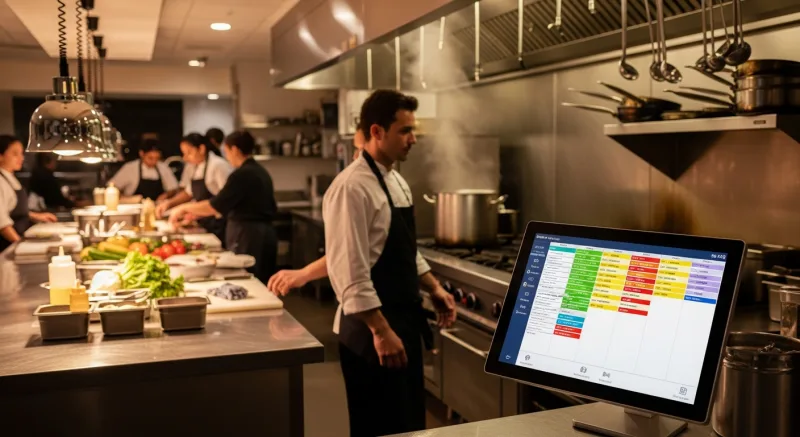
- Routes items to the correct station. Fryer items go to the fryer screen. Grill items go to the grill screen. Assembly sees only items that need assembly. This eliminates the cognitive load of a cook scanning a full ticket for their specific items.
- Sequences orders by promised time. A mobile order placed 10 minutes ago with a 5:15 PM pickup time jumps ahead of a walk-in order placed 2 minutes ago. The kitchen works in promised-time order, not arrival order.
- Tracks make times and flags delays. When a burger sits on the assembly screen for more than 90 seconds, it turns yellow. At 120 seconds, it turns red. The shift manager does not need to watch every station — they watch the color pattern from across the kitchen.
- Coordinates parallel prep. The fries drop at the same time the burger hits the grill so both finish together. Synchronized timing reduces holding time, which reduces food waste and improves quality.
KwickOS KDS allows per-station configuration with independent timing thresholds. A fryer station might flag at 4 minutes (standard for a basket of fries) while a grill station flags at 6 minutes (standard for a well-done burger). This granularity is what separates a QSR running a tight 4-minute average ticket time from one running a sloppy 7-minute average.
Drive-Thru Integration Without the Enterprise Price Tag
Drive-thru represents 65-70% of revenue for the average QSR. Yet drive-thru technology has traditionally been the domain of franchise operations with six-figure IT budgets. The headset system talks to the order confirmation board, which talks to the POS, which talks to the kitchen — all through proprietary integrations that cost $15,000-30,000 to install.
Modern all-in-one systems collapse this stack. KwickOS integrates with standard drive-thru hardware through its open API. The order confirmation display pulls directly from the POS screen in real time. Kitchen routing happens the instant the order is placed, before the customer has even pulled forward. Payment can be pre-staged so that by the time the car reaches the window, the total is ready and the card reader is waiting.
The operational benefit is measurable: QSR locations that integrate their POS with the drive-thru order board see average window times drop by 18-24 seconds. On a 300-car dinner rush, that is 90-120 additional minutes of throughput — enough to serve 15-20 more vehicles.
The Hidden Cost of Processing Lock-In
Toast requires QSR operators to use Toast Payments. Square requires Square processing. The pitch is "simplicity" — one vendor for everything. The reality is that simplicity costs you negotiating leverage.
A QSR doing 300 transactions per day at $12.50 average processes roughly $112,500 per month in card volume. At Toast’s 2.99% + $0.15 rate, monthly processing fees are $3,408. An independent processor offering 2.3% + $0.10 charges $2,618 for the same volume. That is $790 per month — $9,480 per year — for the privilege of having your POS vendor also handle your payments.
KwickOS is processor-agnostic. Connect whatever processor gives you the best rate. When your volume grows and you qualify for better interchange rates, switch processors without switching your entire POS. The flexibility alone pays for the system within the first year for most QSR operators.
Multilingual Staff in a Speed Environment
QSR kitchens are among the most linguistically diverse workplaces in America. A typical fast-food kitchen in any major metro might have staff speaking English, Spanish, Mandarin, and Cantonese across different shifts. When the KDS displays only in English and half your kitchen staff reads it haltingly, ticket times balloon.
KwickOS supports English, Chinese, and Spanish natively — not as a translation layer bolted on, but built into the interface from the ground up. Each station can display in the language of the person working it. The prep cook sees their tickets in Spanish. The wok station reads Mandarin. The manager’s dashboard shows English. Same data, same orders, multiple languages simultaneously.
This is not a diversity feature. It is a speed feature. A cook who reads their tickets fluently works faster, makes fewer errors, and asks fewer clarification questions. In a QSR where every second counts, the language of the interface directly impacts throughput.
Fingerprint Clock-In Prevents Buddy Punching
Buddy punching — one employee clocking in for another — costs the average U.S. business $373 per employee per year according to the American Payroll Association. A QSR with 15 employees loses roughly $5,600 annually to time theft. Multiply that across three locations and you are looking at nearly $17,000 in phantom labor costs.
KwickOS uses 1:N fingerprint matching for employee clock-in. The employee touches the sensor; the system matches their print against the entire staff database in under a second. No PINs to share. No swipe cards to hand off. The fingerprint either matches or it does not. Buddy punching becomes physically impossible.
Toast does not support fingerprint authentication. Square does not either. Clover offers it as a third-party add-on with additional monthly fees. KwickOS includes it as standard hardware because in a QSR environment with high turnover and shift-based labor, verifying who is actually standing at the register is not optional — it is foundational.
Mobile Ordering and the Pre-Rush Queue
Mobile ordering has created a new operational pattern in QSR: the pre-rush queue. Customers place orders 10-20 minutes before they arrive. The kitchen can start prepping before the lunch rush physically materializes in the parking lot. This smooths production across a wider window instead of concentrating it into a 45-minute peak.
KwickOS mobile ordering through KwickMenu integrates directly with the kitchen display. A mobile order placed at 11:42 AM for 12:00 PM pickup enters the kitchen queue with a timer. The system calculates backward from the promised time, accounting for average prep time per item, and slots it into production at exactly the right moment. The customer arrives, their order is boxed and waiting. No line, no wait, no friction.
For QSR operators, mobile ordering adoption above 25% of total orders creates a measurable smoothing effect on kitchen load. Peak throughput pressure drops as production distributes across a longer window. Staff stress decreases. Error rates fall. And customers who order mobile have a 40% higher repeat frequency than walk-in customers, because the experience is consistently fast.
Calculating Your Speed Dividend
Run this exercise for your own operation. Count your transactions during the lunch rush (typically 11:00 AM to 1:30 PM). Time 20 random transactions from order initiation to payment completion. Calculate your average. Now subtract 14 seconds.
Divide your rush window (150 minutes) by the new average transaction time. Compare to your current throughput. The difference is your speed dividend — customers you could serve with no additional labor, no additional equipment, no additional square footage. Just a faster system.
For most QSR operations doing 200-400 daily transactions, the speed dividend from an optimized all-in-one POS ranges from $25,000 to $55,000 annually in additional revenue capacity. Whether you capture all of that depends on demand, but the capacity is there the moment you remove the bottleneck.
Speed is not about rushing people. It is about removing friction from a process that customers want to be fast. Nobody walks into a QSR hoping for a leisurely experience. They want their food, they want it now, and they want it right. The technology that makes that happen consistently is the technology that wins.
See how fast your operation could run. Call (888) 355-6996 or visit KwickOS.com to schedule a throughput analysis.
The Revenue Features Most "All-in-One" Systems Charge Extra For
When POS companies say "all-in-one," they rarely mean gift cards and loyalty are included. Toast charges $75/month for their loyalty add-on. Square Loyalty starts at $45/month. Clover requires third-party apps. KwickOS includes all of these natively — zero extra cost.
Physical & Electronic Gift Cards
Sell branded physical cards at the register. Send e-gift cards via text or email. Track balances across every location in real time. Gift card holders spend 20-40% more than face value — this is not a nice-to-have, it is a revenue multiplier.
Points-Based Loyalty System
Every transaction earns points. Customers see their balance on receipts and can redeem at checkout. Configurable earn ratios, tiered VIP levels, and automatic birthday rewards. No separate app required — it runs inside the POS your cashier already knows.
Membership & Subscription Management
Run coffee clubs, wine memberships, or VIP dining programs. Recurring billing, exclusive member pricing, and member-only items — managed from the same dashboard as your daily operations. Your customers feel special. Your revenue becomes predictable.
Real impact: businesses using KwickOS loyalty features see repeat visit rates increase by up to 35%. Gift card programs generate an average of 15% additional revenue during holiday seasons.

Tom Jin
Founder & CIO of KwickOS · 30 Years IT · 20 Years Restaurant Industry
Tom built KwickOS after decades running restaurants and IT companies. Today KwickOS serves 5,000+ businesses across 50 states.