From Booking to Rebooking: The Hair Salon POS That Follows Your Client's Entire Journey
Published March 2026 · 11 min read
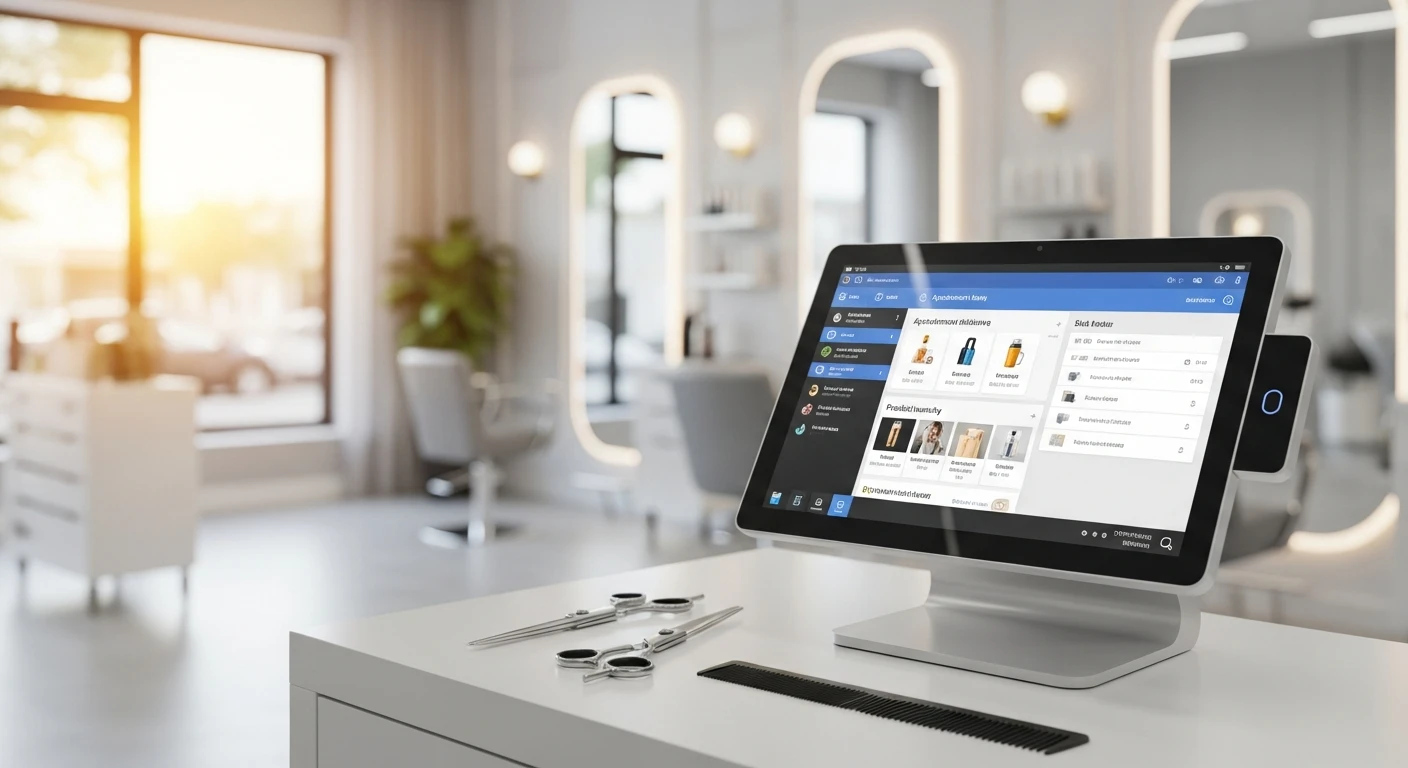
A hair salon isn't a restaurant. It shouldn't run like one, and it definitely shouldn't be forced onto technology built for one.
Yet that's exactly what happens when salon owners adopt POS systems designed for food service. They end up with software that handles transactions well enough but stumbles on everything that makes a salon a salon: appointments, stylist commissions, client history, product recommendations, rebooking cadence, and the deeply personal nature of a service where the client sits in your chair for 45 minutes to three hours.
This article follows the client journey through a hair salon — from the moment they book to the moment they rebook — and examines what technology needs to do at each stage. Not what it does in a restaurant. What it does in a salon.
Stage 1: The Booking
The client journey starts before the client walks through your door. It starts when they decide they need a haircut, a color, a blowout, or a full transformation. That decision happens on their phone — during lunch, while scrolling at night, or in a moment of impulse after seeing a style on Instagram.
Your booking system needs to be available 24/7, not just during business hours. It needs to show real-time stylist availability, service durations, and pricing. It needs to let the client choose their preferred stylist, because in a salon, the relationship between client and stylist is everything. Nobody wants to be randomly assigned.
KwickOS online booking displays your service menu with accurate durations and prices. A balayage that takes 3 hours blocks out 3 hours on the stylist's calendar. A men's cut that takes 25 minutes blocks 25 minutes. The client sees open slots for their preferred stylist and books directly. Confirmation goes out immediately via text. A reminder follows 24 hours before the appointment.
This is fundamentally different from a restaurant reservation. Restaurant reservations are for parties of varying size at any available table. Salon appointments are for specific services with specific providers, each with different skills, pricing, and availability. A POS designed for restaurant reservations forces salon owners to hack together workarounds. A proper salon booking system understands the provider-client-service triangle natively.
Stage 2: The Check-In
The client arrives. In many salons, check-in is still a receptionist greeting with "have a seat, she'll be right with you." No record that the client arrived. No notification to the stylist. No automatic tracking of whether the client arrived early, on time, or late.
KwickOS check-in happens at the front desk terminal or on a tablet. The receptionist pulls up the appointment, confirms the client's arrival, and the stylist receives a notification. The system notes the arrival time relative to the appointment — useful data over time for clients who are chronically late (you might start booking them 15 minutes early) or always early (opportunity for a product consultation while they wait).
At check-in, the system also surfaces the client's history. Last visit was February 3rd — 6 weeks ago. Service was a full highlight with toner. The stylist used 20-volume developer with Redken Shades EQ 09V. The client mentioned she wanted to go slightly warmer next time. This information, recorded at the last visit and surfaced now, transforms the appointment from transactional to personal. The client feels remembered. The stylist doesn't have to ask "so what did we do last time?"
Stage 3: The Service Chair
During the service, the technology fades into the background — as it should. Nobody wants a screen buzzing next to them while they're getting a relaxing shampoo. But behind the scenes, the system is doing important work.
Service timing tracks how long each appointment actually takes versus the booked duration. If your balayage appointments consistently run 30 minutes over the 3-hour booking, your schedule is wrong. You're either under-booking (creating late appointments all day) or the stylist needs to adjust technique for efficiency. Either way, the data reveals the pattern.
For salons with multiple service providers working on one client — a colorist applies foils, an assistant handles the shampoo, the senior stylist does the cut and finish — the system tracks which provider performed which portion. This matters for commission calculations, which we'll get to. It also matters for quality control: if three clients this month complained about their toner, and all three were processed by the same assistant, that's a training issue you can now identify.
Stage 4: The Product Upsell
Retail product sales in hair salons represent a significant revenue opportunity that most salons underperform. Industry benchmarks suggest that retail should constitute 15-25% of a salon's total revenue, but many salons hover at 5-10% because their product recommendations are generic, inconsistent, or nonexistent.

KwickOS connects product recommendations to service history. The stylist just applied a keratin treatment? The system suggests the sulfate-free shampoo and conditioner that extends the treatment's life. The client got a vivid color? Here are the color-protecting products with prices. The recommendation isn't random — it's tied to what was just done to the client's hair.
For the stylist, product sales often contribute to commission or earn a separate retail commission bonus. Making the recommendation easy — with the products pre-suggested based on the service performed — increases the likelihood that the stylist mentions products and the client buys them. A salon increasing retail from 8% to 15% of revenue on $40,000/month in total sales adds $2,800/month in higher-margin product income.
Inventory tracking for retail products works identically to how restaurant POS tracks food inventory, but with salon-specific intelligence. The system tracks which products sell, which sit on shelves, which stylists are best at retail, and which services generate the most retail follow-through. Over time, this data shapes your retail purchasing decisions and your incentive structure for retail sales.
Stage 5: The Payment
The payment moment in a salon carries nuances that generic POS systems mishandle. A single client visit might include a color service ($150), a cut ($65), a conditioning treatment ($35), and two retail products ($24 each). The stylist commission structure might differ for services versus retail. A tip needs to be allocated to the primary stylist and possibly split with an assistant.
KwickOS handles this as a structured transaction. Services and retail are categorized separately. The system applies the correct commission rate to each line item. The tip can be split by percentage (80/20 between stylist and assistant, for example) or by role-based rules you've configured.
Payment processing — and this matters for salons doing $30,000-80,000/month in card transactions — is processor-agnostic with KwickOS. You're not locked into Toast's or Square's processing rates. A salon doing $50,000/month in card sales saves roughly $300-500/month by negotiating directly with a processor at 2.2% versus being locked at 2.6-2.99%. Over a year, that's $3,600-6,000 that stays in your business.
Stage 6: The Rebooking
This is the most critical moment in the client journey and the one most salons bungle. The client is standing at the reception desk, card in hand, feeling great about their new look. This is the highest-probability moment to rebook them for their next appointment. Yet many salons let clients walk out with a vague "see you in six weeks!" and hope they'll call back.
KwickOS prompts rebooking at checkout. Based on the service performed and the client's visit frequency, the system suggests the next appointment date. A color client who comes every 6 weeks? The system offers dates 5-6 weeks out, filtered to show the same stylist's availability. One tap books it. The client gets a confirmation. The future appointment appears on the stylist's calendar.
Rebooking rate is one of the most important metrics for salon profitability. A salon with a 30% rebooking rate is essentially losing 70% of its clients to the "I'll call later" black hole, where "later" often means "never" or "three months when their roots are showing." Increasing rebooking rate to 60% — achievable with systematic prompting — stabilizes revenue, reduces the marketing cost of reacquiring lapsed clients, and gives you predictable scheduling weeks in advance.
For clients who don't rebook at checkout, KwickOS can send automated reminders when their next visit window approaches. "Hi Sarah, it's been 5 weeks since your last highlight. Ready to book your next appointment?" with a direct link to the online booking page. Not aggressive — just a helpful nudge at the right time.
Commission Tracking: The Make-or-Break for Stylist Satisfaction
Commission structures in hair salons range from simple (flat 50% on all services) to labyrinthine (tiered percentages based on seniority, different rates for color versus cut, retail bonuses, booth rent deductions, supply fees, and sliding scales based on monthly total volume).
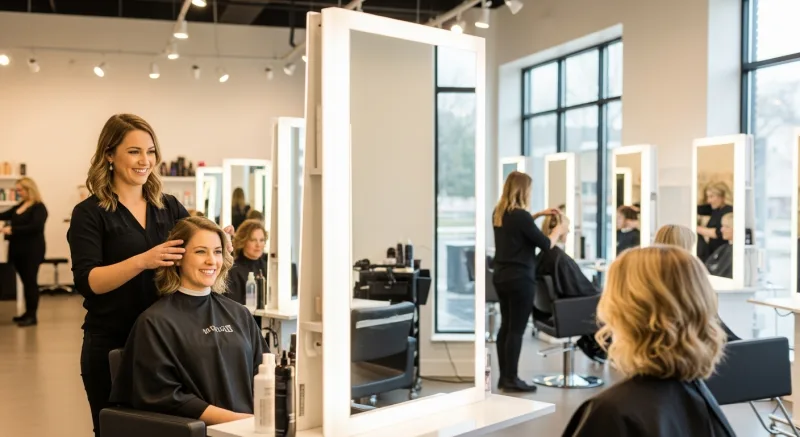
Getting commission calculations wrong — even by a few dollars — destroys stylist trust faster than anything else. A stylist who believes they're being shortchanged will leave, taking their client book with them. In an industry where the stylist-client relationship is the primary business asset, losing a stylist means losing their clients.
KwickOS automates commission calculations based on whatever structure you define. Flat percentage? Tiered? Different rates by service category? Retail bonuses on top? The system handles it, calculates it in real time, and shows the stylist their running commission total. No month-end surprises. No "I think my commission was wrong last pay period" disputes. Transparency builds trust, and trust retains talent.
The Diva Nail Beauty case study is relevant here, even though it's a nail salon rather than a hair salon. With 4 stores and 4 terminals running KwickOS, they achieved a 90% increase in operational efficiency, largely driven by automated commission tracking that previously consumed hours of manual calculation each week. The same principle applies to hair salons: automate the commission math, eliminate the disputes, and redirect that administrative time toward serving clients.
Why Restaurant POS Systems Fail in Salons
The core architecture is wrong. Restaurant POS systems are designed around tables, tickets, and food items. They think in terms of "orders" that are prepared and delivered. A salon appointment isn't an order — it's a scheduled service performed by a specific person over a variable duration with potential add-on services decided during the appointment.
Specific failures I've seen salon owners encounter with restaurant POS systems:
- No appointment calendar. The salon owner uses a separate booking tool that doesn't connect to the POS. Double-bookings happen. Cancellations don't update both systems.
- No provider tracking. The POS doesn't know which stylist performed the service, making commission calculation impossible within the system.
- No client history. The POS tracks what was purchased but not the details of the service — formulas, preferences, notes. This information lives on paper cards or in the stylist's memory.
- No rebooking workflow. The checkout process ends at payment. There's no prompt, no calendar integration, no automated follow-up.
- No commission engine. The POS tracks sales but can't calculate commissions, sending owners to spreadsheets every pay period.
Each of these gaps forces the salon owner to add another tool: Vagaro for booking ($25-85/month), a spreadsheet for commissions (hours of labor), a CRM for client notes ($30-100/month), and a separate marketing tool for rebooking reminders ($40-100/month). The patchwork costs $100-300/month in subscriptions plus hours of weekly administrative labor.
The Offline Advantage for Salon Environments
Salons in strip malls, older buildings, and retail complexes frequently deal with unreliable internet. A cloud-only POS in a salon with spotty WiFi creates an unacceptable experience: the client is ready to pay and your terminal is spinning, trying to reach a server in another state. In a restaurant, the server can say "I'll be right back" and check another table. In a salon, the client is standing at the desk, coat on, ready to leave. Every second of delay feels like an eternity.
KwickOS processes everything locally with 1-millisecond response times. Card transactions, appointment lookups, commission calculations — all happen on-premise. The cloud syncs data in the background for reporting and remote access. Internet outages don't affect your checkout speed, your appointment system, or your client's experience.
Building a Salon That Runs on Data, Not Gut Feeling
The salon industry has historically operated on intuition. Which services should you promote? Which stylist needs coaching? Is Tuesday slow enough to close? Should you raise prices? The answers were guesses informed by experience.
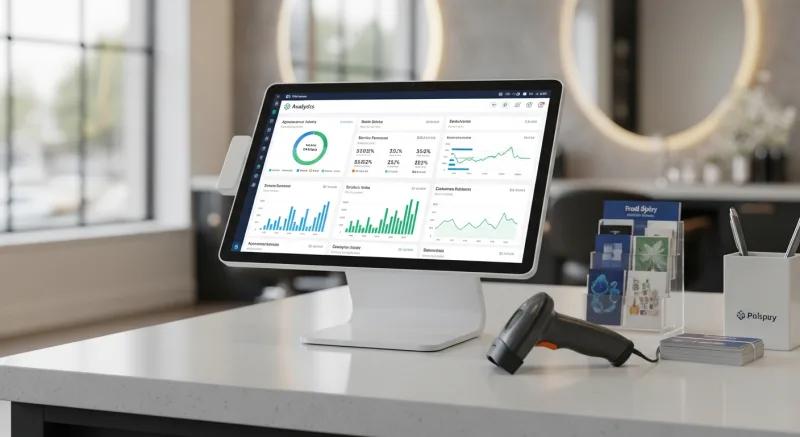
An integrated POS changes this. You see that your average service ticket on Tuesdays is $78 versus $112 on Saturdays — the Tuesday clients are primarily cuts, while Saturday clients book color and styling. Closing Tuesday doesn't save as much as you think because cut clients will shift to other days, increasing your peak-day load. Instead, promoting color packages for Tuesdays could lift the average ticket 30-40% and make the day genuinely profitable.
You see that Stylist A averages $180/hour in revenue while Stylist B averages $95/hour. Same number of appointments, but A sells more add-on services and retail products. That's a coaching conversation, not a mystery.
You see that clients who rebook at checkout have a 12-month retention rate of 85%, while clients who don't rebook have a 12-month retention rate of 40%. That single data point justifies every effort you invest in improving your rebooking process.
This is what an all-in-one system provides that no patchwork of separate tools can: connected data that tells the story of your business in ways that separate tools, each holding a piece, never can.
See how KwickOS handles the complete salon client journey. Call (888) 355-6996 or visit kwickos.com.
The Revenue Features Most "All-in-One" Systems Charge Extra For
When POS companies say "all-in-one," they rarely mean gift cards and loyalty are included. Toast charges $75/month for their loyalty add-on. Square Loyalty starts at $45/month. Clover requires third-party apps. KwickOS includes all of these natively — zero extra cost.
Physical & Electronic Gift Cards
Sell branded physical cards at the register. Send e-gift cards via text or email. Track balances across every location in real time. Gift card holders spend 20-40% more than face value — this is not a nice-to-have, it is a revenue multiplier.
Points-Based Loyalty System
Every transaction earns points. Customers see their balance on receipts and can redeem at checkout. Configurable earn ratios, tiered VIP levels, and automatic birthday rewards. No separate app required — it runs inside the POS your cashier already knows.
Membership & Subscription Management
Run coffee clubs, wine memberships, or VIP dining programs. Recurring billing, exclusive member pricing, and member-only items — managed from the same dashboard as your daily operations. Your customers feel special. Your revenue becomes predictable.
Real impact: businesses using KwickOS loyalty features see repeat visit rates increase by up to 35%. Gift card programs generate an average of 15% additional revenue during holiday seasons.

Tom Jin
Founder & CIO of KwickOS · 30 Years IT · 20 Years Restaurant Industry
Tom built KwickOS after decades running restaurants and IT companies. Today KwickOS serves 5,000+ businesses across 50 states.