Every Way a Bar Loses Money Without the Right POS — And How to Stop the Bleeding
Published March 2026 · 11 min read
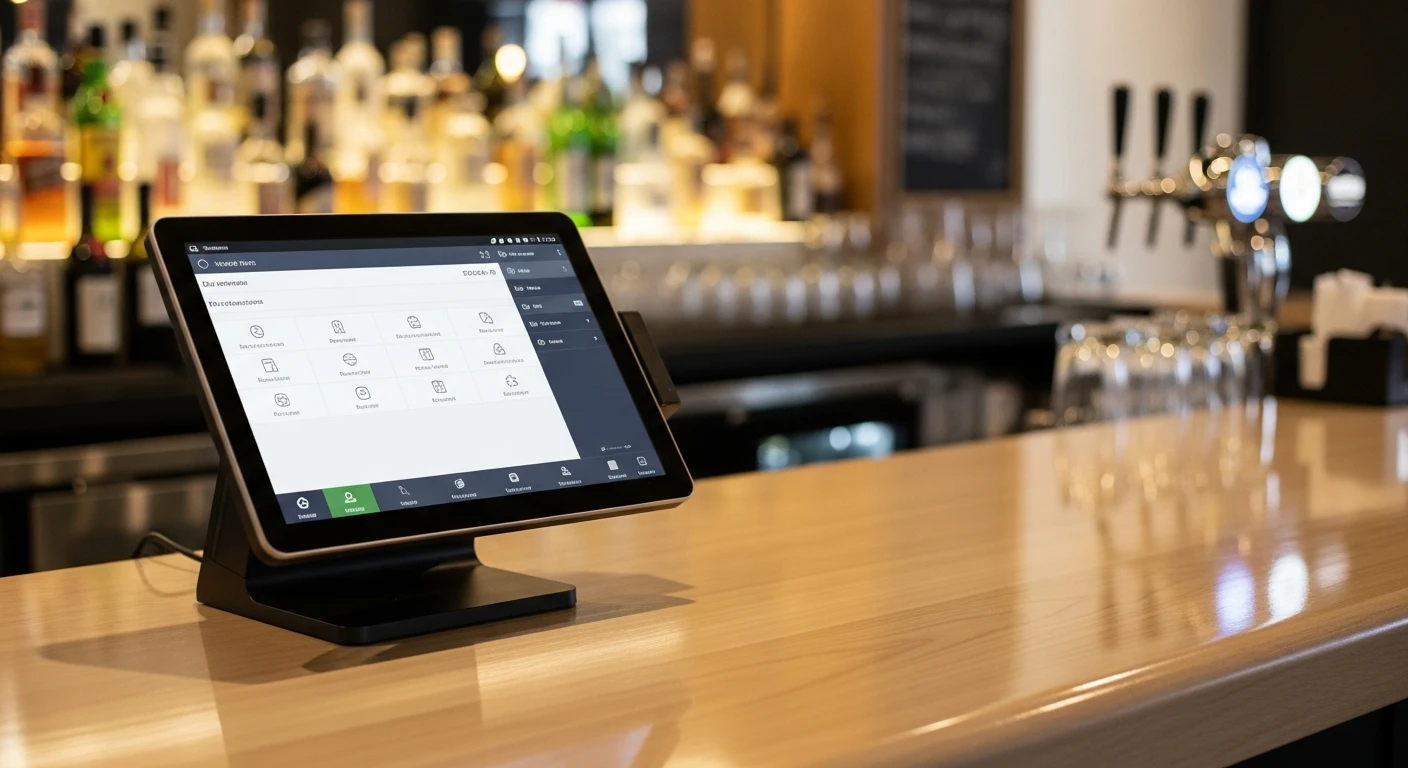
For bar operators, All-in-One POS System for Bars isn't optional — it's the backbone of daily operations. Last year, a bar owner in Houston told me his POS system crashed on a Saturday night at 11:30 PM. Full house, three-deep at the bar, two bartenders running 47 open tabs. The cloud-based system froze for twelve minutes. In those twelve minutes, his bartenders gave away an estimated $800 in drinks because they had no way to add to tabs, close out cards, or process new orders. Twelve minutes. Eight hundred dollars.
That's the story that nobody talks about when they sell you a sleek, cloud-only POS. This article covers every major failure point I've seen in bars over two decades — and the technology decisions that prevent each one.
Problem #1: The Cloud Crashes and Your Bar Goes Dark
Bars have uniquely terrible timing for tech failures. Your busiest hours are Friday and Saturday nights between 10 PM and 1 AM — exactly when internet service is least reliable, when the ISP's network is most congested, and when a cloud POS is most likely to lag or drop.
Most cloud-only systems — Toast, Square, Lightspeed — depend entirely on a stable internet connection. When that connection falters, you're dead in the water. Some offer a limited "offline mode" that can process a few transactions, but try running 50 open tabs in offline mode and watch the system choke.
KwickOS takes a fundamentally different approach with hybrid local-plus-cloud architecture. The core processing engine runs on hardware at your bar, delivering 1-millisecond transaction speeds. The cloud component handles remote reporting and backups. If your internet drops during peak hours — and in a bar environment, it will — your bartenders notice nothing. Every tab, every order, every payment processes at full speed on the local system. Data syncs when connectivity returns.
For a high-volume bar doing $15,000 on a Saturday night, even a five-minute POS outage can cost $1,000-2,000 in lost sales and comped drinks. The hybrid architecture isn't a nice-to-have. It's insurance.
Problem #2: Open Tabs Become an Accounting Nightmare
A busy bar might run 80-120 open tabs simultaneously on a Friday night. Each tab starts with a credit card swipe or hold. Throughout the night, customers add drinks, split tabs with friends, move from the bar to a table, and sometimes just leave without closing out.
Here's where cheap POS systems create chaos. They display tabs in a flat list — alphabetical or chronological — and your bartender has to scroll through 90 names to find "Mike S." who wants to add a Negroni. Multiply that search by 300 transactions per hour and your bartender is spending more time navigating software than making drinks.
KwickOS organizes tabs spatially. You can map your bar layout — the bar rail, high-tops, booths, patio — and tabs attach to physical locations. Bartender taps the second stool from the left, and Mike S.'s tab appears. For regular customers, the system remembers their preferences and past orders. Mike always gets a Negroni with Carpano Antica? It's right there as a suggestion, saving another 10 seconds per order.
At closing time, the "walk-out" problem gets handled automatically. Tabs not closed by your cutoff time get charged to the card on file, with your configured auto-gratuity applied. No morning-after detective work chasing unclosed tabs.
Problem #3: Happy Hour Pricing That Your Bartenders Can't Remember
Your happy hour runs 4-7 PM Tuesday through Friday. Draft beers drop from $8 to $5. Well drinks go from $10 to $7. But not top-shelf. And the Tuesday special adds half-price appetizers. And on Thursdays you run a whiskey flight promotion that overrides the standard well discount for bourbon specifically.
Now explain all of that to your new bartender who started yesterday.
Rule-based pricing in KwickOS handles this entirely. You define your promotions with time windows, day-of-week rules, item categories, and exceptions. The system automatically switches pricing at 4 PM and reverts at 7 PM. Your bartender doesn't need to remember anything — they ring up a draft beer and the happy hour price applies if it's the right day and time. If it's 7:02 PM, regular price. No manual overrides, no "I thought happy hour was still going" mistakes that cost you margin.
You can stack promotions too. Industry night (Monday, show a pay stub from any restaurant) applies a separate discount tier. The system handles the logic so your staff handles the hospitality.
Problem #4: Speed of Service at High Volume
A packed bar is the most demanding transaction environment in hospitality. Your bartender is simultaneously making drinks, taking orders, processing payments, and managing customer expectations — all while music is blasting and visibility is limited.
Transaction speed here isn't about convenience; it's about revenue. A bartender who processes 120 transactions per hour at $14 average generates $1,680/hour. One who processes 100 transactions because the POS is slow generates $1,400/hour. Across a five-hour peak window, that's a $1,400 gap from a single bartender. With three bartenders, you're looking at $4,200 in lost potential revenue per night.
KwickOS is built for this velocity. Quick-order buttons for your highest-volume items — house lager, well vodka soda, whatever your runners are — sit on the main screen. One tap to order, one tap to assign to a tab. Two taps total. Card payments process locally in under two seconds. No spinning wheels, no "connecting to server" delays.
The KDS (Kitchen Display System) component matters for bars with food programs. Appetizer and food orders route directly to the kitchen screen while the bartender continues making drinks. No handwritten tickets, no walking to the kitchen, no communication gaps that delay food and frustrate customers.
Problem #5: The Sports Bar Multi-Screen Dilemma
If you run a sports bar, you know the pain: managing content across 15-30 screens, switching between games, displaying drink specials, running trivia nights, and occasionally posting the WiFi password when you're tired of telling people verbally.
Most bars use separate systems for their TVs and their POS. The digital signage is disconnected from the point of sale, which means changing a promotion requires updating both systems. When the new seasonal cocktail launches, you update the POS menu and then separately update the signage — if you remember.
KwickOS includes digital signage management as a built-in module. Your drink specials, food menu boards, promotional displays, and event schedules all run from the same system. Update a price once and it reflects everywhere — on the POS terminal, on the customer-facing menu board, and on the digital signage screens. This is the advantage of a true all-in-one platform versus stitching together separate tools.
Problem #6: Craft Cocktail Complexity
The craft cocktail revival has made bar menus exponentially more complex. Your cocktail program might include 25 signature drinks, each with 4-7 ingredients, specific garnishes, and particular glassware. Seasonal rotations swap out 8-10 items quarterly. Guest bartender collaborations add limited-time offerings.
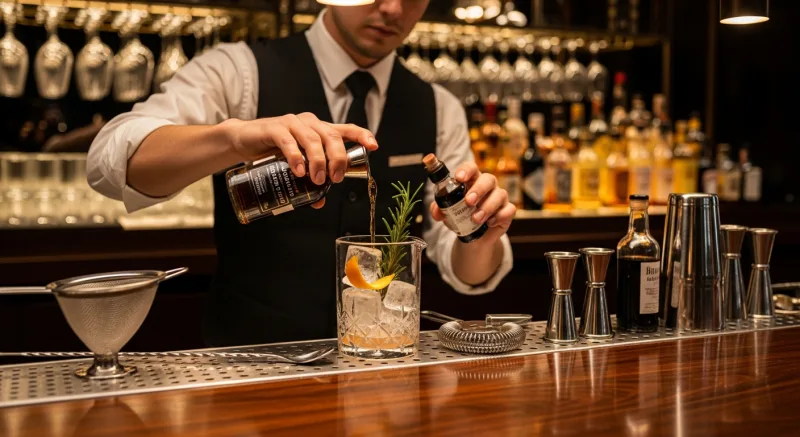
Ingredient-level tracking for cocktails reveals profitability truths that gut instinct misses. That beautiful smoked Old Fashioned with the Japanese whisky and the dehydrated orange wheel? It takes 4 minutes to make, uses $6.50 in ingredients, and sells for $18. Your profit after labor allocation is $4.20. Meanwhile, the simple gin and tonic uses $1.80 in ingredients, takes 30 seconds, sells for $12, and nets $7.40. Which drink should your bartender be upselling?
KwickOS tracks ingredient costs per recipe, calculates pour cost percentages in real-time, and generates drink profitability reports. It also tracks waste and spillage when bartenders log it, giving you accurate variance data instead of guessing why your liquor cost jumped 3% last month.
Problem #7: Age Verification and Liability
Serving a minor is a bar's worst nightmare. Fines range from $1,000 to $10,000 depending on the state, plus potential license suspension or revocation. One mistake can end your business.
KwickOS includes ID scanning integration. The system reads the barcode on a driver's license, verifies the date of birth, and flags expired IDs. It creates a timestamped log proving that your staff verified age before service — documentation that becomes crucial if there's ever a legal dispute. Some states offer reduced liability for bars that can demonstrate systematic age verification procedures.
The system also flags customers who've been previously flagged for fake ID attempts or who've been cut off on prior visits, providing an extra layer of protection for your license.
Problem #8: Theft — The Silent Killer of Bar Profitability
Industry data suggests that bars lose 20-25% of revenue to internal theft, ranging from free drinks for friends to short-ringing sales and pocketing cash. A bar doing $50,000/month in revenue might be losing $10,000-12,500/month to various forms of theft and waste.
KwickOS addresses this through multiple mechanisms. Every transaction is logged with a timestamp and employee ID. Voided items require manager authorization with a reason code. The fingerprint verification system — supporting both 1:N identification and 1:1 verification — ensures that the person logging into the terminal is actually who they claim to be. No sharing logins. No clocking in for absent coworkers.
This fingerprint capability is something Toast and Square simply don't offer. They rely on PIN codes, which get shared, written on sticky notes, and used by unauthorized staff. Biometric verification eliminates that entire category of vulnerability.
The system also tracks pour patterns. If Bartender A consistently shows higher liquor usage per drink than Bartender B, that variance appears in reporting. It could be overpouring (training issue) or theft (disciplinary issue), but either way, you can see it and address it.
The Friday Night Stress Test: 500-Person Venue
Picture this scenario: a 500-capacity venue on a Friday night. Three bar stations, two service wells for cocktail waitresses, a food window. Your POS needs to handle simultaneous transactions across all stations without lag, maintain 150+ open tabs, process split payments and group tabs, integrate with your door charge system, and keep running no matter what happens to your internet.
Cloud-only systems buckle under this load. The latency adds up — 20 milliseconds per transaction times 400 transactions per hour across five stations creates a compounding delay that bartenders feel viscerally. By midnight, every transaction is taking 3-5 seconds instead of 1-2, and your bartenders are cursing the technology instead of focusing on customers.
KwickOS handles this scenario because the heavy lifting happens locally. All five stations connect to the on-premises server. Transaction processing stays at 1-millisecond speed regardless of how many simultaneous users are hammering the system. The cloud syncs reporting data in the background without affecting terminal performance.
The Money: Processing Fees at Bar Volume
A bar doing $80,000/month in card sales at a locked-in Toast processing rate of 2.99% + $0.15/transaction pays roughly $2,700/month in processing fees. The same bar with a processor-agnostic system like KwickOS can negotiate rates of 2.3% + $0.10/transaction, paying roughly $2,100/month. That's a $600/month savings — $7,200/year — and that gap widens as your volume increases.
KwickOS never locks you into a processor. You negotiate directly with payment companies, compare rates, and switch if you get a better offer. Your POS system stays the same regardless of who processes your cards. This is the processor-agnostic model, and it's the single biggest financial advantage for high-volume bars.
Last Call
Running a bar is already hard enough without fighting your technology. The eight problems above — outages, tab chaos, pricing complexity, speed limitations, multi-screen management, recipe tracking, compliance risks, and theft — collectively cost the average bar $30,000-60,000 per year in lost revenue, wasted product, and unnecessary fees.
The right POS system doesn't just process payments. It protects your liquor license, speeds up your bartenders, eliminates pricing errors, and gives you the data to make profitable decisions about your menu, your staff, and your promotions.
That Houston bar owner? He switched to KwickOS six months ago. His next Saturday night internet outage lasted 22 minutes. His bartenders didn't even know it happened.
Stop losing money to POS failures. Call (888) 355-6996 or visit kwickos.com to see KwickOS handle bar-speed volume live.
The Revenue Features Most "All-in-One" Systems Charge Extra For
When POS companies say "all-in-one," they rarely mean gift cards and loyalty are included. Toast charges $75/month for their loyalty add-on. Square Loyalty starts at $45/month. Clover requires third-party apps. KwickOS includes all of these natively — zero extra cost.
Physical & Electronic Gift Cards
Sell branded physical cards at the register. Send e-gift cards via text or email. Track balances across every location in real time. Gift card holders spend 20-40% more than face value — this is not a nice-to-have, it is a revenue multiplier.
Points-Based Loyalty System
Every transaction earns points. Customers see their balance on receipts and can redeem at checkout. Configurable earn ratios, tiered VIP levels, and automatic birthday rewards. No separate app required — it runs inside the POS your cashier already knows.
Membership & Subscription Management
Run coffee clubs, wine memberships, or VIP dining programs. Recurring billing, exclusive member pricing, and member-only items — managed from the same dashboard as your daily operations. Your customers feel special. Your revenue becomes predictable.
Real impact: businesses using KwickOS loyalty features see repeat visit rates increase by up to 35%. Gift card programs generate an average of 15% additional revenue during holiday seasons.

Tom Jin
Founder & CIO of KwickOS · 30 Years IT · 20 Years Restaurant Industry
Tom built KwickOS after decades running restaurants and IT companies. Today KwickOS serves 5,000+ businesses across 50 states.