 Tom Jin
Open your delivery reports from last month. Sort by distance.
Now look at the orders going 6, 7, 8 miles out. Calculate the driver time, the mileage, the wear on the vehicle. Subtract the delivery fee you charged.
If you are like most restaurant owners, you just discovered that every order beyond 4 miles cost you money to deliver. Not a little money. An average of $2.47 per order, according to a 2025 National Restaurant Association logistics study.
Here's the thing: the restaurant down the street that's thriving on delivery isn't doing more volume than you. They are not using cheaper drivers. They are not cutting corners on food quality. They are doing one thing differently — they charge different delivery fees based on where the customer lives.
It's called delivery zone pricing. And it's the difference between a delivery program that bleeds cash and one that adds $2,800 to $6,400 in monthly profit.
This guide shows you exactly how to set up zone-based delivery pricing, what to charge in each zone, how to set minimum order amounts that protect your margins, and how to implement all of it in your POS system today.
Why Flat Delivery Fees Are Killing Your Margins
Most restaurants charge a single delivery fee — typically $3.99 or $4.99 — regardless of whether the customer lives half a mile away or eight miles out. This feels fair. It feels simple. And it is quietly destroying your delivery economics.
Here's why. The actual cost of delivering an order varies dramatically by distance:
| Distance | Driver Time (Round Trip) | Estimated Cost | Your $4.99 Fee Covers | Profit / Loss |
|---|---|---|---|---|
| 1 mile | 12 min | $3.40 | $4.99 | +$1.59 |
| 3 miles | 20 min | $5.20 | $4.99 | -$0.21 |
| 5 miles | 30 min | $7.10 | $4.99 | -$2.11 |
| 8 miles | 44 min | $10.80 | $4.99 | -$5.81 |
At 1 mile, your flat fee works beautifully. By 3 miles, you are barely breaking even. At 5 miles, every single delivery loses you $2.11. And those 8-mile deliveries? You are paying $5.81 out of your own pocket to send food to a customer who thinks delivery is a bargain.
But it gets worse: the customers ordering from the farthest distances tend to order the least. A 2024 delivery analytics study by Revenue Management Solutions found that average order value drops 18% for every 3 additional miles of delivery distance. So your most expensive deliveries are also your smallest.
Multiply that across 15 to 25 long-distance deliveries per week, and you are looking at $1,200 to $3,600 per month in hidden delivery losses — money that vanishes before it ever hits your P&L because most POS systems don't break delivery costs out by distance.
How Delivery Zone Pricing Works
Zone pricing divides your delivery area into concentric rings, each with its own fee structure. Think of it like a target — the bullseye is your restaurant, and each ring outward costs more to reach.
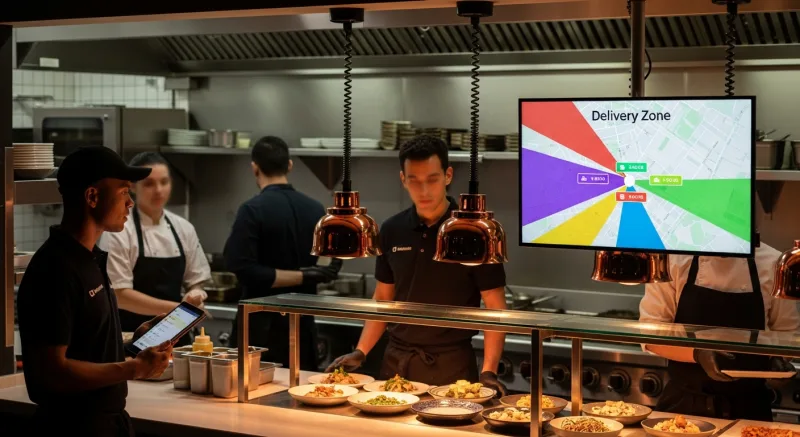
Here is a typical 3-zone setup for an urban or suburban restaurant:
| Zone | Distance | Delivery Fee | Minimum Order | Estimated Delivery Time |
|---|---|---|---|---|
| Zone 1 | 0 – 2 miles | $2.99 | $15 | 20-30 min |
| Zone 2 | 2 – 5 miles | $5.99 | $25 | 30-40 min |
| Zone 3 | 5 – 8 miles | $8.99 | $40 | 40-55 min |
The magic is in the minimum order amounts. That $40 minimum for Zone 3 does two things: it ensures the order generates enough food margin to offset the higher delivery cost, and it naturally filters out small, unprofitable orders from far-away addresses. Customers who want a single $14 sandwich delivered from 7 miles away will either add items to meet the minimum or choose pickup instead. Either way, you win.
And that's not all: zone pricing actually increases your close-range delivery volume. When customers in Zone 1 see a $2.99 delivery fee instead of $4.99, conversion rates jump. A restaurant in our network that switched from a flat $4.99 fee to zone pricing saw Zone 1 delivery orders increase 31% in the first month — because customers within 2 miles finally felt the fee was fair.
The Math: Flat Fee vs Zone Pricing for a Real Restaurant
Let's use real numbers. Consider a restaurant doing 400 delivery orders per month with a flat $4.99 delivery fee and no minimum order amount.
Before: Flat $4.99 Fee, No Minimums
| Zone | Orders/Month | Avg Order | Delivery Revenue | Delivery Cost | Net Delivery P&L |
|---|---|---|---|---|---|
| 0-2 mi | 160 | $38 | $798 | $544 | +$254 |
| 2-5 mi | 160 | $34 | $798 | $832 | -$34 |
| 5-8 mi | 80 | $29 | $399 | $864 | -$465 |
| Total | 400 | $1,996 | $2,240 | -$244/mo |
This restaurant is losing $244 every month on delivery — and the owner has no idea because the delivery revenue looks fine in aggregate. The close-range profits mask the long-range losses.
After: Zone Pricing with Minimums
| Zone | Orders/Month | Avg Order | Delivery Revenue | Delivery Cost | Net Delivery P&L |
|---|---|---|---|---|---|
| Zone 1 ($2.99) | 210 | $36 | $628 | $714 | -$86 |
| Zone 2 ($5.99) | 140 | $39 | $839 | $728 | +$111 |
| Zone 3 ($8.99) | 45 | $52 | $405 | $486 | -$81 |
| Total | 395 | $1,871 | $1,928 | -$57/mo |
Wait — that still shows a small loss on pure delivery logistics. Here's the thing: look at the average order values. Zone 2 jumped from $34 to $39 because the $25 minimum pushed customers to add items. Zone 3 went from $29 to $52 because the $40 minimum transformed what used to be tiny, unprofitable orders into substantial ones. The additional food margin from those higher order values adds $680/month in gross profit — turning the entire delivery program from a $244/month loss into a $623/month gain.
That's a $867/month swing — or $10,404 per year — from changing your delivery fee structure. No additional labor. No menu changes. No marketing spend.
How to Calculate Your Delivery Zones
Setting up zones is not guesswork. Here's the step-by-step process I used when building delivery programs for restaurants across our network of 5,000+ businesses.
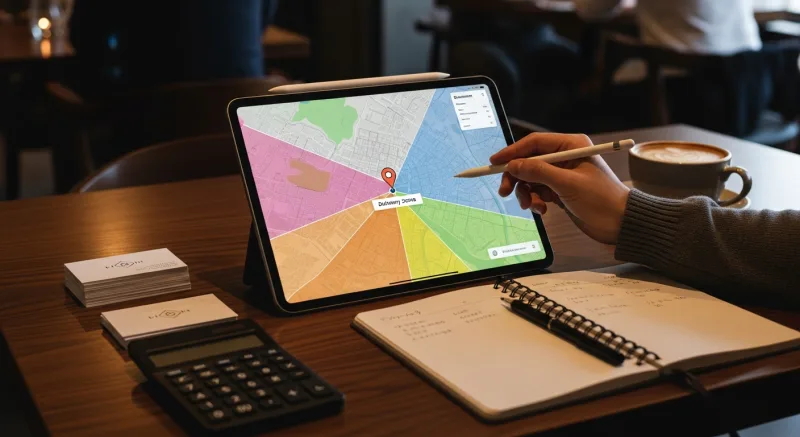
Step 1: Map Your Current Delivery Data
Pull 90 days of delivery orders from your POS. For each order, you need: delivery address, order total, and delivery time (from dispatch to return). If your POS tracks driver mileage, even better. Plot the addresses on a map — most free tools can do this with a CSV upload.
You will immediately see clusters. Most restaurants find that 40-50% of deliveries go within 2 miles, 30-35% go 2-5 miles, and 15-25% go beyond 5 miles.
Step 2: Calculate Cost Per Zone
For each delivery, estimate the true cost:
- Driver pay: Time from dispatch to return × hourly rate (include tips subsidy if applicable)
- Vehicle cost: IRS standard mileage rate ($0.70/mile in 2026) × round-trip distance, or your actual fleet cost
- Packaging: Delivery-specific packaging cost (insulated bags, tamper seals, utensil kits)
- Opportunity cost: During rush hours, a driver on a 45-minute far delivery can't handle two 15-minute close deliveries
Average the costs by distance band. This gives you your cost floor for each zone.
Step 3: Set Fees and Minimums
Your delivery fee for each zone should cover the delivery cost plus a small margin (10-15%). Your minimum order amount should ensure the food margin (typically 60-65% for delivery items) covers any remaining gap.
Here's a formula that works: Minimum order = (Delivery cost - Delivery fee) ÷ 0.20 + Delivery cost. The 0.20 represents your target 20% contribution margin on food after food cost. For Zone 3 with a $10.80 delivery cost and $8.99 fee: ($10.80 - $8.99) ÷ 0.20 + $10.80 = $19.85. Round up to $25 for a clean number, or $35-$40 if you want extra margin protection.
Step 4: Test and Adjust
Launch zone pricing and monitor for 30 days. Track three metrics per zone: order volume, average order value, and delivery cost per order. Adjust fees and minimums based on what the data tells you — not what feels right.
Advanced Zone Pricing Strategies
Once you have basic zones running profitably, these techniques squeeze even more margin from your delivery program.
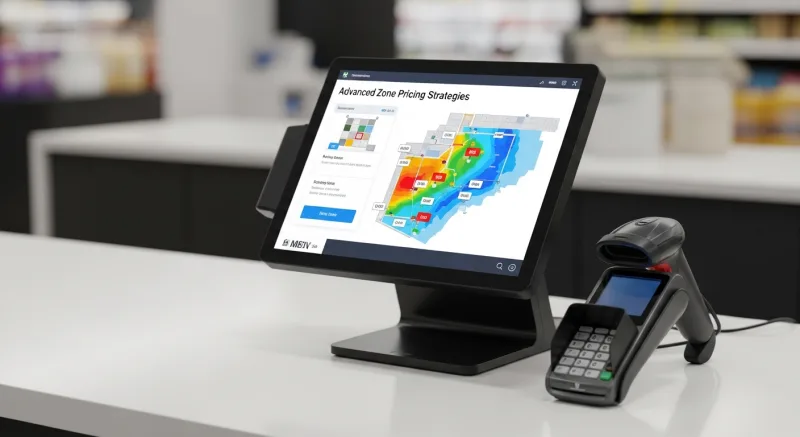
Peak-Hour Surcharges
Friday and Saturday dinner rush (5:30-8:00 PM) is when delivery demand peaks and driver availability drops. Adding a $1-$2 surcharge during peak hours serves two purposes: it generates extra revenue on high-demand orders, and it smooths demand by encouraging price-sensitive customers to order at 5:00 PM instead of 6:30 PM.
Domino's has done this for years. They don't call it a surcharge — they call it "peak pricing" and offset it with off-peak discounts. The net effect is the same: better economics during rush and more even demand throughout the day.
Free Delivery Threshold
Offering free delivery on orders above a certain amount is one of the most effective upsell mechanics in food delivery. Set the threshold at 25-30% above your current average order value. If your average delivery order is $36, set free delivery at $45 or $50 for Zone 1.
Here's why it works: customers who are $8 away from free delivery will add a dessert, a drink, or a side dish — items with 70-80% margins. The incremental food profit from the upsell more than covers the delivery cost you're "waiving."
T. Jin China Diner runs this strategy across 15 locations. Their free delivery threshold varies by zone — $35 for Zone 1, $55 for Zone 2, no free delivery for Zone 3 — and it increased their average delivery order by $7.20 within the first quarter.
Delivery-Only Menu Items
Create high-margin bundle deals that only appear on your delivery menu. A "Family Feast" for $59.99 that includes an entree for four, two sides, and drinks costs you $18 in food and automatically clears the minimum order for any zone. These bundles simplify the ordering decision for customers while guaranteeing profitable delivery economics.
DoorDash Commissions vs In-House Zone Pricing
The comparison is stark. Let's look at a restaurant doing 400 delivery orders per month with a $38 average order.
| DoorDash (25%) | UberEats (30%) | KwickDriver + Zone Pricing | |
|---|---|---|---|
| Commission per order | $9.50 | $11.40 | $8.99 flat |
| Monthly commission cost | $3,800 | $4,560 | $3,596 |
| Delivery fee revenue to you | $0 | $0 | $1,871 |
| Net delivery cost | $3,800/mo | $4,560/mo | $1,725/mo |
| Annual cost | $45,600 | $54,720 | $20,700 |
Switching from DoorDash to KwickDriver with zone pricing saves $24,900 per year. From UberEats, it saves $34,020. And that's before accounting for the fact that you own the customer data, control the delivery experience, and can market directly to those customers with loyalty programs and CRM.
Crafty Crab Seafood figured this out across their 19 locations and 152 terminals. When you're running that many stores on third-party commissions, the math becomes absurd — they were looking at over $800,000 per year in delivery commissions before switching to an in-house model with KwickDriver's flat-fee structure.
Setting Up Zone Pricing in Your POS
The implementation depends entirely on your POS system — and this is where most restaurant owners hit a wall.
Toast and Square don't support zone-based delivery pricing natively. You get a single flat delivery fee, period. If you want zones, you need to build workarounds with third-party delivery management software, which means more subscriptions, more integrations, and more things to break.
A processor-agnostic platform like KwickOS handles zone pricing within the online ordering module. You draw your zones on a map, set fees and minimums for each, and the system automatically calculates the correct delivery fee when a customer enters their address. No third-party tools. No workarounds. No manual distance checks.
Here's what the setup looks like:
- Define zones by radius or polygon. Radius-based (concentric circles) works for most restaurants. Polygon-based (custom shapes) is better if you have natural barriers like highways, rivers, or neighborhoods you want to include or exclude.
- Set fee, minimum, and estimated delivery time per zone. Customers see all three before ordering, which sets expectations and reduces complaints.
- Configure peak-hour surcharges if applicable. Set the hours, the surcharge amount, and an optional customer-facing message explaining why ("High demand pricing — order before 5:30 PM for standard delivery rates").
- Set a free delivery threshold per zone to drive upsells. This appears as a progress bar on the checkout screen: "Add $8.40 more for free delivery!"
- Enable zone-based driver dispatch. KwickDriver's routing algorithm assigns drivers based on zone proximity, batching nearby deliveries together to reduce per-order cost.
The entire setup takes 15 minutes. Compared to the $10,000+ in annual savings, that's the highest-ROI quarter-hour you'll spend all year.
Common Objections (and Why They're Wrong)
"Customers will complain about different fees"
They won't — because they already expect it. Every major delivery platform (DoorDash, UberEats, Instacart, Amazon) uses distance-based pricing. Customers understand that farther deliveries cost more. In fact, showing a lower fee for nearby customers ($2.99 instead of $4.99) increases conversion for your most profitable delivery zone.
"I'll lose my far-away customers"
You'll lose the unprofitable ones. The customers who were ordering a single $14 item from 7 miles away were costing you money. The ones who are willing to meet a $40 minimum and pay $8.99 delivery are profitable customers you absolutely want to keep. Zone pricing doesn't eliminate far-away orders — it ensures only the profitable ones come through.
"It's too complicated to manage"
It's three numbers per zone: fee, minimum, delivery time. Nine numbers total. Your POS handles the rest. If Domino's can run zone pricing across 20,000 locations, you can run it across one.
The 30-Day Implementation Plan
Here is exactly what to do, week by week.
Week 1: Audit. Pull delivery data from your POS. Calculate cost per delivery by distance. Identify your break-even distance at current pricing. Use our delivery cost calculator if you need help with the math.
Week 2: Design. Set your zones, fees, and minimums using the formulas above. Get a second opinion from your delivery manager or most experienced driver — they know which areas are profitable and which are black holes.
Week 3: Launch. Update your POS and online ordering system with zone pricing. Train staff on the new structure so they can explain it to customers who call in. Update your website's delivery page with a clear zone map.
Week 4: Optimize. Review the first week's data. Look for zones where order volume dropped more than 20% (fee might be too high) or where average order value didn't increase (minimum might be too low). Make one adjustment at a time and wait 7 days before changing again.
After 30 days, you will have a delivery program that makes money on every order. Not most orders. Every order.
The Real Cost of Doing Nothing
Every month you run a flat delivery fee, you are subsidizing far-away customers with the profits from nearby ones. You are paying drivers to make unprofitable trips. You are watching 15-25% of your delivery orders silently lose money.
For a restaurant doing 400 deliveries per month, the cost of flat-fee delivery versus zone pricing is approximately $10,404 per year. Over three years, that's $31,212 — enough to outfit a new kitchen, hire additional staff, or open a second location.
Your competitors on DoorDash are paying 25-30% commission and have zero customer data. Your competitors with flat delivery fees are losing money on every distant order. Zone pricing gives you an unfair advantage over both.
The only question is how many more months of hidden delivery losses you're willing to accept before you fix it.
Start Making Money on Every Delivery
KwickOS includes zone-based delivery pricing, KwickDriver flat-fee delivery, and real-time delivery analytics — all built into one platform. See it in action.
Get a Free Demo