March 13, 2026 · 13 min read
Self-Ordering Kiosks: The $47,000/Year Labor Savings Your Restaurant Is Missing
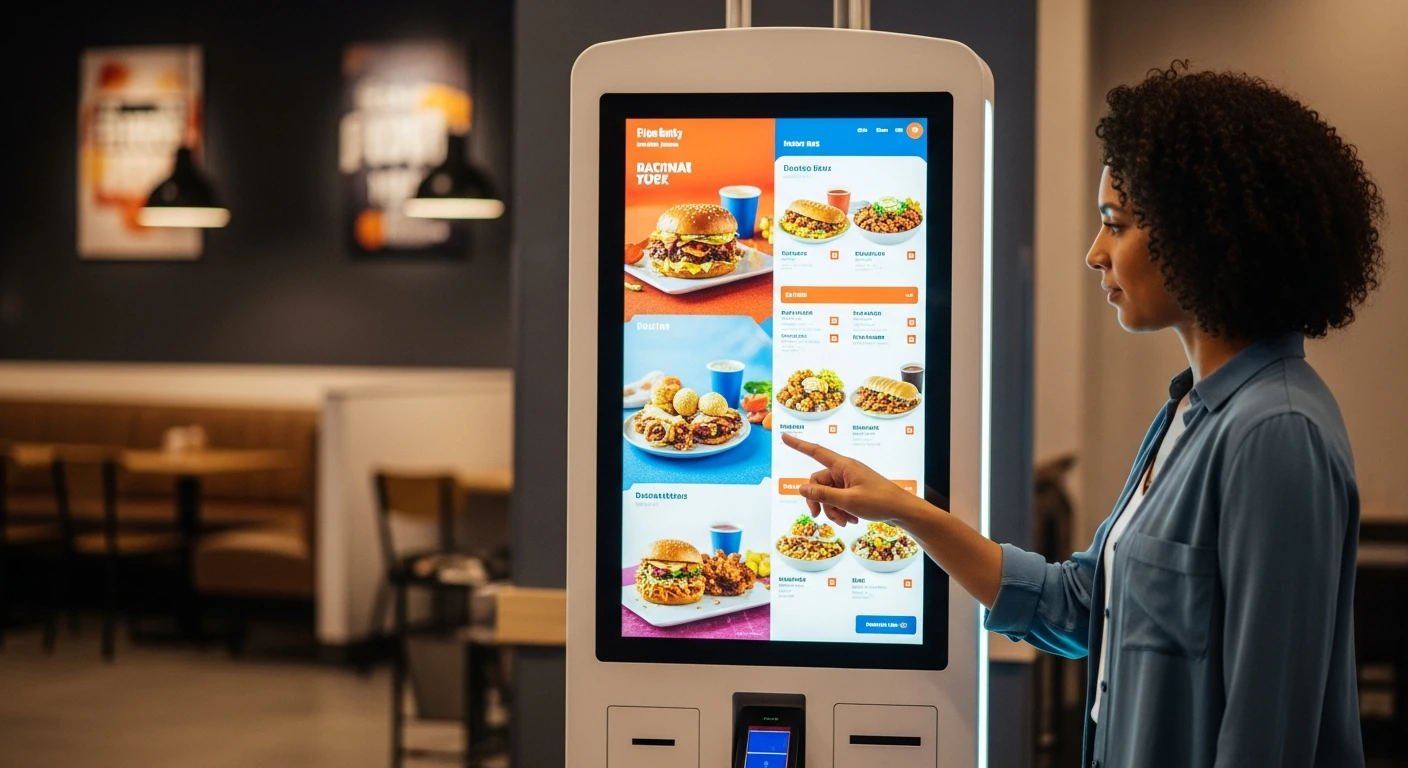
The labor shortage is not going away. Minimum wages are rising in every state. And 67% of customers say they prefer ordering from a screen over ordering from a person. Self-ordering kiosks are not the future—they are the present. Here is the complete business case, with real numbers.
Key takeaway: A restaurant replacing two cashier shifts with self-ordering kiosks saves approximately $47,000 per year in labor costs. Simultaneously, kiosks increase average ticket size by 22–30% through consistent upselling. The typical payback period on kiosk hardware is under 90 days.
The $47,000 Labor Savings: How the Math Works
Labor is the largest controllable expense in any restaurant. For most operations, it consumes 25–35% of revenue. And it is getting more expensive every year.
In 2026, the average hourly wage for a cashier or counter worker in the restaurant industry is $15.50–$17.00, depending on the market. In states like California, New York, and Washington, minimum wage exceeds $16/hour, pushing total labor cost (wages + taxes + benefits + workers’ comp) above $20/hour per employee.
Here is the math for a single-location restaurant that replaces two cashier positions with kiosks:
Annual Labor Savings Calculation
Cashier Hourly Cost
$18.50
Wage + payroll taxes + benefits
Hours Replaced/Day
16 hours
2 cashier positions × 8 hours each
Daily Savings
$296
16 hours × $18.50/hour
Annual Savings
$47,360
$296/day × 5 days/week × 32 weeks peak + reduced off-peak
Note: Most restaurants do not eliminate cashiers entirely. They redeploy them to food preparation, customer service, and order expediting—roles that generate more revenue per labor dollar.
This calculation is conservative. It assumes five operating days per week and accounts for seasonal variation. A seven-day-a-week operation saves even more. And we have not yet accounted for the revenue increase from kiosk upselling.
Why Kiosks Increase Average Ticket Size by 22–30%
Human cashiers are inconsistent upsellers. They forget to suggest add-ons. They feel awkward recommending premium items. They rush through orders during peak hours when upselling matters most.
Kiosks never forget. They never feel awkward. They never rush. Every single order gets the same optimized upsell prompts, every time.
Here is why kiosks outperform human order-takers on ticket size:
Consistent Modifier Prompts
When a customer orders a burger, the kiosk prompts: “Add bacon? (+$2.00) Add avocado? (+$1.50) Make it a combo? (+$4.00)” These prompts appear on every order. Data from quick-service chains shows that customers accept at least one modifier prompt 45–55% of the time when ordering from a kiosk, compared to 20–30% when a cashier asks verbally.
Visual Menu Presentation
Photos sell food. A kiosk can display a high-resolution image of every menu item, making premium options look irresistible. Customers ordering from a text-only menu board order differently than customers browsing a visual, photo-rich kiosk interface. The visual presentation consistently drives higher-value selections.
No Judgment Factor
Customers feel less judged ordering from a screen than from a person. They are more likely to add extra items, upsize portions, or order dessert when there is no human to witness the decision. Studies show this effect is especially pronounced for indulgent add-ons like desserts, extra sides, and premium drinks.
Combo and Bundle Promotion
Kiosks excel at presenting combo deals and meal bundles at the moment of decision. “Save $3 when you add a drink and fries” appears automatically when the customer adds an entree. The upgrade math is visible and immediate, driving higher combo attachment rates.
Customer Preference Data: The Demand Is Already There
Self-ordering kiosks are not something restaurants need to convince customers to use. Customers are already asking for them.
- 67% of consumers say they prefer self-service kiosks over traditional counter ordering (National Restaurant Association, 2025)
- 30% of consumers say kiosk availability influences their restaurant choice
- 78% of Gen Z and Millennial customers prefer digital ordering (kiosk or mobile) over speaking to a cashier
- Average kiosk order time is 40–60 seconds, compared to 90–120 seconds at a staffed counter
- Order accuracy at kiosks exceeds 99%, compared to 85–90% at staffed counters (customer enters their own order, eliminating miscommunication)
The last point deserves emphasis. Order accuracy is not just a customer satisfaction metric—it directly affects food cost. Every incorrect order that gets remade wastes ingredients, labor, and time. A restaurant processing 200 orders per day with 90% accuracy remakes 20 orders daily. At an average food cost of $4 per remade item, that is $80/day or $29,200/year in waste. Kiosks cut this dramatically.
Real-World Kiosk Deployments
Rockin’ Rolls Sushi Express: 49 iPad Self-Ordering Stations
Rockin’ Rolls operates 3 locations with 49 iPad-based self-ordering stations running on KwickOS. Their deployment demonstrates what high-density kiosk adoption looks like in practice.
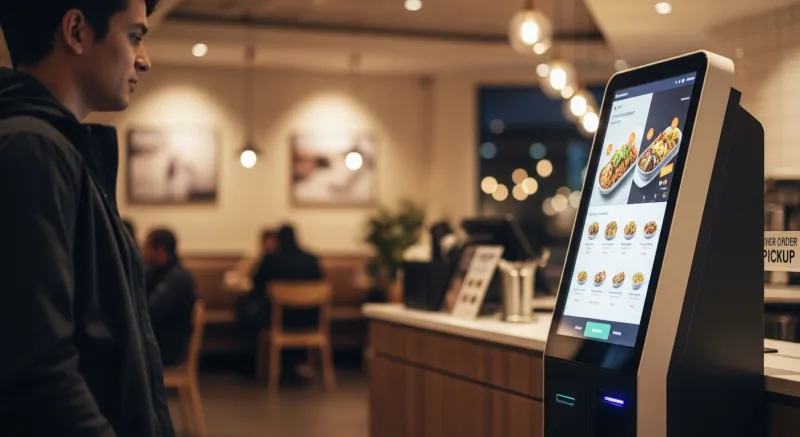
Each location uses iPad kiosks for tableside ordering. Customers browse the visual sushi menu, customize rolls with specific ingredients and spice levels, and send orders directly to the kitchen display system (KDS). The result:
- Serving time reduced significantly through direct KDS integration—no verbal relay errors, no handwritten tickets
- Customers build more complex orders when they can visually browse modifications
- Staff redeployed from order-taking to food preparation and table service
Baked Cravings: Self-Serve Kiosk at Lego Land
Baked Cravings operates a self-serve kiosk using a PaxA35 terminal at Lego Land, running 24-hour retail operations. Their kiosk handles the complete transaction flow—menu browsing, item selection, payment processing, and receipt printing—without any staff intervention during off-peak hours.
This is an important use case for any business considering unattended or low-staff operation: a properly configured kiosk can run your business when you are not there. Bakeries, convenience stores, food halls, and hotel lobbies all benefit from this capability.
Tiger Sugar: Minimal-Step Personalization
Tiger Sugar, the international bubble tea chain, uses KwickOS kiosks at their 2 locations with a customization-heavy menu. Bubble tea ordering involves multiple decisions—base tea, sweetness level, ice level, toppings, cup size. On a traditional menu board, this creates decision fatigue and long order times.
The kiosk interface walks customers through each decision in sequence with visual previews. The result is faster ordering with more accurate customization, and customers are more likely to add premium toppings when they can see exactly what they are getting.
Kiosk Hardware: iPad vs. Dedicated Terminal vs. Floor-Standing Unit
Not all kiosks require expensive dedicated hardware. The right form factor depends on your space, volume, and budget.
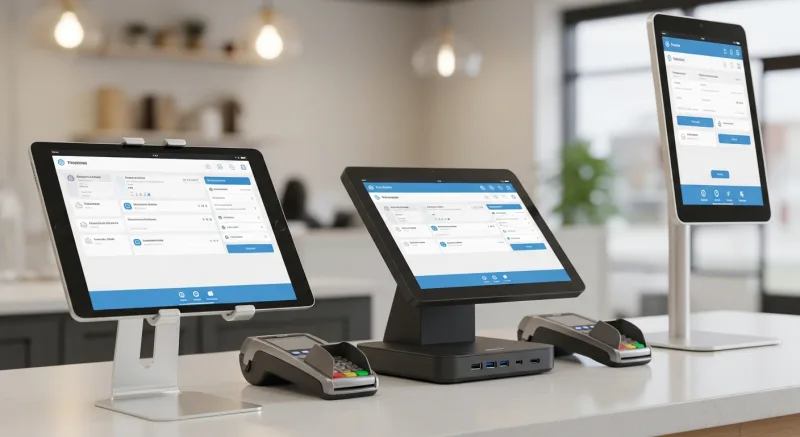
| Form Factor | Hardware Cost | Best For | Pros | Cons |
|---|---|---|---|---|
| iPad on stand | $400–$700 | Tableside, counter, low-volume | Low cost, familiar interface, easy to move | Smaller screen, less durable |
| Countertop terminal | $600–$1,200 | Counter service, bakeries, cafes | Compact, integrated payment, professional look | Fixed position, moderate screen |
| Floor-standing unit | $2,000–$5,000 | High-volume QSR, food courts | Large screen, ADA accessible, high visibility | Higher cost, requires floor space |
| Wall-mounted | $1,500–$3,000 | Space-constrained, food halls | No floor space needed, clean look | Permanent installation, less flexible |
KwickOS supports all four form factors. The most cost-effective entry point is an iPad on a secure stand with a paired card reader. Rockin’ Rolls deployed 49 iPad stations precisely because the per-unit cost was low enough to justify high-density deployment. At $500 per station, their total hardware investment of approximately $24,500 pays for itself in labor savings within a few months.
Kiosk Costs: KwickOS vs. Toast vs. Standalone Vendors
| Cost Component | KwickOS | Toast Kiosk | Standalone Vendor |
|---|---|---|---|
| Hardware (per unit) | $400–$700 (iPad) | $999+ (proprietary) | $2,000–$6,000 |
| Monthly software | Included in KwickOS | $69/month per device | $100–$300/month |
| POS integration | Native (same system) | Native (Toast only) | API or manual |
| Payment processing | Your choice (processor-agnostic) | Toast Payments required | Varies |
| Year 1 cost (2 units) | $800–$1,400 | $3,654 | $6,400–$15,600 |
| 3-year cost (2 units) | $800–$1,400 | $5,310 | $8,800–$22,800 |
The cost difference is dramatic. Over three years, a two-kiosk deployment on KwickOS costs $800–$1,400 total (hardware only, software included). The same deployment on Toast costs $5,310. A standalone vendor could cost $22,800. That is a savings of $4,000–$21,000 that goes straight to your bottom line.
ADA Compliance and Accessibility
Self-ordering kiosks must comply with the Americans with Disabilities Act (ADA). This is not optional—it is a federal requirement that applies to any public-facing interactive technology.
Key ADA requirements for kiosks:
- Reach range: All interactive elements must be within 15–48 inches from the floor for wheelchair users. Floor-standing kiosks should have tilting screens or low-mounted alternatives.
- Screen readability: Minimum contrast ratios, adjustable text size, and clear visual hierarchy. KwickOS kiosk interfaces support high-contrast mode.
- Audio output: For visually impaired users, kiosks should offer audio guidance through headphone jacks. This is more commonly required in government and healthcare settings, but proactive compliance is recommended for all businesses.
- Payment accessibility: Card readers must be reachable from a seated position. Contactless payment (tap-to-pay) is inherently more accessible than chip insertion.
- Time limits: Screens should not time out too quickly. Allow extended transaction times for users who need more time to navigate the interface.
KwickOS kiosk software includes accessibility features as standard: high-contrast display mode, adjustable font sizes, extended timeout options, and compatibility with external audio devices. The iPad form factor is inherently ADA-friendly because it supports Apple’s built-in VoiceOver accessibility technology.
Kitchen Integration: Why Your Kiosk Must Talk to Your KDS
A kiosk that does not integrate with your kitchen display system is just a fancy order pad that still requires manual entry. The entire efficiency gain depends on orders flowing directly from the kiosk screen to the kitchen screen in real time.
With KwickOS, kiosk orders appear on the kitchen display system instantly. No manual re-entry. No printed tickets to lose. No verbal relay errors. The kitchen sees the order the moment the customer confirms it, with all modifications and special instructions displayed clearly.
For multi-station kitchens, KwickOS routes items to the correct station automatically. A customer ordering a sushi roll and a bowl of ramen from a kiosk at Rockin’ Rolls sees both items on their receipt as one order, but the sushi station and the ramen station each see only their relevant items on their respective KDS screens. This routing happens automatically based on menu item categorization—no staff intervention required.
Kiosk Menu Design: Best Practices for Higher Conversions
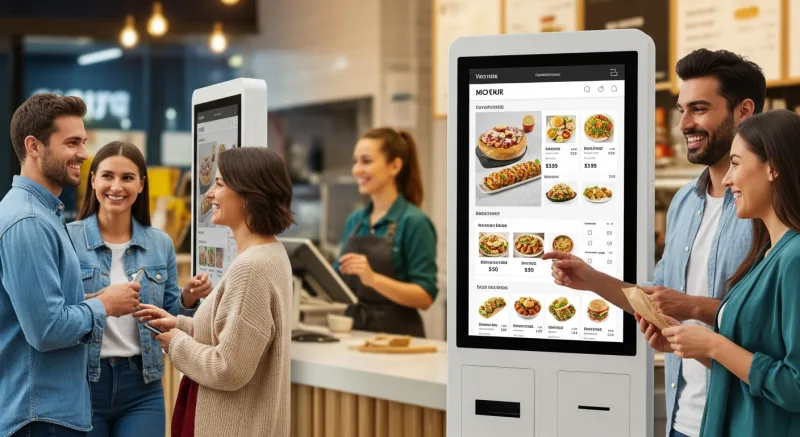
The kiosk interface is your digital cashier. How you design it directly affects order speed, ticket size, and customer satisfaction.
Start With Categories, Not Items
Present 5–8 top-level categories (Entrees, Appetizers, Drinks, Desserts, Combos) rather than a scrolling list of individual items. Customers navigate faster when they can drill down into a category rather than scanning through 60+ items.
Feature High-Margin Items Prominently
Place your highest-margin items in the top-left position of each category. Eye-tracking studies show that kiosk users look at the top-left first. Use larger images and “Popular” or “Chef’s Pick” badges to draw attention.
Use Real Food Photography
Stock photos do not sell food. Use real photographs of your actual dishes, shot in good lighting. The difference in conversion between stock imagery and real food photos is 15–25%. KwickOS supports high-resolution images in the kiosk interface and can pull from the same photo library used in your online ordering menu on KwickMenu.
Limit Choices Per Screen
The paradox of choice applies to kiosks. More than 8–10 items per screen creates decision fatigue and slows order time. Use subcategories to keep each screen manageable.
Make the Upsell Obvious but Not Aggressive
After item selection, show one relevant upsell prompt: “Add a drink for $2.99?” or “Upgrade to large for $1.50 more?” One prompt per item selection. More than that feels pushy and slows the transaction.
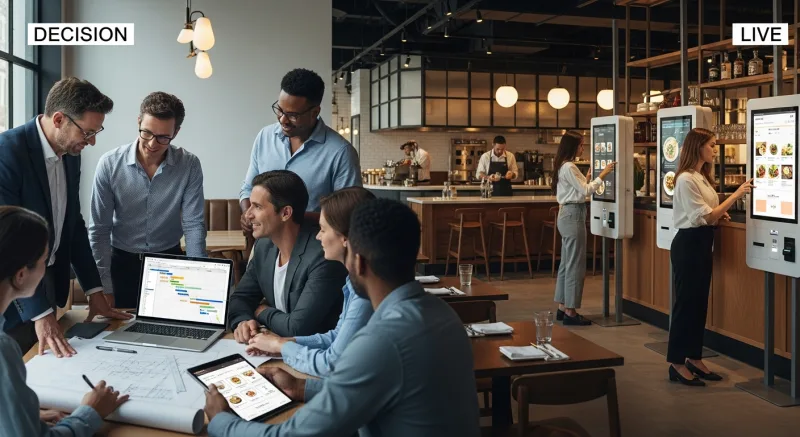
Implementation Timeline: From Decision to Live Kiosks
Week 1: Planning and Hardware
- Determine kiosk count and placement (observe customer flow during peak hours)
- Select form factor: iPad, countertop, or floor-standing
- Order hardware (iPads available immediately; custom kiosks 2–3 weeks lead time)
- Review menu for kiosk optimization (reduce to top 80% of sellers for cleaner interface)
Week 2: Menu and Interface Setup
- Configure kiosk menu in KwickOS (categories, items, modifiers, photos)
- Set up upsell prompts and combo promotions
- Configure kiosk-to-KDS routing rules
- Set up payment processing on kiosk terminals
Week 3: Installation and Testing
- Physical installation of kiosk hardware (mounting, power, network)
- End-to-end testing: order through kiosk, verify KDS receipt, process payment
- Train staff on kiosk troubleshooting and customer assistance
- Soft launch with select kiosks during off-peak hours
Week 4: Full Launch
- All kiosks live during all operating hours
- Station one staff member near kiosks for the first week to assist customers
- Monitor order volume, average ticket size, and kiosk vs. counter metrics
- Adjust menu layout and upsell prompts based on first-week data
Measuring Kiosk ROI: The Metrics to Track
After deployment, track these metrics monthly to quantify your kiosk investment:
| Metric | What to Track | Target |
|---|---|---|
| Kiosk adoption rate | % of orders placed via kiosk vs. counter | 50%+ within 3 months |
| Average ticket (kiosk vs. counter) | Compare average order value between channels | Kiosk 20%+ higher |
| Upsell acceptance rate | % of orders that include at least one upsell item | 40%+ |
| Order accuracy | % of kiosk orders completed without remakes | 99%+ |
| Labor cost as % of revenue | Compare pre-kiosk vs. post-kiosk | 3–5% reduction |
| Throughput | Orders per hour during peak periods | 20%+ increase |
Common Kiosk Concerns (and Why They Are Overblown)
“Our customers want human interaction”
Some do. Most do not. The data is clear: 67% prefer kiosks. And offering both options (kiosk and counter) lets customers choose. Nobody is forced to use the kiosk. But when the lunch rush creates a 10-minute counter line and the kiosk line is empty, most customers self-select to the kiosk.
“Kiosks are too expensive”
An iPad on a stand costs $400–$700. One month of a cashier’s wages costs $2,400+. The kiosk pays for itself in the first 2 weeks.
“Older customers will not use them”
This was true in 2015. It is not true in 2026. Customers over 55 now use self-checkout at grocery stores, ATMs, airline check-in kiosks, and tablet ordering at restaurants routinely. The interface just needs to be simple and clear—which is a design problem, not a demographic one.
“We will lose the personal touch”
Kiosks free your staff from transactional order-taking so they can focus on genuine hospitality: greeting customers, checking on tables, handling special requests, and creating memorable experiences. The “personal touch” is not reciting the daily specials—it is making customers feel welcome. Your staff can do more of that when they are not stuck behind the register.
The Bottom Line
Self-ordering kiosks reduce labor costs, increase average ticket size, improve order accuracy, and serve customers faster. The math is straightforward: a two-kiosk deployment saves approximately $47,000 per year in labor while generating $15,000–$25,000 in additional revenue from consistent upselling.
The hardware investment starts at $400 per unit with KwickOS, with no monthly kiosk software fee. The payback period is measured in weeks, not months. And with 67% of customers already preferring self-service ordering, you are not pushing technology on reluctant customers—you are giving them what they already want.
Ready to add self-ordering kiosks to your restaurant? Call us at (888) 355-6996 or request a free demo to see KwickOS kiosk ordering in action.
