 Ming Ye
You run a busy restaurant. Regulars walk in every day, spend $12 to $18, pay with a credit card, and leave. You pay 2.5% to 3% on every swipe. That is $0.36 to $0.54 per transaction going to your processor. Multiply it across 200 daily regulars and you are handing over $72 to $108 every single day in processing fees — just from the people who already love your business.
But it gets worse.
Those regulars have no financial incentive to come back tomorrow instead of trying the new place down the street. They owe you nothing. Their wallet is open to everyone equally.
Now imagine a different scenario. Those same 200 regulars each have a prepaid account loaded with $100. That is $20,000 sitting in your bank account right now — cash you have already collected, earning you interest, committed to being spent at your business and nowhere else. And because you offered a 20% bonus on that $100 load, each customer feels like they have $120 to spend. They visit more often. They order more per visit. They tell friends.
Here's the thing: this is not a theoretical concept. According to restaurant industry data, prepaid account customers visit 2.3 times more frequently and spend 18% more per visit than customers who pay at the register. That $20,000 in preloaded cash turns into roughly $28,800 in actual spending — plus you have already eliminated the credit card processing fees on every prepaid transaction.
This guide covers everything you need to set up a prepaid account system that drives guaranteed revenue, deepens customer loyalty, and reduces your processing costs from day one.
What Is a Prepaid Account System (and How It Differs from Gift Cards)
A prepaid account system lets customers deposit money into a personal account linked to their profile at your business. They load funds, receive bonus credit as an incentive, and spend the balance over time. When the balance runs low, they reload — either manually or through auto-reload.
Gift cards and prepaid accounts occupy similar territory, but the differences matter enormously for your bottom line:
| Feature | Traditional Gift Card | Prepaid Account |
|---|---|---|
| Owner | Often purchased for someone else | Customer loads for themselves |
| Reloadable | Usually one-time value | Unlimited top-ups and auto-reload |
| Customer data | Minimal — often anonymous | Full profile, visit history, preferences |
| Loyalty integration | Separate system | Points earned on every prepaid purchase |
| Bonus incentives | Occasional promotions | Tiered bonus credit on every load |
| Redemption rate | ~85% (15% breakage) | ~95%+ with auto-reload |
| Repeat behavior | Often one-time visit | Ongoing relationship |
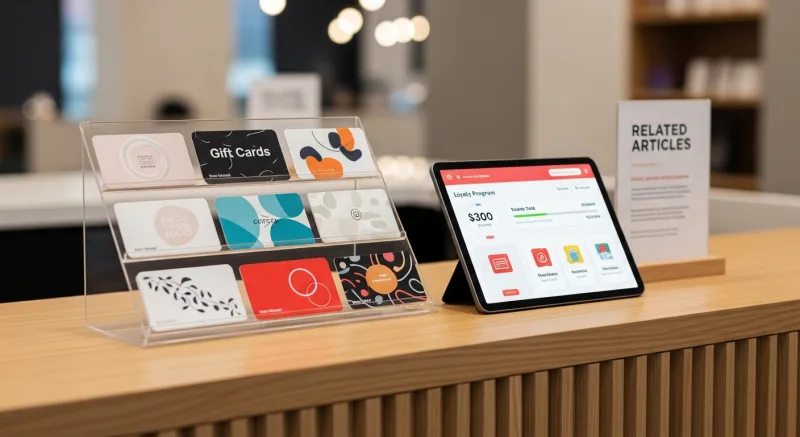
That said, gift cards and e-gift cards remain essential. They are the top acquisition channel for new customers — someone receives a gift card, walks into your store for the first time, and loves the experience. The prepaid account is what converts that first-timer into a regular who funds their own account and keeps coming back. The two systems work together, not against each other.
And that's not all: when your POS ties prepaid accounts to your loyalty program, every dollar loaded earns points, every purchase earns points, and the customer builds status in your membership tiers. The result is a flywheel — load funds, earn points, redeem rewards, load more funds.
The Revenue Math: Why Prepaid Accounts Are a Cash Flow Machine
Let us run real numbers for a mid-volume restaurant doing $30,000/month in sales with 150 daily customers.
Scenario: 20% of Customers Adopt Prepaid Accounts
That is 30 customers loading an average of $75 each per month.
| Metric | Without Prepaid | With Prepaid (20% adoption) |
|---|---|---|
| Monthly card processing fees (2.8% avg) | $840 | $777 (prepaid txns at $0 processing) |
| Cash collected upfront | $0 | $2,250/month |
| Bonus credit given (15% avg) | — | $337 (cost of incentive) |
| Additional spending from frequency increase | — | +$1,620/month |
| Net monthly benefit | — | +$1,346 |
Annual impact: $16,152 in additional net revenue from just 30 customers. And that number scales. At 40% adoption, you are looking at over $32,000 in annual benefit.
But wait — the real power is in what the numbers do not show. You are collecting $2,250 per month in cash before the customer walks through the door. That money is in your bank account earning interest, improving your cash position, and reducing your dependence on credit lines. For a restaurant operating on 5% to 8% net margins, the cash flow advantage alone can be transformative.
Designing Your Bonus Credit Tiers
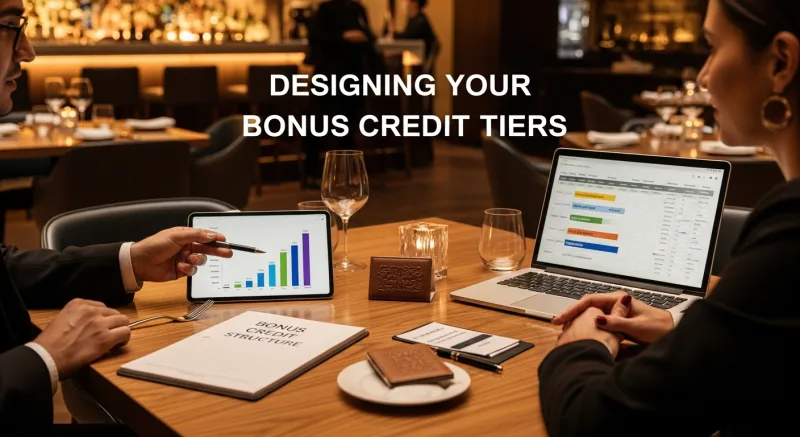
The bonus credit structure is what makes or breaks prepaid adoption. Too small and customers do not bother. Too generous and you eat into margins. Here is the framework that works across restaurants, retail, and beauty/spa businesses:
The 10/15/20 Rule
| Load Amount | Bonus Credit | Customer Gets | Your Cost |
|---|---|---|---|
| $25 | 5% ($1.25) | $26.25 | Negligible — drives trial |
| $50 | 10% ($5) | $55 | Offset by processing savings + frequency |
| $100 | 15% ($15) | $115 | Sweet spot — highest adoption rate |
| $200+ | 20% ($40+) | $240+ | Premium tier — locks in high-value regulars |
Why these numbers? The $100 tier consistently sees the highest adoption across KwickOS merchants. The 15% bonus feels substantial — "load $100, get $115" is a clear, compelling pitch. And the economics work: you are giving away $15 in bonus credit but gaining a customer who visits 2.3 times more often, spends 18% more per visit, and pays zero processing fees on every prepaid transaction.
Here's the thing: the bonus credit is not really a discount. It is a marketing investment with a measurable, immediate return. Compare it to running a 15%-off coupon — which discounts the sale with no guarantee of a return visit — and prepaid bonus credit wins every time.
Auto-Reload: The Feature That Turns Good Customers into Permanent Ones
Manual top-ups work. Auto-reload transforms.
With auto-reload, the customer links a credit or debit card to their prepaid account and sets two parameters: a trigger threshold (for example, $10) and a reload amount (for example, $50). When the balance drops below $10, the system automatically charges the linked card for $50 and adds the reload amount plus the applicable bonus credit to their prepaid balance.
The result? The customer never thinks about reloading. They never see a zero balance. They never have a reason to pay any other way. Their relationship with your business becomes automatic and effortless.
According to industry research, auto-reload customers have a 94% retention rate at 6 months compared to 67% for manual-reload customers. The reason is behavioral: once someone sets up auto-reload, switching to a competitor requires an active decision to stop the auto-reload, which triggers loss aversion. They have already committed. The default is to keep coming back.
And that's not all. Auto-reload also solves the abandoned-balance problem. Traditional gift cards have roughly 15% breakage (unredeemed value), which creates accounting and legal complications. Auto-reload accounts maintain active balances that get spent consistently, simplifying your books and keeping customers engaged.
Auto-Reload Setup Checklist
- Tokenized card storage — Your POS must store payment credentials securely via tokenization, never raw card numbers. KwickOS uses PCI-compliant tokenization so the actual card data never touches your system.
- Configurable thresholds — Let customers choose their own trigger balance and reload amount. One-size-fits-all does not work — a daily coffee customer needs different settings than a weekly dinner customer.
- Bonus credit on auto-reloads — Apply the same bonus tier structure to auto-reloads. This is critical — if auto-reload does not include the bonus, customers will reload manually to get the incentive, which defeats the purpose.
- Balance notifications — Send a push notification or SMS when auto-reload fires. Transparency builds trust. The customer should never be surprised by a charge.
- Easy cancellation — Make it simple to pause or cancel auto-reload. Counterintuitively, easy cancellation increases adoption because customers feel safe committing.
The Checkout Experience: Making Prepaid Payments Frictionless
A prepaid account system is only as good as the checkout experience. If paying with a prepaid balance takes longer than tapping a credit card, adoption dies.
The ideal checkout flow:
- Customer identification — Phone number, fingerprint scan, loyalty card tap, or QR code. KwickOS supports fingerprint 1:N authentication, meaning the customer places their finger on the scanner and the system identifies them instantly without needing to enter a phone number or scan anything. One touch, identified, balance displayed.
- Balance display — The POS shows the current prepaid balance and the order total. If the balance covers the order, one tap to confirm. If it does not, the system automatically splits the remaining amount to a credit card or prompts a reload.
- Points earned — The receipt (physical or digital) shows loyalty points earned on this transaction. This reinforces the value of the prepaid system at the moment of purchase.
- Reload prompt — If the remaining balance is below a threshold, the POS suggests a reload. "Your balance is $8.50. Load $50, get $55?" This is the highest-converting reload moment because the customer is already standing at the register.
The entire process should take less than 10 seconds. On KwickOS, a fingerprint-authenticated prepaid payment processes in under 2 seconds thanks to the hybrid local+cloud architecture — the balance check and deduction happen on the local server at 1ms latency, with cloud sync happening in the background. No internet delay. No waiting for a cloud server 200 miles away to approve a $12 lunch.
Real-World Prepaid Success: How Businesses Use It
Prepaid account systems are not theoretical. Businesses across multiple industries are using them to lock in revenue and build loyalty.
Tiger Sugar: Prepaid for High-Frequency Drink Customers
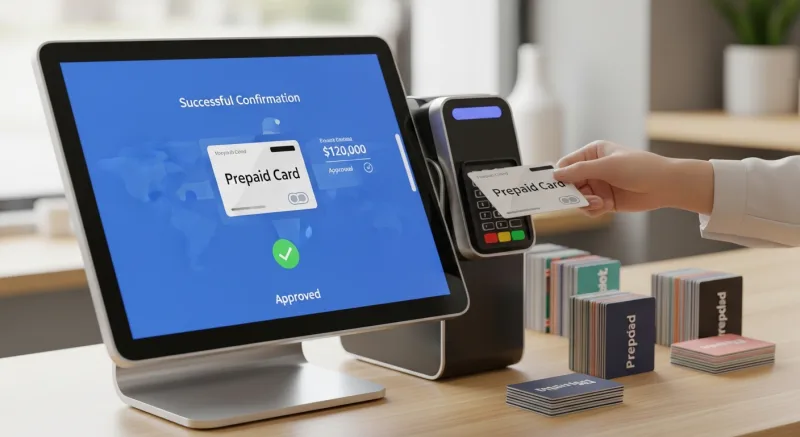
Tiger Sugar operates 2 locations with 2 self-ordering kiosks. Their average ticket is $7.50 and their regulars visit 3 to 5 times per week. By adding a prepaid option to their kiosk checkout flow — "Load $50, get $57.50" — they converted a significant portion of repeat customers to prepaid. The kiosk interface makes it effortless: customers see their balance on the welcome screen, order their customized drink with minimal steps, and the balance deducts automatically. No cash, no card, no friction.
Diva Nail Beauty: Prepaid for Service-Based Businesses
Diva Nail Beauty runs 4 locations with automated commission tracking. Their prepaid program targets customers who visit every 2 to 3 weeks for manicures and pedicures. A $200 load with a 20% bonus gives the customer $240 — roughly 4 visits covered. The benefit for Diva: $200 in cash collected upfront, zero processing fees on 4 transactions, and a customer who is financially committed to returning 4 more times. Their commission system, which improved efficiency by 90%, automatically calculates technician payouts on prepaid transactions just like cash or credit.
Multi-Location Restaurants: Prepaid Across All Stores
For chains like T. Jin China Diner (15 stores, 75 terminals), prepaid accounts work across all locations. A customer loads $100 at the downtown location and spends it at the suburban location near their home. The centralized cloud architecture syncs balances in real time across every terminal. This cross-location flexibility increases adoption because customers are not limited to a single store — their balance follows them everywhere the brand operates.
Integrating Prepaid with Gift Cards and Loyalty
The most powerful revenue systems combine three layers: gift cards for acquisition, prepaid accounts for retention, and loyalty programs for engagement.
Here is how the flywheel works:
- Acquisition — A customer receives a $50 gift card or e-gift card as a birthday present. They visit your business for the first time.
- Conversion — During checkout, the POS offers: "Convert your remaining gift card balance to a prepaid account and get a 10% bonus on your next load." The gift card recipient becomes a prepaid account holder.
- Engagement — Every prepaid purchase earns loyalty points. After 5 visits, they unlock the Silver tier with double points. After 10 visits, Gold tier with exclusive perks. The loyalty program keeps them motivated beyond the prepaid balance itself.
- Advocacy — Gold tier members get 3 complimentary e-gift cards to share with friends. New customers enter the funnel. The cycle repeats.
This integrated approach requires a POS system that connects all three systems — gift cards, prepaid accounts, and loyalty — in a single customer profile. If your gift card system, loyalty program, and prepaid accounts are run by three different vendors, the flywheel breaks because none of the systems talk to each other. KwickOS runs all three natively, so a customer's gift card balance, prepaid balance, loyalty points, and membership tier are all visible in one screen at checkout.
Mobile Balance Management: Put the Account in Their Pocket
Customers check their prepaid balance in two situations: before deciding to visit (to see if they have enough) and after a purchase (to see what is left). If checking the balance requires calling your store or visiting in person, adoption suffers.

Essential mobile features:
- Real-time balance check — via mobile web, app, or SMS inquiry
- Transaction history — every purchase, reload, and bonus credit logged and viewable
- Mobile top-up — reload from a phone without visiting the store, with Apple Pay and Google Pay support
- Auto-reload management — adjust threshold, reload amount, and linked card from the phone
- Share balance — send prepaid credit to a friend or family member (functions like sending an e-gift card from your existing balance)
- Loyalty status — view points, tier, and available rewards alongside the prepaid balance
For businesses using KwickOS, the mobile experience runs through the built-in CRM — customers access their account via a web link (no app download required), see their full profile, and manage their prepaid settings. The system supports English, Chinese, and Spanish, which matters significantly for the diverse customer bases across KwickOS's 5,000+ merchants in 50 states.
Setting Up Your Prepaid Program: A Step-by-Step Launch Plan
Week 1 through 2 is setup. Week 3 through 4 is launch.
Week 1-2: Configuration
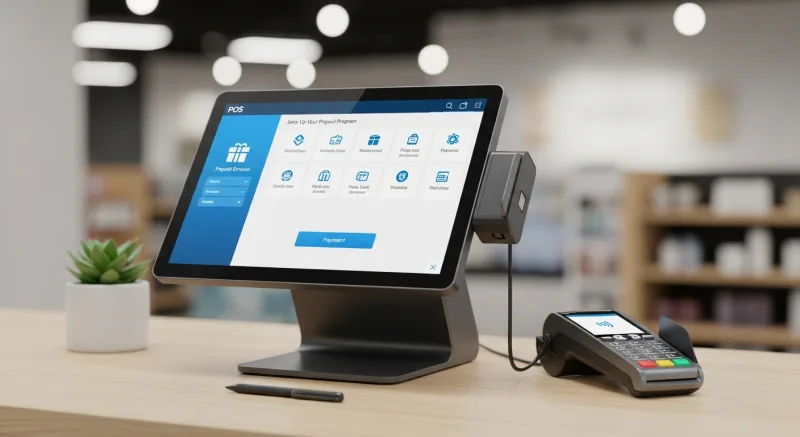
- Define your bonus credit tiers ($25 / $50 / $100 / $200+)
- Configure auto-reload thresholds and reload amounts in your POS
- Set up balance notification triggers (SMS or push)
- Design counter signage and table cards explaining the program
- Train staff on enrollment scripts: "You come in every day — did you know you can load $100 and get $115? It takes 30 seconds."
- Connect prepaid to your existing loyalty program so points earn on every load and every purchase
Week 3-4: Launch
- Announce via email to your existing customer list and loyalty members
- Offer a launch-week bonus: 25% instead of 20% on $200+ loads (first week only, creates urgency)
- Staff should mention the program to every regular customer at checkout
- Place signage at the register, on tables, and near self-ordering kiosks
- Track daily enrollment numbers and coach underperforming staff
- Post on social media: "Load $100, eat for $115. Our regulars are already saving — are you?"
Target: 50 enrolled accounts in the first two weeks. If you hit that, you have collected $3,750 to $5,000 in upfront cash and established a base of committed repeat customers. Scale from there.
Processing Fee Savings: The Hidden Financial Win
Every prepaid transaction that draws from a preloaded balance avoids a credit card swipe. If you are on a processor-agnostic POS system and negotiating interchange-plus rates, you are already saving compared to locked-rate systems like Toast. Prepaid accounts take that savings further by eliminating the processing fee entirely on a portion of your transactions.
The math for a restaurant processing $40,000/month at an effective rate of 2.5%:
| Prepaid Adoption Rate | Monthly Prepaid Volume | Processing Fees Avoided | Annual Savings |
|---|---|---|---|
| 10% | $4,000 | $100/month | $1,200 |
| 20% | $8,000 | $200/month | $2,400 |
| 30% | $12,000 | $300/month | $3,600 |
Combined with the revenue lift from increased visit frequency and higher average spend, a prepaid program at 20% adoption adds $16,000 to $19,000 in annual value to a single restaurant location. For multi-location operators like Crafty Crab Seafood (19 stores), multiply that across every location.
Want to see how much your specific business could save on processing alone? Run your numbers through our processing fee calculator.
Common Mistakes to Avoid
- Making the bonus too small. A 5% bonus on a $50 load is $2.50. Nobody changes their payment behavior for $2.50. Start at 10% minimum to generate interest.
- Requiring an app download. Adoption drops significantly when enrollment requires installing an app. Web-based enrollment and balance management removes this barrier.
- Forgetting staff training. Your front-line team is the enrollment engine. If they do not mention prepaid accounts at checkout, the program stalls. Script it, practice it, incentivize it.
- Separating prepaid from loyalty. If prepaid purchases do not earn loyalty points, customers feel punished for using the system. Always tie prepaid spending to your rewards program.
- Ignoring dormant accounts. Accounts with balances and no activity for 30+ days need a nudge — a "We miss you" message with a small bonus incentive to come back. Your POS should automate these reminders.
Ready to Collect Revenue Before Customers Walk In?
KwickOS prepaid accounts integrate with gift cards, loyalty programs, and your POS checkout — all in one platform. See it in action.
Get a Demo