 Ming Ye
Pull up your last four weeks of time records. Count the number of employees who clocked in at exactly 10:00 or 11:00 — down to the minute.
Now ask yourself: how many of those people were actually standing in your restaurant at that moment?
If you are using PIN codes, swipe cards, or a paper sign-in sheet, the honest answer is you have no idea. And that uncertainty is costing you real money. According to industry research, businesses lose an average of $373 per employee per year to time theft — buddy punching, early clock-ins, late clock-outs, and ghost shifts that never happened.
For a restaurant with 20 employees, that is $7,460 per year walking out the door. For a multi-location operation, the number gets painful fast.
Here's the thing: this is not an employee loyalty problem. It is a system problem. When clocking in requires nothing more than typing four digits that everyone in the kitchen knows, fraud is not a risk — it is a certainty.
The fix is not more cameras, stricter policies, or threatening to fire people. The fix is making it physically impossible to clock in for someone who is not there. That is what a fingerprint time clock does.
The Real Cost of Buddy Punching (It Is Worse Than You Think)
Buddy punching is when one employee clocks in or out on behalf of another. It is the most common form of time theft, and it happens in virtually every restaurant that uses PIN-based or card-based time tracking.
The math is straightforward but brutal:
- A single buddy-punch event averages 15 to 20 minutes of paid time for work not performed
- If just 5 of your employees do this twice a week, that is 200 to 330 extra minutes per week you are paying for
- At an average loaded labor cost of $18/hour, that is $60 to $100 per week in pure waste
- Over a year: $3,120 to $5,200 — from just 5 employees at one location
But it gets worse. Buddy punching is rarely the only form of time theft happening in your business. Once you add early clock-ins (arriving 10 minutes before scheduled and clocking in immediately), extended breaks (clocking back in before actually returning to the floor), and overtime manipulation (staying a few extra minutes past scheduled time to hit overtime thresholds), the total balloons to an estimated $8,400 per year for a 15-person operation.
And that's not all: beyond direct wage theft, inaccurate time records create payroll compliance risks. Restaurants that cannot prove actual hours worked face exposure to wage-and-hour lawsuits, Department of Labor audits, and overtime miscalculations that trigger penalties.
Why PINs, Cards, and Paper All Fail
Every traditional time-tracking method has the same fundamental flaw: they verify a credential, not a person.
| Method | What It Verifies | Can Be Shared? | Buddy Punch Risk |
|---|---|---|---|
| 4-digit PIN | Someone knows the code | Yes — easily | Very high |
| Swipe card / badge | Someone has the card | Yes — hand it off | High |
| Paper sign-in | Someone wrote a name | Yes — anyone can write | Very high |
| Fingerprint scan | The actual person is present | No — biologically impossible | Zero |
A fingerprint cannot be shared, lost, stolen, or forgotten. It does not fall into the fryer. It does not get taped to the wall next to the time clock. The employee is either physically standing at the scanner, or they are not. There is no middle ground.
1:N vs 1:1 — Two Fingerprint Modes, One Clear Winner for Restaurants
Not all fingerprint systems work the same way. There are two identification modes, and the difference matters enormously for restaurant operations.
1:1 Verification: The employee enters a PIN or ID number first, then scans their fingerprint to confirm they are who they claim to be. The system compares one fingerprint against one stored template. This is what most cheap time clocks use.
1:N Identification: The employee simply touches the scanner — no PIN, no ID number, no code. The system scans their fingerprint and matches it against the entire database of enrolled employees in under one second. It identifies who they are automatically.
Here's the thing: 1:1 verification still requires a PIN. And if the PIN is shared (which it will be), the fingerprint step becomes security theater — the buddy puncher enters the absent employee's PIN, but then the scan fails, creating confusion, delays, and workarounds.
1:N identification eliminates the problem entirely. There is nothing to share. Touch the scanner, get identified, clock in. Done in under two seconds.
KwickOS supports both 1:N and 1:1 modes. For restaurants, we recommend 1:N for clock-in/clock-out and 1:1 for sensitive operations like manager overrides, void authorizations, and POS register access.
What a POS-Integrated Fingerprint Time Clock Actually Does
A standalone fingerprint time clock solves buddy punching. A POS-integrated fingerprint time clock solves everything.
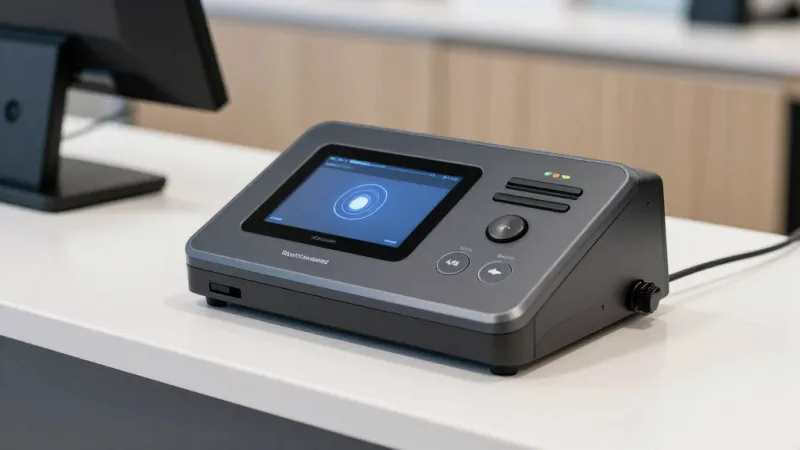
When your time clock lives inside your POS system instead of on a separate wall-mounted device, every clock event is tied directly to your sales data, labor reports, and payroll. This is what that integration looks like in practice:
Automated Break Tracking
Employees scan in for breaks and scan out when they return. The system automatically calculates break duration, flags breaks that exceed your policy (say, 30 minutes for a lunch break), and deducts break time from paid hours if your state law requires unpaid breaks. No manager intervention. No paper logs.
Real-Time Overtime Alerts
The POS tracks cumulative hours for each employee across the pay period. When someone approaches 40 hours (or your state's overtime threshold), the system sends an alert to the manager's dashboard. You can decide whether to approve the overtime or send them home — before the overtime actually hits your payroll.
For multi-location operators like T. Jin China Diner (15 stores, 75 terminals), this is critical. An employee working shifts at two different locations could hit overtime without any single manager noticing — unless the system tracks hours across all locations centrally.
Labor Cost as a Percentage of Sales — Live
Because the time clock and the POS share the same system, you can see your labor-to-sales ratio in real time. Not at the end of the week. Not when payroll runs. Right now, during the shift. If your Tuesday lunch is running 42% labor and you target 30%, you know immediately — and you can send someone home or adjust the floor plan.
Payroll-Ready Export
At the end of each pay period, the system generates a complete labor report with regular hours, overtime hours, break deductions, and tip allocation — ready to import into ADP, Gusto, QuickBooks, or any payroll system. No manual time card review. No spreadsheet reconciliation. No disputes about who worked when.
POS Checkout and Fingerprint: Securing Every Transaction
Fingerprint identification is not just for clock-in. When built into the POS, it secures the entire checkout process.
Every transaction, void, discount, and refund can require fingerprint verification. This means you know exactly who processed every sale, who applied that 50% discount, and who voided a $200 order at 9:47 PM. For gift card and e-gift card transactions — which are common fraud targets — fingerprint verification adds an essential security layer. No more anonymous POS activity.
This level of accountability is something competitors like Toast simply do not offer. Toast uses a 4-digit PIN for employee login. Anyone who knows the PIN can access the register, process transactions, and apply discounts under another employee's name. When shrinkage shows up in your Toast reports, good luck proving who did it.
Case Study: Diva Nail Beauty — 90% More Efficient
Diva Nail Beauty operates 4 stores with 4 POS terminals. Before switching to KwickOS with fingerprint integration, they tracked technician hours manually and calculated commissions on spreadsheets at the end of each month.
The result? Payroll took 3 full days per month. Commission disputes were constant. And nobody trusted the numbers.
After implementing KwickOS with fingerprint clock-in, every technician's hours were tracked automatically. Because the POS also tracks which technician performed each service, commission calculations became automatic too — the system knows who clocked in, what services they performed, and what commission rate applies.
Payroll went from 3 days to half a day. Commission disputes dropped to near zero. Overall efficiency increased 90%. And buddy punching? Eliminated on day one.
Loyalty, Gift Cards, and the Fingerprint Connection
Here is a connection most business owners miss: fingerprint-secured POS systems make your loyalty program and gift card system more trustworthy.
Without fingerprint verification, any employee who knows a manager PIN can issue loyalty points, create gift cards at a discount, or redeem rewards fraudulently. Industry data suggests that internal gift card fraud accounts for a meaningful percentage of total shrinkage in restaurant and retail operations.
With fingerprint verification on every transaction, you create an unbreakable audit trail. If 500 loyalty points were issued to a customer account, you know which employee did it and when — because they had to scan their fingerprint to complete the action. The same applies to gift card activations, balance adjustments, and reward redemptions.
This protection extends to your gamified loyalty programs as well. When employees know every point issuance is tied to their biometric identity, the temptation to "help out" friends with bonus points disappears.
What About Privacy? Handling Biometric Data the Right Way
Employee biometric data is a legitimate concern — and you should take it seriously. Several states have specific laws governing biometric data collection:
- Illinois (BIPA) — Written consent required. Private right of action for violations. Damages up to $5,000 per violation.
- Texas — Consent required. Attorney General enforcement.
- Washington — Notice and consent required for commercial purposes.
- New York City — Employers must post visible signage about biometric data collection.
The compliance path is straightforward:
- Provide each employee with a written disclosure explaining what biometric data you collect, how it is stored, how long it is retained, and when it will be destroyed.
- Obtain written consent before enrolling any fingerprints.
- Store fingerprint templates (mathematical representations, not actual images) encrypted on local hardware.
- Establish a retention and deletion policy — most businesses retain fingerprint data for the duration of employment plus one year.
KwickOS stores fingerprint templates locally on the POS terminal using encrypted storage — not in the cloud. This hybrid local+cloud architecture means your biometric data never leaves your premises, while all other business data syncs to the cloud for remote access and backup. It is the most privacy-respecting approach available.
Comparing Fingerprint vs. Other Biometric Time Clocks
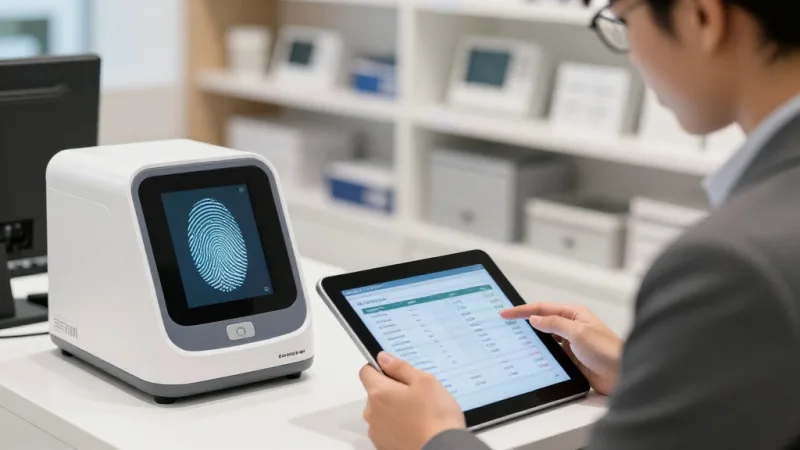
| Technology | Speed | Cost | Hygiene | Accuracy | Best For |
|---|---|---|---|---|---|
| Fingerprint | <1 sec | $200-$500 | Contact required | 99.9% | Most businesses |
| Facial recognition | 1-3 sec | $500-$1,500 | Contactless | 98-99% | High-hygiene environments |
| Palm vein | 1-2 sec | $800-$2,000 | Contactless | 99.9% | Healthcare, cleanrooms |
| Iris scan | 2-4 sec | $2,000+ | Contactless | 99.99% | High-security facilities |
For the vast majority of restaurants, retail stores, and beauty businesses, fingerprint scanners offer the optimal balance of speed, cost, accuracy, and integration. The scanner is built into the POS terminal itself — no separate wall-mounted device, no additional hardware to maintain, no second system to manage.
How to Set Up Fingerprint Time Clock on KwickOS
Getting started takes about 15 minutes:
- Enable biometric module in KwickOS settings. Choose 1:N (identification) or 1:1 (verification) mode.
- Enroll employees. Each employee scans two fingerprints (primary and backup). Enrollment takes under 30 seconds per person.
- Configure clock rules. Set allowed clock-in windows (e.g., no more than 5 minutes before scheduled shift), break policies, overtime thresholds, and alert recipients.
- Set POS permissions. Define which actions require fingerprint verification — clock-in only, or also voids, discounts, refunds, gift card issuances, and manager overrides.
- Test and go live. Have each employee clock in and out once to confirm their fingerprints read correctly. Done.
The Shogun Japanese Hibachi team had their entire staff of 4 terminals enrolled and operational in under 5 minutes — and the wait staff needed zero training beyond "touch the scanner to clock in."
Multi-Location Fingerprint Management
For multi-location operators, fingerprint time clocks solve a problem that PIN systems cannot: cross-location hour tracking.
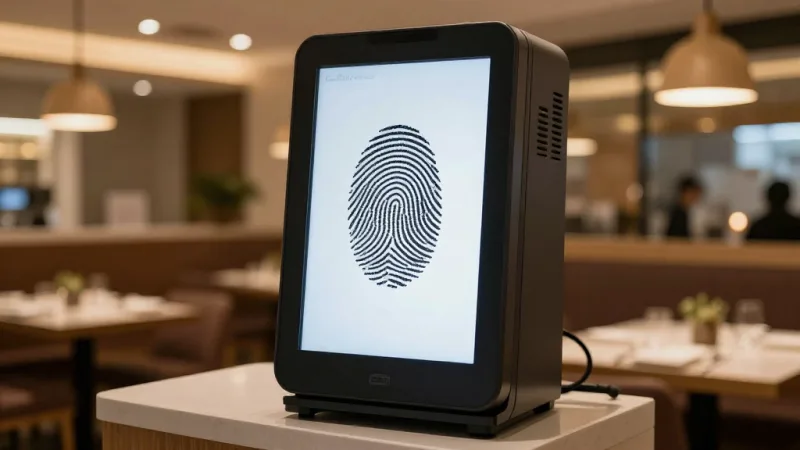
When an employee works at multiple locations — common in restaurant groups like Crafty Crab Seafood (19 stores, 152 terminals) — their fingerprint works at any terminal in any location. The central system aggregates their total hours across all stores, so overtime calculations are accurate regardless of where the hours were worked.
Managers at headquarters can monitor clock-in activity across all locations in real time through the KwickOS mobile dashboard. If your Downtown location has 3 servers clocked in during a slow Tuesday afternoon, you see it instantly and can reallocate labor to the busier Midtown store.
This centralized visibility is what separates a POS-integrated biometric system from a standalone time clock bolted to the break room wall. The standalone clock tracks hours. The integrated system manages labor.
The ROI Calculation
Fingerprint time clocks are one of the rare technology investments where the ROI is both immediate and provable:
| Savings Category | Annual Estimate (15 employees) |
|---|---|
| Buddy punching eliminated | $3,200 - $5,200 |
| Early clock-in / late clock-out reduced | $1,800 - $2,400 |
| Overtime visibility (prevented overages) | $1,200 - $3,000 |
| Payroll processing time saved | $600 - $1,200 |
| Total annual savings | $6,800 - $11,800 |
With KwickOS, the fingerprint scanner is built into the POS terminal. There is no additional hardware cost, no separate subscription, no per-employee biometric fee. The entire time clock module is included in the platform. Compare that to standalone biometric time clocks that cost $500 to $2,000 per unit plus $5 to $10 per employee per month in software fees.
Want to see the exact numbers for your operation? Use our labor cost calculator to model your potential savings, then compare KwickOS to Toast on time tracking, processing freedom, and total cost of ownership.
Stop Paying for Hours Nobody Worked
KwickOS is the only all-in-one platform with built-in fingerprint 1:N identification — no add-ons, no extra hardware, no per-employee fees. See how much time theft is costing your business.
Get a Free Demo