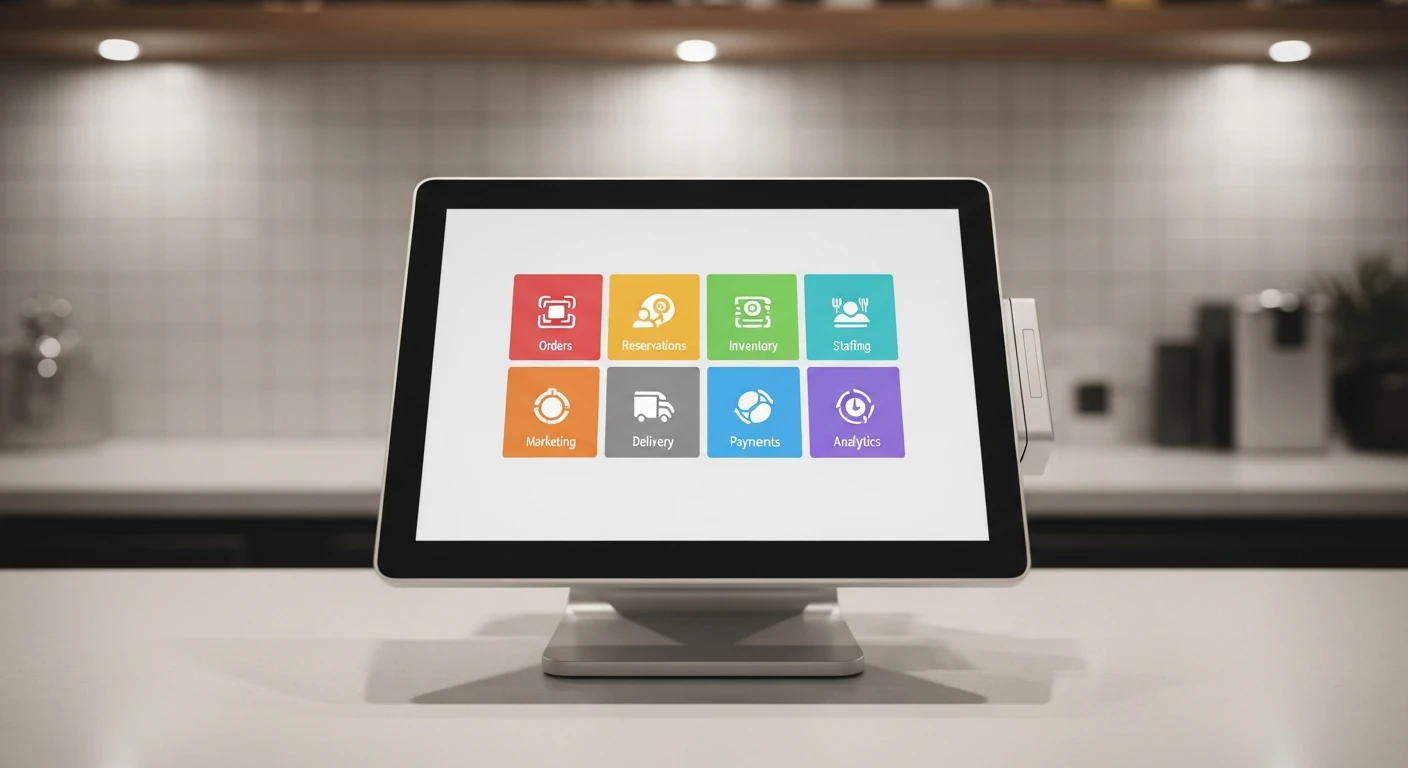
Full-service restaurants have the most complex operational requirements of any small business. A single dinner service involves: seating guests based on reservation and walk-in management, taking orders through servers with course timing, routing those orders to the correct kitchen stations via KDS, managing bar orders that accompany food tickets, processing payments with split checks and gratuity calculations, tracking loyalty points, and generating end-of-night reports that reconcile everything. When each of these functions runs on a different platform, the information flow has gaps — and every gap creates a potential service failure.
Crafty Crab Seafood operates 19 locations with 152 KwickOS terminals. Their one-click menu sync demonstrates the OS advantage at multi-unit scale: when headquarters updates a seasonal menu item, every location's POS, online ordering page, and KDS updates simultaneously. No manual reconfiguration at each store, no version conflicts, no "this location still shows last month's prices." T. Jin China Diner achieves the same consistency across 15 stores and 75 terminals, with real-time remote monitoring that lets management see every location's performance in a single dashboard.
The 8 Functions an FSR Operating System Replaces
1. POS and Tableside Ordering
The foundation of FSR operations. But in an OS context, the POS is not standalone — it is the nerve center that connects to every other system. A server entering an order at the table simultaneously: sends the appetizer to the cold station KDS, sends the entree to the hot station KDS with a delayed fire time, applies the customer's loyalty discount, and updates the reservation system's table status from "seated" to "ordered." This happens in one action because the systems are not connected — they are the same system.
2. Kitchen Display System With Station Routing
FSR kitchens have multiple stations: grill, saute, fry, garde manger, pastry, expo. Each station needs to see only its items, in the correct sequence, with fire times coordinated by the expo position. KwickOS's built-in KDS handles this routing natively — the same flexibility that powers Shogun Japanese Hibachi's customized hibachi station displays works for any multi-station kitchen.
The KDS also displays customer names from the loyalty system, allergy alerts from the reservation notes, and modification details from the server's order. All of this information flows from a single data source, eliminating the "telephone game" that happens when information passes through multiple systems.
3. Reservation and Table Management
OpenTable charges FSRs $1-2.50 per cover from their network. For a restaurant doing 200 covers/night, that is $200-500/night in reservation fees — $6,000-15,000/month. KwickTable provides reservation management as part of the KwickOS platform: online booking, table assignment, wait list management, and guest history — without per-cover fees.
4. Online Ordering and Takeout
FSR takeout has grown 300% since 2019 and shows no signs of retreating. KwickMenu handles online ordering with the full menu, modifiers, and scheduling (pre-orders for specific times) integrated into the same system that manages dine-in orders. The kitchen sees both on one KDS — no separate tablet for online orders sitting next to the POS.
5. Delivery
KwickDriver at $2 flat + $6.99/5mi versus DoorDash's 15-25% commission. For an FSR doing $10,000/month in delivery, the savings are $1,300-2,300/month. The delivery integration means the order flows from the customer's phone → the POS → the KDS → the expo → the driver — all within one system.
6. Loyalty and CRM
Covered in our FSR loyalty guide. In the OS context, the loyalty data powers every interaction: the host sees VIP status at seating, the server sees dining preferences and allergens, the kitchen sees the customer's name on the order, and the marketing system sends personalized follow-ups after each visit. This connected experience is what fine dining has always aspired to deliver — now it is automated.
7. Employee Scheduling and Labor Management
FSR scheduling is complex: servers, bussers, bartenders, hosts, prep cooks, line cooks, dishwashers, managers — each with different skill sets, availability, and labor costs. An integrated scheduling module shows labor cost as a real-time percentage of revenue, so the manager making Friday's schedule can see immediately whether adding a 6th server brings labor from 28% to 33% — and whether projected covers justify the cost.
8. Inventory and Food Cost
The OS tracks theoretical food cost (based on recipes and sales) against actual food cost (based on inventory and purchasing). When food cost runs above target (typically 28-32% for FSR), the system identifies which items are driving the variance. Is it waste? Over-portioning? Theft? The answer is in the data — data that a standalone POS does not collect.
Fingerprint Security for FSR Operations
Full-service restaurants handle cash, process voids and comps, and run split-check transactions — all high-risk operations for fraud. KwickOS's 1:N fingerprint authentication ensures that every void, comp, discount, and cash drawer access is tied to a specific person's biometric identity. No shared PINs, no borrowed swipe cards. The end-of-shift report shows exactly who comped what, who voided what, and who opened the cash drawer — with fingerprint verification on every action.
Toast does not support fingerprint authentication. Neither does Square, Clover, or Aloha. This is a KwickOS-exclusive capability that eliminates $4,800+/year in buddy punching alone — plus the unquantifiable value of accountability in void and comp management.
Hybrid Cloud for Service Continuity
An internet outage during Saturday dinner service is a full-service restaurant's worst nightmare. With cloud-only systems, servers cannot send orders to the kitchen, the KDS goes blank, payments cannot process, and loyalty lookups fail. The restaurant falls back to paper tickets and manual processes — which are slow, error-prone, and demoralizing for staff trained on digital workflows.
KwickOS's hybrid local+cloud architecture keeps every function running locally at 1ms latency. The internet could be down for the entire dinner service and the restaurant operates normally: orders fire to the KDS, payments process, loyalty points accrue, and the reservation system continues seating guests. When connectivity returns, all data syncs to the cloud automatically.
Multi-Location Management
For FSR groups like Crafty Crab (19 locations) and T. Jin China Diner (15 locations), the OS advantage is multiplied. One-click menu sync eliminates the manual reconfiguration that consumed hours at each location when menu changes occurred. Real-time remote monitoring means the operations director can see every location's sales, labor cost, food cost, and customer satisfaction metrics in a single dashboard — identifying underperforming locations and making decisions based on data, not gut feeling.
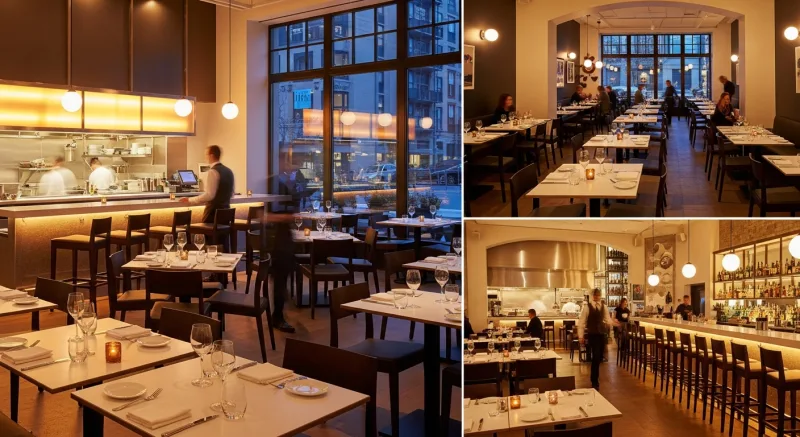
Crafty Crab's customized KDS for special requests demonstrates another OS benefit: the ability to configure unique station routing per location (because kitchen layouts vary) while maintaining centralized menu and pricing control. Each location's KDS is tailored to its physical kitchen, but the menu, pricing, loyalty program, and reporting roll up to a single corporate view.
Cost Comparison
| System | Patchwork Cost | KwickOS |
|---|---|---|
| POS | $69-165/month | All included in one platform |
| Reservations (OpenTable) | $1-2.50/cover | |
| Online Ordering | $75-200/month | |
| Loyalty | $75/month | |
| KDS | $30-50/month | |
| Scheduling | $30-80/month | |
| Inventory | $99-200/month | |
| Delivery Commission | 15-25% per order |
Implementation: FSR OS Transition
Day 1-2: Installation and menu configuration. KwickOS installation takes 1-3 hours per terminal. For a 4-terminal FSR, expect a half-day setup including menu import, station routing configuration, and employee fingerprint enrollment.
Day 3-5: Staff training. Servers, bartenders, hosts, and kitchen staff each need 1-2 hours of training. The web-based interface is intuitive — Shogun reported proficiency in under 5 minutes for their hibachi operations, and FSR workflows are similarly straightforward.
Day 6-7: Soft launch. Run one dinner service with the new system while keeping the old system as backup. Address any workflow issues that arise during live service.
Week 2: Full transition. Activate online ordering, loyalty, and delivery. Configure digital signage. Begin scheduling in the new system.
Week 3-4: Optimization. Fine-tune KDS timing, inventory par levels, and labor scheduling templates. By week 4, the OS should be running all FSR functions without any reliance on legacy systems.
Stop Paying for 8 Apps That Don't Talk to Each Other
KwickOS gives full-service restaurants POS, KDS, reservations, loyalty, online ordering, delivery, scheduling, and reporting in one platform. See how Crafty Crab runs 19 locations on a single system.
Book Your Free Demo