 Tom Jin
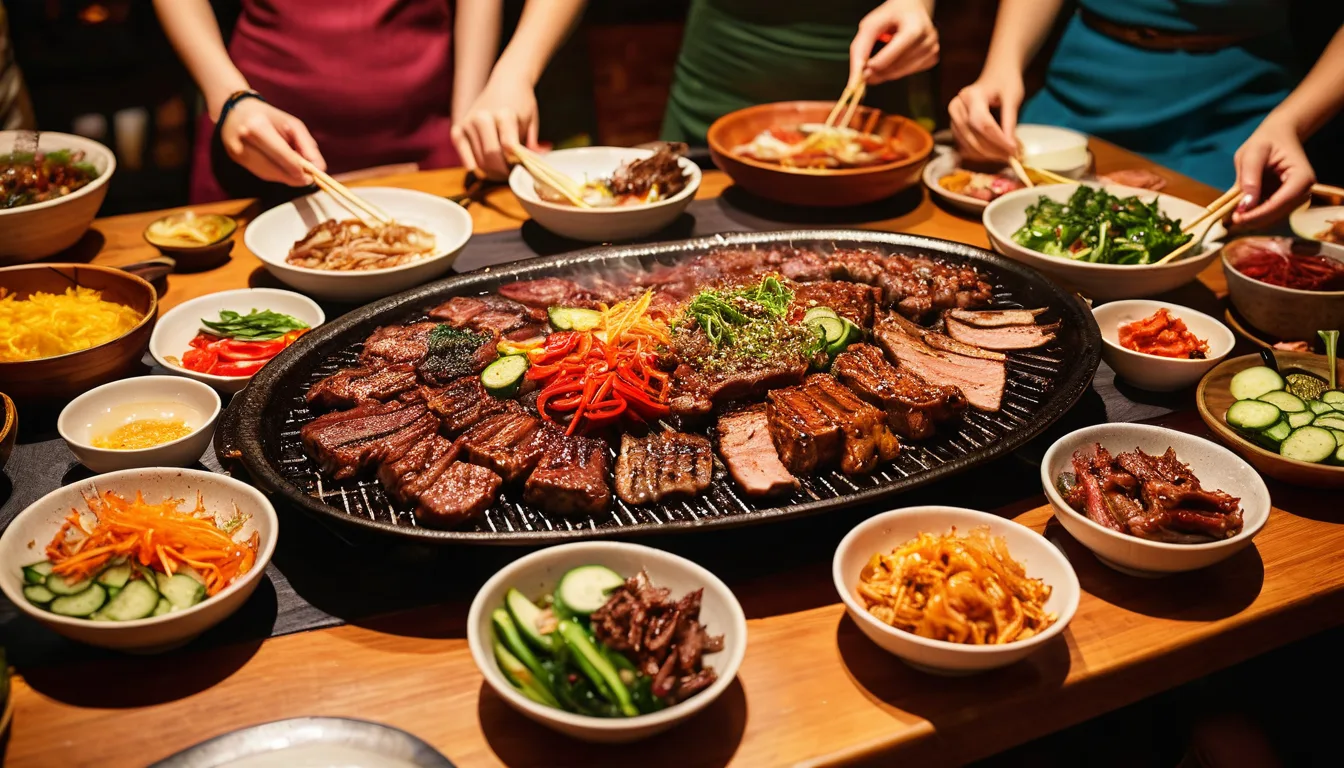
You opened a Korean BBQ restaurant because you love the food, the energy, the theater of a sizzling grill at every table. But six months in, you are spending your evenings arguing with a POS system that was designed for burger joints.
The timer for table 7's all-you-can-eat session? You are tracking it on your phone. Banchan refills? Your servers yell the order across the kitchen. The group of eight who all want to pay separately? That is a 10-minute checkout disaster that backs up every table behind them.
Here's the thing: you are not running a difficult restaurant. You are running a normal Korean restaurant on a POS system that does not understand Korean dining.
The result? You are losing $400 to $800 every week in banchan waste you cannot track, table turns you cannot speed up, and checkout bottlenecks that send groups to the place down the street. That is $20,000 to $40,000 a year — not from bad food or bad service, but from bad technology.
This guide covers the exact POS features Korean restaurants need, how to configure them, and why most mainstream systems fail at every single one.
Why Generic POS Systems Fail Korean Restaurants
Walk into any Korean BBQ restaurant during peak hours and you will see a service model that breaks every assumption a standard POS system makes.
A typical American restaurant operates on a simple flow: customer orders, kitchen cooks, server delivers, customer pays. One order, one check, one payment. The POS was built for this.
Korean BBQ flips that model completely:
- Orders arrive in waves. A table does not order once — they order meat rounds, banchan refills, drink refills, and add-ons continuously over 60 to 90 minutes.
- Some items are free. Banchan is complimentary and unlimited, but it still costs you $1.80 to $2.40 per table per round. Without tracking, you have zero visibility into your real food cost.
- Time is money — literally. All-you-can-eat sessions need precise timers. A table that runs 15 minutes over their 90-minute slot costs you a full turn worth $120 to $180 in lost revenue.
- Everyone splits. Korean dining is inherently communal. Groups of 4 to 8 are the norm, and according to restaurant industry data, nearly 4 in 10 groups want to split the check unevenly.
- Bilingual tickets are non-negotiable. Your kitchen staff reads Korean. Your front-of-house speaks English. If your KDS and printed tickets do not support both, errors multiply.
Toast, Square, and Clover were built for single-language, order-once, pay-once restaurants. They work fine for a sandwich shop. They fall apart the moment banchan enters the equation.
But it gets worse: most of these systems also lock you into their payment processing. Toast charges 2.99% + $0.15 per transaction. On a Korean BBQ restaurant doing $50,000/month in card sales, that is $20,940 a year in processing fees alone. A processor-agnostic system running interchange-plus typically brings that down to $14,400 to $15,600 — saving you $5,000 to $6,500 annually.
Feature 1: Table BBQ Timers That Actually Work
If you run an all-you-can-eat (AYCE) Korean BBQ, the timer is the single most important operational tool in your restaurant. Every minute a table sits past their session limit is revenue walking out the door.
Here is what a proper POS-integrated timer system looks like:
- Auto-start on first meat order. The timer begins when the server sends the first grill item — not when they remember to press a button on their phone.
- Visible countdown on the KDS and server tablets. Every staff member can see which tables are approaching their limit without asking anyone.
- Color-coded alerts. Green for active sessions, yellow for 15 minutes remaining, red for time expired. Your host knows exactly which tables are about to open.
- Last-call lockout. At 10 minutes remaining, the system prompts the server to take a final meat order and blocks new grill items after the timer expires. No more "just one more plate of galbi" that costs you a full table turn.
- Automatic session pricing. Different tiers (lunch AYCE at $25.99, dinner AYCE at $32.99, premium AYCE at $42.99) applied based on time of day and selection — no manual price overrides needed.
And that's not all: a proper timer system also gives you data. After a month, you will know your average session length (most AYCE restaurants run 72 to 78 minutes on a 90-minute session), which nights run over, and how many turns you are actually getting per table per shift.
With that data, you can model exactly how much revenue a faster bus-and-reset process adds. If you turn each table just 0.5 times more per night across 20 tables, that is 10 extra covers. At $30 average per person, that is $300 per night, $9,000 per month.
Feature 2: Banchan Refill Tracking (Without Charging Customers)
Banchan is the soul of Korean dining. It is also a silent profit killer if you cannot measure it.
The industry standard is 6 to 8 banchan items served complimentary with every meal. Each refill round costs you $1.80 to $2.40 in ingredients, labor, and portioning. A busy 40-table restaurant doing 3 refill rounds per table during dinner service is spending $216 to $288 per night on banchan alone — nearly $8,000 a month.
Here's the thing: that number is not the problem. Banchan is part of the Korean dining experience, and guests expect it. The problem is not knowing the number.
A POS-integrated banchan tracking system works like this:
- Set up each banchan item (kimchi, japchae, pickled radish, etc.) as a $0.00 menu item with an internal cost assigned.
- When a server sends a refill order, the POS logs it to the table — no charge on the guest check, but full visibility in your reports.
- End-of-day reports show banchan cost per table, per server, and per item. You will quickly spot that table 12 got 6 rounds of kimchi (likely a portion control issue) or that Server B's tables consistently consume 40% more banchan than Server A's.
- Weekly trend reports flag when specific banchan items spike in cost — often a sign that a prep cook changed the recipe or the ingredient price jumped.
One of our Korean restaurant clients discovered through banchan tracking that their spicy cucumber banchan was being refilled 3x more than any other side — but was also one of the cheapest to produce. They expanded the initial portion of that item and reduced refill requests by 30%, cutting overall banchan labor without touching the guest experience.
Want to calculate what banchan is really costing you? Our food cost calculator breaks it down per table and per cover.
Feature 3: Group Dining and Split Payments That Don't Kill Table Turnover
Korean BBQ is a group activity. Your average party size is 4 to 6 guests, and weekend nights regularly see tables of 8 to 10. Every one of those groups needs to pay, and most of them want to split.
But it gets worse: they do not all want to split evenly. One person had the premium AYCE while everyone else had the standard. Someone ordered three rounds of soju. Two people are sharing. The couple in the corner wants a separate check entirely.
A POS that handles this needs four split modes available from the same check:
| Split Mode | Use Case | How Often Used |
|---|---|---|
| Split evenly | Friends sharing everything equally | ~35% |
| Split by seat | Each person pays for what they ordered | ~30% |
| Split by item | Custom assignment of shared items | ~20% |
| Split by custom amount | One person covers more, others pay the rest | ~15% |
The checkout process for a group of 6 should take under 60 seconds with the right system. On Toast or Square, servers report spending 3 to 5 minutes per group split because the interface requires multiple screens and manual amount entry. Multiply that by 15 groups per Friday night and you have lost over an hour of server productivity — and at least 2 table turns.
Here is a pattern interrupt worth noting: gift cards simplify group dining payments dramatically. When guests buy Korean BBQ e-gift cards in advance — for birthdays, company dinners, or holidays — the host pre-loads the total amount, and checkout becomes a single tap. KwickOS supports both physical gift cards and e-gift cards that work across all your locations, making group events frictionless from the start. During Korean New Year (Seollal) and Chuseok, gift card sales at Korean restaurants spike dramatically, according to restaurant industry data. If you are not promoting digital gift cards for these holidays, you are leaving significant revenue on the table.
Feature 4: Combo Meal Builders with Smart Modifiers
Beyond AYCE, most Korean restaurants offer set meals (jeongsik), lunch combos, and family platters. These are operationally complex because every combo has multiple components, each with substitution options.
A typical Korean lunch combo might include:
- Choice of 1 main (bulgogi, galbi, spicy pork, tofu stew)
- Choice of rice (white, multigrain, fried rice +$2)
- Included soup (miso or egg drop)
- 2 banchan (auto-selected by kitchen)
A POS that handles this needs forced modifier groups with conditional pricing. The server selects the combo, gets prompted for each required choice in sequence, and the system automatically routes each component to the correct station — grilled items to the grill KDS, soups to the hot station, rice to the prep station.
Without this, your servers are entering 4 separate items, doing mental math on price adjustments, and your kitchen is guessing which soup goes with which table's combo. At scale — say a lunch rush with 30 combo orders — this generates 5 to 8 errors per service that need correction, each one costing time and food.
Shogun Japanese Hibachi — a KwickOS customer with customized kitchen station displays — saw operator proficiency in under 5 minutes after setup precisely because the modifier routing handled complexity that would have taken weeks to train manually. The same principle applies to Korean combo routing.
Feature 5: Bilingual Tickets and Kitchen Display
Most Korean restaurant kitchens run on Korean. Your front-of-house staff, your menu, and your guests operate in English. Some locations serve a mixed Korean-speaking and English-speaking clientele. If your POS cannot print and display in both languages simultaneously, you are building errors into every ticket.
What bilingual support actually means in practice:
- Dual-language KDS. Kitchen screens show the Korean name alongside the English name (Bulgogi) — or the option to toggle between them per station.
- Bilingual printed tickets. Guest receipts in English, kitchen tickets in Korean (or both). Special request notes can be entered in either language.
- Multi-language menu on kiosks. If you operate self-ordering kiosks, customers should be able to switch between English, Korean, and Spanish with one tap.
- Staff interface language switching. New servers who do not read Korean can operate the POS in English, while your experienced Korean-speaking staff use the Korean interface — on the same system, same terminal.
KwickOS was built from day one with English, Chinese, and Spanish support — and Korean restaurant operators use the multi-language rendering engine for Korean menu items. The multi-language engine that powers bilingual tickets for Chinese restaurants works identically for Korean operations, with the same dual-language printing and KDS display.
Feature 6: Loyalty Programs That Match Korean Dining Habits
Korean restaurants have a natural advantage when it comes to loyalty: the dining format encourages repeat visits. AYCE customers come back every 2 to 3 weeks. Lunch regulars come weekly. But without a structured loyalty program, you are relying on habit alone — and habit breaks the moment a new Korean BBQ opens nearby.
And that's not all: Korean dining groups are large, so a single loyalty member brings 3 to 5 paying guests every visit. Converting even 20% of your customers into loyalty members can mean a 15% to 25% increase in repeat visit frequency.
Here is what works for Korean restaurants specifically:
- Points per dollar spent, not per visit. A group spending $180 on AYCE should earn significantly more than a solo lunch at $14.99. Point-per-dollar rewards the behavior you want — larger groups, higher spend.
- Tier-based rewards. Bronze members get a free banchan upgrade. Silver members unlock a complimentary appetizer on their birthday. Gold members get priority seating on Friday and Saturday nights. The tier system creates a progression that keeps customers climbing.
- Integration with the POS checkout flow. Members scan their phone or enter their number at checkout. Points are applied automatically. No separate app, no friction. KwickOS links loyalty to the same CRM and customer profile that tracks visit history, preferences, and spending patterns.
- E-gift card bonuses tied to loyalty. "Buy a $50 e-gift card, get 500 bonus points." This drives prepaid revenue and locks in future visits simultaneously.
Tiger Sugar — a KwickOS client running 2 stores with self-ordering kiosks — saw significant engagement with minimal-step loyalty enrollment built directly into the kiosk checkout. Korean restaurants using in-store kiosks can replicate this: one screen at checkout asks "Join our rewards program?" and enrollment takes under 10 seconds.
The POS Checkout Flow Korean Restaurants Actually Need
Let us walk through what an ideal Korean BBQ checkout looks like with a properly configured POS:
- Timer expires or guest requests check. The server taps "Close Table" on their handheld or terminal. The POS auto-compiles all ordered items — AYCE session, a la carte additions, drinks, and any premium upgrades.
- Loyalty check. The system prompts for a loyalty scan. Returning members see their points balance and any available rewards. New guests get a one-tap enrollment option.
- Split selection. The server asks how the group wants to pay. One tap selects the split mode. For "split by seat," items are already assigned from the ordering phase — no re-sorting needed.
- Payment processing. Each split processes in under 3 seconds. Tips are prompted on the customer-facing display — which, according to industry data, increases average tip percentage by 15% to 20%.
- Receipt and feedback. Digital receipts go to email or SMS. A quick 1-tap satisfaction survey captures feedback before the guests leave the table.
Total checkout time for a group of 6: under 90 seconds. Compare that to the 5 to 8 minutes your staff currently spends fumbling through a system that was not designed for group dining.
That time savings adds up. If you save 4 minutes per table across 40 tables per night, that is 160 minutes — nearly 3 hours of server time redirected to hospitality instead of payment processing.
What to Look for When Choosing a Korean Restaurant POS
Before you sign a contract with any POS provider, run through this checklist. If a system cannot do all of these, it was not built for Korean restaurants:
| Feature | Why It Matters | Toast | Square | KwickOS |
|---|---|---|---|---|
| AYCE table timers | Prevents over-sitting, improves turns | No | No | Yes |
| Banchan refill tracking ($0 items) | Visibility into true food cost | Limited | No | Yes |
| 4-mode payment splitting | Fast group checkout | 2 modes | 2 modes | 4 modes |
| Bilingual KDS/tickets | Reduces kitchen errors | No | No | Yes |
| Nested combo modifiers | Handles Korean set meals | Basic | Basic | Advanced |
| Processor-agnostic | Saves $3,000-$6,000/year | No | No | Yes |
| Hybrid local + cloud | Works if internet drops | No | No | Yes |
| Fingerprint authentication | Prevents time theft, unauthorized voids | No | No | Yes |
| Gift cards / e-gift cards | Drives prepaid revenue and group events | Yes (locked processing) | Yes (limited) | Yes (full integration) |
| Loyalty / points program | Increases repeat visits 15-25% | Add-on ($) | Add-on ($) | Built-in |
For a detailed side-by-side comparison, see our KwickOS vs Toast breakdown. If you are currently on Square, the KwickOS vs Square comparison covers every gap.
Real Korean Restaurant Results
KwickOS currently powers 5,000+ businesses across 50 states, processing over $2M in daily sales. Here is how the platform's features translate to Korean restaurant operations:
T. Jin China Diner — a 15-store, 75-terminal operation — uses KwickOS for real-time remote management across all locations. The same multi-location dashboard that lets T. Jin monitor 15 stores gives Korean BBQ operators with 2 to 5 locations instant visibility into which location is running behind on table turns, which has higher banchan waste, and where labor costs are spiking.
Crafty Crab Seafood — 19 stores, 152 terminals — relies on one-click menu sync to update prices and items across every location simultaneously. For Korean restaurant groups running seasonal menu changes (summer naengmyeon, winter kimchi jjigae specials), this means updating once and having every location, kiosk, and online ordering menu reflect the change in seconds.
And for delivery, KwickDriver charges a flat $2 + $6.99 per delivery within 5 miles — compared to DoorDash and UberEats taking 15% to 25% commission on every order. A Korean restaurant doing $8,000/month in delivery through third-party apps is paying $1,200 to $2,000 in commissions. KwickDriver brings that down to roughly $360 for the same volume. That is $10,000 to $19,000 saved annually on delivery alone.
The hybrid local + cloud architecture means your POS runs at 1ms local latency — every tap, every order, every payment processes instantly. And when your internet drops (which happens), the system keeps running on local processing. No frozen screens. No lost orders. No angry tables of 8 staring at a "connecting..." message while their galbi gets cold.
Getting Started: Your 30-Day Korean Restaurant POS Setup Plan
Switching POS systems feels overwhelming. It does not have to be. Here is a realistic 30-day plan:
- Week 1: Menu build. Enter all menu items including banchan ($0 items with cost tracking), combos with modifier groups, AYCE tier pricing, and drink menu. This takes 2 to 4 hours for a typical Korean restaurant with 80 to 120 menu items.
- Week 2: Hardware install and network. KwickOS runs on standard hardware — no proprietary terminals required. Install takes 1 to 3 hours. Set up wired ethernet for reliability (see our POS networking guide for configuration).
- Week 3: Staff training. Train servers on ordering flow, timer management, and split payments. Train kitchen on KDS. Total training time: 1 to 2 hours per role. Shogun Japanese Hibachi had operators proficient in under 5 minutes — Korean restaurant staff with any POS experience will be faster.
- Week 4: Soft launch and optimization. Run the new system during slower shifts first. Monitor banchan tracking reports, timer accuracy, and checkout speeds. Adjust modifier groups and kitchen routing based on real-world feedback.
By day 30, your Korean restaurant is running on a system that was built for the way you actually operate — not a generic system you are constantly working around.
Your Korean Restaurant Deserves a POS That Understands Korean Dining
KwickOS handles table timers, banchan tracking, group splits, bilingual tickets, gift cards, and loyalty — all in one platform, with any processor you choose. See it in action.
Get a Free Demo